IdP-Initiated SSO: Turning Dashboard Clicks into Standard Sign-Ins

WorkOS converts IdP-initiated SSO into standard SP-initiated sign-in via a sign-in endpoint, simplifying enterprise SSO integration.
The article introduces WorkOS's approach to IdP-initiated SSO: instead of having apps handle passive SAML assertions or OIDC tokens from the IdP, a configured sign-in endpoint converts dashboard clicks into standard SP-initiated sign-in and passes connection_id to identify the enterprise connection. This lets apps maintain a single authentication path while unifying session management, MFA policies, and audit logs.
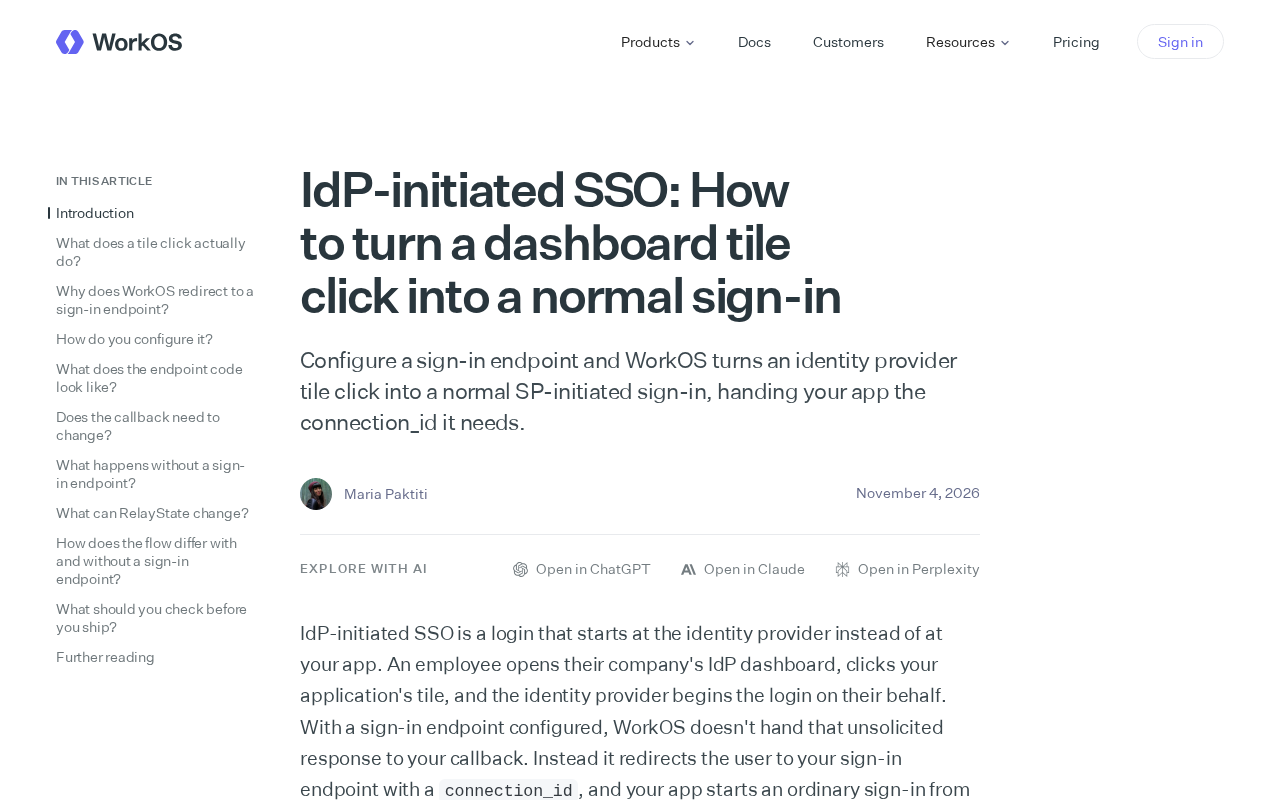
IdP-initiated single sign-on (SSO) is often seen as an "edge case" in integrations—users click an app icon on their identity provider's dashboard and should land directly in the app, but process differences lead to fragmented experiences or extra development work. WorkOS proposes a clean approach: configure a sign-in endpoint that converts IdP-initiated clicks into standard SP-initiated sign-in, thereby reusing existing authentication logic.
Why IdP-initiated SSO needs "conversion"
In a standard SP-initiated flow, the user starts sign-in from your app, is redirected to the IdP to authenticate, and returns with an assertion. The IdP-initiated flow is the reverse: the user first clicks the app icon on the IdP dashboard (e.g., Okta or Azure AD app launcher), and the IdP pushes a SAML assertion or OIDC token directly to your app.
This creates two problems. First, your app needs to handle this "passive" arriving assertion separately, typically involving extra endpoints, validation, and security considerations. Second, it bypasses the app's own sign-in entry point, making unified session management and auditing difficult. WorkOS's approach targets exactly this pain point—rather than making the app adapt to the IdP-initiated flow, it "translates" the latter into the former.
SAML assertions and OIDC tokens are the core carriers of identity information in the two mainstream identity federation protocols. SAML (Security Assertion Markup Language) conveys user identity and attributes in XML-format assertions, usually signed by the IdP and delivered to the SP via the browser POST binding; the SP must verify the signature and check conditions such as validity period and audience. OIDC (OpenID Connect), built on OAuth 2.0, conveys identity information in a JSON-format ID Token (JWT), typically obtained through the authorization code flow or implicit flow. The two differ significantly in transport method, signing mechanism, and attribute structure, which is precisely why the IdP-initiated flow needs extra handling logic: the app must be able to parse and verify "passive" assertions from the IdP, rather than responses obtained after initiating requests itself.
Core mechanism: using connection_id to bridge to the standard flow
According to WorkOS, developers only need to configure a sign-in endpoint. When the IdP dashboard icon is clicked, WorkOS receives the request from the IdP and automatically converts it into a normal SP-initiated sign-in. The converted flow hands the connection_id the app needs to your app, and subsequent authentication steps are identical to regular sign-in.
This means your app does not need to maintain two authentication paths. All sign-ins—whether initiated proactively by the user from the app or entered by clicking from the IdP panel—ultimately converge on the same SP-initiated handling logic. connection_id plays a key role here: it identifies the enterprise connection that should be used for this sign-in, ensuring WorkOS can correctly route to the corresponding IdP configuration.
The benefit of this design is reduced integration complexity. Developers don't have to write separate assertion parsing, signature verification, and user matching code for the IdP-initiated scenario—they only need to focus on the standard sign-in callback.
connection_id is a unique identifier used in enterprise SSO integrations to identify a specific identity connection. In SSO platforms such as WorkOS, each enterprise customer typically corresponds to a connection that encapsulates the metadata, certificates, protocol configuration, and attribute mapping rules for that customer's IdP. When the app receives a sign-in request carrying a connection_id, the platform can route to the correct IdP configuration and complete the subsequent SAML or OIDC interaction. In the IdP-initiated scenario, the IdP itself does not know the app's internal connection identifier, so the conversion layer needs to map the IdP's identity back to the corresponding connection_id and then hand it to the app in the form of a standard SP-initiated flow, achieving seamless continuity between the two flows.
Practical significance for developers and enterprises
For teams building B2B SaaS, enterprise customers often expect employees to enter the app seamlessly from the IdP dashboard. If the app doesn't support the IdP-initiated flow, users may encounter the awkward "asked to sign in again after clicking the icon" experience or be directed to an error page. WorkOS's approach closes this experience gap without adding to the app's authentication burden.
From a security perspective, converting IdP-initiated requests into the standard flow also helps unify session policies. The app can continue to use its existing session management, multi-factor authentication policies, and audit logs, without having to open a separate "back door" for the IdP-initiated path. However, developers still need to ensure the conversion endpoint itself is properly protected—for example, by validating request origin and signatures—to avoid abuse.
Multi-factor authentication (MFA) is a security mechanism that adds a layer of verification beyond a password (such as SMS codes, TOTP tokens, or hardware keys). In SSO scenarios, MFA is typically performed by the IdP during authentication, while the SP side may add secondary verification for highly sensitive operations. After converting the IdP-initiated flow into a standard SP-initiated flow, the app can continue to use unified session policies and MFA policies without designing a separate verification logic for the IdP-initiated path. This reduces the risk of security policy gaps caused by flow divergence, but it also requires the conversion endpoint itself to have sufficient protection—such as verifying IdP signatures, restricting request origins, and preventing replay attacks.
Implementation highlights and considerations
According to WorkOS's description, integration work centers on endpoints and connection mapping. Developers need to configure enterprise connections in WorkOS and provide a sign-in endpoint in the app to receive the converted requests. When the IdP initiates a click, WorkOS handles the interaction with the IdP and hands the standard sign-in request with the connection_id to the app.
One thing to note is that this conversion relies on WorkOS as an intermediary layer. For teams already using WorkOS, this is a configuration-level enhancement; for teams building SSO in-house, they need to evaluate whether to introduce similar relay logic. In addition, assertions in the IdP-initiated flow may contain attributes different from the SP-initiated flow, and the conversion layer needs to ensure this information is not lost in the standard flow—especially user identifiers and session context.
Overall, WorkOS's approach keeps complexity on the platform side, so the app only faces a single sign-in form. For SaaS products seeking to quickly support enterprise SSO, this is a pattern worth watching.
One-line Summary
WorkOS converts IdP-initiated SSO into standard SP-initiated sign-in via a sign-in endpoint, simplifying enterprise SSO integration.
Paragraph Summary
The article introduces a simplified approach from WorkOS for IdP-initiated single sign-on. Traditionally, the IdP-initiated flow requires the app to passively receive and verify SAML assertions or OIDC tokens from the IdP, forcing the app to maintain two authentication paths. WorkOS's approach configures a sign-in endpoint that automatically converts requests triggered by IdP dashboard clicks into standard SP-initiated sign-in, and passes a connection_id to the app to identify the enterprise connection. This way the app only needs to handle unified SP-initiated logic, reducing integration complexity while unifying session management, MFA policies, and audit logs. The article also notes that implementation should pay attention to the security protection of the conversion endpoint and the completeness of assertion attributes, and considers this pattern a useful reference for B2B SaaS teams seeking to quickly support enterprise SSO.
Related articles
 Tech Frontiers
Stylome Bot Slammed as Useless Junk: Why Do AI Detection Tools Keep Failing?
Reddit users test the Stylome AI detection bot: Gemini-rewritten text judged human-written, consistently low confidence. An analysis of AI text detection's technical dilemmas, privacy concerns, and credibility crisis in community governance.
 Tech Frontiers
When AI Becomes a Productivity Divide: Clarity or "AI Psychosis"?
A civil engineer's deep use of agentic AI boosted efficiency but bred contempt for peers who refuse to learn. Is this clarity or AI psychosis? An analysis of the cognitive and psychological challenges behind the AI productivity divide.
 Tech Frontiers
Opus 5.5 Benchmark Scores Climb, Community Says Its "Weights Are Blessed"
Reddit community discusses Opus 5.5's rising scores on the Benchmaxxing Bench, with users describing its performance as "weights are blessed." This article interprets the community reaction and cautions against conflating benchmark scores with real capability.