Instagram's Desktop Edits Launches: Editing Video with AI Agents

Instagram's video editing app Edits arrives on macOS with MCP support for editing with your own AI agents.
Instagram's standalone video editing app Edits is now available on macOS. Its core selling point is built-in MCP protocol support, allowing users to connect their own choice of AI agents to help assemble videos. Product lead Matthew Simari says the desktop version is not a simple port but a redesign around AI collaboration, upgrading AI from an advisory assistant to an editing executor that can handle asset organization, rough cuts, and transitions. The open protocol also lets creators freely switch AI backends and avoid lock-in. Combined with Instagram's social distribution, Edits Desktop aims to form a closed loop from creation to publishing, though questions remain about MCP integration maturity, controllability, and copyright.
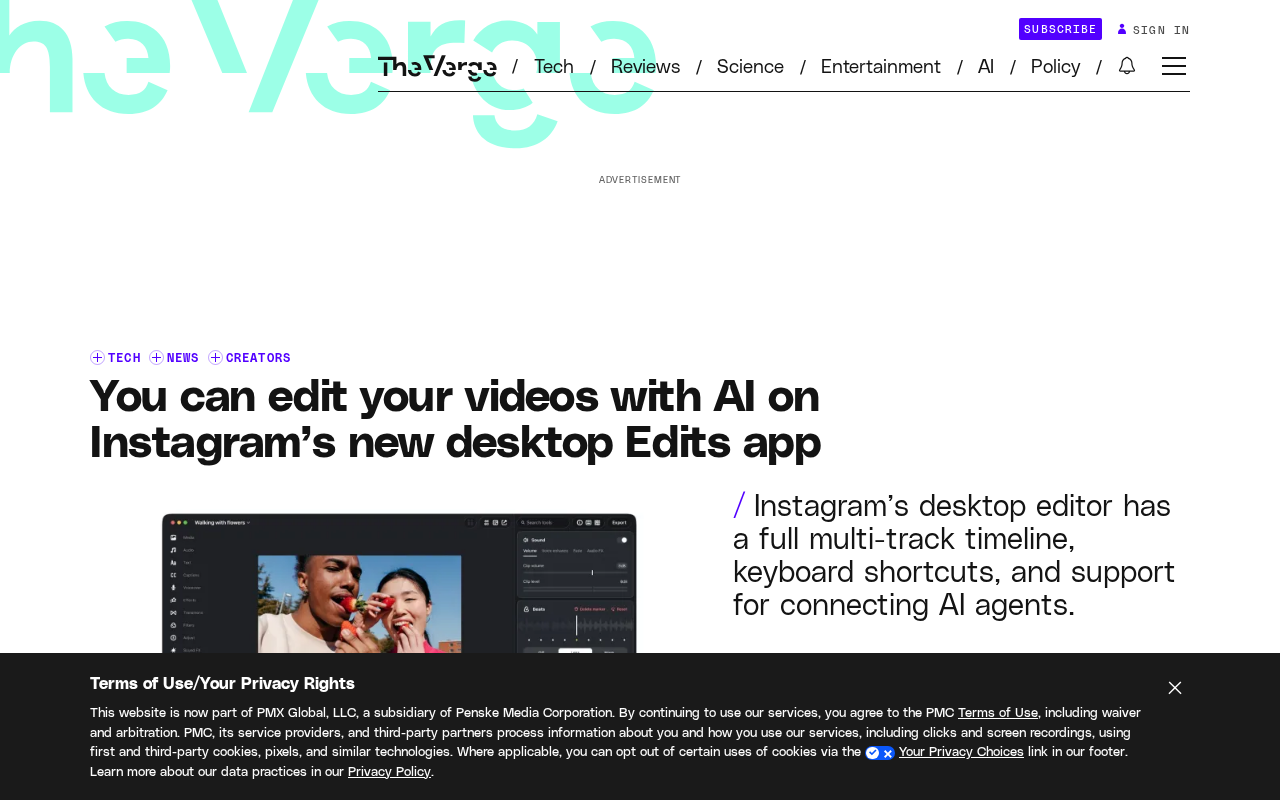
Instagram's standalone video editing app Edits is now available on macOS. According to The Verge, the desktop app's core selling point is that it lets users connect their own choice of AI agents to help assemble videos. Matthew Simari, product management lead for Instagram Edits, said in an interview that a major highlight of the Edits Desktop release is MCP support for all [...]
From Mobile to Desktop: The Strategic Extension of Edits
Edits was originally launched as Instagram's standalone video editing tool, aimed primarily at mobile creators. Its arrival on macOS signals that Instagram wants to extend the creation scenario from phones to more professional desktop workflows. Desktop environments typically offer larger screens, more precise mouse control, and stronger file management capabilities, which are more friendly to long-form video editing and multi-track work.
In the interview, Simari emphasized that the desktop version is not a simple port but a redesign of the interaction logic around AI collaboration. Users no longer need to complete every editing step manually; instead, they can hand some tasks to AI agents.
The MCP Protocol: Letting AI Agents Take Over Editing
The most closely watched feature of Edits Desktop is its built-in support for MCP (Model Context Protocol). According to Simari, this capability "provides MCP for all [AI agents]," meaning users can choose their preferred AI model or agent to operate the editing workflow.
MCP is an open protocol designed to let AI models securely access external tools and data. In Edits Desktop, MCP serves as a bridge between the app and AI agents. Users only need to configure an AI agent, and then they can use natural language instructions to complete tasks such as organizing assets, rough cutting, and adding transitions. This design elevates AI from an "advisory assistant" to an "executor," significantly lowering the technical barrier to video editing.
It is not yet clear which AI providers Edits Desktop specifically supports, or how the permission boundaries of the MCP integration are defined. But this direction aligns closely with the current trend of "pluggable agents" in the AI application ecosystem.
MCP (Model Context Protocol) was proposed and open-sourced by Anthropic at the end of 2024. It uses a client-server architecture: an AI application acts as the client and communicates via standardized JSON-RPC messages with MCP servers that expose tools and data sources. Its design goal is similar to a "USB-C port for the AI world," allowing the same model to securely read files, call APIs, or perform operations without writing separate integration code for each external tool. The protocol itself specifies mechanisms such as capability discovery, permission requests, and user confirmation, so the host application can retain control when granting agents access scopes. For Edits Desktop, MCP means the editing software only needs to implement the protocol once to be compatible with any AI agent that supports MCP, without having to build custom plugins for each model vendor.
What It Means for Creators
For creators who need to process large amounts of video footage daily, the AI integration in desktop Edits could bring a qualitative leap in efficiency. Repetitive tasks in traditional editing, such as cutting, sorting, and subtitle alignment, can be completed in batches by AI agents, allowing creators to focus on narrative structure and creative expression.
On the other hand, open MCP also means creators do not have to be locked into a single AI service. They can freely switch backend models based on cost, privacy needs, or feature preferences, which is uncommon in mobile apps.
However, relying on AI agents for editing also raises new questions: whether the AI understands the footage accurately, whether editing decisions match the creator's intent, and how copyright ownership of the generated results is defined. These issues remain to be observed in actual use of desktop Edits.
In AI-assisted creation, copyright ownership usually depends on the degree of human creative control over the final work. If a creator only inputs natural language instructions and the agent autonomously makes asset selection and editing decisions, the result may, in some jurisdictions, fail to obtain full copyright protection due to a lack of sufficient human authorship; conversely, if the creator substantively selects, adjusts, and arranges the AI-generated rough cut, the human contribution can still constitute protectable expression. In addition, the source of training data, the licensing status of the footage itself, and the platform's terms of service can also affect whether the final video can be used commercially. When using Edits Desktop's agent features, creators should keep records of manual modifications and verify the licensing scope of the AI services and footage they use.
Competitive Landscape and Future Direction
The video editing track is already crowded, from professional-grade Adobe Premiere to lightweight CapCut and various AI editing tools, and Edits Desktop needs to find a differentiated position. Its natural advantage is the social distribution capability of Instagram—finished videos can be seamlessly published to the Instagram platform, forming a closed loop from creation to distribution.
The addition of MCP support targets the emerging demand for "AI-native editing." If Edits Desktop can reliably enable AI agents to produce high-quality rough cuts, it may attract small and mid-sized creators who want to increase output speed without learning complex professional software.
Simari's interview only revealed the tip of the iceberg. Whether Edits Desktop can truly deliver on the promise of "editing video with AI agents" depends on the maturity of the MCP integration, the controllability of AI editing results, and whether Instagram can build a creator ecosystem around this desktop tool. At least in terms of direction, Instagram is trying to push video editing from the era of manual operation into the era of agent collaboration.
One-line Summary
Instagram's video editing app Edits arrives on macOS with MCP support for editing with your own AI agents.
Paragraph Summary
Instagram's standalone video editing app Edits is now available on macOS. Its core selling point is built-in MCP protocol support, allowing users to connect their own choice of AI agents to help assemble videos. Product lead Matthew Simari says the desktop version is not a simple port of the mobile app but a redesign of interaction logic around AI collaboration, upgrading AI from an advisory assistant to an editing executor that can handle asset organization, rough cuts, and transitions. The open protocol also lets creators freely switch AI backends and avoid lock-in to a single service. Combined with Instagram's social distribution capability, Edits Desktop aims to form a closed loop from creation to publishing, but questions remain about the maturity of its MCP integration, the controllability of editing results, and copyright ownership.
Related articles

AI Coding Enters the Team Collaboration Era: Interpreting Three Major Moves from Meta, GitHub, and Mistral
Meta acquires Conductor, GitHub Copilot Fusion becomes available, Mistral opens Large 4 weights—three moves show AI coding shifting from code generation to organizing development workflows. This article explains task orchestration, model collaboration, and cost control for developers.

Building a RAG Assistant with Dify: A Practical Guide to Knowledge Bases, Workflows, and Agent Nodes
How should knowledge bases, workflows, and Agent nodes connect in a Dify RAG assistant? We break down the division of labor and wiring logic for a shippable app.
 Tech Frontiers
The AI Industry Doesn't Lack Marketing—It Lacks Good Products
AI faces market selloffs and public skepticism—is marketing really the problem? This analysis of market signals and product experience argues the core困境 is incomplete products and a gap between promises and experience; the only way to change perceptions is to ship better products.