Java4Shell Vulnerability Outbreak: How to Audit All Affected JDKs
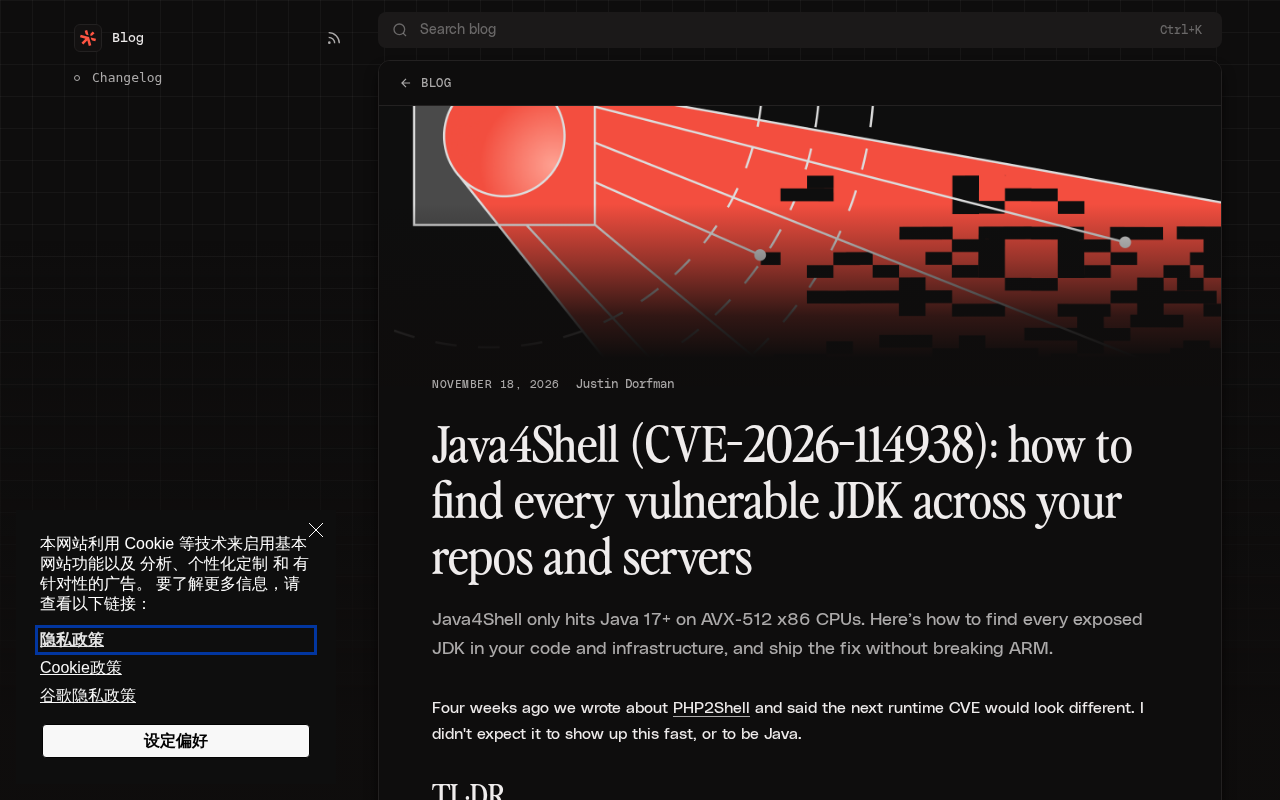
Java4Shell only affects Java 17+ on AVX-512 x86; auditing must cover repos and runtime and build a JDK asset inventory.
Java4Shell (CVE-2026-114938) has very specific trigger conditions: it only affects Java 17 and above running on x86 CPUs that support AVX-512, while ARM architectures and older JDKs are not in the direct risk scope. The real difficulty, however, is accurately answering "what JDK instances exist in my repositories and on my servers." The article notes that auditing must cover both declarative versions in code repositories and actual runtime versions on servers, and combine version information with CPU instruction set information to assess risk; container environments also require tracing host architecture. Remediation upgrades must be validated on both x86 and ARM architectures to avoid breaking ARM workloads. The fundamental solution is to establish a routine JDK asset inventory, turning vulnerability response from ad hoc searching into inventory queries.
Vulnerability Overview: Java4Shell Only Affects Specific Environments
Java4Shell (CVE-2026-114938) has recently become a hot topic in the Java ecosystem. Unlike some past Java vulnerabilities with an extremely broad impact, this one has very specific trigger conditions: it only affects Java 17 and above running on x86 CPUs that support the AVX-512 instruction set. This means many teams using ARM architectures (such as Apple Silicon or AWS Graviton) or older JDK versions may not be within the direct risk scope.
But "not within the direct risk scope" does not mean you can rest easy. The truly tricky problem is this: can you quickly and accurately answer "what JDK instances actually exist in my code repositories and on my servers?" This seemingly basic question is often hard to answer in production environments with mixed architectures and multiple coexisting versions. Based on public security analysis, this article outlines an actionable approach to auditing and remediation.
AVX-512 is the Advanced Vector Extensions 512-bit instruction set proposed by Intel, belonging to the SIMD instruction set family of the x86 architecture, where a single instruction can process 512-bit-wide data. It first appeared in the Xeon Phi coprocessor and was later brought to server CPUs such as Skylake-SP. AMD began supporting AVX-512 starting with the Zen 4 architecture. ARM processors such as Apple Silicon and AWS Graviton do not implement this instruction set, so JVMs running on them will not trigger code paths that depend on AVX-512. Java's HotSpot JIT compiler generates specialized code for CPU features, which is the technical root cause of why the vulnerability's trigger conditions are tied to the CPU instruction set.
Why Auditing Is Harder Than It Seems
The Reality of Multiple JDK Versions Coexisting
Modern Java projects rarely depend on just one JDK version. The build toolchain may use one JDK while the runtime uses another; the JDK version preinstalled in a container base image may differ from the CI environment; and developers' local machines may still retain multiple historical versions. Java4Shell's affected condition is Java 17+ with a CPU that supports AVX-512, which means you need to grasp data across two dimensions at the same time: "version information" and "hardware information."
Repository Scanning Is Not the Same as Runtime Scanning
Searching for pom.xml, build.gradle, or Dockerfiles in code repositories can identify declarative JDK versions, but this is only static information. On actually deployed servers, the JDK may be installed via a package manager, switched via SDKMAN, or packaged directly into the application image. Repository scanning covers build-time dependencies, while runtime scanning is what covers the actual exposure surface. Neither can be omitted.
Repository-Level Auditing Methods
Static Scanning of Build Configurations
Starting from code repositories is the fastest entry point. Focus on several types of files: build configuration files (pom.xml, build.gradle, build.gradle.kts), CI configuration files (such as GitHub Actions workflow files), containerization files (Dockerfile, docker-compose.yml), and SDK version management files (.sdkmanrc, .tool-versions).
Key search terms include patterns such as java-version, jdk, openjdk, temurin, and FROM.*jdk. For projects using Gradle Toolchains, the toolchain configuration block explicitly specifies the language version, making it a high-value target.
Distinguish Declared Versions from Actually Resolved Versions
It is important to note that the version declared in build files does not necessarily equal the version actually used. Dependency resolution, parent POM inheritance, and BOM imports can all change the final result. A more reliable approach is to output the JDK version actually used in the CI pipeline, for example through the java -version and mvn -version commands, and save the results as build artifacts. That way, auditing is based on facts rather than speculation.
Gradle Toolchains is a mechanism introduced in Gradle 6.7 that allows build scripts to declare the required Java language version, with Gradle automatically discovering a locally installed JDK or downloading a matching version on demand, thereby decoupling the build from the runtime environment. Its configuration is usually located in the java { toolchain { languageVersion = JavaLanguageVersion.of(17) } } block in build.gradle. Similarly, Maven Toolchains specifies JDK paths through ~/.m2/toolchains.xml. Such configurations explicitly record the JDK version that the build will actually use and are high-value targets during static scanning, but they may also introduce versions inconsistent with the declaration due to automatic downloads.
Server and Runtime Auditing
Locate All JDK Installation Paths
On servers, JDKs may exist in multiple locations: system package manager paths (such as /usr/lib/jvm), SDKMAN installations under user home directories, inside container images, and JREs bundled with applications. Check these locations one by one and record version numbers and architecture information.
The key command is java -version, which outputs the version number and vendor information. But to determine whether it is affected by Java4Shell, you also need to confirm whether the CPU supports AVX-512. On Linux, this can be determined by checking whether the flags field in /proc/cpuinfo contains avx512. Only by combining these two pieces of information can you determine whether a JDK instance is at risk.
Container Environments Require Extra Attention
Containerized deployments add complexity to auditing. The JDK version inside a container is determined by the base image, and base images may come from different vendors and version lines. It is recommended to perform batch version checks on running containers and aggregate the results. At the same time, which host machines the containers run on and whether the host CPUs support AVX-512 are also questions that must be answered.
Base image is the starting point for container builds, specified through the FROM instruction in a Dockerfile. Java applications commonly use official or community images such as eclipse-temurin, openjdk, and amazoncorretto. Image tags (such as 17-jdk-jammy) encode information such as the JDK version and OS distribution at the same time, but tags may be re-pushed by maintainers, causing the same tag to pull different content at different times. For production environments, it is recommended to pin to the image digest (@sha256:...) rather than floating tags to ensure reproducibility. During vulnerability response, it is necessary to trace the image digest on which each running container is based and the embedded JDK version.
Remediation Strategy: Upgrade Without Breaking ARM
Upgrade the JDK Version
The core action for fixing Java4Shell is to upgrade to an unaffected JDK version. But there is an easily overlooked constraint here: the upgrade plan must not break operation on ARM architectures. If a team uses both x86 and ARM servers (for example, some workloads run on Graviton), the upgrade path must hold for both architectures.
In practice, it is recommended to first validate the upgraded JDK version in an ARM environment, confirm that application behavior is consistent, and then roll it out to the x86 environment. The CI matrix should include both x86 and ARM runners to avoid a fix being validated on only one architecture.
Update Base Images and Build Toolchains
If the JDK comes from a container base image, you need to update the image tag and rebuild. If it comes from the build toolchain (such as a JDK automatically downloaded by Gradle Toolchain), you need to adjust the toolchain configuration. These two types of updates should be included in the same batch of changes to avoid an inconsistent state where "the runtime has been fixed but the build environment is still at risk."
Establish a Sustainable Asset Inventory
A one-time vulnerability audit solves the immediate problem, but the next time a vulnerability arrives, you will face the same dilemma again. A more fundamental solution is to establish a JDK asset inventory: record the JDK version declared by each repository, the JDK version actually running in each environment, and the corresponding host architecture information. This inventory can come from automated collection in the CI pipeline or from regular inspections by configuration management tools.
When the inventory becomes routine infrastructure data, the first step of vulnerability response shifts from "searching everywhere" to "querying the inventory." This is the most valuable lesson that vulnerabilities like Java4Shell leave for teams.
Related articles

Gemini 4 Hydrogen Hands-On: Google's Fastest and Cheapest AI Model
Hands-on with Gemini 4 Hydrogen: the fastest, cheapest model in the Gemini 4 family. We break down the Carbon/Argon/Hydrogen split, API pricing traps, free-tier limits, and the cost trade-offs of four thinking levels—with a real bug-debugging demo.
Gemini 4 Hydrogen vs Sonnet Comparison Test: Uses Only 1% of Weekly Quota, Performance on Par
Hands-on test: Gemini 4 Hydrogen vs Sonnet on the same CRUD task—Hydrogen used only 1% weekly quota with comparable performance and better UI details, while Anthropic's model used 7%. Developer says daily tasks don't require expensive models.

Gemini 4 Neon Released: Beats Opus 5.5 on Multiple Benchmarks, Google Returns to the Top Tier
Google DeepMind releases Gemini 4 Neon: 61 on the Artificial Analysis intelligence index (3rd) and 1st on the coding index, beating Opus 5.5 on multiple benchmarks. $3/$15 per million tokens; available in the Gemini API and AI Studio.