JetKVM Mini Launched: A New Option for Minimalist Remote KVM Control
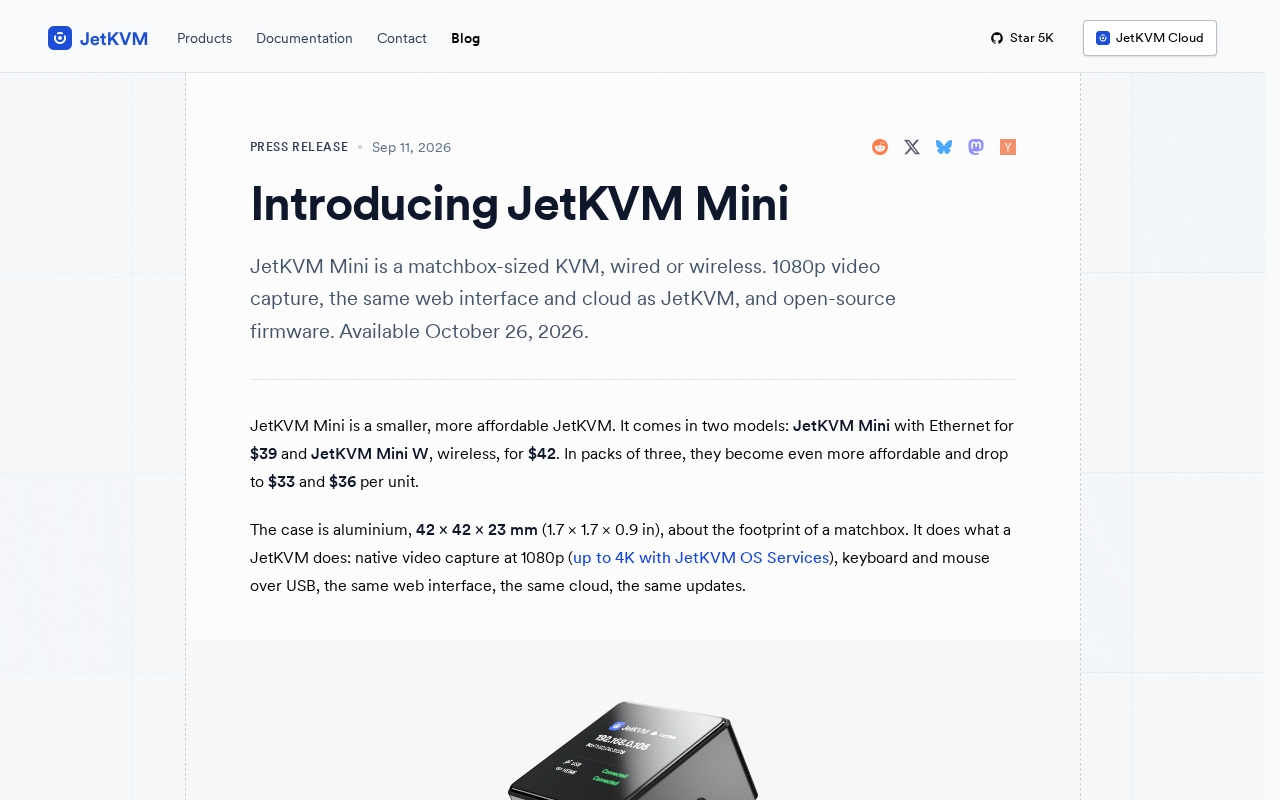
JetKVM Mini brings enterprise-grade out-of-band remote control to any PC in a small, affordable package.
JetKVM Mini is a compact remote KVM hardware device that captures a target machine's HDMI output and simulates USB keyboard/mouse input, enabling remote control even when the OS has crashed, is stuck at BIOS, or the screen is black. This out-of-band management capability — previously the domain of expensive enterprise solutions like IPMI and iDRAC — is now available in a plug-and-play consumer device aimed at home lab enthusiasts and remote ops scenarios. The Mini version trims down size and price for users managing just a few machines. Security considerations, including access authentication and encrypted transmission via VPN, are essential when deploying such devices.
What Is JetKVM Mini
JetKVM has released a new hardware product called JetKVM Mini, continuing the brand's signature approach of compact, low-cost remote KVM (keyboard, video, mouse) control. The core value of these devices is simple: no matter what state the target machine is in — even if the OS has crashed, it's stuck at the BIOS screen, or the display has gone completely dark — you can remotely take control over the network, as if you were sitting right in front of it.
For anyone building a home lab, doing remote operations, or debugging hardware, tools like this are practically essential. Traditional enterprise out-of-band management solutions like IPMI and iDRAC are typically tied to specific server motherboards, expensive, and complex to deploy. JetKVM and similar standalone devices democratize that capability — just plug in HDMI and USB, and any ordinary PC gains remote out-of-band management. The product attracted 195 upvotes and 82 comments on Hacker News, reflecting the developer community's ongoing interest in lightweight KVM solutions.
What Pain Points Does a Remote KVM Device Solve
The most frustrating scenario in remote operations is when a machine encounters a failure that SSH or remote desktop simply can't reach. Think of a system that won't boot after an update, a BIOS setting that needs adjusting, or a misconfigured network change that leaves the machine completely unreachable. In these situations, every software-based remote solution fails — and your only option is to physically go to the machine.
Hardware KVM devices exist precisely to fill this gap. They operate beneath the OS layer, directly capturing the target machine's HDMI video output, simulating USB keyboard and mouse input, and transmitting all of this to the user's browser over the network. Because they're entirely independent of the target system, the KVM device stays online and controllable even if the target machine is completely frozen. This out-of-band management capability is especially valuable for devices hosted in remote data centers, offsite offices, or a friend's house.
The JetKVM lineup is positioned to bring this formerly enterprise-grade capability to a consumer product that anyone can afford and set up.
From a technical standpoint, hardware KVM devices typically include several key components: an HDMI capture chip (to digitize the target machine's video signal), a USB device controller (so the target machine sees a real keyboard and mouse), and a main processor running embedded Linux (to encode and compress the captured video for network transmission). Video streams are typically encoded in H.264 or MJPEG, maintaining a usable frame rate even in low-bandwidth environments. On the client side, users simply open a browser and navigate to the KVM device's IP address to see a live view of the target machine and interact with it — no client software required. Some higher-end products also support virtual optical drive functionality, allowing ISO images to be mounted for remote OS reinstallation — something purely software-based remote tools simply cannot do.
The Trade-offs and Positioning of the Mini Version
Based on its name and product lineage, JetKVM Mini is a further streamlined version of the original JetKVM. "Mini" typically implies a smaller form factor, a lower price point, and some feature trade-offs made to reach a wider audience. These trimmed-down models often scale back on port count, maximum resolution support, or expandability in exchange for more accessible pricing.
For individual users who only need to manage one or two machines, the Mini version may hit that sweet spot of "good enough and affordable." Scenarios involving bulk deployment or managing multiple machines at once may still call for the full-featured version or supplementary expansion solutions.
A quick note: this article is based on information from the product announcement. For exact port specifications, resolution support, pricing, and firmware features, always refer to the official JetKVM product page.
Community Interest and Broader Considerations
JetKVM's traction in the developer community goes beyond the hardware itself — it's also tied to the brand's relatively open approach. The user base for these products heavily overlaps with technically-minded tinkerers who care not just about remote control functionality, but also about whether the firmware is open, whether there are security concerns, and whether data transmission is encrypted.
Handing full keyboard, video, and mouse access to a machine over a network is, by nature, a high-privilege entry point. Any KVM solution must take network security seriously — including access authentication, encrypted transmission, and firmware update mechanisms. These are dimensions worth examining closely when evaluating any device in this category.
For readers building a home lab or looking to establish remote operations capabilities, JetKVM Mini offers a low-barrier entry point. It packs out-of-band management — once the exclusive domain of data centers — into a small box you can carry anywhere.
On the security architecture front, it's worth paying attention to how devices in this category are exposed to the network. Exposing a KVM device's management interface directly to the public internet carries significant risk. A safer approach is to deploy it on an internal network and access it through an encrypted tunnel via a VPN such as WireGuard or Tailscale. Some KVM products have built-in WireGuard support or Tailscale integration, sparing users the hassle of managing port forwarding and public IP addresses themselves. The degree of firmware openness is another point of community focus — open-source firmware means security vulnerabilities can be audited and patched by the community, whereas closed-source devices may run with unpatched vulnerabilities indefinitely if the vendor stops providing updates. JetKVM's openness on this front is one of the key reasons it has earned goodwill in the technical community.
Related articles

LLM Application Development: A High-Paying Career Guide for Ordinary People
LLM application development offers fresh graduates up to 35K/month, with SP offers reaching 600K. This article explains the core skills, how to break in, and how ordinary people can seize AI opportunities through learning by doing.

Say Goodbye to AI Influencer Faces: A Complete Guide to Creating Visual Assets for AI Comic Dramas from Scratch
Bilibili creator shares a full workflow for zero-basics AI comic drama visual assets: use Doubao Work skills with script-first, visual references, and real-person texture to escape AI influencer faces, then lock character and scene consistency with asset sheet layouts, weapon detail images, scene nine-grids, and cinematic color palettes.

The AI Production Pipeline Behind Great Videos: From Research to Agent Validation
AI video production isn't just a model race. This article breaks down a transferable four-step pipeline: researching professional workflows, organizing a skill checklist, configuring agents, and experimental validation—and explains how general-purpose LLMs like DeepSeek can replace paid tools to run the entire process.