LangPilot Open-Sourced: A Local Keyboard Layout Smart-Switching Tool for macOS
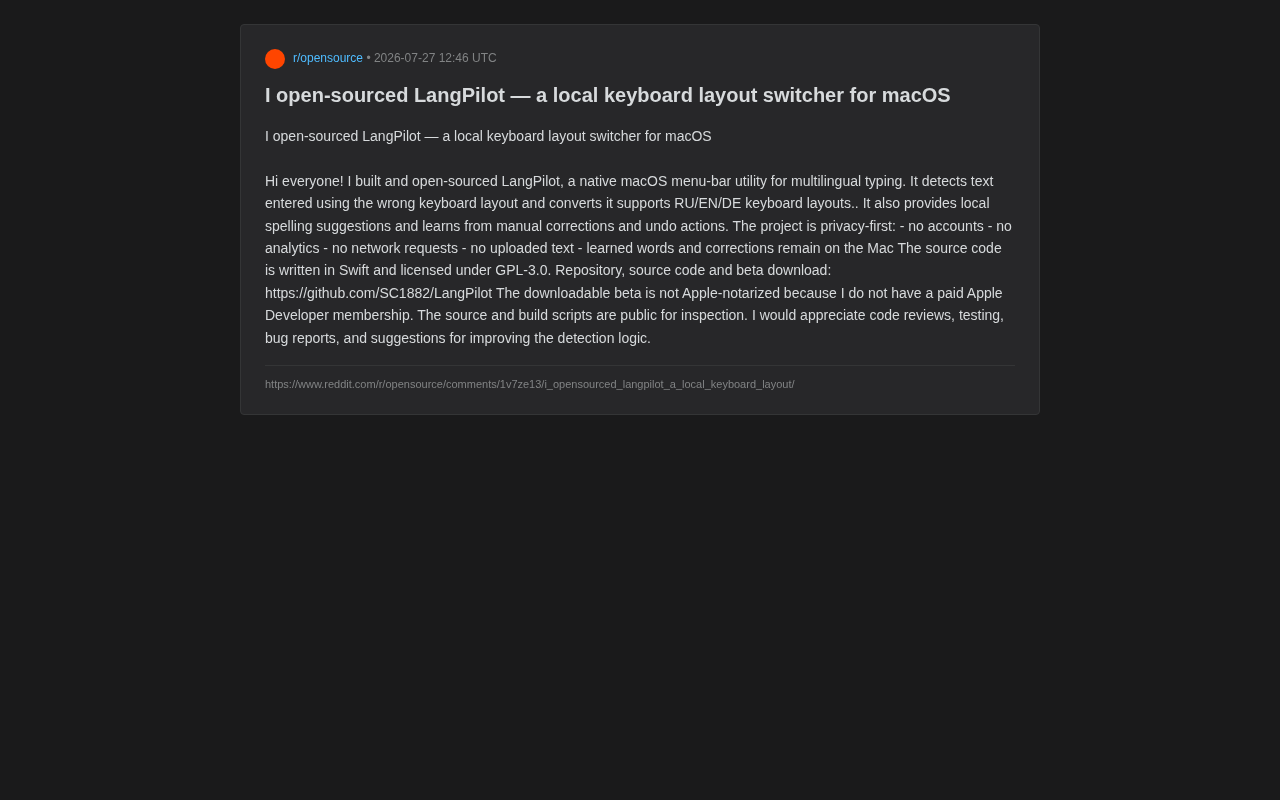
LangPilot: an open-source macOS tool that auto-corrects keyboard layout mismatches across Russian, English, and German.
LangPilot is a newly open-sourced macOS menu bar tool written in Swift that intelligently detects and corrects keyboard layout mismatches between Russian, English, and German. Running entirely offline with no accounts, analytics, or network requests, it prioritizes user privacy. The tool features adaptive learning from user corrections and local spelling suggestions. Licensed under GPL-3.0, it fills a gap in the macOS ecosystem for a privacy-friendly, open-source multilingual layout switcher.
The Developer's Pain Point: The "Mismatch" Headache of Multilingual Input
Anyone who frequently switches between multiple languages has probably experienced this awkward moment: you intended to type in Russian but forgot to switch your keyboard layout, producing a string of English gibberish — or vice versa, wanting to type English but outputting Cyrillic characters instead. This "layout mismatch" problem is especially common when working with Russian, English, German, or other languages that use different keyboard layouts.
From a technical perspective, keyboard layout mismatch is an input problem caused by differences in physical key mappings. Different language keyboard layouts map characters to different physical keys — for example, English uses the QWERTY layout, Russian uses ЙЦУКЕН, and German uses QWERTZ. When a user presses physical keys while the wrong input method is active, the system outputs characters corresponding to the currently active layout rather than the characters the user intended. This problem is particularly pronounced between Cyrillic and Latin alphabets, since the two character systems are completely different, making the erroneous output entirely unreadable.
Recently, a developer announced on Reddit the open-source release of LangPilot — a native menu bar tool built specifically for macOS, aiming to fundamentally solve the input challenges of multilingual keyboard layout switching. The project is written in Swift, licensed under GPL-3.0, and both the source code and Beta release are hosted on GitHub.
Core Features: Intelligent Detection and Auto-Correction
Automatic Keyboard Layout Mismatch Detection
LangPilot's most essential capability is detecting text typed using the wrong keyboard layout and automatically converting it to the correct content. It currently supports intelligent conversion between Russian (RU), English (EN), and German (DE) keyboard layouts. When you accidentally type gibberish using the English layout, the tool can identify the Russian or German text you actually intended to type and automatically apply the correction.
The underlying mechanism works by building key mapping tables between different layouts, translating physical keystroke sequences across layouts, then combining language models (such as word frequency statistics and n-gram analysis) to determine which conversion result most likely reflects the user's true intent. This approach requires balancing detection sensitivity against false positive rates — overly aggressive auto-conversion could interfere with normal input, while being too conservative would defeat the tool's purpose.
Local Spelling Suggestions and Adaptive Learning
Beyond layout conversion, LangPilot also provides local spelling suggestions. Even more noteworthy is its learning capability — the tool learns from users' manual corrections and undo operations, progressively optimizing its detection logic. This user-behavior-based adaptive mechanism makes the tool increasingly aligned with individual typing habits over time.
From a technical standpoint, LangPilot's adaptive learning is a local machine learning approach combining rules and statistics. When a user manually corrects the tool's erroneous conversion or performs an undo action, the system records these feedback signals and adjusts its internal language detection weights and word frequency models. This approach requires neither neural networks nor large-scale training data — instead, it maintains a local dictionary and user preference database, gradually improving recognition accuracy for specific user input patterns. Unlike cloud-based AI-driven input prediction, this purely local incremental learning both protects privacy and achieves personalized adaptation.
Technical Implementation: Native Swift with Deep macOS Integration
LangPilot's choice of Swift as the development language and its menu bar app form factor is a noteworthy technical decision. Swift is a programming language introduced by Apple in 2014, designed specifically for the Apple ecosystem, featuring memory safety, high performance, and modern syntax. macOS menu bar apps are a class of lightweight applications that reside in the status bar at the top of the screen — they don't occupy Dock space and are well-suited for utility software that needs to run continuously in the background without requiring a complex interface.
Writing a native menu bar app in Swift means LangPilot can directly call macOS system APIs, such as the Accessibility API and Input Source management interfaces, enabling efficient keyboard event monitoring and input source switching. Compared to cross-platform framework solutions like Electron, native implementation offers clear advantages in resource consumption, response speed, and system compatibility — which is crucial for a tool that needs to monitor every single keystroke in real time.
Privacy First: All Data Stays Local
In an era of growing data privacy concerns, LangPilot adopts "privacy-first" as a core design principle, which is its biggest differentiator from many similar tools. The developer explicitly lists the following privacy safeguards:
- No account system: No registration or login required
- No analytics: No usage statistics collected
- No network requests: Runs completely offline
- No text uploads: User input content is never transmitted externally
- Locally stored learning data: All learned vocabulary and correction records stay on your Mac
This thoroughly local design means that any sensitive text users type never leaves the device. For professionals handling confidential information or those who prioritize privacy, this is extremely appealing. At a time when many input method tools sync dictionaries via the cloud and upload input data to optimize their models, LangPilot's purely offline approach represents a fundamentally different product philosophy — trading some intelligent capabilities for absolute control over user data.
Open-Source Transparency and Current Limitations
GPL-3.0 Licensed, Community-Driven
LangPilot is open-sourced under the GPL-3.0 license, with source code and build scripts publicly available for review. GPL-3.0 (GNU General Public License v3.0) is a strong copyleft open-source license published by the Free Software Foundation. Its core requirement is that any work modified or derived from GPL-3.0 code must also be released under the GPL-3.0 license with complete source code provided. This means any fork of LangPilot must remain open-source, preventing the code from being exploited for closed-source commercial use. Compared to permissive licenses like MIT or Apache, GPL-3.0 places greater emphasis on protecting user freedom and the open heritage of code.
The developer openly invites community participation: code reviews, testing, bug reports, and suggestions for improving detection logic are all welcome. This transparent development model helps build user trust while providing community momentum for ongoing project iteration.
The Reality of Not Being Apple Notarized
It's important to note that the current Beta version has not been notarized by Apple. The developer candidly explains why: they don't have a paid Apple Developer membership.
Apple Notarization is a security mechanism introduced after macOS Catalina (10.15). Developers must submit their applications to Apple's automated service for scanning to check for malicious code or known security issues. Notarized apps receive a "ticket" that macOS's Gatekeeper verifies when the app is first launched. Apps that haven't been notarized trigger a system warning upon opening, requiring users to manually allow them to run via "System Settings > Privacy & Security." Applying for notarization requires joining the Apple Developer Program (annual fee of $99), which creates a financial barrier for individual open-source developers.
However, since the source code and build scripts are completely public, technically capable users can review the code themselves and build from source, sidestepping this concern. In fact, for security-conscious users, compiling from source may be more reliable than trusting pre-compiled binaries.
Value for the macOS Open-Source Tool Ecosystem
Although LangPilot is a relatively lightweight utility tool, it exemplifies the unique value of open-source software in addressing niche needs. Mainstream input method solutions on the market tend to be feature-heavy, and many involve cloud synchronization and data uploads. A tool like LangPilot that focuses on a single pain point while insisting on local processing fills a specific gap for a particular user group.
It's worth noting that similar keyboard layout conversion needs have long had mature solutions on Windows, such as Punto Switcher, while such tools are relatively scarce on macOS. LangPilot's arrival provides macOS multilingual users with an open-source alternative.
For multilingual users, especially those working in Russian-English-German trilingual environments, this tool offers a free, transparent, and privacy-friendly keyboard layout switching solution. For the developer community, a natively written macOS menu bar app in Swift with clean logic also serves as an excellent reference for learning macOS app development and text processing — particularly how to use the Accessibility API to monitor global keyboard input, how to implement a menu bar resident app architecture, and how to design a local incremental learning system.
The project is still in Beta, and detection accuracy, multilingual expansion capabilities, and notarization issues all need to be progressively refined through community feedback. Interested users can visit the GitHub repository to try it out, test, or contribute code.
Key Takeaways
Related articles

cMCP: Adding Signed Receipts to AI Agent Tool Calls for Auditable Denial Mechanisms
cMCP introduces cryptographic signed receipts for AI agent tool call denials under the MCP protocol, enabling auditable refusal credentials for AI governance.

Oxide Computer Raises $445 Million to Rebuild Server Architecture from the Ground Up
Cloud hardware startup Oxide Computer raises $445M to redefine server architecture with open-source firmware and integrated rack-scale design for on-premises cloud experiences.

Media File Organizer: A Free, Open-Source Tool for Automatically Organizing Your Plex Media Library
Media File Organizer is a free, open-source desktop tool that auto-matches TMDB metadata to batch rename and organize movie and TV files into Plex-compatible formats with preview before changes.