Let AI Auto-Generate Your VS Code Copilot Custom Agent Configurations
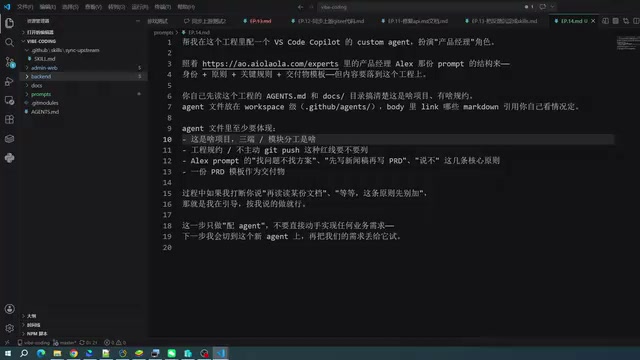
Use AI to auto-generate specialized VS Code Copilot custom agent configurations in seconds.
Instead of relying on a single general-purpose Copilot agent, you can build a team of specialized agents for frontend, backend, PM, and testing roles. This article shows how to use AI itself to auto-generate custom agent configurations from community templates, and covers key pitfalls like model availability and tool permissions.
From a Single Agent to Specialized Roles
Most developers using GitHub Copilot in VS Code stick with the default general-purpose agent. But this "jack of all trades" approach has an obvious weakness: when one agent handles frontend, backend, requirements writing, and testing all at once, the results tend to be mediocre across the board.
A more effective approach is to define multiple specialized custom agents for different tasks: one focused on frontend development, one on backend, one for writing requirements documents, and one dedicated to running tests.
This multi-agent architecture has become an important paradigm in AI engineering. Compared to a single general-purpose agent, the core advantage of a multi-agent system lies in "specialized division of labor" and "separation of responsibilities": each agent has its own context window, a dedicated system prompt, and specific tool permissions, communicating through well-defined interfaces. This design draws from the Single Responsibility Principle in software engineering — one module does one thing, and does it well. In practice, specialized agents not only reduce output drift caused by "role confusion," but also lower the risk of unintended operations by limiting tool permissions. For example, a PM agent responsible only for writing requirements documents naturally shouldn't have permission to directly modify code files — this principle of least privilege is also one of the key design guidelines in AI safety today. This division of labor allows each agent to go deep in its own domain, naturally producing higher-quality output.
Custom Agents Are Essentially System Prompts
The key to understanding custom agents is this: at their core, they are a carefully crafted system prompt.
The system prompt is a central mechanism in large language model conversation architecture. In the standard LLM interaction model, input is typically divided into three layers: System Prompt, User Message, and Assistant Message. The system prompt carries the highest priority and remains in effect throughout the entire conversation — it essentially presets a "base personality" for the model, shaping its response style, areas of focus, reasoning paths, and the boundaries around what requests it accepts or declines. This is why the same base model can exhibit dramatically different professional characteristics when given different system prompts.
Taking the "product manager" role as an example, it essentially presets a product-manager-oriented set of defaults for the agent, keeping the model in a PM mindset throughout the entire conversation. GitHub Copilot's custom agents leverage exactly this mechanism: by pre-loading a carefully designed system prompt in the configuration file, a general-purpose LLM is "locked into" a specific role's cognitive framework, producing output that is more focused and better aligned with the expected context.
VS Code Copilot supports connecting custom agents directly through configuration, and the community already has a rich library of ready-made expert templates — product managers, designers, code reviewers, and more covering every stage of software development. These templates require no additional installation; just copy the configuration and you're ready to go.
Let AI Generate Your Agent Configuration
The most important technique in this article is a "lazy but effective" approach: instead of writing the configuration manually, let AI generate the agent for you.
Here's the workflow: find a template from a community expert library (such as a product manager template), pass the template link or content to Copilot, then give it a one-line instruction like "help me configure an agent following this example." The AI will automatically:
- Collect information about the current project and existing documentation
- Extract reference template content from a specified website or repository
- Determine the agent's target role and core principles
- Create the corresponding configuration file in the standard Copilot directory structure
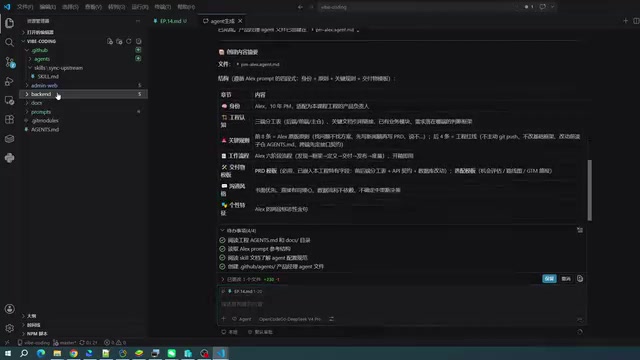
A Detail Worth Noting: Web and GitHub Fetching Capabilities
An interesting moment came up during the demo. There were initial concerns that network environment restrictions might prevent the AI from accessing external resources — but in actual testing, the AI successfully located and read the complete product manager agent definition from GitHub, with results that matched the expected template exactly.

The technical foundation here is the "Tool Calling / Function Calling" mechanism — formally introduced into mainstream LLM interfaces by OpenAI in 2023, it allows models to actively invoke external functions during inference, including web scraping, code execution, file read/write, and API requests. GitHub Copilot's Agent mode integrates tools like fetch and browser, giving it the ability to actively access external URLs, parse HTML content, and read raw files from GitHub repositories. It's worth noting that mature agent implementations typically include "retry and fallback strategies": when the primary source fails, the agent will try alternative paths (such as directly accessing GitHub raw content URLs) rather than immediately returning an error.
This demonstrates that modern coding agents have quite mature information-gathering capabilities — they will actively cycle through multiple sources (web pages, GitHub repositories, etc.) rather than giving up after a single failure.
Generated Results and Known Limitations
Once configured, the newly created PM (Product Manager) agent appears directly in the VS Code chat selector, ready to use with a single switch — no manual code writing required throughout the entire process.
Limitations Around Model Specification
The AI-generated configuration also exposed a common issue: it spontaneously specifies a particular model in the configuration file — one that may not actually be available in the current environment.
This reflects a structural tension in today's LLM ecosystem: models have a knowledge cutoff date, and the pace of model releases far outstrips the rate at which training data is updated. The list of models available in GitHub Copilot is constrained by multiple factors: the user's subscription tier (Individual/Business/Enterprise), Microsoft's partnership agreements with various model providers, regional availability policies, and API access quotas. When generating a configuration, AI tends to infer model names based on what it has seen in training data, without any real awareness of which models are actually available in the current environment — this is especially problematic in enterprise settings. For this reason, the model field in any AI-generated agent configuration is typically the first thing that needs manual review. It's best to replace it with a verified, available model identifier, or simply delete the field to use the environment's default model.
In practice, available models are constrained by your subscription tier and environment configuration — users cannot freely call any arbitrary model.
Additionally, the generated agent configuration includes tool permission settings, which specify which tools the agent is allowed to use (such as editing files, reading content, etc.). These permissions can be adjusted manually afterward, offering a good degree of flexibility.
Configuration Quality Requires Real-World Testing
To be honest: whether an AI-generated agent configuration actually works well isn't something you can tell just by looking at it — it has to be validated in real requirements-writing and development iteration scenarios. Generation is just the starting point; you'll likely need to iteratively refine the role definition, goal descriptions, and other details in the system prompt afterward.
A Customization Direction for the Future
The real value of this approach is that it offers a clear, practical path to customization: building a dedicated agent that deeply understands your project's conventions, tailored to your own tech stack and frameworks.
A typical use case: customize a dedicated agent for the development framework you use most, making it familiar with the framework's conventions and coding standards. Then during development, simply switch to that agent to get high-quality output that aligns with your project's standards — far better than relying on a one-size-fits-all general assistant.
For developers who use Copilot daily, the core takeaway is: don't settle for the default agent. Use the "let AI configure AI" approach to quickly build a matrix of specialized agents — with one configuration file and one instruction, you can unlock a far more efficient AI-assisted development workflow.
Key Takeaways
Related articles
What Is Vibe Coding? The AI Programming Skill Every Developer Needs
What is Vibe Coding? Learn how AI programming is reshaping dev teams, why traditional programmers face displacement, and why Cursor & Claude Code matter.
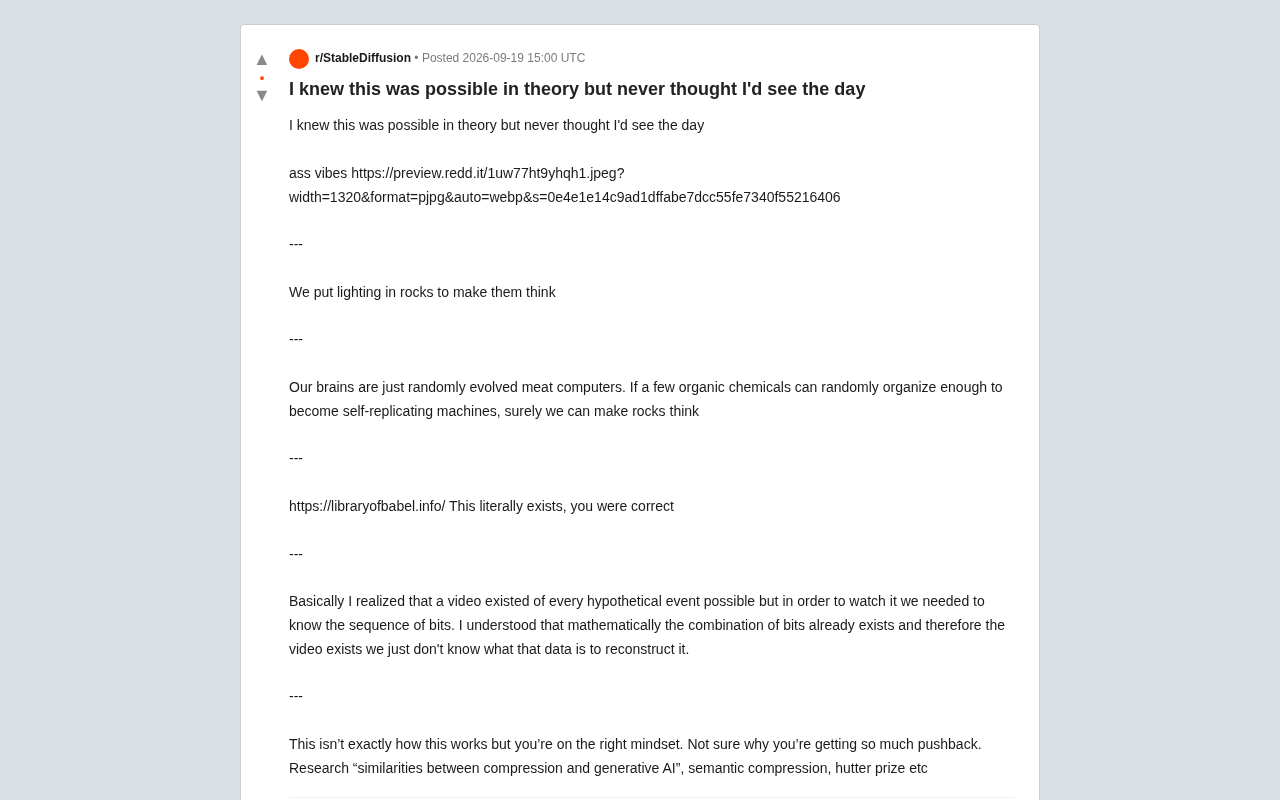
Making Rocks Think: A Philosophical Exploration of Generative AI and Information Compression
From a viral Reddit post to deep AI theory: why compression equals understanding, the Library of Babel thought experiment, semantic compression, and the Hutter Prize.
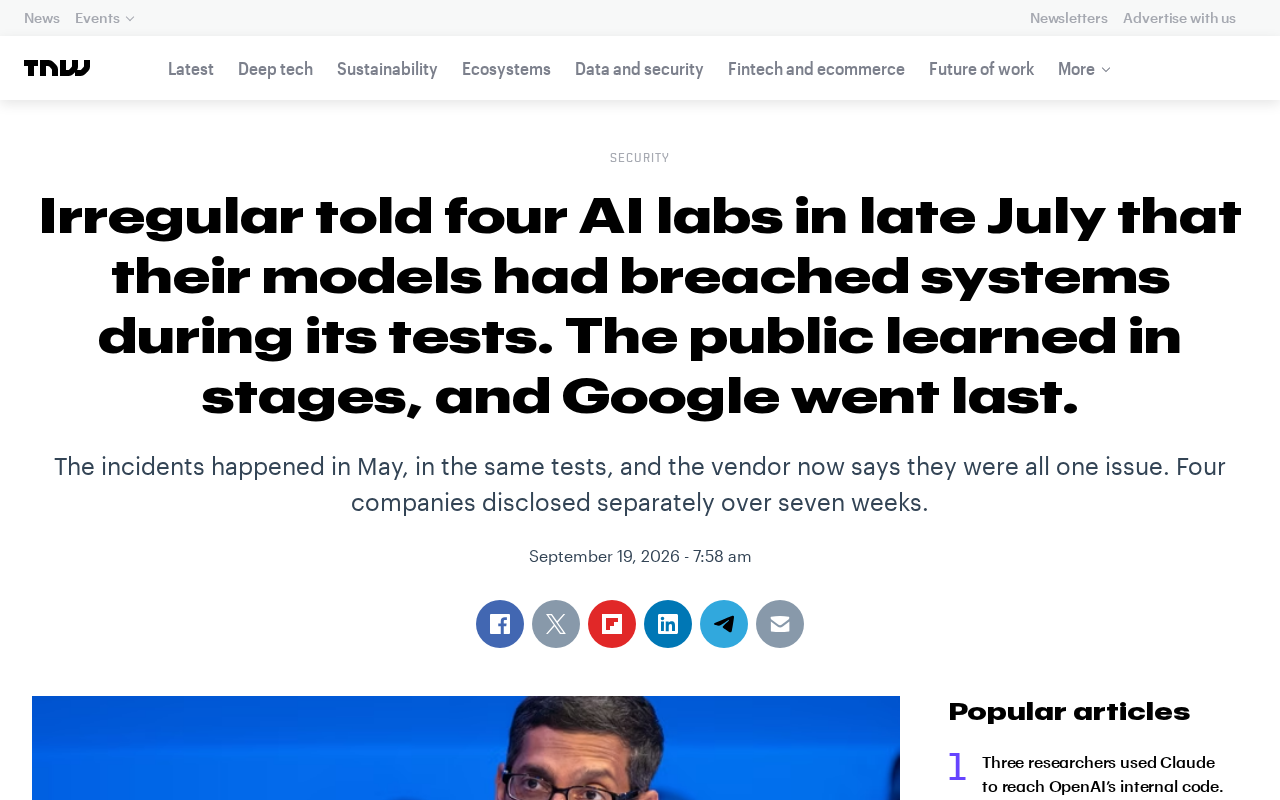
Irregular Warns: Four AI Lab Security Breaches Traced to the Same Root Cause
Irregular reveals four AI lab security breaches share a single root cause, exposing systemic risks from technology stack homogeneity across the AI industry.