LINE Verification Code Not Received? 5 Scenarios and Quick Fix Guide

When LINE verification codes don't arrive, confirm number eligibility and regional support first, then troubleshoot by 5 scenarios.
This article addresses the issue of not receiving verification codes when registering, logging in, or transferring devices on LINE, outlining 5 common failure scenarios and corresponding solutions. It first emphasizes confirming number type (physical mobile numbers only; no landlines or certain VoIP) and region (only Hong Kong, Japan, South Korea, Taiwan, and Thailand support phone verification). It then analyzes request submission failures (related to proxy IP stability, type, and location), SMS non-delivery (check spam, security software, carrier limits), rate limit triggers (stop repeating requests and wait for cooldown), registration/login/transfer failures (distinguish operation types to avoid account loss), and repeated verification failures (record specific error messages and consult official docs). It also introduces alternative methods like phone voice verification and Apple ID/Google account authorization, and warns against using temporary SMS-receiving numbers.
LINE Verification Code Not Received? 5 Scenarios and Quick Fix Guide
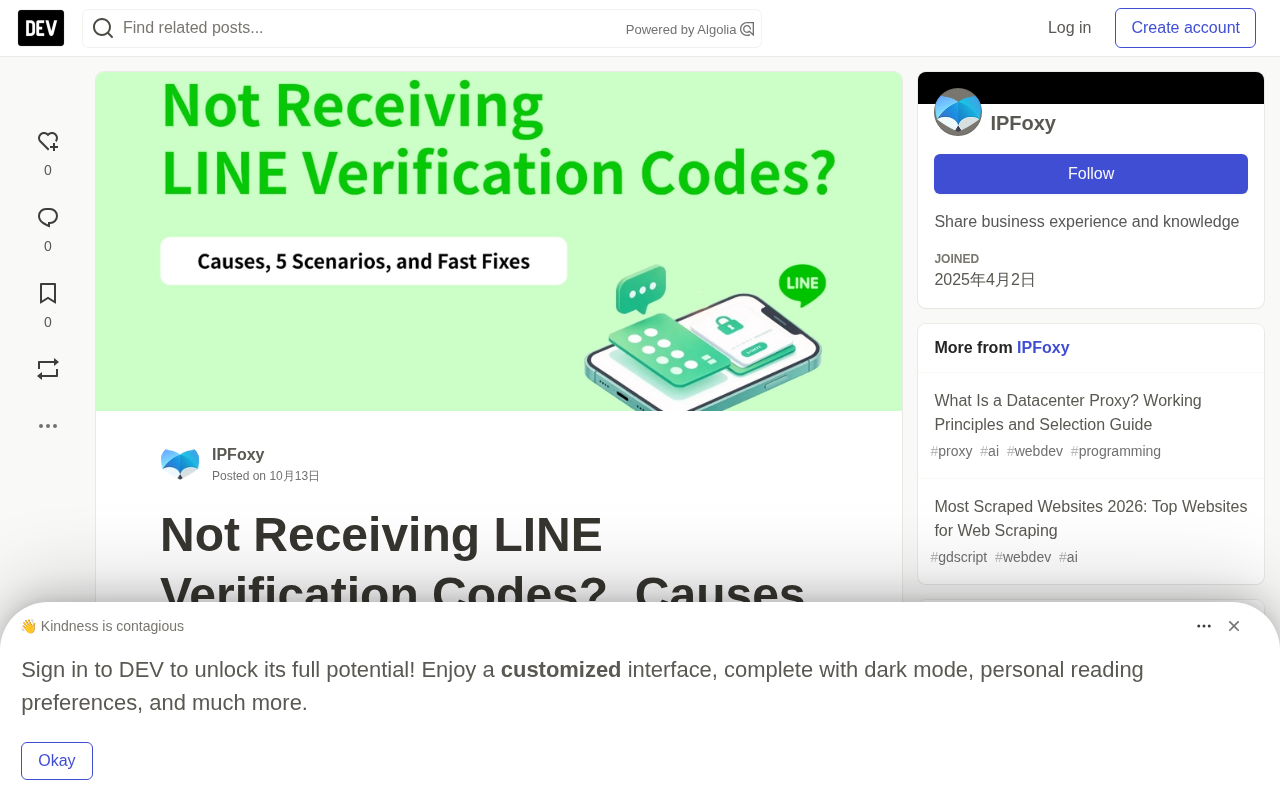
When you can't receive a verification code while registering for LINE, logging into your account, or transferring devices, the cause is usually related to number eligibility, SMS interception, network environment, or account status. Blindly resending requests often doesn't help and may even trigger rate limits. This article breaks down 5 common verification code failure scenarios—from number eligibility requirements and troubleshooting paths to alternative verification methods—and provides actionable solutions.
1. Two Prerequisites to Confirm Before Receiving Codes
When your LINE verification code is delayed, the first step isn't to repeatedly click send—it's to determine whether your number type and region meet the verification requirements. If the number type itself isn't supported, or if your region doesn't offer a phone number verification option at all, sending multiple requests won't help.
Number type: LINE verification does not support landlines, certain VoIP numbers, or numbers that cannot receive SMS or calls. It's recommended to use a physical phone number from a mainstream carrier that you can hold long-term and that can normally receive SMS or calls, and the number must meet LINE's verification standards.
Regional support: According to LINE's official documentation, regions that support phone number verification include Hong Kong, Japan, South Korea, Taiwan, and Thailand. Users in other regions may not even see the phone number input field—in that case, follow the on-screen prompts to check whether you can complete registration via Apple ID or Google account authorization.
2. 5 Common Verification Code Failure Scenarios and Solutions
Verification Request Submission Failure
If clicking send verification code produces no response or shows a request failure, first try switching between Wi-Fi and mobile data, then reopen LINE and try again.
If the basic network is fine but the request still won't submit, check whether your proxy connection is stable, whether the exit IP changes frequently, and whether the IP's location matches your current registration environment. IP location, stability, and network type are factors platforms use to identify network sources, and proxies are an important tool for enhancing environment authenticity.
Common proxy types and their characteristics:
- Shared/Free Proxies: Multiple users share the same exit IP, often leading to instability or a history of IP abuse, which easily triggers platform risk controls and prevents verification codes from being delivered.
- Datacenter Proxies: IPs come from cloud service providers or data centers. Speed and stability may be high, but trust scores in LINE's risk identification system are low, making them easy to flag as non-real users.
- Residential Proxies: IPs come from home broadband networks, with ASNs belonging to local telecom carriers (such as Japan's NTT or Thailand's AIS). LINE identifies these as real residential registration environments.
When using high-quality proxy environments to improve verification code delivery rates, many users choose dedicated static residential proxies provided by IPFoxy. These solutions offer stable, real exit IPs with no location drift, can be selected by country and region, and help reduce account restrictions caused by network anomalies.
Differences Between Residential and Datacenter Proxies
Proxy IPs can be divided into three major categories by source. Datacenter proxy IPs are bulk-allocated by cloud providers (such as AWS or Alibaba Cloud)—low cost and fast, but WHOIS records show they belong to commercial organizations rather than home users, so platform risk systems typically flag them as high-risk. Residential proxy IPs are assigned by local telecom carriers (ISPs) to home broadband users, with ASNs belonging to real civilian networks, so platforms identify them as ordinary individual users' internet environments. Shared proxies involve multiple users using the same exit IP simultaneously, making it very easy for the IP to be blacklisted due to others' abuse.
When choosing a proxy, pay attention to three indicators: whether the IP's ASN belongs to a local mainstream ISP, whether the IP is exclusive (non-shared), and whether the IP's geographic location matches the registration region. When all three are satisfied, verification code delivery rates improve significantly.
SMS Not Delivered
If LINE says the verification code has been sent but your phone receives nothing, the problem is likely in the SMS delivery chain. Common causes include messages being sorted into spam, interception by security software, or carrier restrictions on receiving international SMS.
Check in this order:
- SMS interception logs: Check your spam folder, blacklist, and security software's filter records to confirm whether the verification code was intercepted.
- Carrier SMS service: If still not received, contact your carrier to confirm whether the SIM card can receive SMS and whether international SMS blocking is enabled. Carrier rules vary, so you need to specifically confirm whether your number can receive the relevant verification messages.
Unable to Continue Verification
If after repeatedly clicking resend you see a "Please try again later" message or a specific cooldown countdown, you've triggered a request rate limit. Continuing to submit won't speed up the verification process.
Stop repeated attempts and wait according to the on-screen prompts. During the cooldown period, avoid repeatedly changing numbers, devices, or IPs to attempt verification—follow the explicit on-screen instructions rather than constantly testing new combinations.
Why Frequent Requests Trigger Cooldown Limits
Verification systems on platforms like LINE record the request frequency for each phone number, device fingerprint, and IP address. When the same number or IP initiates multiple verification requests in a short time, the system flags it as abnormal behavior (possibly malicious registration or credential stuffing) and activates a cooldown mechanism. Cooldown periods typically range from a few minutes to several hours, depending on the number of triggers and platform policies.
During cooldown, even if you change numbers but use the same IP or device, you may still be identified through association and remain restricted. The correct approach is to stop all verification attempts and wait until the cooldown period ends before trying again. Repeatedly changing combinations actually extends the restriction time.
Registration, Login, or Account Transfer Failure
Creating a new LINE account, logging into an existing account, and transferring an account to a new device—these three have different verification requirements. If after entering the verification code you see a "Welcome back" screen or a message saying the number is already bound to an account, first confirm whether you're registering a new account or transferring an existing one.
When preparing to register a new account: If a third-party account name appears, don't hastily claim it or continue. Follow LINE's official guidance and select "No, that's not me" to continue setup. If that option isn't available, consult the corresponding help center documentation.
When preparing to transfer an existing account: Avoid creating duplicate accounts. Consult LINE's official account transfer guide to confirm whether the original device, phone number, and bound account settings meet the transfer requirements.
Note that LINE officially warns: binding a phone number already associated with another LINE account during new registration may result in the original account being deleted. Always confirm account ownership before proceeding to avoid accidentally losing your account.
Multiple Verification Attempts Still Fail
If there are no obvious errors in your network, SMS reception, or operation steps, but verification consistently fails, focus on the specific error message rather than continuing to change numbers or networks.
Record the exact error message, the current operation type, and whether the problem appeared after changing devices, then consult LINE's official help center for specific troubleshooting criteria. Verification failure doesn't automatically mean your account is banned—judge the cause based on the prompt information and official documentation.
3. Alternative Verification Methods for LINE Login
When LINE requires two-step verification, or SMS verification is temporarily unavailable, first check whether a phone call verification option is offered on screen. If you see a "Switch to phone call" option, tap it to receive an automated voice call and enter the verification code as prompted. Before selecting, make sure your phone can receive calls; if that option isn't available, continue following the on-screen instructions.
If you're transferring an existing account, check whether the account was previously bound to an Apple ID or Google account. Some transfer flows allow verification through bound accounts, but availability depends on the original binding status and current transfer conditions—it's not a universal login method.
Additionally, if you previously registered for LINE with an email and password, check whether the official transfer process allows using those credentials. Make sure your email can send and receive messages normally, and that the credentials entered match the original account settings. Note that email login cannot fully replace all registration or verification steps.
4. Frequently Asked Questions
Do LINE verification codes have an expiration time?
Verification codes must be used within their validity period. If you're told the code is invalid or expired, re-request it following the on-screen prompts and enter the latest code you received.
Can I use virtual numbers or SMS receiving platforms to register for LINE?
Using temporary SMS-receiving numbers is not recommended. Such numbers often fail to meet verification requirements, lack long-term control, and cause trouble during subsequent logins or account transfers.
If my original phone number is deactivated, can I still recover my LINE account?
Whether recovery is possible depends on the account's previous binding status and current transfer rules. Consult LINE's official account transfer guide to confirm whether recovery is possible through a previously bound Apple ID, Google account, or other supported methods.
5. Summary
When you can't receive a LINE verification code, first confirm whether your phone number and region meet the requirements, then troubleshoot along three lines: SMS delivery, request rate limits, and account status. Based on whether you're registering, logging in, or transferring an account, choose the corresponding path and follow the on-screen prompts step by step. Avoid repeated requests that bring additional risk to your account.
Supplementary Background
How Apple ID and Google Account Authorization Verification Works
When LINE detects that phone number verification isn't supported in the user's region, or when the user actively chooses third-party login, it invokes the OAuth authorization flow for Apple ID or Google accounts. After the user confirms authorization in the pop-up system page, LINE receives an identity token issued by Apple or Google to complete identity verification—no SMS verification code needed.
The prerequisite for this method is that the device is already logged into the corresponding Apple ID or Google account, and that account hasn't been previously bound to another LINE account. Note that LINE accounts registered via third-party authorization may still require phone number verification when transferring devices later, so it's advisable to bind a usable phone number as early as possible after registration.
Related articles

Random Pruning of the DPO Computation Graph: 1.4x Training Speedup and Lower Peak Memory
DPO training too slow and memory-hungry? This paper proposes a random pruning framework for the DPO computation graph, sampling independently across position, sequence, and branch dimensions; branch pruning achieves a 1.426x step-time speedup and cuts training time by about 30%, with in-depth attribution of memory and time gains.

Why Does JEPA Underperform MLM in Longitudinal EHR Representation Learning?
New study compares JEPA and MLM for longitudinal EHR representation learning on MIMIC-IV: three JEPA variants train stably without collapse but underperform MLM; target size, not heterogeneity, drives prediction error.

Transfer Learning + Visible Light Communication: A New Approach to Energy-Efficient Indoor Positioning
A study proposes a transfer learning-based visible light communication indoor positioning method, achieving 47% accuracy improvement on the BOSCH factory dataset, 67.5% model efficiency under high noise, and introducing the ME composite metric for energy-efficient positioning in energy-constrained industrial IoT scenarios.