LTX-2.5 Video Enhancement LoRA Update: Ghosting Artifacts Eliminated for More Natural Footage
LTX-2.5 video enhancement LoRA updated to fix ghosting artifacts, but results depend on input quality.
Open-source creator CQdesign has released a new version of the LTX-2.5 video enhancement LoRA, with the key improvement being the complete elimination of ghosting artifacts during scene transitions. Users must update both the model file and workflow together, or the old workflow will still cause artifacts. The tool is fundamentally a "polish" aid — it adds fine detail to structurally intact faces but can't fix already-blurry or collapsed ones, and results on vehicles and complex objects remain inconsistent. The community also shared a useful Minimax face stability technique: generate at 0.5MP resolution first, then upscale 2x with 0.5 denoise strength.
LTX-2.5 Video Enhancement LoRA Gets a Major Update
In the open-source video generation space, image quality enhancement has always been a hot topic in the community. Creator CQdesign recently shared an updated version of a video enhancement LoRA for the LTX-2.5 model on Reddit. According to the author, the biggest highlight of this new version is that it completely eliminates the visual artifacts that plagued earlier releases.
The author used a clip from an old Madonna music video as the demonstration material. After processing with the new LoRA, the footage looks noticeably more natural — and the ghosting artifacts that previously frustrated users during scene transitions are completely gone. The author specifically notes that the quality difference may be hard to spot on small phone screens, and recommends viewing on a computer or tablet for a more accurate comparison.
One important usage detail to keep in mind: if you've used an older version of this enhancement LoRA before, upgrading isn't as simple as swapping out the model file — you also need to download the new workflow, otherwise artifacts will still appear in your videos. Both the model and workflow are available on the Hugging Face page, free for the community to download and use.
LoRA (Low-Rank Adaptation) is a parameter-efficient fine-tuning technique that injects new "styles" or "capabilities" into a large model by adding low-rank matrices alongside the original weight matrices — without retraining the entire model. In video generation, LoRA files are typically only a few hundred MB in size, yet they can significantly alter the output style or quality of a base model. LTX-2.5 is an open-source video generation model from Lightricks, known for its relatively low VRAM requirements and fast generation speeds, making it one of the most active video generation base models in the open-source community. The core idea behind a video enhancement LoRA is: first generate raw footage with any video generation model, then feed that footage into an LTX-2.5 workflow loaded with the enhancement LoRA, which "repaints" the video at higher quality while keeping the motion trajectory intact.
Compatibility with Different Types of Source Material
From the community discussion, users are most interested in whether this enhancement LoRA can fix common defects across various types of generated videos — with facial detail being the hottest topic.
One user asked whether the LoRA could add detail to faces generated by Minimax, since Minimax-generated faces tend to fall apart at longer distances. The author gave a clear prerequisite: the face in the input video must already be properly generated. If the face in the original video is sharp and structurally intact, the enhancement LoRA can add finer details on top of that. But if the face is already blurry or smeared, this tool won't help. In other words, it's a "polish" tool, not a "resurrection" tool.
The author also mentioned uploading several demo videos made with the H3 model to the Hugging Face page, for anyone interested in seeing real-world results.
Community Tips for Handling Minimax Faces
On the topic of Minimax face issues, another user shared their own hands-on approach — worth noting separately. They said they've never encountered face problems when using Minimax (Ref2V), and their workflow is:
- Use a 4-step LoRA, running 8 steps at 0.5MP resolution
- Then upscale 2x using the same LoRA, with settings of 3 steps and 0.5 denoise
Following this pipeline keeps face quality consistently stable. This tip prompted follow-up questions from other users about how to upscale videos in the first place, reflecting that video upscaling workflows still have a meaningful learning curve in the community.
A few key parameters here are worth explaining. Ref2V is Minimax's reference-image guidance mode, which lets users provide a reference face image to maintain character consistency. 0.5MP resolution refers to roughly 500,000 pixels (e.g., 848×576) — significantly lower than full HD, but it reduces the chance of faces "going out of control" during the diffusion process at higher resolutions. Denoise strength is the core parameter in the upscaling stage: a value of 1.0 means the model regenerates everything from scratch, while 0 means the original is fully preserved; 0.5 means the model is allowed to add roughly half new detail while preserving the original motion and structure — a common middle-ground setting between fidelity and enhancement. The two-stage strategy of generating at low resolution first and then upscaling 2x essentially lets the model "figure out" the facial structure on a smaller canvas before filling in details on a larger one, sidestepping the facial collapse issues that often occur when generating at high resolution directly.
Scope and Limitations
Beyond faces, some users also asked how the enhancement LoRA handles vehicles and other objects. The author was fairly candid: "touch and go" — meaning results for vehicles are inconsistent and need to be evaluated case by case.
This response actually reflects the general state of video enhancement LoRAs today: these tools tend to perform well on certain content types (like structurally clear faces) but produce variable results when faced with complex or varied scenes. They work best as a finishing aid for post-processing, rather than a universal fix-all solution.
Summary
The core value of this LTX-2.5 video enhancement LoRA update lies in resolving the ghosting artifacts during scene transitions, resulting in more natural-looking enhanced footage. For open-source video generation users, this is a free, plug-and-play tool that slots directly into existing workflows. That said, it's important to understand its limits: the quality of your input material determines the ceiling of enhancement — it works well on faces but is hit-or-miss for vehicles and other objects. If you want to try it out, remember to update both the model file and the workflow together to avoid running into the same old issues.
Related articles
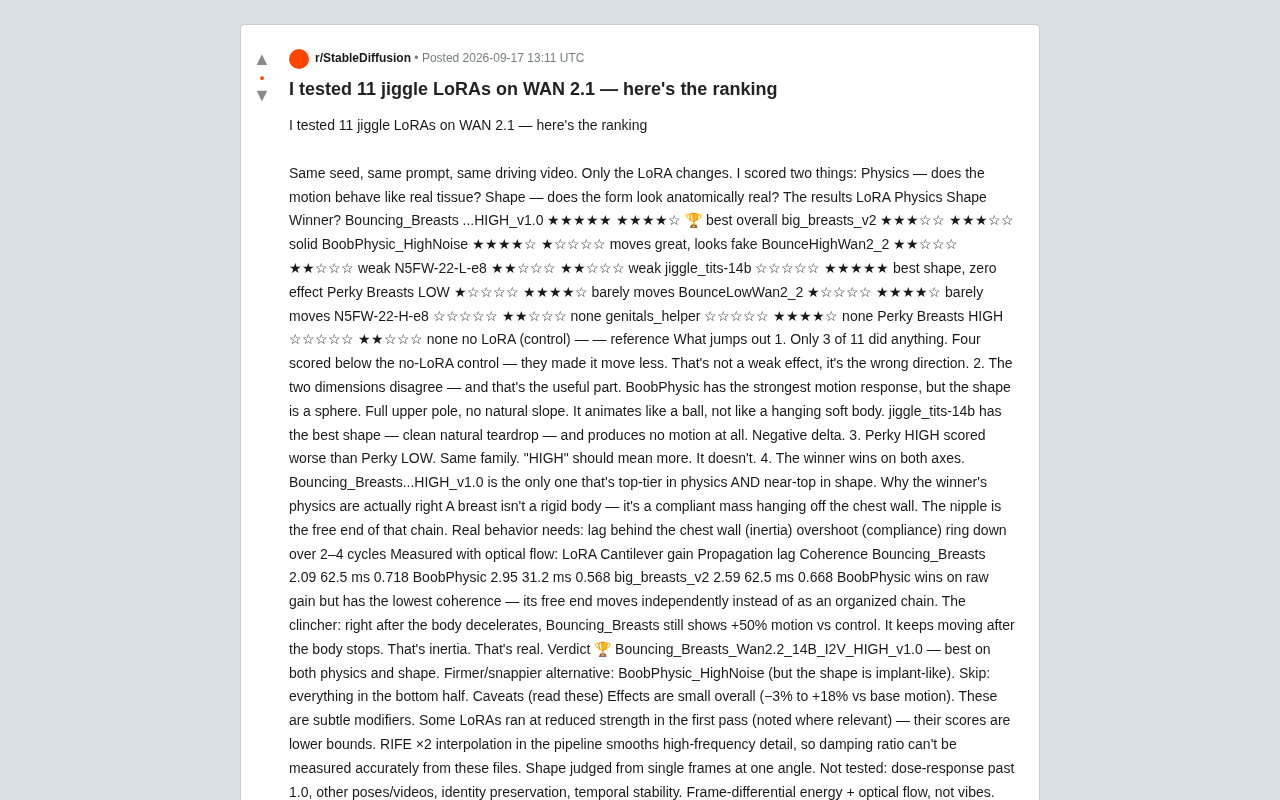
WAN 2.1 Physics Motion LoRA Benchmark: Rankings and Methodology for 11 Models Tested
A Reddit user benchmarked 11 physics-motion LoRAs on WAN 2.1 using optical flow analysis. Only 3 worked meaningfully; 4 scored below the no-LoRA baseline. Full rankings and methodology inside.

Lucid Partners with Bolt to Target European Robotaxi Market
Lucid Motors has signed a letter of intent with European mobility platform Bolt to explore Robotaxi services in Europe, though no vehicle orders have been placed yet.

AI Assistants Enter the "Phone Call" Era: Instinct and Meta Muse Add Voice Task Execution
AI assistants Instinct and Meta Muse now make phone calls on your behalf — booking restaurants, canceling subscriptions — marking a leap from chat tools to real-world agents.