LTX2.5 Open-Source Local Deployment Test: AMD GPU with 8GB VRAM Can Run Video Generation
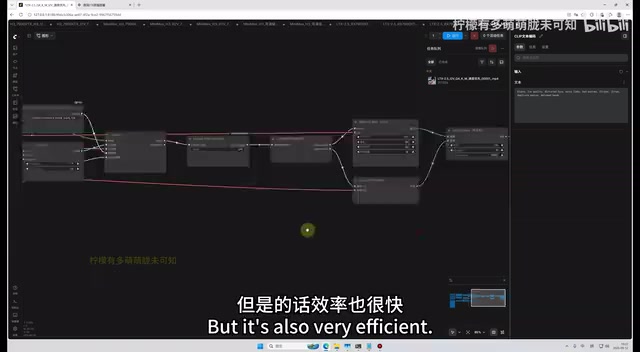
AMD 7900XTX runs LTX2.5 locally on Windows 11 — text-to-video in 2 minutes, starting at 8GB VRAM.
Open-source video model LTX2.5 supports text-to-video, image-to-video, and first/last-frame generation with a minimum of just 8GB VRAM. A Bilibili creator validated local deployment on AMD 7900XTX + Windows 11 — no Linux required. Text-to-video takes ~2 min at 8 steps; image-to-video optimized to 6 steps runs ~3 min; first+last-frame takes ~5 min, all producing 5-second clips. Five workflows are provided, with the custom build outperforming the official version. Deployment options include a ready-to-use bundle for beginners and portable ComfyUI for advanced users.
After the open-source video generation model LTX2.5 launched, interest in local deployment surged quickly. Bilibili creator Lin Meng published a hands-on tutorial specifically for AMD GPUs and Windows 11, running the full pipeline on a 7900XTX (24GB VRAM). The real value of this test lies in what it proves: LTX2.5 is not an NVIDIA exclusive — AMD card users can deploy it locally and achieve solid generation performance.
What Is LTX2.5 and Why Does It Matter
LTX2.5 is the latest open-source video generation model, supporting text-to-video, image-to-video, and first-frame-plus-last-frame-to-video generation modes. Compared to closed-source cloud services, its biggest appeal is fully local operation — no quotas, no network dependency.
According to the creator's hands-on report, the hardware requirements are lower than expected: the official minimum is just 8GB of VRAM. Efficiency drops at lower VRAM, but usability is preserved. This matters a great deal for mid-range GPU owners — most high-quality video generation models have historically demanded 16GB or even 24GB of VRAM, so an 8GB entry point dramatically lowers the barrier to entry.
The core achievement of this test is the AMD + Windows 11 combination. The author explicitly noted that the reason for sticking with Win11 rather than Linux is that ordinary users simply can't be expected to "replace their everyday system just to run a model." This approach — grounded in real-world use cases — makes the tutorial far more relevant to typical users.
LTX2.5 is built on the Diffusion Transformer (DiT) architecture, which has become the dominant technical direction in video generation over the past two years. Compared to earlier UNet-based architectures, DiT handles temporal consistency and long-range dependencies more effectively. The "first-frame-plus-last-frame" mode lets users provide both the opening and closing frame, and the model interpolates a natural animated transition between them — particularly useful for specific camera transitions or character motion sequences.
It's also worth understanding the broader context of AMD GPUs in AI inference: NVIDIA's CUDA is the de facto standard for deep learning frameworks, and most models are optimized for CUDA by default. AMD's counterpart is ROCm (Radeon Open Compute), but its Windows support has long lagged behind Linux, leaving many AMD users hitting compatibility walls when deploying AI models on Windows. The fact that this workflow ran successfully means it has found a reliable way to invoke AMD GPUs via ROCm on Windows — which is precisely its most valuable contribution to AMD users.
Measured Performance: Between 2 and 5 Minutes
The most practically useful part of this review is the generation speed comparison across different workflows. The test environment was a 7900XTX with 24GB VRAM, 32GB physical RAM, and 128GB virtual memory, running Windows 11.
- Text-to-video (custom workflow, 8 steps): ~129 seconds to generate a 5-second clip — just over 2 minutes
- Image-to-video (8 steps): ~5 minutes (317 seconds), about 2 minutes slower than text-to-video
- Image-to-video optimized to 6 steps: ~3 minutes (232 seconds), with quality and audio intact
- First-frame + last-frame to video (6 steps): ~5 minutes (306 seconds)
- Official workflow (modified for image-to-video): ~5 minutes (259 seconds), but the author rated it as "poor quality"
The author repeatedly emphasized the trade-off between step count, quality, and speed: 8 steps gives the most stable quality; dropping to 6 or even 4 steps prioritizes speed. His conclusion: 6 steps is the best balance point — audio and visuals remain undamaged. At 4 steps, generation time could theoretically be pushed down to around 2 minutes.
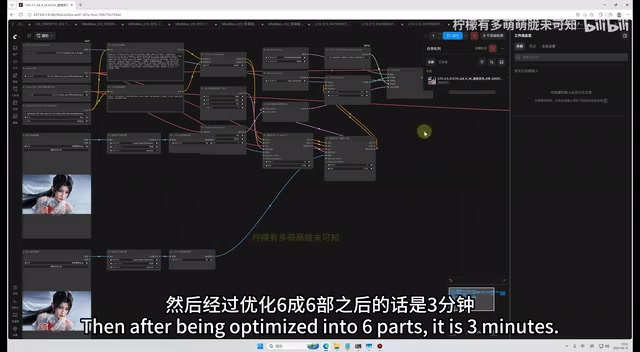
In terms of output quality, the author praised the image-to-video results for facial consistency: "the face didn't distort at all, speech looked normal, audio was fine." Text-to-video was described as producing "cinematic" results, though the 5-second clip length felt short — scenes didn't fully develop.
The Five Workflows Compared
The author provides five workflows covering different use cases:
Text-to-Video Workflow
Enter a prompt to guide content, with a negative prompt to prevent hand and foot distortion. Resolution and step count are adjustable. This is the fastest workflow — 8 steps in about 2 minutes.
Image-to-Video Workflow
Upload a single image, combined with a prompt and negative prompt to generate animated video. Best suited for making a static portrait "come to life and speak," with strong facial consistency.
First-Frame + Last-Frame to Video Workflow
Upload both the opening and closing frame, then use a prompt to control the intermediate transition.
Official Modified Workflow
Based on the original official workflow, but the author candidly notes it's slower and produces worse results — included only for comparison. He argues that his custom workflow, which streamlines and accelerates nodes by removing bottlenecks, delivers the "optimal results."
This criticism of the official workflow reflects a common pattern in the open-source model ecosystem: default configurations tend to be conservative, and community-optimized workflows often deliver a meaningfully better experience in practice.
Deployment: Pre-Packaged Bundle vs. Manual Installation
The author offers two paths depending on user experience level.
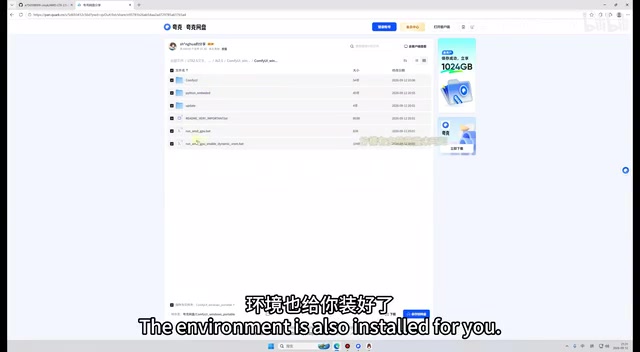
Pre-packaged bundle (recommended for beginners): Download the bundle from GitHub — models and environment are fully pre-installed. Just unzip, run the launcher, and a local web address opens automatically. Drag a workflow in and you're ready to generate. The author notes the bundle is no longer compressed, and advanced users can extract individual components as needed.
Manual deployment (for advanced users):
- Download the portable version of ComfyUI (not the installer — to avoid bundled NVIDIA components that can interfere with an AMD environment)
- Unzip and verify it runs correctly
- Open CMD, navigate to the directory, and install the two required environments via command line (Git must be installed first)
- Restart ComfyUI after installing each environment
- Download five model files and place them in their respective directories:
diffusion_models,text_encoders, audio-related folders, etc. - Load a workflow and start generating
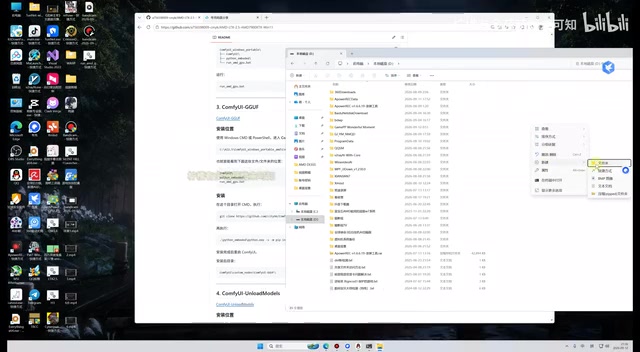
The author shares a useful practical tip: every large model he covers uses a separate portable installation, keeping them fully independent. This means no environment conflicts with previously deployed models (such as version 2.3 or MiniMax-related models). This "keep them separate" approach effectively avoids the dependency conflicts that often arise when running multiple models side by side.
On hardware compatibility, the author notes that NVIDIA 60-series, 70-series, and 90-series cards should all work in theory, while older architectures (such as the RX 580) cannot run the model. On the AMD side, the 7900XTX was verified through hands-on testing.
ComfyUI is currently the most widely used open-source frontend framework for AI image and video generation. It uses a node-based visual programming interface, where functional modules — model loading, samplers, image encoding/decoding, and more — are connected as "nodes" into a "workflow," enabling flexible configuration without writing any code. The difference between the portable version and the installer version is that the portable version bundles its Python runtime and all dependencies within a single directory, writes nothing to the system registry, supports multiple side-by-side installations without interference, and is easy to move or delete entirely. This is precisely why the author recommends it: the installer version bundles NVIDIA-specific components by default, which can trigger conflicts or spurious errors in a pure AMD environment, while the portable version lets you install only the ROCm-compatible dependencies and keep the environment clean.
Overall Assessment
The greatest value of this tutorial is filling the gap in AMD + Windows local deployment of LTX2.5. For users with AMD cards who want to try local video generation without touching their everyday system, a generation time of 2 to 5 minutes for a 5-second clip is quite workable, and the 8GB VRAM minimum opens the door for a much wider range of hardware.
It's worth noting that all data here comes from a single creator's test and has not been cross-validated by multiple sources. Generation time is strongly correlated with GPU model and VRAM size — real-world performance on lower-end hardware may be significantly slower than on a 7900XTX. If stable quality is your priority, start at 8 steps and reduce from there. If speed matters more, try configurations between 4 and 6 steps.
Related articles
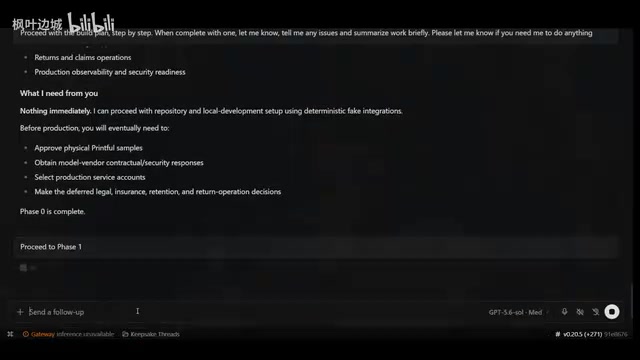
Building an AI-Powered E-Commerce Business from Scratch: A Real-World Account of Multi-Agent Architecture for Print-on-Demand
A blogger builds a print-on-demand e-commerce company from scratch using AI agents — documenting specialized Agent profiles, GPT-5.6 vs Claude Fable multi-model orchestration, and reusable skill accumulation.

AI Agent Earns $10K in One Week: 3 Key Upgrades Explained
A blogger shares how he earned $10K in a week with an AI Agent — not by adding more skills, but through verification, approval gates, and subagents to raise trust and enable true automation.
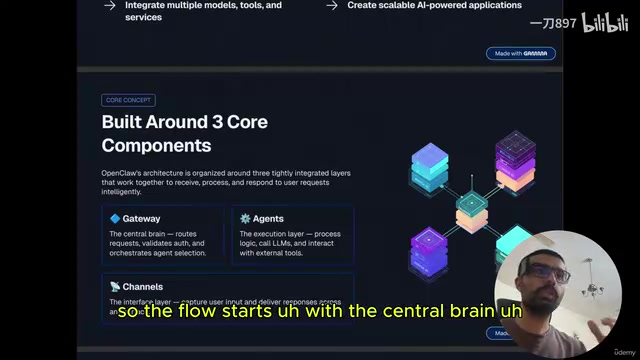
Getting Started with OpenClaw: Multi-Channel AI Agent Gateway and Automated Workflow Guide
OpenClaw is an open-source multi-channel AI agent gateway. This guide covers its three core components — gateway, agents, and channels — plus tool integration and memory mechanisms.