MakePixel: A Browser-Based Pixel Art Editor That Outputs Game Assets Directly

MakePixel: a browser pixel art tool connecting sprites, tiles, and levels
MakePixel is a browser-based pixel art tool that supports iPad and is free to start, with 84 votes and rank #12 on Product Hunt. It aims to cover the 2D indie game asset pipeline in one toolchain: sprite animation replicates Aseprite's common shortcuts to lower migration cost; the tileset feature auto-generates full autotiles from a few base tiles; it also includes built-in level drawing and exports to Godot, Unity, and Tiled. The article finds it suitable for solo developers who want a lightweight asset pipeline and are familiar with Aseprite, though it still falls short of professional desktop tools for complex layer management or highly customized pipelines. Browser performance limits and limited community feedback, plus the vague AI capabilities noted on the product page, suggest judging by actual features and remaining cautious.
A New Choice for Pixel Art Tools
Indie game developers often face an awkward dilemma: pixel art tools are either too complex and bloated, or too thin in features to cover the entire pipeline from sprites to maps. MakePixel, ranked #12 on Product Hunt, tries to solve this problem with a "ready to use in the browser" approach—it integrates sprite animation, automatic tilesets, and level drawing into a single web app, and works directly on iPad.
According to its Product Hunt page, the product is built by developer Ervin and currently has 84 votes and 3 comments, categorized under Design Tools and Indie Games. It's free to start, keeping the barrier low for budget-conscious individual developers.
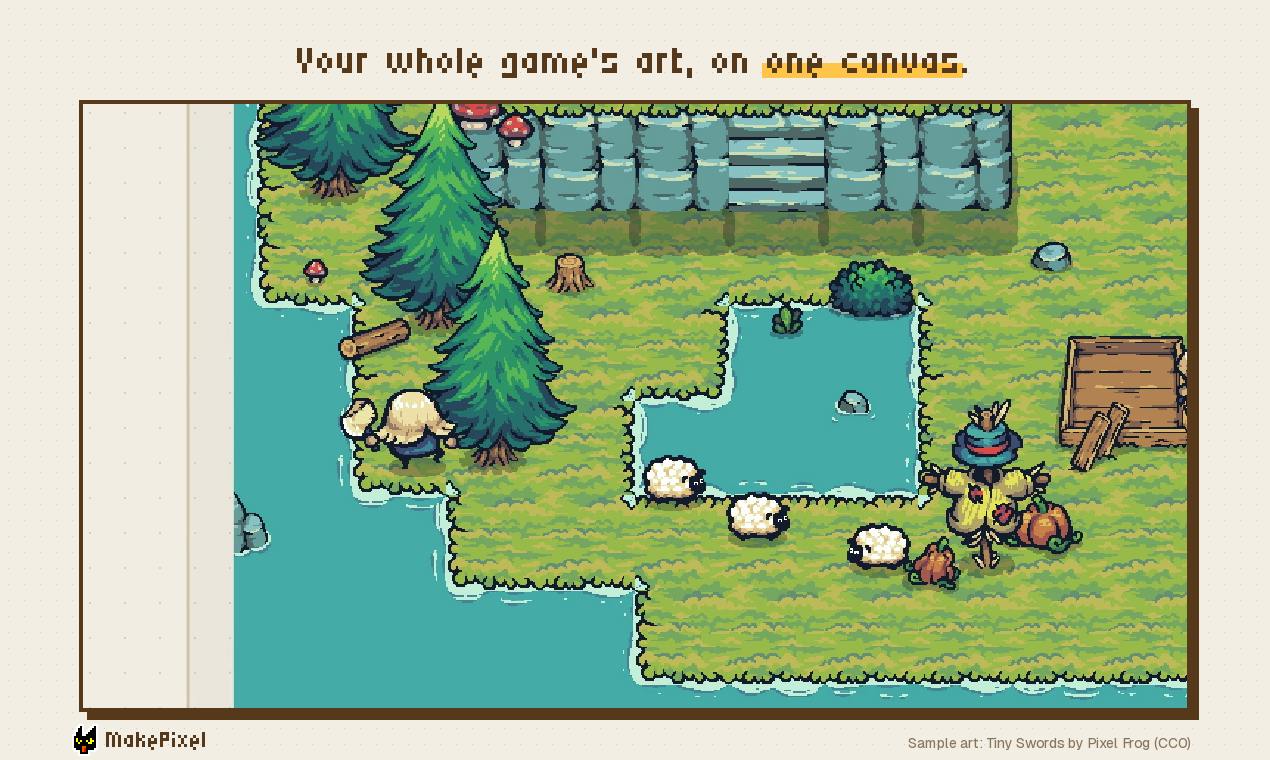
Feature Breakdown: An All-in-One Pipeline from Sprites to Maps
Sprite Animation Replicates Aseprite's Workflow
In its sprite animation section, MakePixel deliberately replicates Aseprite's common keyboard shortcuts. Aseprite is the benchmark tool in pixel art, and many artists have already built muscle memory around it—migration cost is the biggest hidden barrier when switching tools. By staying close to that operating logic, MakePixel essentially lowers the switching threshold: you don't need to relearn an animation workflow, and you can still produce frame animations in the browser.
Generate a Full Tileset from a Few Tiles
Creating tilesets is always tedious—manually assembling 47 auto-transition tiles is grunt work. MakePixel's selling point is "draw a few tiles, get a whole autotile set"—the tool derives a complete auto-tiling collection from the small number of base tiles you draw. For indie developers, the meaning is clear: art workload is compressed, and during level building you can paint terrain directly instead of placing tiles one by one.
A Brief Look at the autotile Mechanism
Autotile refers to a rule system where the editor automatically selects the correct texture based on the connectivity of neighboring tiles. Take the most common 47-tile auto-transition set as an example: it comes from enumerating combinations of "edges + outer corners + inner corners"—each tile maps to a unique image based on whether the four cardinal directions and four diagonals connect to the same terrain type. Traditionally, artists must draw all 47 combinations one by one and then configure bitmask rules in the engine. What MakePixel claims as "derive the whole set from a few tiles" essentially means the tool takes over the step of deriving bitmask rules and compositing textures. Note that this kind of auto-generation works well for rule-based terrain (grass, walls, water), but for special transitions that require hand-crafted art, you may still need to return to manual correction.
Built-in Level Drawing and Engine Export
Beyond asset creation, MakePixel also includes map-drawing functionality—you can "draw levels" directly within the tool. Export covers three targets: Godot, Unity, and Tiled—the first two are mainstream game engines, and Tiled is a universal tilemap editor format whose compatibility means assets can enter more workflows.
The Significance of Tiled and the TMX Format
Tiled is an open-source, universal tilemap editor whose project files are typically saved in TMX/TSX (XML) format, and it's supported through plugins or natively by a large number of engines and frameworks including Godot, Unity, LibGDX, and Phaser. Exporting to Tiled means MakePixel's maps aren't locked to a single engine but can enter a longer toolchain: sketch levels in MakePixel, then edit object layers, triggers, and collisions in Tiled, and finally import into the specific engine. For indie developers, this reduces the risk of tool lock-in and lets team members collaborate using the software they're each familiar with.
What Browser-First Means
Putting a pixel editor in the browser and explicitly supporting iPad points to a real scenario: developers aren't always sitting at their main workstation, and when inspiration strikes they can tweak a couple of animation frames or add a few tiles on a tablet. It also eliminates installation and environment setup, and makes it easy to share quickly in collaboration or teaching contexts.
That said, the performance limits of a browser app depend on the implementation—smoothness with complex layers or large maps still needs real-world verification. The Product Hunt page currently has only 3 comments, so community feedback is still a very limited sample, and the tool's stability in real projects remains to be tested by more developers.
The Technical Boundaries of Browser-Based Graphics Apps
Modern pixel editors in the browser typically rely on Canvas 2D or WebGL/WebGPU rendering, with local persistence via IndexedDB or Origin Private File System. Bottlenecks mainly appear in three places: first, the GPU/CPU overhead of redrawing each frame when the canvas is large or there are many layers; second, memory consumption from undo history and autosave; third, Safari's memory and background-tab limits on iPad. So when evaluating this kind of tool, beyond the feature list, you should also look at whether it offers local autosave, the ability to export project files, and layer limits. These details determine whether it can carry real projects, not just serve as quick drafts.
Who Should Use It
If you're making a 2D indie game and need a lightweight asset pipeline—sprite animation, auto tiles, level sketching—and you're used to Aseprite's workflow, MakePixel is worth trying. The free-to-start pricing makes trial and error almost cost-free. But if your project relies on a highly customized art pipeline or complex layer management, professional desktop tools remain the safer choice.
Official information shows the product carries an "Artificial Intelligence" tag in its category, but the page description doesn't elaborate on specific AI capabilities—it's advisable to remain cautious about this part and judge by actual features.
FAQ
What export formats does MakePixel support?
According to the product page, it can export to Godot, Unity, and Tiled.
Does it require installation?
No, it runs in the browser, including on iPad.
Is it free?
The page lists it as Free to start; whether there are paid tiers afterward isn't stated in the source material.
One-line Summary
MakePixel: a browser-based pixel art tool connecting sprites, tiles, and levels
Related articles

Prompt Engineering for Beginners: From Writing Prompts to Engineering Thinking
Starting from the essence and four functions of prompts, this article systematically explains the six-step process, four success criteria, learning value, and practical limitations of prompt engineering to help you build a complete understanding.

Anthropic Launches Nasdaq IPO: AI Giant's Listing and Risk Disclosures
Anthropic officially launches its Nasdaq IPO under ticker ANT, with market valuation expected to potentially exceed SpaceX's record. The prospectus devotes nearly 100 pages to AI risks, while first-half revenue grew over 14x but net losses widened sharply, reigniting the AI bubble debate.

Rust cURL Clone Uses 4,832 unsafe Blocks—Is the Memory Safety Myth Broken?
A Rust cURL clone uses 4,832 unsafe keywords, challenging Rust's memory safety narrative. We analyze what unsafe really means, compare Fil-C, and examine rewrite motives.