MCP Server Post-Mortem: 8 Lessons from Redesigning My Internal Tools

The MCP protocol doesn't handle security governance—8 lessons on safely exposing internal tools.
A developer's post-mortem after using MCP (Model Context Protocol) to expose internal systems to AI models. Building a working FastMCP prototype took an afternoon, but getting security sign-off took far longer, because the protocol itself doesn't handle security or governance. The article offers 8 lessons: use narrow tools rather than a generic run_sql; propagate user identity through every request and validate inside tools; treat docstrings as interfaces reviewed to API standards; return structured, actionable errors; read-only Resources are also a data leakage surface; audit logs belong server-side; version servers like APIs; and define who can deploy servers. It concludes with six foundational items to build on day one.
MCP Server Post-Mortem: 8 Lessons from Redesigning My Internal Tools
MCP (Model Context Protocol) makes it remarkably easy to expose internal systems to AI models—the original author built a working prototype of his first MCP server in a single afternoon. But getting the security team to sign off took far longer.
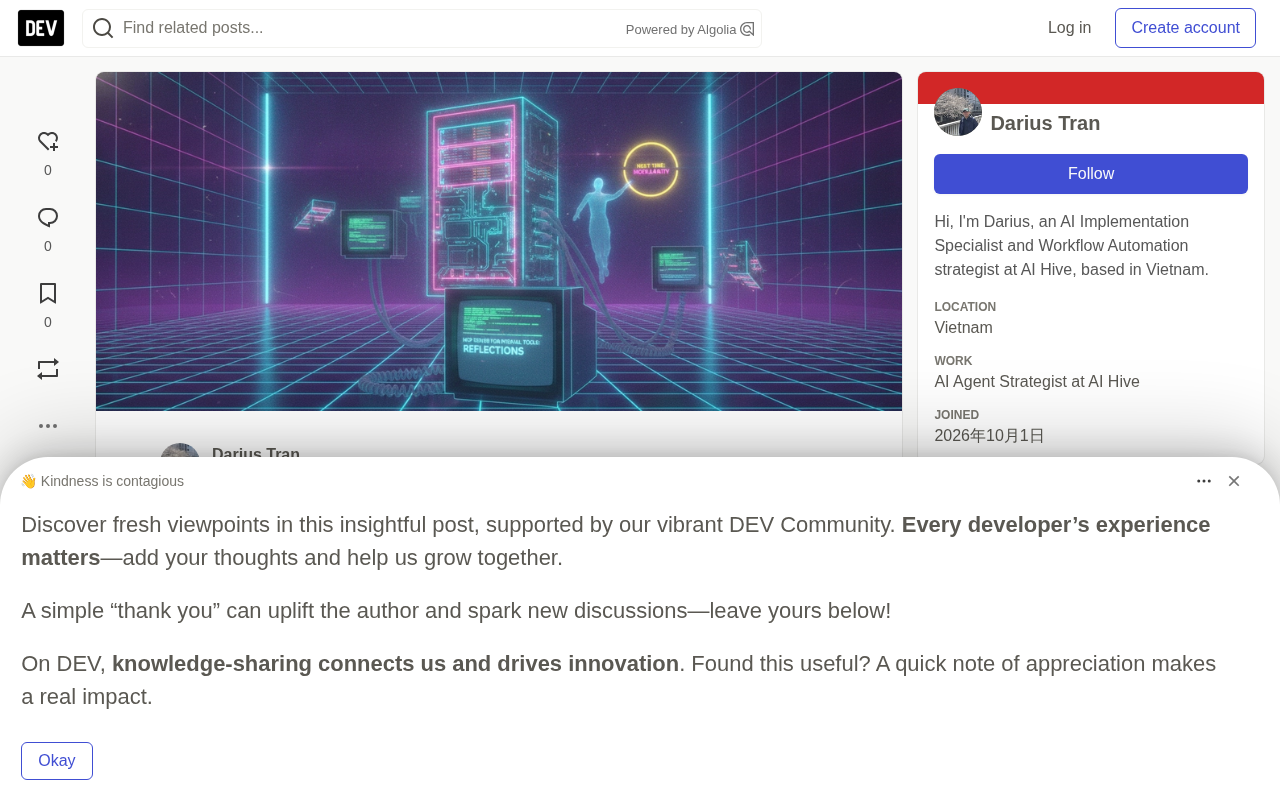
This isn't an MCP beginner tutorial—it's a post-mortem of "what I'd do differently if I started over." The author uses several code snippets from the Python SDK's FastMCP to illustrate a clear core thesis: the protocol itself doesn't handle security and governance—that responsibility still falls on the developer. Below are his lessons organized into 8 actionable best practices.
First, Clarify: What Does an MCP Server Actually Expose?
An MCP server exposes three categories of things to clients like Claude Desktop, IDEs, or custom Agents: Tools (functions the model can call, with JSON schema parameter definitions), Resources (read-only data clients can load into context), and Prompts (reusable prompt templates).
The client discovers available capabilities, and the model decides when to invoke them. The protocol handles all the underlying plumbing—and that's precisely why it's so tempting to just "expose everything," which is the first pitfall.
MCP was proposed and open-sourced by Anthropic in late 2024, aiming to provide AI applications with a unified protocol for connecting to external data and tools—often compared to "USB-C for the AI world." It uses a client-server architecture: Claude Desktop, IDE plugins, or custom Agents act as clients, while an MCP server runs on the internal system side. The two communicate via JSON-RPC 2.0 messages and support both stdio and HTTP-based transports. The protocol spec defines message formats for capability negotiation, tool invocation, resource reading, and prompt templates, but deliberately leaves the implementation of authentication, authorization, and auditing unspecified. This is the key to understanding the entire article: MCP solves "how to connect," not "who can connect and what they can do."
Lesson 1: Tools Should Be Narrow and Focused, Not Broad and Universal
The author's first version provided a generic run_sql tool. It was impressive in demos, but it couldn't enforce permissions, couldn't produce meaningful audit trails, and the model frequently wrote full-table-scan queries.
The second version split it into specific tools: get_open_tickets(team, limit) returns only open tickets for a given team, with a hard cap of 50 on limit; get_customer_summary(customer_id) returns only the plan, status, and 5 most recent invoices.
@mcp.tool()
def get_open_tickets(team: str, limit: int = 20) -> list[dict]:
    """Return open support tickets for one team, newest first. Max 50."""
    limit = min(limit, 50)
    return tickets.find_open(team=team, limit=limit)
Narrow tools are easier for the model to select, easier to constrain permissions around, and easier to explain to auditors. If a team genuinely needs flexible querying, that should be a reporting tool for humans—not something jammed into the Agent's toolset.
Lesson 2: User Identity Must Flow Through the Entire Call Chain
The path of least resistance is to run the MCP server under a single service account—all users, all requests sharing the same set of permissions. In an enterprise setting, that simply doesn't fly.
The author's current approach passes the end-user identity with every request and validates it inside the tool:
@mcp.tool()
def get_customer_summary(customer_id: str, ctx: Context) -> dict:
    user = resolve_user(ctx)  # from client auth token
    if not policy.can_view_customer(user, customer_id):
        return {"error": "forbidden", "detail": "You don't have access to this customer."}
    audit.log(user=user.id, tool="get_customer_summary", customer_id=customer_id)
    return crm.summary(customer_id)
How identity is resolved depends on the transport and auth architecture, but the principle is consistent: the tool enforces the user's actual permissions, and the model never sees data the user themselves couldn't access directly.
In MCP, the Context object is the primary entry point for server code to access call context—typically providing request metadata, session information, and the ability to report progress or logs back to the client. There are two common approaches to identity propagation: first, the client obtains a token via OAuth or similar when establishing the connection, and the server resolves that token on each tool call and maps it to an internal user; second, a gateway layer handles authentication and injects the verified user identifier into the request context. Either way, the server must never trust a user identifier parameter supplied by the model itself, since the model could be induced by prompt injection to forge an identity.
Lesson 3: Tool Descriptions Are Part of the Interface
The model decides which tool to call based on the docstring. Vague descriptions lead to wrong tool selection—and these errors don't throw exceptions, making them especially insidious to debug. The author distilled three effective practices:
- State what is returned and the boundaries (e.g., "max 50 results," "5 most recent invoices")
- State when NOT to use it (e.g., "do not use for billing disputes—use get_invoice_detail instead")
- Self-explanatory parameter names:
teamovert,customer_idoverid
The author reviews tool descriptions in code review with the same rigor as API changes—because to the model, the description is the interface.
Lesson 4: Return Errors the Model Can Act On
On failure, don't throw an exception that becomes a generic error message—return a structured result instead. For example:
return {"error": "not_found", "detail": "No customer with id CUST-123. Ask the user to confirm the ID."}
Capable models will self-recover based on the detail, usually by asking the user for clarification. A stack trace, on the other hand, is completely useless to the model.
Lesson 5: Don't Treat Read-Only Resources as a Safe Zone
Resources seem harmless because they're read-only, but a resource that returns "all open tickets" can dump hundreds of customer records into the model's context in one shot. The author's advice: apply the same permission checks and size limits to resources as you do to tools, and prefer making sensitive data into tools with filter parameters rather than resources. This is also one of the most commonly overlooked data leakage surfaces in MCP scenarios.
Context windows are a limited and expensive resource: dumping hundreds of records into context at once not only risks sensitive data leakage but also crowds out the space the model needs for reasoning, degrading subsequent response quality or even drowning out critical instructions. This is part of what the industry calls "context pollution"—irrelevant or excessive data entering context and interfering with the model's judgment. Setting pagination, field whitelists, and row limits on Resources is therefore both a security control and an effectiveness control.
Lesson 6: Audit Logs Belong on the Server Side
Client logs tell you what the model "requested." Server logs tell you what "actually happened" in the system. Auditing and incident post-mortems depend on the latter. The author logs for every call: user, tool name, parameters (redacted), return size, status, and latency.
Lesson 7: Version Your Server Like an API
Once multiple clients depend on your MCP server, changing tools becomes a breaking change. Renaming a parameter or tightening a return format can silently degrade every Agent that uses that tool—because the model has already grown accustomed to the old descriptions and examples. The author's practices include:
- Add tools in a backward-compatible way rather than modifying old ones directly, and deprecate old tools only after clients have migrated
- Maintain a changelog documenting new tools, description changes, and schema changes
- Run a small behavioral test suite on every release: a few real requests per tool, validating both correct invocations and correct rejection logic
def test_summary_requires_access():
    ctx = fake_context(user="analyst-no-crm")
    result = get_customer_summary("CUST-123", ctx)
    assert result["error"] == "forbidden"
Lesson 8: Make It Clear Who Can Deploy Servers
On the client side, MCP makes it trivially easy for anyone to connect to a new server. Great for developers, a nightmare for security teams. Within a few months, the author saw numerous unofficial servers running on personal laptops, each with their own credentials.
A lightweight process is enough: maintain an approved server list, assign a clear owner for each server, and require review for any server touching production data before it's added. The process doesn't need to be heavy—but it needs to exist before the list gets long.
The Foundation I'd Build on Day One If I Started Over
The author's checklist boils down to six items: a set of narrow tools each with a clear owner; user identity validation woven through every tool; docstrings reviewed to API documentation standards; structured, actionable error returns; size limits covering all tools and resources; and redacted server-side audit logs.
MCP is genuinely an excellent standard for connecting models to systems—but it doesn't decide who has permission to do what. That part is still up to us to design and enforce.
Related articles

How Gen Turns Data into Decisions with ChatGPT Work
In an OpenAI user case, business leader Gen shares how ChatGPT Work turns data into decisions: within hours of launch, teams can judge whether integrations and onboarding flows work, shifting decision iteration from hundreds of trial-and-error attempts to a fast feedback loop.

ChatGPT vs. Claude In-Depth Comparison: Strong at Coding but Weak at Research — How to Bridge the Gap?
A user considers switching from ChatGPT to Claude, finding Claude stronger at coding but shallower at research. We analyze the differences and share tips to make Claude's research deeper.

Theranos Whistleblower Warns: The AI Boom Is "a Great Opportunity to Deceive"
Theranos whistleblower Tyler Shultz warns the AI boom is "a great opportunity to deceive" as never-profitable companies raise capital at trillion-dollar valuations. This article examines the real-world context, key differences between AI and Theranos, and practical criteria for investors and practitioners.