Moving On from ownCloud: Building a 5-Copy, 3-Location Home NAS Backup System
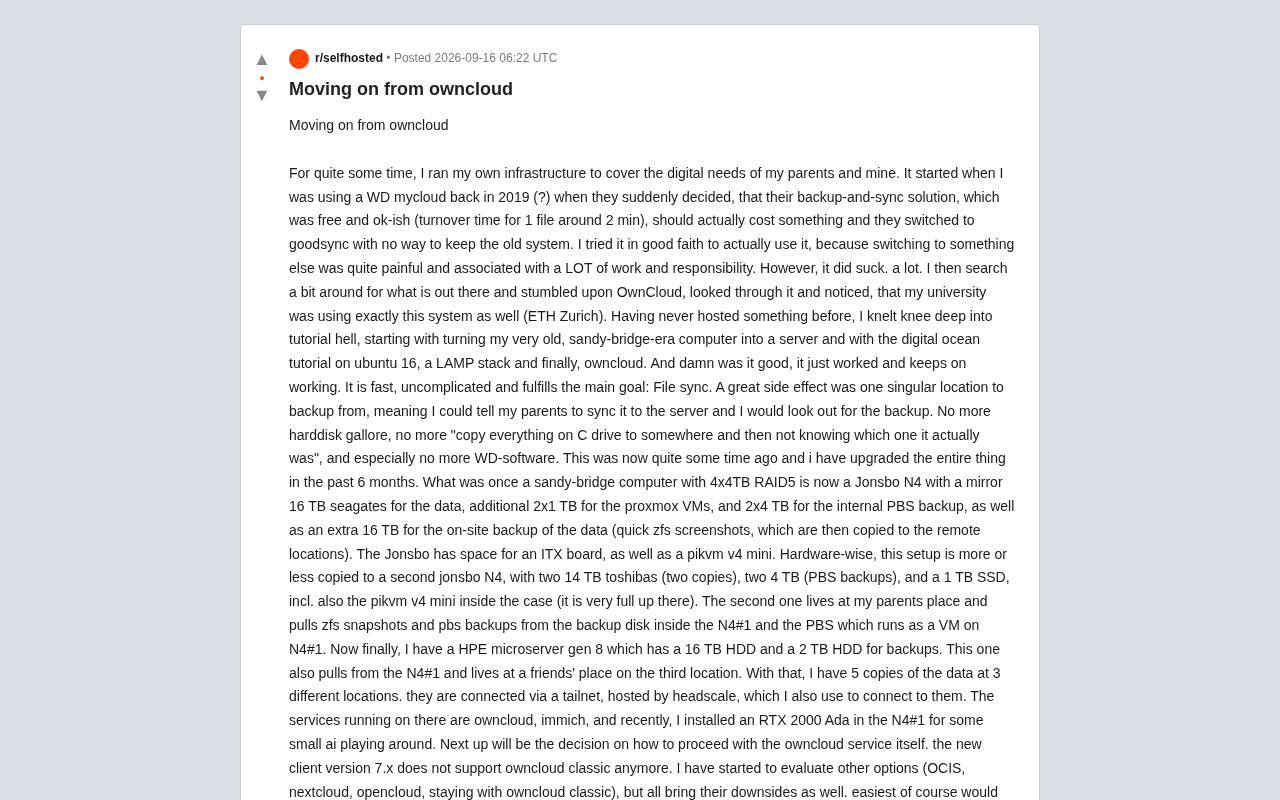
From WD MyCloud to a 5-copy, 3-location ZFS+Proxmox NAS — and the ownCloud migration dilemma.
This Reddit post chronicles one user's journey from a paid-out WD MyCloud in 2019 to a home private cloud spanning three locations with five data copies, built on Jonsbo N4 hardware, Proxmox, ZFS, PBS, and a Headscale-based private network. The post also tackles the fractured ownCloud ecosystem: the 7.x client's dropped support for Classic forces a choice between OCIS, Nextcloud, and OpenCloud — each carrying its own commercial and sustainability concerns. The core conclusion: build reliability on open storage and networking layers, not on any single application.
A Reddit user shared their multi-year journey building a home self-hosted infrastructure — from an initial WD MyCloud setup to a ZFS + Proxmox cluster spanning three physical locations with five copies of their data. The post is both a practical account of a self-hosted cloud's evolution and a frank examination of a question every ownCloud user must now confront: when the official client drops support for the classic version, where do you go?
From WD MyCloud to a Self-Built Server
This user's story began around 2019 with a WD MyCloud. What had been a free, just-about-good-enough backup and sync solution (single-file syncs taking roughly 2 minutes) suddenly went paid, with the vendor forcing a switch to GoodSync and offering no way to stay on the old system. After trying the new solution and finding it lacking, they decided to break free from vendor lock-in entirely.
The turning point was discovering ownCloud — which, as it happened, was also the system in use at their university, ETH Zurich. As someone who had never set up a server before, they repurposed a Sandy Bridge-era PC, followed DigitalOcean tutorials step by step, stood up Ubuntu 16 with a LAMP stack, and got ownCloud running. In their own words: "It just worked, and kept working. Fast, not complex, and it accomplished the core goal — file sync."
The bigger win was a dramatically simpler backup strategy. With a single centralized storage location, they just needed their parents to sync files to the server — the rest of the backup was their responsibility to manage. "No more pile of hard drives, no more copying the entire C drive somewhere and then not knowing which copy is actually the latest, and above all — no more WD software."
Six Months of Major Hardware Upgrades
Over the past six months, the system underwent a complete overhaul. The original Sandy Bridge machine (4×4TB RAID5) was replaced by a Jonsbo N4 chassis with a carefully considered configuration:
- Two 16TB Seagate drives in mirror for primary data
- An additional 2×1TB for Proxmox VMs
- 2×4TB for internal PBS (Proxmox Backup Server) backups
- An extra 16TB for local data backup (ZFS snapshots first, then replicated offsite)
The chassis also houses an ITX motherboard slot and a PiKVM v4 Mini for out-of-band management. This setup was nearly replicated in a second Jonsbo N4: two 14TB Toshiba drives (two copies), two 4TB drives (PBS backups), one 1TB SSD, and again a PiKVM — "it's very full up there," as the user put it.
The second machine lives at the user's parents' house and pulls ZFS snapshots and PBS backups from the first N4's backup drive and the PBS VM running on it. There's also an HPE MicroServer Gen 8, loaded with a 16TB and a 2TB drive, at a friend's house as the third offsite node — also pulling data from the primary machine.
Proxmox VE is an open-source virtualization platform built on Debian Linux, integrating both KVM virtual machines and LXC containers, with built-in ZFS support. ZFS, originally developed by Sun Microsystems, is an enterprise-grade filesystem whose core features include Copy-on-Write, data integrity verification via checksums (guarding against "silent data corruption"), snapshots and cloning, and built-in RAID functionality (called RAIDZ). PBS (Proxmox Backup Server) is backup-dedicated server software designed to pair with Proxmox VE, supporting client-side deduplicated incremental backups of VMs and containers — significantly reducing the storage and bandwidth required. PiKVM is an open-source out-of-band management device based on the Raspberry Pi, allowing administrators to remotely access a server's BIOS/UEFI interface and reinstall the OS over the network even when the operating system is completely unresponsive — a critical safeguard for unattended remote nodes.
The Backup Philosophy: Five Copies Across Three Locations
The most instructive aspect of this architecture is how it puts backup principles into practice. All told, the user has achieved five copies of their data across three physical locations — far exceeding the classic 3-2-1 backup rule (3 copies, 2 media types, 1 offsite).
The three physical locations are the user's own home, their parents' home, and a friend's home. They're interconnected via Headscale, an open-source self-hosted alternative to Tailscale, forming a private tailnet that also provides remote access to each node. Services running on this infrastructure include ownCloud, the photo management tool Immich, and a recently added RTX 2000 Ada GPU for small-scale AI experiments.
The value of this distributed design is clear: any single point of failure — whether a failed drive, a downed machine, or a disaster at one location — cannot result in data loss. ZFS snapshots provide point-in-time rollback, PBS provides incremental backups, and the offsite nodes guard against physical disasters. For a personal administrator responsible for their family's digital assets, this is a remarkably mature setup.
The 3-2-1 backup rule, popularized by Backblaze, is the gold standard of data protection: keep at least 3 copies of your data, stored on 2 different media types (e.g., hard drives and tape, or local and cloud), with 1 copy held offsite. The core logic is to eliminate single points of failure — a single drive failure, a systemic failure of a single storage type (such as a RAID controller fault), or a disaster at one physical location (fire, flood, theft) cannot simultaneously destroy all copies. The user's five-copy, three-location scheme pushes this further, adding more redundancy and physical separation — approaching a professional-grade disaster recovery design for a personal administrator. It's worth noting that copy count is just one dimension; recoverability — actually testing whether you can restore from a backup — is equally critical, and is one of the key advantages of the PBS incremental backup approach.
The Core Problem: ownCloud Client Drops Support for Classic
The real focus of the post is the fractured state of the ownCloud ecosystem today. The new client (7.x) no longer supports ownCloud Classic, forcing users to choose among several paths. The user evaluated each major option and its drawbacks:
OCIS
ownCloud Infinite Scale is the official next-generation product, rewritten from scratch in Go. Migration would be the smoothest path, but the user has doubts about its long-term self-hosting support: "Given the situation with the client, I don't really trust them to support self-hosting long-term." This concern isn't unfounded — when the official team abandons even the classic client, their commitment to self-hosted use cases naturally comes into question.
Nextcloud
As the project forked from ownCloud years ago, Nextcloud is the logically natural successor, and server-side migration is relatively straightforward. But the problem lies with the client: all users would need to install and adapt to the new Nextcloud client, or else tolerate warning messages — which could themselves constitute a security risk.
OpenCloud
The user's assessment of OpenCloud was the most negative: "It was painful to set up, and I didn't see any advantages, especially since they seem to put security patches behind a paywall." Charging for security patches is nearly a dealbreaker for self-hosting users.
Staying on ownCloud Classic
Maintaining the status quo means staying on a version the official team is progressively abandoning — a long-term liability for both security and compatibility.
The ownCloud–Nextcloud split stems from a well-known open-source community schism in 2016. After ownCloud founder Frank Karlitschek left the company, he joined the core development team in forking the project into Nextcloud, and the two projects subsequently pursued sharply divergent commercialization paths. ownCloud shifted increasingly toward enterprise licensing, while Nextcloud maintained a more open, community-driven model. OCIS (ownCloud Infinite Scale) is ownCloud's second-generation product, rewritten from scratch in Go, abandoning the PHP stack for fundamental performance and architectural improvements — but at the cost of full incompatibility with Classic, requiring dedicated migration tooling. OpenCloud is another independent fork, also rewritten in Go, but its business strategy of placing security fixes behind a paid tier creates a fundamental conflict with the self-hosting community's baseline expectation that security patches must be free. These three directions each represent distinct commercial and open-source philosophies, and a user's migration choice is ultimately a bet on which community contract they trust most.
Lessons for Self-Hosters
This case reflects a tension that runs throughout the self-hosting world: the conflict between the sustainability of open-source software and vendor commercialization. The user fled WD's closed ecosystem for ownCloud, and now faces turbulence within ownCloud's own ecosystem — a reminder, in a sense, of the risks of relying on any single piece of software.
What actually makes this system robust isn't ownCloud itself, but the underlying storage and backup architecture decoupled from any application — ZFS, Proxmox, PBS, Headscale. As long as the data layer is solid, the sync application on top (whether ownCloud, Nextcloud, or OCIS) becomes a replaceable component. That may be the most valuable takeaway from this entire write-up: when building self-hosted infrastructure, ground your reliability in open storage and networking layers, not in any single application.
As for the migration decision itself: from the general tenor of community responses, Nextcloud tends to be the most stable landing spot for ownCloud Classic users, thanks to smooth server-side migration and an active open-source community — at the cost of a one-time client adaptation effort. OCIS offers the smoothest migration path, but requires sufficient confidence in the official team's long-term commitment to self-hosting.
Related articles
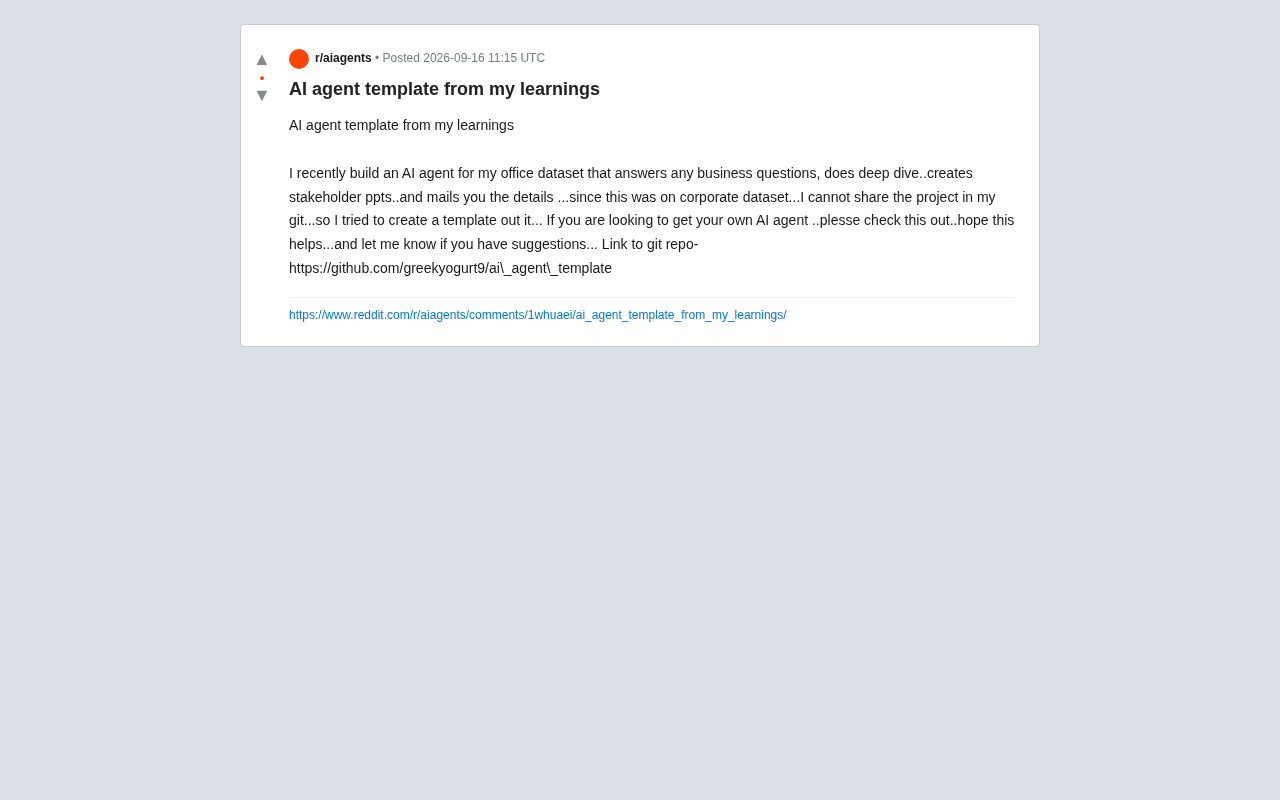
From Enterprise Practice to a Reusable Template: Lessons from Building an AI Agent
A developer shares an open-source AI Agent template built from an enterprise project, covering natural language data Q&A, analysis, auto-generated PPTs, and email distribution.

Nintendo's Open-World Design Evolution: Breaking Down Fire Emblem Fortune's Weave
Nintendo brings the open-world design philosophy of Breath of the Wild to Fire Emblem with the massive Switch 2 title Fortune's Weave. Here's what it means.

AI-Generated Food Photos Are Ruining Menus: How the Uncanny Valley Kills Appetite
AI-generated food images are flooding restaurant menus and delivery apps, but uncanny details kill appetite instead of sparking it. Here's why the uncanny valley effect hurts brands.