mpv: The 37K-Star Command-Line Media Player
Command-line player mpv earned nearly 40K stars through scriptability, embeddability, and steady maintenance.
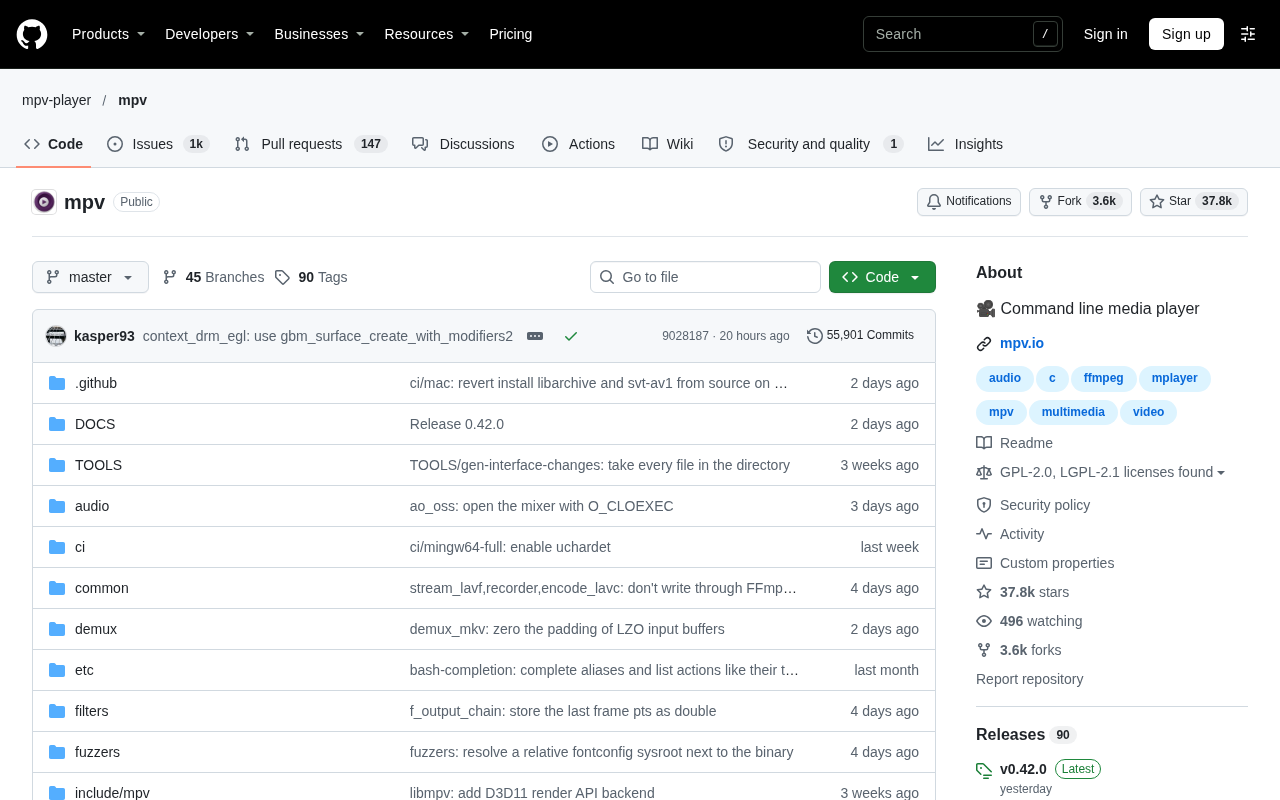
mpv is a C-written command-line media player with 37,756 GitHub stars and 3,627 forks. Derived from MPlayer and mplayer2, it inherits deep format compatibility and decoding robustness while offering systematic support for modern video output, hardware decoding, and high-quality scaling. Its core strengths are scriptability and embeddability: playback behavior can be locked down via config files and CLI args, and libmpv lets many frontends and media centers use it as their kernel. The catch: virtually no graphical settings by default, a notable learning curve, and a sharp contrast with VLC's out-of-the-box approach. With a steady iteration pace and restraint on feature bloat, it suits developers who need precise playback control, embedded playback, or batch media processing.
A player without a GUI that earned nearly 40K stars
In the media player space, GUI-based products like VLC, PotPlayer, and IINA have long dominated ordinary users' desktops. mpv took a completely opposite path: no flashy interface, no wizard-style settings panels—its core interaction is the command line.
The mpv-player/mpv repository on GitHub has accumulated 37,756 stars and 3,627 forks, with 36 new stars today. For a C-written, hardcore-oriented media player project, these numbers show it has long moved past the "geek toy" stage and become the default foundation for a group of professional users and downstream projects.
Why it endures
mpv's positioning can be summed up as: do playback solidly, and leave the rest to users and the ecosystem. It evolved from the code lineage of MPlayer and mplayer2, inheriting their accumulated format compatibility and decoding robustness, while providing systematic support for modern video output, hardware decoding, and high-quality scaling.
The command-line form brings a direct benefit: scriptability. Playlists, subtitle loading, picture parameter adjustments, and keybindings can all be locked down via config files and command-line arguments, then executed repeatedly. For developers who need to batch-process media or validate playback in environments without a GUI, this controllability is worth more than a graphical interface.
Another underappreciated advantage is embeddability. mpv offers a set of capabilities that external programs can call, which has made it the kernel of choice for many player frontends, media centers, and automation tools—the "lightweight player" you see elsewhere is very likely powered by mpv underneath.
MPlayer / mplayer2 lineage: MPlayer is an open-source player that emerged around 2000, known for playing "almost any format," and its built-in FFmpeg decoding library later became the de facto standard for multimedia processing. mplayer2 was an improved fork from MPlayer around 2010 that introduced a more modern playback core architecture, but its development gradually stalled. mpv was rebuilt on the code base of MPlayer and mplayer2, inheriting the former's long-accumulated format compatibility and fault-tolerant decoding logic while replacing the outdated rendering and event-loop design. So mpv's "robustness" wasn't built from scratch—it stands on the shoulders of over two decades of decoding practice.
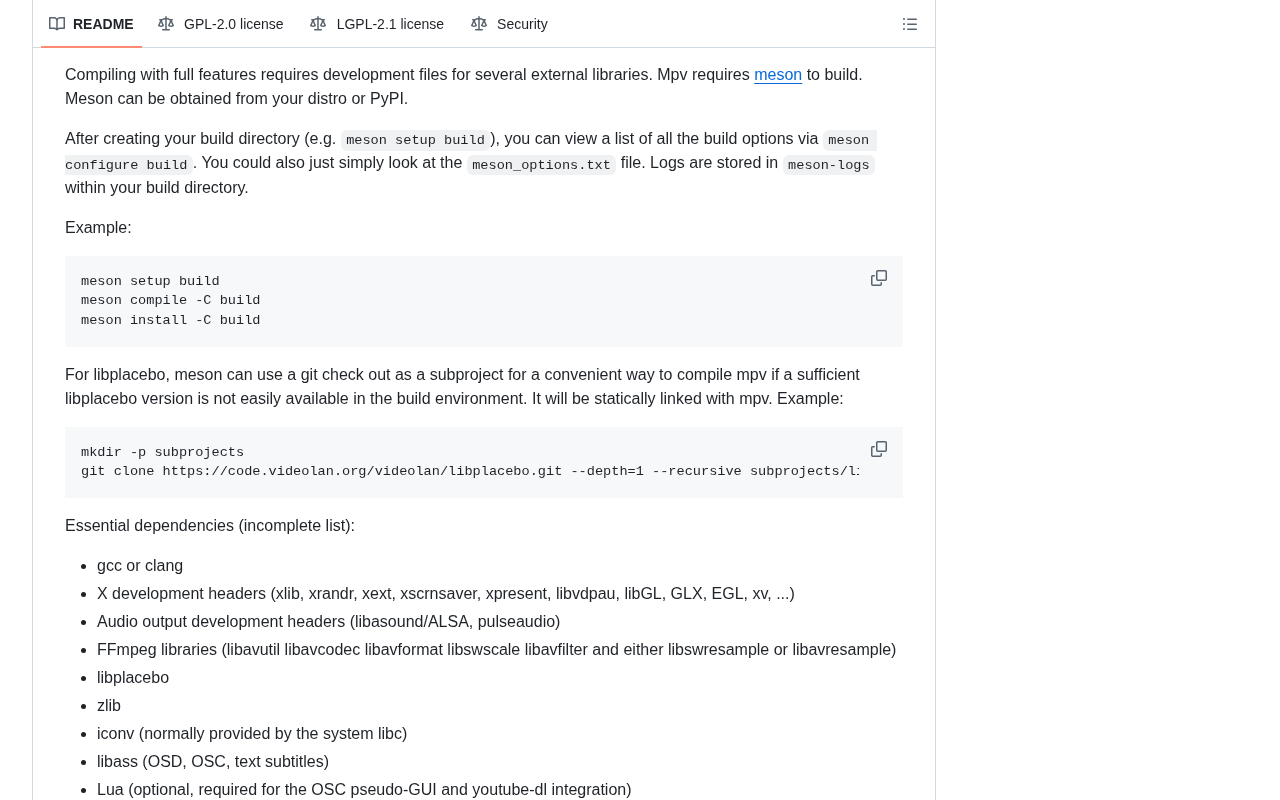
Embeddability: mpv provides a C API through libmpv, allowing external programs to link the playback kernel directly into their own processes and reuse decoding, audio-video sync, hardware acceleration, and subtitle rendering without handling the low-level details themselves. Many media centers, player frontends, and automation tools use libmpv as their kernel, layering a GUI or business logic on top. This is a key reason why mpv, despite lacking a fancy interface, has such broad downstream dependencies.
The trade-off: power comes with a barrier
mpv isn't without costs. In its default state it offers almost no graphical settings entry point, and many capabilities require reading docs and editing config files to enable. When new users first open it, they're often faced with a nearly blank screen, unsure what keys to press.
This forms the most fundamental divide between it and products like VLC: VLC aims for "install and it just works," while mpv aims for "you can make it whatever you want." The former targets the masses; the latter targets users willing to invest learning effort in exchange for precise control. The project itself doesn't try to reconcile this contradiction—and this insistence has, in turn, filtered out a highly sticky group of users.
The long-termism of a C project
Maintaining a cross-platform media player in C means simultaneously handling the window systems, audio backends, and graphics driver differences of each OS, while keeping up with the evolution of the codec ecosystem. This isn't a workload that short-term enthusiasm can sustain.
From community feedback, mpv's iteration pace is steady, and the maintainers have a clear consensus on "not adding bloated features." They haven't diverted energy into content library management, online video aggregation, or similar extensions, but instead keep polishing the playback kernel itself. For a project with extensive downstream dependencies, this restraint is itself a responsible choice.
Maintenance cost of a cross-platform C project: A media player must interact directly with the OS at a low level. C lacks the memory safety and abstraction facilities of modern languages, and window systems, audio backends, and graphics driver interfaces differ across Windows, macOS, and Linux—usually requiring conditional compilation and platform adaptation layers to handle separately. Meanwhile, the codec ecosystem keeps evolving: new container formats, new encoding standards, and new hardware decoding interfaces keep emerging, and players must keep up with updates to upstream libraries like FFmpeg. The workload of such projects is mostly consumed by compatibility maintenance and regression testing rather than new feature development, so a stable maintainer team and clear trade-off principles often determine a project's longevity more than short-term development speed.
Who it's for
If you just want to watch videos on your computer, mpv probably isn't the easiest choice. But if you need precise control over playback behavior, want to embed playback capabilities into your own programs, or need to batch-process media files in scripts, it's worth serious study—once you've read the docs, the payoff is long-lasting.
Key takeaways
- Positioning: command-line media player, written in C, 37,756 GitHub stars
- Lineage: derived from MPlayer / mplayer2, strong in format compatibility and decoding robustness
- Advantages: scriptable, embeddable, the kernel of many player frontends
- Costs: no graphical settings entry by default, notable configuration and learning barrier
- Comparison: a sharp contrast with VLC's "out-of-the-box" approach
One-line Summary
Command-line player mpv earned nearly 40K stars through scriptability, embeddability, and steady maintenance.
Related articles
 Tech Frontiers
Stylome Bot Slammed as Useless Junk: Why Do AI Detection Tools Keep Failing?
Reddit users test the Stylome AI detection bot: Gemini-rewritten text judged human-written, consistently low confidence. An analysis of AI text detection's technical dilemmas, privacy concerns, and credibility crisis in community governance.
 Tech Frontiers
When AI Becomes a Productivity Divide: Clarity or "AI Psychosis"?
A civil engineer's deep use of agentic AI boosted efficiency but bred contempt for peers who refuse to learn. Is this clarity or AI psychosis? An analysis of the cognitive and psychological challenges behind the AI productivity divide.
 Tech Frontiers
Opus 5.5 Benchmark Scores Climb, Community Says Its "Weights Are Blessed"
Reddit community discusses Opus 5.5's rising scores on the Benchmaxxing Bench, with users describing its performance as "weights are blessed." This article interprets the community reaction and cautions against conflating benchmark scores with real capability.