n8n in Practice: Building Your First AI Agent Workflow from Scratch

Build a minimal AI Agent in n8n using just three nodes: trigger, LLM, and memory.
Based on Episode 14 of the "n8n in 100 days" series, this article breaks down the three core nodes needed to build a minimal AI Agent in n8n: a "When chat message received" trigger for easy dev-stage testing; an AI Agent node paired with a Chat Model (LLM) forming a decoupled reasoning layer; and a Memory node that retains conversation history for coherent multi-turn dialogue. The trigger–reasoning–memory skeleton is the foundation for understanding all AI Agent architectures — getting this minimal loop running first is more valuable than piling on complexity from the start.
n8n in Practice: Building Your First AI Agent Workflow from Scratch
In the no-code automation space, n8n is rapidly becoming a go-to platform for building AI Agents. This article is based on a hands-on walkthrough from Episode 14 of the "n8n in 100 days" series, breaking down how to build a minimal yet complete AI Agent in n8n — and explaining the role and design logic behind each core node.
Why Choose n8n for Building AI Agents
n8n is an open-source workflow automation tool that lets you visually connect services and AI models through nodes. Compared to writing code from scratch, it enables both developers and non-technical users to quickly embed large language models (LLMs) into real business workflows.

The key to building an AI Agent isn't node complexity — it's understanding what each node is responsible for. Trigger, reasoning, and memory form the three-part skeleton of an agent capable of sustained conversation.
The Trigger Node: When Chat Message Received
Every workflow starts with a trigger. The demo uses the When chat message received node as its entry point.

The reason for choosing this trigger is straightforward: at this stage, testing is happening entirely within n8n, with no external channels connected yet (such as a website, WhatsApp, or other frontend). This node provides a built-in chat testing interface, making it easy to validate the Agent's responses during development without setting up an external interface. When it's time to deploy, you can simply swap in the appropriate trigger node for your target channel.
The AI Agent Node and Chat Model
The core of the workflow is the AI Agent node — the "brain" responsible for generating responses. However, the Agent itself doesn't possess reasoning capabilities; it needs to connect to an underlying model to handle actual content generation.

This is where the Chat Model — the large language model (LLM) — comes in. The Agent passes user input to the LLM, which generates a response and returns it. The benefit of this layered design is clear: the Agent node handles orchestration logic (such as calling tools and managing flow), while the specific model in use (OpenAI, Gemini, or others) can be swapped out freely. The two are fully decoupled.
It's worth noting that this "Agent handles orchestration, LLM handles generation" architecture is a universal design pattern across most Agent frameworks. The Agent node typically implements a ReAct (Reasoning + Acting) loop or something similar: it sends the user input and system prompt to the LLM, then decides based on the model's output whether to reply directly or invoke a tool (such as search, calculation, or a database query). After receiving the tool's result, it feeds the new information back to the LLM, iterating until a final answer is reached. Because the reasoning engine (LLM) is abstracted as a replaceable component, the same orchestration logic can be switched from GPT-4o to Gemini or a locally deployed Llama at any time — without rewriting any business logic.
The Memory Node: Giving the Agent Context Awareness
A bot that only handles single-turn replies isn't really an Agent. The demo places particular emphasis on the necessity of the Memory node.

Without a memory module, every response the Agent generates is independent — it can't connect to anything said earlier. If a user asks "What's its name?" and then follows up with "How old is it?", the Agent has no idea what "it" refers to. By connecting a Memory node, the Agent can retain conversation history and carry on coherent multi-turn exchanges. This is the critical step that separates a "Q&A bot" from a true intelligent agent.
At the technical level, the Memory node is fundamentally about managing how "conversation history" is persisted. The three most common strategies are: Window Buffer Memory, which retains only the last N turns to avoid exceeding the model's token limit; Summary Memory, where the LLM compresses historical conversation into a summary that's appended to each new request; and Vector Store Memory, which embeds historical conversation segments into a vector database and retrieves the most semantically relevant history on demand. n8n's Memory node uses Window Buffer Memory by default, which is sufficient for most everyday conversation scenarios. Only when conversations are extremely long or cross-session memory is needed should you switch to a more sophisticated storage strategy.
What the Three-Node Skeleton Teaches Us
This minimal Agent example is simple, but it clearly illustrates the fundamental architecture of an AI Agent:
- The trigger layer determines when the Agent starts and where it receives input;
- The reasoning layer (Agent + Chat Model) handles understanding and generation;
- The memory layer ensures conversational continuity and context awareness.
Once you understand how these three layers divide responsibilities, everything that comes next — integrating external tools, adding knowledge base retrieval, or scaling up to multi-agent collaboration — is just building on top of this skeleton. For anyone looking to get started with AI automation, getting this minimal loop working first is far more valuable than jumping straight into complex features.
Summary
n8n lowers the barrier to building AI Agents, turning "write code" into "connect nodes." From triggering a message and calling an LLM to plugging in memory, this basic combination is already enough to run a conversational, context-aware Agent. That's the philosophy the "n8n in 100 days" series aims to convey: through consistent, small-step practice, gradually build up the ability to construct AI workflows.
Related articles
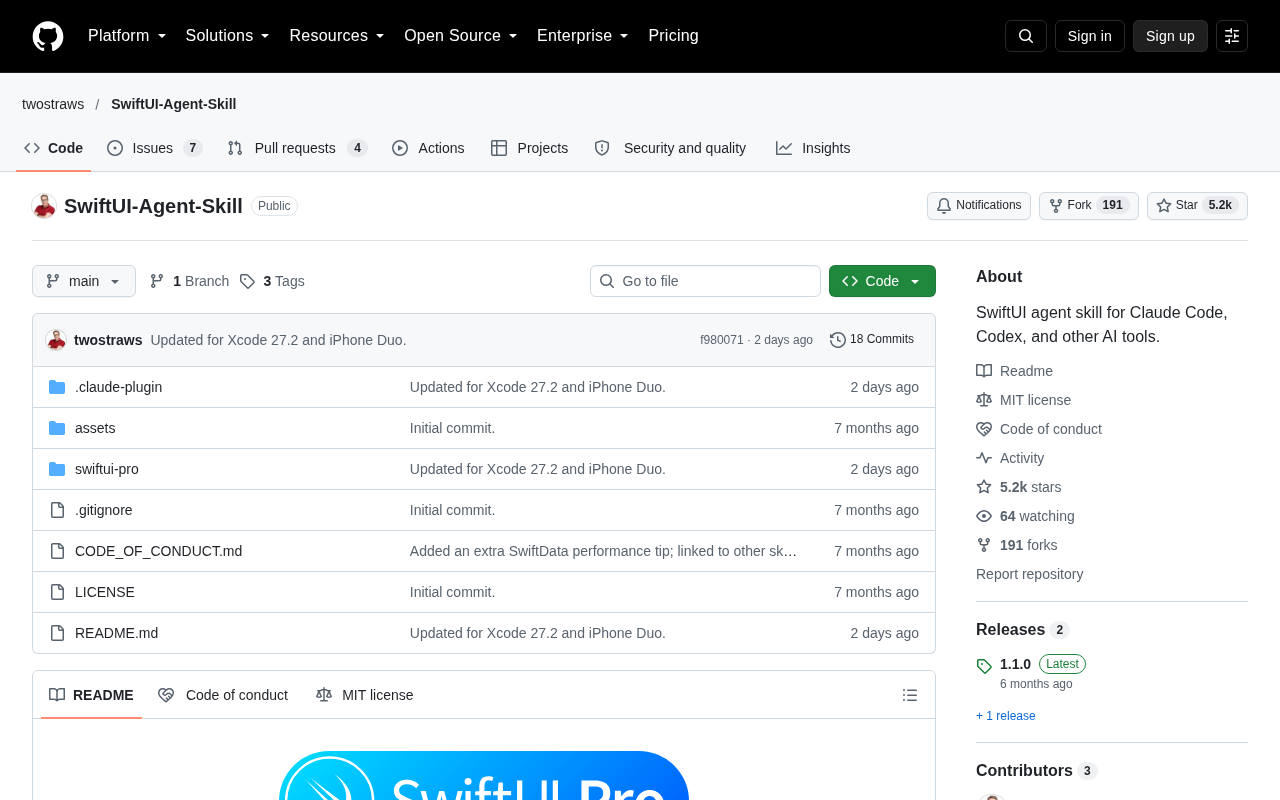
SwiftUI Agent Skill: Teaching AI Coding Tools to Write Idiomatic SwiftUI Code
SwiftUI-Agent-Skill by Paul Hudson gives Claude Code, Codex & other AI tools a dedicated SwiftUI knowledge pack. 5,200+ Stars. Learn what Agent Skills are and why they matter.

40 Years of Backpropagation: Remembering the Forgotten David Rumelhart
On the 40th anniversary of the backpropagation paper, we revisit deep learning pioneer David Rumelhart — his contributions to neural networks, PDP theory, and cognitive science.
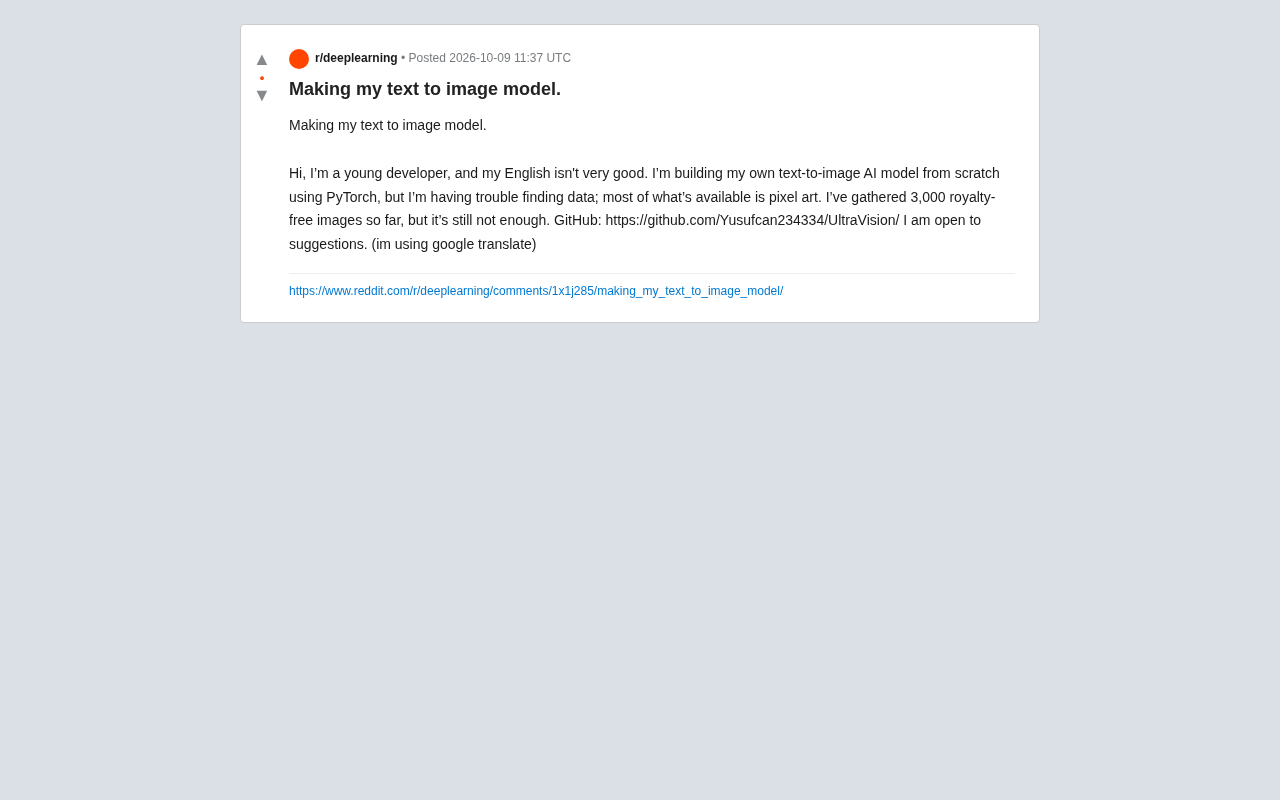
Building a Text-to-Image Model from Scratch: One Young Developer's Data Challenge
A young developer shares their PyTorch text-to-image project on Reddit, facing a critical data shortage. This article covers data bottlenecks and practical tips including open datasets, auto-captioning, and LoRA fine-tuning.