No Coding Required: He Shipped an App Store App by 'Cutting Features' and Nitpicking with AI

A non-technical game designer shipped an App Store app with AI by cutting scope and nitpicking.
Bilibili creator "影下独作," a game designer who barely codes, used AI to build and ship the standalone app "回想策" to the App Store. His approach: use GrillMe to have AI question requirements, cut features ruthlessly, and nitpick visuals like a demanding client. Dev setup, tech stack migration to React Native, website deployment, and submission materials were all delegated to AI.
Title
No Coding Required: He Shipped an App Store App by 'Cutting Features' and Nitpicking with AI
Meta Description
A game designer who knows nothing about frontend or backend built a dual-platform App Store app with AI—not through one-click generation, but by cutting scope and nitpicking like a demanding client.
Article Content
A game designer at a game company who only knows how to write game scripts in C# and has zero knowledge of web or mobile development worked with AI to take an app from his head all the way to the App Store—including a standalone website, submission materials, and promotional graphics. Throughout the entire process, he barely wrote a few lines of proper code.
This isn't a feel-good story about "AI one-click generation." Bilibili creator "影下独作" breaks down the whole process for you: how someone who doesn't understand frontend or backend actually used AI as a reliable teammate by cutting scope and nitpicking like a demanding client.
Starting Point: An Idea Held Hostage by the Notes App
He has a habit—while walking, showering, or lying in bed at night with the lights off, a short thought or two would suddenly pop into his head. To capture these fleeting ideas, he trained his muscle memory to unlock his phone, open the notes app, and create a new line within five seconds.
Capturing them was barely solved. The real killer was what came after: hundreds of notes accumulated over a year, all crammed into one giant list like a cold storage locker, never opened again. Recording without reviewing—those ideas that could have grown into real work were essentially the same as never recorded at all.
Then he came across someone who turned old photos into cards and flipped through a few each day, and it suddenly clicked: traditional notes apps feel too much like a thick notebook—you tap in and see walls of dense text, which is stressful just to look at. Could it be turned into a stack of sticky notes? An idea pops up, you tap in directly, or enter through a home screen widget to leave a sentence, a voice clip, or an image. First set up a few collection boxes—topic library, product ideas, life moments—like installing filters and lenses on your brain in advance. When you have time, swipe through cards like flipping through old photos; anything that still resonates after a month or two gets marked to accumulate "resonance points." Over time, whatever has the highest resonance score is naturally the direction most worth turning into a real work. This was the prototype of "回想策" (Recall Strategy).
Don't Write Code Yet: Let AI Interrogate You Instead
With the idea in hand, he didn't rush to have AI write code. Instead, he first used an AI Skills workflow called GrillMe, throwing the idea at AI and letting it fire questions back at him: Who is this actually for? Which step in recording and reviewing is the real bottleneck? Being chased with questions, his originally vague idea slowly became concrete—each idea represented as an individual card, swipe left or right to move to the next one, swipe up or down to favorite or archive.
His advice is direct: if you also want to build something with AI, never let it dive straight into writing code. First let it question you until you're speechless.
GrillMe is a colloquial term for a prompt workflow whose core idea is to have AI play the role of a "strict product reviewer" or "Socratic questioner," exposing ambiguities, logical gaps, and unverified assumptions in the user's requirements through continuous follow-up questions. Unlike the common "let AI give you a solution directly" approach, GrillMe-style workflows typically require AI to provide no solution until it receives clear answers—it only asks questions. This practice borrows from requirement elicitation in software engineering, but replaces the human analyst with a large language model. When using it, you can preset dimensions for questioning, such as target users, usage scenarios, pain point priorities, and success criteria, forcing an idea to move from "feels good" to an executable definition.
Scrapping and Starting Over: From WeChat Mini Program to a Standalone Dual-Platform App
At first, to save effort, he planned to build a WeChat Mini Program and even had AI write a version to test. But as he used it, something felt off: the mini program is buried inside WeChat—every time you have to open WeChat, pull down to find it, and by the time it loads, half the inspiration has gone cold. Plus the account has to be tied to WeChat. What he wanted was to pick up the phone, tap a home screen widget, and write directly.
So even though the mini program was already working, he decided to tear it down and rebuild it as standalone iOS and Android apps.

This perfectly illustrates another dimension of development: some ideas you settled on early—even when both you and AI think they're fine—may get re-evaluated during development. This is hard to nail down beforehand just by thinking, because at the time you may not even have realized the problem existed.
WeChat Mini Program is a lightweight app that runs within the WeChat ecosystem. Users don't need to download or install—they can access it by scanning a QR code or searching. Development uses the WXML/WXSS/JS stack and is subject to WeChat platform review and operational guidelines. Its advantages are low customer acquisition friction and easy sharing, but the drawbacks are clear: deep entry hierarchy (you must open WeChat first, then find the mini program), startup dependent on the WeChat environment, account system tightly bound to WeChat, and no support for system-level interactions like home screen widgets. For utility products that need "pick up phone and record immediately," the entry friction and platform limitations of mini programs often become experience bottlenecks—which is why many developers ultimately choose to build standalone native or cross-platform apps.
Core Insight: AI Naturally Adds, Humans Must Subtract
As he worked, he noticed something interesting: AI naturally loves to add, while the human's most essential job is to subtract.
AI proactively suggested a bunch of features that sounded fancy—should we add a knowledge graph? Should we auto-link ideas and set up to-do reminders? He rejected them all, emphasizing only one thing: this app does exactly two things well—"capturing fragmented ideas" and "looking back"—no bells and whistles.
The reasoning is simple: once you turn an inspiration tool into a to-do app, every time you open it you're greeted with "this isn't done yet" and "that should be checked off"—who would still want to jot down a random thought before bed?
Once the direction was set, the rest of development relied on him making requests and decisions. He didn't even know how to set up a dev environment—he followed AI's instructions to download Android Studio, and it immediately threw a screen full of errors. No problem—he screenshotted the errors and threw them at AI, letting it configure the environment step by step, scaffold the project, and write automated tests. For real-device testing, he just plugged in a USB cable and followed AI's instructions to enable developer mode; AI could then simulate finger taps on the screen and run through a round of functional acceptance. Later, to get closer to native iOS navigation and input feel, he had AI compare options and switched the tech stack from Flutter to React Native—throughout the entire process, he never opened a search engine once. All technical research and comparison was delegated to AI.
Flutter and React Native are currently mainstream cross-platform mobile development frameworks. Flutter, launched by Google, uses the Dart language and renders UI through its own engine (Skia), offering strong UI consistency and near-native performance, but with larger package sizes, and some system-level interactions require platform channel bridging. React Native, maintained by Meta, uses JavaScript/TypeScript and the React paradigm, renders through native components, has a massive community ecosystem, and generally integrates better with iOS/Android native navigation and input controls, though complex animations and heavy computation scenarios may hit performance bottlenecks. Both enable "one codebase, two platforms." When choosing, weigh UI consistency, native feel, ecosystem maturity, and team technical background.
Nitpicking Like a Client: Visuals and Feel Are AI's Blind Spots
What he did most every day was actually play the role of the most demanding client, focusing on visuals and feel.
For example, on the collection box page, AI's first version was a row of dry, flat lists that made you not want to tap in at all. He screenshotted it and sent it over: No, I want something that evokes real storage boxes—keep some soft shadows, tone down the icons, use a strip of color tone to distinguish different boxes, and give me a few versions to choose from first. Once the direction was set, AI went back to adjust the notches and shadows; he'd get the new build, swipe around on his phone, and keep nitpicking: text is too cramped, the inner title is truncated, dragging doesn't feel responsive enough.

Fixing bugs followed the same approach. Once he noticed that reviewing from the home screen widget showed different content than opening the app directly and swiping through. He threw both behaviors at AI, along with his own guess, and AI investigated on its own, found that the two entry points were calling different data sources, then immediately fixed the code and added regression tests.
He can't write those animations and underlying logic, but he knows exactly what users should see the moment they open it, and what it should feel like as their finger swipes across. How to write code and how to call APIs—AI can lay the foundation in seconds. But what counts as good-looking, what counts as smooth, and where one extra tap would annoy people—these pain points are something machines can't feel.
Beyond Code: The Website, App Store Submission, and Promotion All Took Grinding
When deploying the website, AI said to use Caddy, and he asked directly, "What the heck is Caddy?" After AI explained, he was only responsible for deciding what goes on the page. Writing the webpage, uploading files, and configuring HTTPS were all left to AI to run through—he just scanned a QR code to authorize and clicked a link to verify.
Submitting to the App Store was also a hassle: packaging, screenshots, and writing descriptions all involved AI. But the first submission was rejected outright—because the description accidentally mentioned Android. He quickly had AI investigate and fix it, then resubmitted, and it finally passed review.

Even the 9-page promotional image set he posted on Xiaohongshu was "forced out" through conversation. AI's first version read like a dry instruction manual; he had it completely scrapped and rewritten around a specific little story—"wanted to watch a movie during the day, but forgot the title by night"—plus a comparison between notebooks and sticky notes, and finally had AI run a script to generate the images.
Caddy is an open-source web server and reverse proxy written in Go. Its standout feature is automatically obtaining and renewing TLS certificates for domains by default (via Let's Encrypt or ZeroSSL), enabling zero-config HTTPS. Compared to Nginx, which requires manual certificate configuration and reloading, Caddy's Caddyfile syntax is extremely simple, making it suitable for individual projects to quickly deploy static websites or reverse proxy backend services. For indie developers unfamiliar with server operations, Caddy can compress the traditionally tricky step of "configuring HTTPS" into a few lines of configuration, lowering the barrier to going live.
Why It Got More Addictive the More He Worked on It
Watching "回想策" sit quietly in the App Store, he understood why tinkering with it every day after work for the past few months wasn't tiring but actually more addictive.
After working on large projects at a company for so long, the feeling of personally finishing something is actually rare—you're always maintaining an endless system. But during those weeks grinding out this app with AI, watching an idea that almost gathered dust truly become a finished product he uses every day—that sense of solid accomplishment from seeing something through to the end is incredibly addictive. Over those two-plus months, he used his own 回想策 to casually jot down over 150 thoughts across the topic library and product ideas collection boxes. Many of the reflections in the video were filtered out by swiping through and reviewing, watching the resonance scores accumulate over time.
In the AI era, as the barriers to writing code and making graphics get lower and lower, what real problem you actually want to solve and how picky you are about good work may be the most valuable things. If you also have a few little ideas stored up in your head that you've never acted on, don't get stuck on "I don't know tech"—first grab a sticky note and write it down, then go talk to AI. Leave the grunt work to the machines, and keep the feeling, the nitpicking, and the creativity for ourselves.
One-line Summary
A game designer with no frontend/backend skills built and shipped a standalone App Store inspiration-card app by using AI to cut scope and applying a挑剔 eye.
Paragraph Summary
The article tells the full story of how Bilibili creator "影下独作," a game designer who barely writes proper code, used AI to build the standalone app "回想策" from scratch and ship it to the App Store. Three core methods: first use the GrillMe workflow to have AI question requirements in reverse, forcing vague ideas into concrete form; stick to subtraction during development, rejecting fancy features like knowledge graphs and to-do reminders, keeping only recording and reviewing; and act like a demanding client on visuals and feel—screenshotting and nitpicking through repeated iteration. Dev environment setup, switching the tech stack from Flutter to React Native, website deployment, submission materials, and promotional graphics were all delegated to AI, with the human only making decisions and accepting results. The author reflects: in the AI era, as technical barriers drop, what's truly valuable is what real problem you want to solve and how picky you are about good work.
Related articles
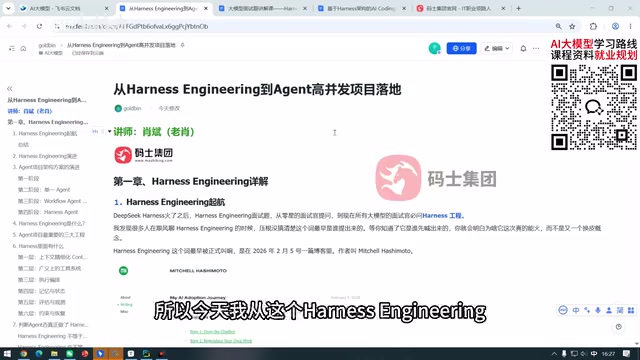
What Is Harness Engineering? From Concept Origins to Enterprise-Level Agent Implementation
What is Harness Engineering? This article traces the concept's origins and analyzes enterprise-level Agent requirements for tool call fault tolerance, data security, tenant isolation, and memory gaps.
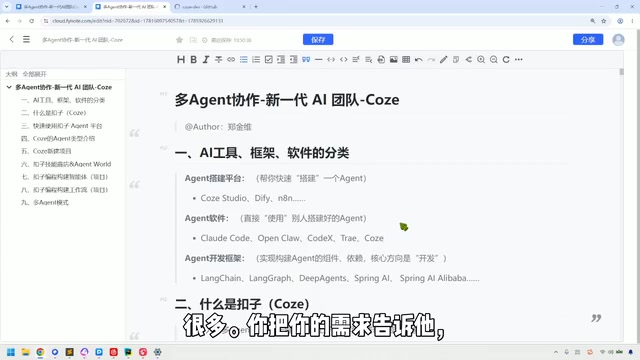
Coze in Practice: A Three-Tier Agent Classification and a Multi-Agent Collaboration Guide
A Bilibili tutorial breaks down the multi-agent collaboration toolchain into three categories: building platforms like Coze Studio and Dify, Agent software like Claude Code, and development frameworks like LangChain—plus a Coze demo of industry templates, three-platform interoperability, local Agent integration, and the trade-offs of credit consumption.
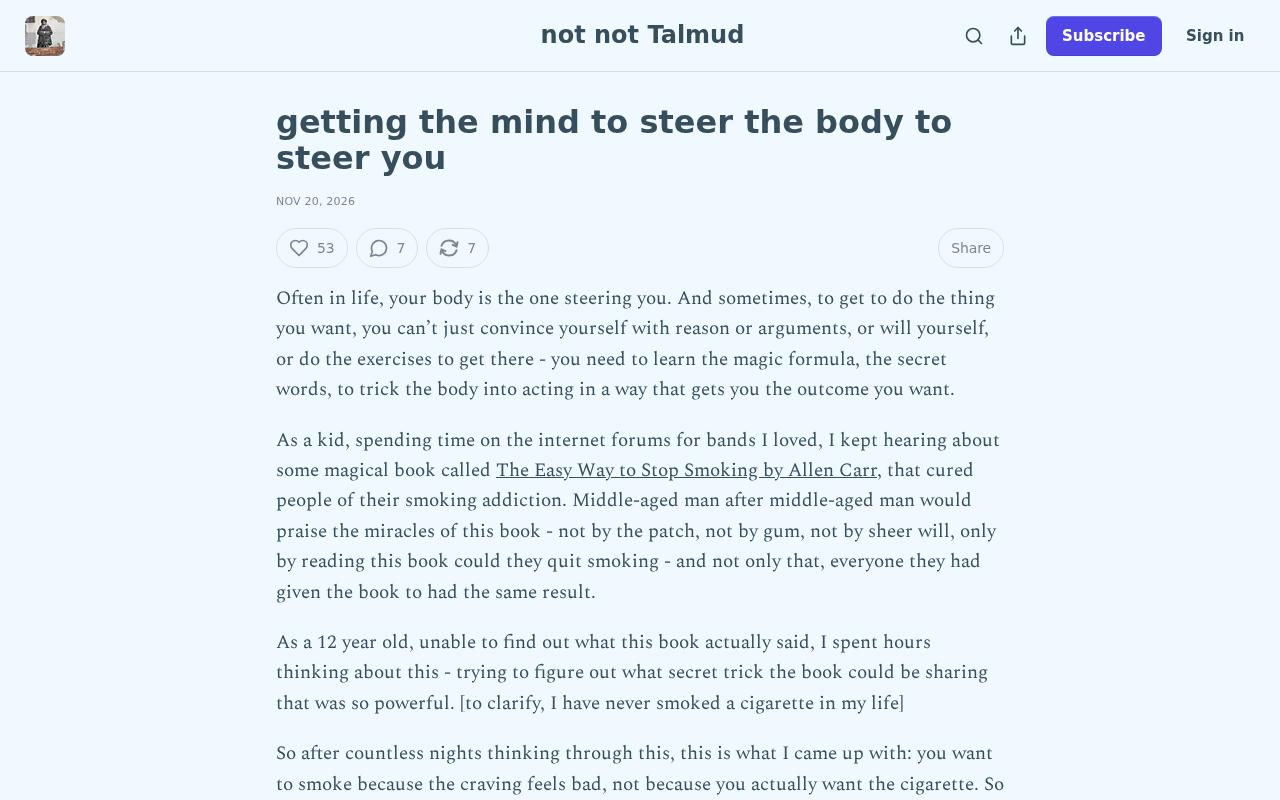
How the Mind Steers the Body: An Underrated Self-Regulation Revolution
An interpretation of the Substack essay Getting the mind to steer the body to steer you: how the mind regulates itself through bodily feedback, an embodied cognition framework for self-management, and the multi-angle discussion in the Hacker News community.