Ollama Beginner's Guide: Deploy Open-Source LLMs Locally from Scratch

Ollama lets you deploy open-source LLMs like DeepSeek locally — no API keys, no fees, no data leaks.
This article explains why developers run open-source LLMs locally and introduces Ollama as the tool that makes it easy. Cloud APIs charge per token and route data through third-party servers — a cost and privacy burden for heavy users. Ollama is a free, open-source model management platform supporting macOS, Windows, Linux, and Docker. It automatically schedules GPU and CPU resources, provides CLI, Web UI, and REST API interfaces, and enables developers to build private knowledge-base Q&A bots entirely on-premises.
Why Run Large Language Models Locally
Most people interact with online LLMs — whether ChatGPT, DeepSeekAd, or other cloud-hosted models — by visiting a provider's website and chatting with a model they manage. Casual use is typically free, but as soon as you need personalized development — like calling a model via API or integrating it into your own application — you need to apply for an API key and pay based on the number of tokens returned.
DeepSeek's API pricing is relatively affordable, and early sign-ups once received free credits, but those promotional offers are now gone. More importantly, no matter how cheap the price, using a cloud API means ongoing costs — and your data passes through a third-party server. For users handling private data or doing heavy development and debugging, this is both a cost issue and a data security concern.
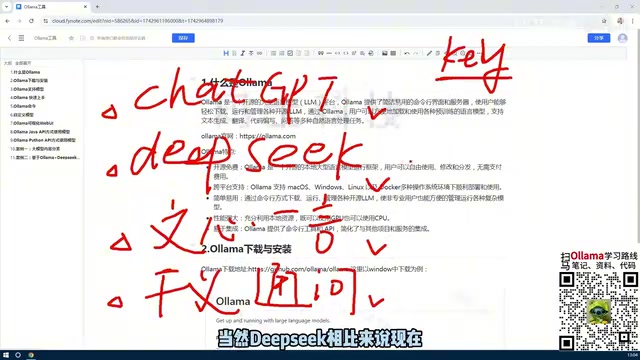
With models like DeepSeek and LLaVA releasing as open source (OpenAI's GPT series remains closed), it's now possible to run these models directly on your own machine. Running locally means no API keys, no fees, and unlimited calls during development and testing. To make this process genuinely simple, you need a dedicated tool — and that's where Ollama comes in.
Token is the basic unit large language models use to measure text — think of it roughly as a "word fragment." For Chinese, 1 token corresponds to approximately 0.6–1 Chinese character; for English, 1 token is roughly 0.75 words. Cloud APIs typically charge separately for "input tokens" (what you send to the model) and "output tokens" (what the model returns). A seemingly simple conversation, once you factor in system prompts and conversation history, often consumes far more tokens than expected. When batch-processing documents, repeatedly debugging prompts, or building multi-turn conversation applications, token costs accumulate quickly — which is the fundamental reason local deployment is so appealing to high-frequency developers.
What Exactly Is Ollama
Ollama is best understood as a platform tool for managing various open-source large language models. Its core value lies in radically simplifying what was once a complex local deployment process, making it easy for everyday users to run open-source models on their own machines.
With Ollama, you can perform a complete set of model management operations: downloading models, running models, deleting models, and even creating and fine-tuning custom models based on existing ones. It offers two modes of interaction — a command-line (CLI) interface and a Web UI graphical interface — to suit different user preferences.
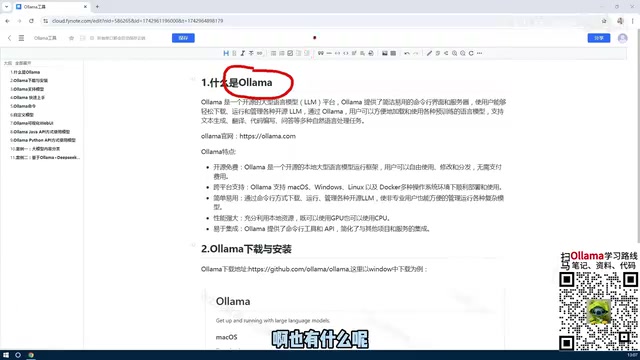
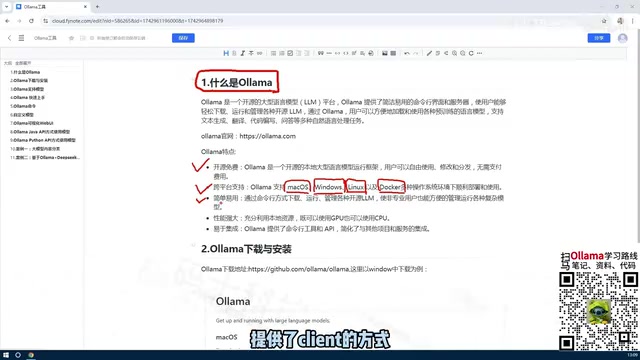
In terms of cross-platform support, Ollama covers macOS, Windows, Linux, and Docker environments. For personal learning and experimentation, you can install it directly on Windows or Mac. For enterprise scenarios, Linux or Docker is more appropriate for centralized management and scalability.
Core Features of Ollama
Breaking down Ollama's strengths, they fall into a few key areas.
Open Source, Free, and Cross-Platform
Ollama itself is an open-source, free tool with no licensing fees. Combined with the open-source models it manages, the entire stack can be used at zero cost. Its comprehensive support for major operating systems and container environments means it works whether you're on a personal laptop or an enterprise server.
Automatic GPU and CPU Resource Scheduling
This is one of Ollama's most impressive capabilities. Without tools like this, running a large model locally used to require manually configuring a complex GPU environment — checking driver compatibility, resolving dependencies, and more. Even if your machine supported GPU acceleration, the tedious setup process was enough to discourage most people.
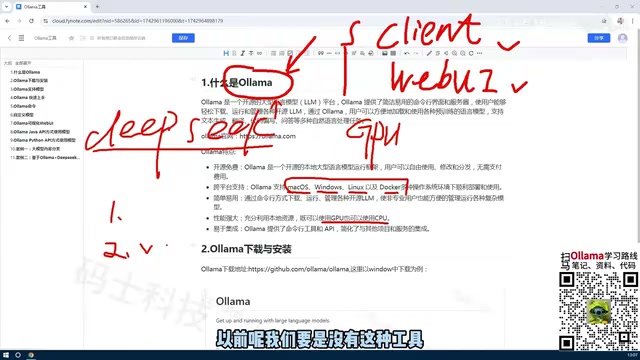
Ollama hides all that complexity. It makes full use of available hardware, supporting both GPU and CPU, and handles resource scheduling automatically. This means users without a dedicated graphics card can still run models, dramatically lowering the barrier to using open-source LLMs.
That said, it's worth noting that larger models require more powerful hardware. DeepSeek's latest full-scale model, for example, can reach hundreds of gigabytes in size — running it naturally demands more capable hardware. Always choose a model size appropriate for your machine.
The core hardware requirement for running LLMs is memory bandwidth, not raw compute power. GPUs run models faster because VRAM bandwidth far exceeds that of regular system RAM. When a GPU is available, Ollama prioritizes loading model weights into VRAM for inference; if VRAM is insufficient, it automatically offloads some layers to system memory or even disk, using the CPU to compensate — at the cost of significantly slower speeds. When assessing whether your machine can run a model smoothly, VRAM capacity is the key metric: a quantized 7B model requires roughly 4–6 GB of VRAM, a 13B model needs around 8–10 GB, and a full unquantized large model may require tens or even hundreds of gigabytes. Choosing a model size that matches your hardware is the essential prerequisite for a good experience.
Rich API and Command-Line Interface
Ollama provides a comprehensive set of APIs and CLI operations. Developers can access locally deployed models using Python, Java, or other languages, giving it strong extensibility.
One of the most common and valuable use cases is interacting with local models through the API: feeding a company's private knowledge base into an open-source model to build a domain-specific Q&A bot. This approach keeps data entirely on-premises for privacy, while eliminating ongoing cloud API costs — making it a typical real-world production use case for Ollama.
When Ollama starts locally, it listens by default on
http://localhost:11434and exposes a REST API compatible with the OpenAI format. This means a wide range of open-source frameworks and tools already designed for the OpenAI interface — such as LangChain and LlamaIndex for building RAG (Retrieval-Augmented Generation) applications, as well as various Agent frameworks — can switch to a local Ollama model with little to no code changes. RAG (Retrieval-Augmented Generation) refers to the process of first retrieving relevant document chunks from a local knowledge base, then passing them as context to the model to generate an answer — enabling the model to "know" private information beyond its training data. This is the underlying technical approach behind the "feed a private knowledge base to build a Q&A bot" use case mentioned earlier.
Summary
Let's recap the key points from this section. Ollama is an open-source LLM management tool that makes it easy to deploy various open-source models on your local machine, with no per-token fees. Its strengths can be summarized in three points: it's open source, free, and cross-platform; it provides both API and CLI interfaces for managing and calling models; and it flexibly utilizes both GPU and CPU resources, significantly lowering the barrier to running open-source LLMs.
With a solid understanding of what Ollama is and what it can do, the next step is to actually download, install, and deploy a model — and get a real open-source LLM running on your own computer.
Related articles

How Big Can Stars Really Get? The Physical Limits of the Largest Stars
Red supergiants are the largest stars by volume, with radii up to 2,000 times the Sun, engulfing the inner solar system. But there is no precise upper limit on stellar size—models predict up to 15,000 solar radii. The most massive blue stars are far smaller than red supergiants—biggest and heaviest are two different things.

Apple HomeView Smart Display Full Feature Breakdown: Wall-Mount or Desktop, $299
Apple launches HomeView, a $299 smart display with wall-mount and desktop options, 12MP camera for facial recognition, smart home control, music playback, and recipe step-by-step cooking. Full breakdown of watch faces, apps, privacy, and cooking integration.

Where Did the Promised New Studio Go? Craft Computing Answers After Five Years
Craft Computing's host responds to viewer questions: the new studio promised five years ago was shelved as construction costs soared from $30,000 to $75,000, and was replaced by a 168-square-foot garage conversion.