Ollama Beginner's Guide: The Essential Tool for Running Open-Source LLMs Locally

Ollama lets anyone run open-source LLMs locally for free, without complex GPU setup or API fees.
Ollama is an open-source local model management tool for individuals and enterprises. It eliminates cloud API costs, hides GPU environment complexity, and provides a unified interface for managing and calling models. It supports macOS, Windows, Linux, and Docker, automatically schedules GPU and CPU resources, and lets users download and run open-source models like DeepSeek and Llava via CLI or Web UI. With its standard API, it integrates with Python, Java, LangChain, and LlamaIndex — making it ideal for building private knowledge base chatbots and other local AI applications.
Why Run Large Language Models Locally
Most large language models we use every day — ChatGPT, DeepSeekAd, Wenxin Yiyan, Tongyi Qianwen — run entirely in the cloud. You visit a provider's website, type a question, and the model responds based on its training. That's how most people experience AI.
Casual conversations are usually free, but things change the moment you want to build something custom. Calling ChatGPT or DeepSeek via API requires you to apply for an API Key, and you're billed based on the number of tokens returned. DeepSeek is relatively affordable — early registrations even came with free credits — but token pricing varies by model, and the costs add up over time with heavy usage.
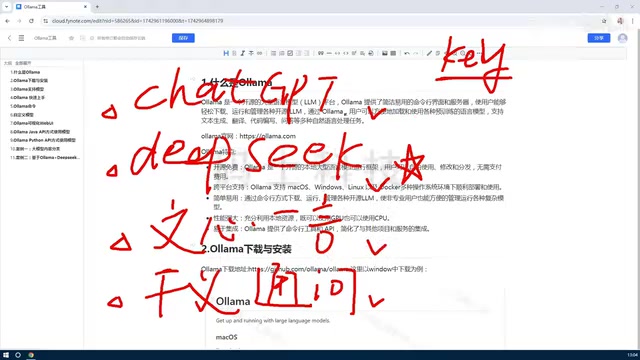
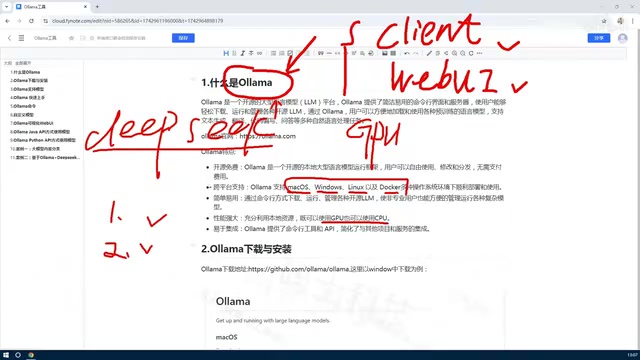
This raises an obvious question: since models like DeepSeek and Llava are already open source, can you deploy them locally? No API keys, no per-call fees, and zero marginal cost for custom development. The answer is yes — and the key tool that makes it possible is Ollama.
Tokens are the basic unit large language models use to measure text — think of them as "word fragments." In Chinese, one character typically corresponds to 1–2 tokens; in English, roughly 4 characters equal 1 token. API calls are billed by the total number of input and output tokens. A simple Q&A might use a few hundred tokens, while long conversations with context or document summarization can easily reach thousands or even tens of thousands per call. GPT-4o, for example, costs several dollars per million tokens; DeepSeek is cheaper, but high-frequency usage or processing large volumes of documents can still rack up significant costs. This is the most direct appeal of local deployment for developers: download once, call infinitely, with zero marginal cost.
What Is Ollama
At its core, Ollama is a platform tool for managing large language models. Its primary purpose is to help users easily deploy open-source models on their local machines and provide a unified interface for managing and calling them.
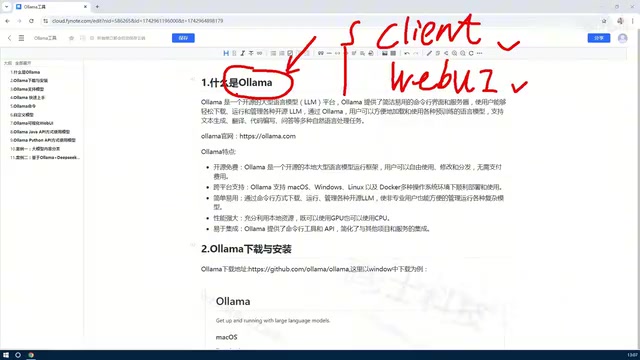
Ollama offers two interaction methods: a command-line interface (an interactive CLI client) and a Web UI. Whether you prefer typing commands or clicking through a GUI, you can use it to download, manage, and delete models — and even create customized models based on existing ones.
Cross-platform support is one of Ollama's biggest strengths. It supports macOS, Windows, Linux, and Docker, covering virtually every major operating system. Individual users can install it on Windows or Mac, while enterprises are better served by Linux or Docker deployments.
One thing to keep in mind: model size directly determines hardware requirements. The full version of DeepSeek's latest model, for instance, can reach hundreds of gigabytes — the larger the model, the more demanding it is on your machine. All of this is downloaded from the internet to your local storage, and Ollama handles the entire process.
Lowering the Bar: Hybrid GPU and CPU Usage
Running large models typically requires a GPU, and configuring a GPU environment has always been a headache. Before tools like Ollama, self-deploying an open-source model meant setting up a full GPU software stack on your machine — and even if your hardware supported it, you still had to install a pile of complex drivers and dependencies.
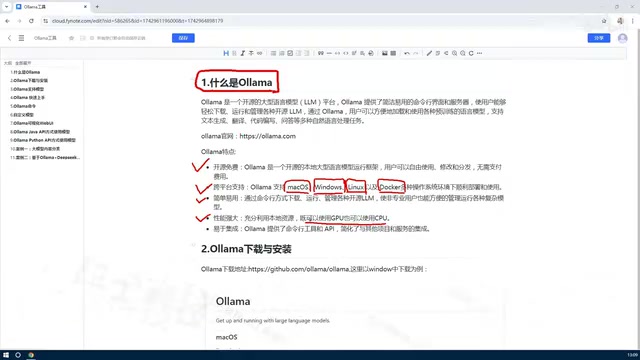
Ollama abstracts away all of that complexity. It makes full use of whatever hardware is available — GPU, CPU, or both — so machines without a dedicated graphics card can still run models. This flexibility dramatically lowers the barrier for everyday users. Once installed, you can jump straight to downloading and managing models without wrestling with environment configuration.
The reason large models depend on GPUs is that inference involves massive matrix multiplication operations, and GPUs have thousands of parallel compute cores — far more efficient for this than CPUs. Traditional self-deployment typically requires installing CUDA (NVIDIA's parallel computing platform) or ROCm (AMD's equivalent), then configuring deep learning frameworks like PyTorch or TensorFlow, where version conflicts can easily derail the whole setup. Ollama bundles these dependencies internally, hiding the underlying complexity. On machines with NVIDIA or AMD GPUs, it automatically detects and enables GPU acceleration; without a dedicated card, it falls back to CPU mode — slower, but functional. For Apple silicon (M-series chips), Ollama specifically leverages the unified memory architecture (where CPU and GPU share the same memory pool), enabling reasonably smooth inference speeds.
Key Features of Ollama
Here's a summary of what makes Ollama stand out:
Open Source and Free
Ollama itself is open source and free. Paired with open-source models, there are no costs once everything is deployed locally.
Cross-Platform Support
Supports macOS, Windows, Linux, and Docker — suitable for both personal and enterprise deployments.
Easy to Use
Offers both a CLI client and a Web UI, accommodating users with different preferences.
High Performance
Can orchestrate both GPU and CPU resources, eliminating the need for users to manually configure complex runtime environments.
Extensible
Exposes both an API and command-line interface, supports multiple languages including Python and Java, and integrates easily into a wide range of development workflows.
Typical Use Cases
Ollama's most valued capability is enabling interaction with locally deployed open-source models via API. One of the most common real-world applications is: taking an existing open-source model, feeding it a company's internal private knowledge base, and building a domain-specific Q&A chatbot.
Since both the data and the model run locally, this approach ensures data privacy while eliminating ongoing API costs. Ollama dramatically lowers the technical barrier for building this kind of system, letting developers focus on business logic rather than infrastructure setup.
The standard technical approach for injecting private knowledge into a local model is called RAG (Retrieval-Augmented Generation). The basic idea: corporate documents, manuals, or databases are chunked and converted into vector indexes stored locally. When a user asks a question, the system first retrieves the most relevant text snippets from the index, then sends those snippets along with the question to the model, which generates a response based on that context. This approach requires no retraining of the model itself, the knowledge base can be updated at any time, and data never leaves the local network — making it especially well-suited for compliance-sensitive industries like finance, healthcare, and legal services. Ollama's standard API interface makes it easy to use as the inference backend in a RAG pipeline, with direct integration into popular frameworks like LangChain and LlamaIndex.
Summary
At its core, Ollama is a local management tool for open-source models. It solves three key problems: it makes it easy to deploy open-source models locally so you never pay per call; it provides both an API and a CLI for managing and interacting with models; and it reduces hardware barriers through hybrid GPU/CPU scheduling. For individuals and enterprises looking to run large models locally or build private AI applications, Ollama is a great place to start.
Related articles

How Big Can Stars Really Get? The Physical Limits of the Largest Stars
Red supergiants are the largest stars by volume, with radii up to 2,000 times the Sun, engulfing the inner solar system. But there is no precise upper limit on stellar size—models predict up to 15,000 solar radii. The most massive blue stars are far smaller than red supergiants—biggest and heaviest are two different things.

Apple HomeView Smart Display Full Feature Breakdown: Wall-Mount or Desktop, $299
Apple launches HomeView, a $299 smart display with wall-mount and desktop options, 12MP camera for facial recognition, smart home control, music playback, and recipe step-by-step cooking. Full breakdown of watch faces, apps, privacy, and cooking integration.

Where Did the Promised New Studio Go? Craft Computing Answers After Five Years
Craft Computing's host responds to viewer questions: the new studio promised five years ago was shelved as construction costs soared from $30,000 to $75,000, and was replaced by a 168-square-foot garage conversion.