OpenAI Codex Complete Guide: From Installation to Hands-On Practice, a Full Breakdown of the AI Coding Agent
Codex is a coding agent that autonomously reads code, fixes bugs, and runs tests, complementing ChatGPT's talking with doing.
Based on a Bilibili creator's tutorial, this article introduces OpenAI's AI coding agent Codex. It clarifies the difference from ChatGPT: ChatGPT is like a teacher that explains and gives examples, while Codex is like a programmer partner that autonomously examines projects, modifies code, and delivers tested results—"talking" versus "doing." It notes the shift from hand-writing code to directing AI to write code, making the ability to formulate requirements for AI a scarce skill. It covers Codex's four forms—CLI, web, IDE plugin, and APP—with similar capabilities but different scenarios, the APP being the most complete and the web version suited for beginners. Finally, it advises seeing Codex as a "junior programmer" needing review rather than a fully entrusted automatic development machine.
AI coding tools are evolving from "assisting with code writing" to "autonomously completing tasks." OpenAI's Codex is a representative product of this trend—it's no longer a simple chatbot, but a coding agent that can read code, understand requirements, fix bugs, run tests, and execute commands. Based on a detailed tutorial from a Bilibili creator, this article systematically breaks down Codex's positioning, its fundamental difference from ChatGPT, its four usage forms, and why you should learn it, helping developers quickly build a complete understanding of this tool.
What Codex Is: A Coding Agent That Goes from "Talking" to "Doing"
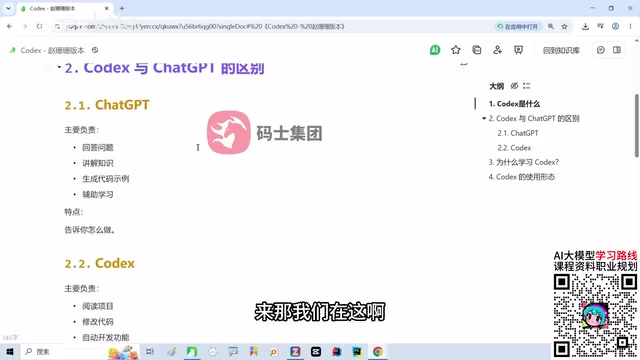
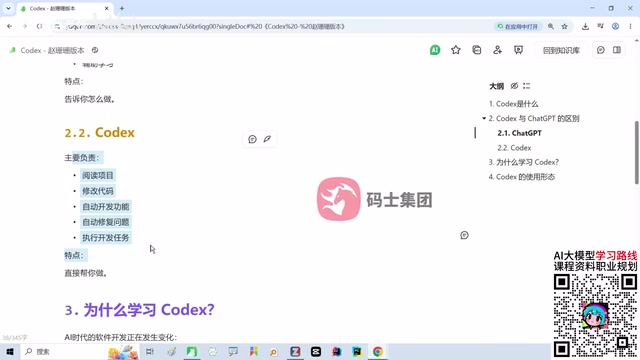
According to the Bilibili creator, Codex is an AI coding agent launched by OpenAI. Unlike traditional code generation tools, the core of an agent lies in "working autonomously"—it can read code, understand code logic, fix bugs, run tests, and even execute commands and scripts. This means Codex isn't just a chat window, but an executor that can genuinely intervene in the development workflow.
Many developers are confused when they first encounter Codex: isn't the large model it relies on just ChatGPT? What exactly is the difference between the two? The creator explains this with a vivid analogy: ChatGPT is like a teacher—when you ask "How do I implement a login feature in Spring Boot," it explains the principles and gives code examples, but after generating the code you still need to copy and paste it into your development tool yourself to complete the integration. Codex is more like a programmer partner sitting right beside you—you simply tell it "build the login feature for me," and it autonomously examines the project, modifies code, generates code, tests and debugs, and once everything passes, tells you "it's done."
This difference can be summed up as: ChatGPT handles the "talking," Codex handles the "doing." The former is knowledge Q&A and code suggestions; the latter is task execution and engineering delivery. Understanding this is the key to judging when to use ChatGPT and when to use Codex.
Agent is the core concept for understanding Codex's positioning. In the AI field, an agent refers to a system that can perceive its environment, plan autonomously, and execute multi-step actions to achieve a goal—not merely a model that responds to a single input. Traditional code generation tools operate in a "passive response" mode: the user gives a prompt, the model returns text, and all subsequent copying, pasting, running, and debugging is done by a human. An agent, by contrast, has tool-calling capabilities—it can read and write files, execute terminal commands, run test suites, and adjust its next action based on execution results, forming an "observe—plan—act—verify" loop. Codex combines the reasoning capabilities of large models with tool permissions in the development environment, thereby upgrading "generating code snippets" to "completing development tasks." Understanding this distinction makes it clear why an agent's output is no longer isolated text, but a series of verifiable engineering operations.
Why Learn Codex Now: The Development Paradigm Has Already Changed
The creator repeatedly emphasizes one judgment throughout the tutorial: we are shifting from "writing code ourselves" to "directing AI to write code." In the past, developers had to write code line by line by hand; now the workflow has become one where the program presents requirements, the AI agent completes most of the coding, and the programmer is responsible for review and optimization. This doesn't mean programmers are being replaced—quite the opposite: if you know nothing about programming, you simply can't review the code AI produces, nor can you judge the direction for optimization.
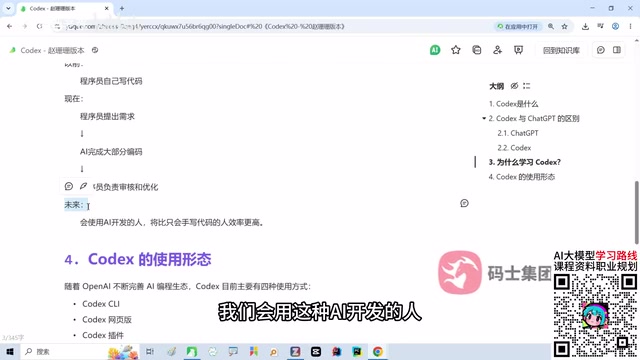
The truly scarce skill in the future is being "the person best at formulating requirements for AI." Programmers who know how to use AI development tools will be significantly more productive than peers who write everything by hand. This is also the most important reason to learn agent tools like Codex and Claude Code: they don't replace programming ability, they are a lever that amplifies it. For developers, getting familiar with the workflows of such tools early is more practically valuable than agonizing over "will AI steal my job."
Four Usage Forms: CLI, Web, Plugin, and APP
Codex's ecosystem is gradually maturing, and it currently offers four usage methods with similar capabilities but different applicable scenarios. The creator gives a clear explanation of each form in the tutorial.
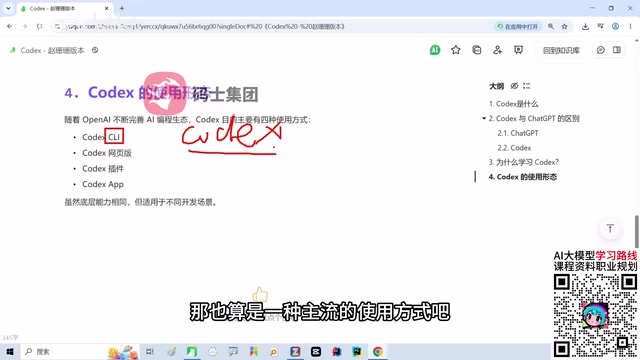
CLI Command-Line Version
CLI is the command-line version of Codex, running Codex commands directly in the terminal. It suits developers who can code and is one of the mainstream usage methods today. The advantage of the command-line form is its seamless integration with the local development environment, making it ideal for engineers accustomed to terminal operations.
CLI (Command Line Interface) is how developers interact with programs through text commands, as opposed to a graphical user interface (GUI). CLI-form AI coding tools are typically installed system-wide as global commands; once started in the project root directory, the agent can directly access the file tree of the current working directory, read source code, and execute build and test commands. Its key advantage is that "the context is the project": there's no need to manually upload files, as the tool is naturally situated in a real engineering environment. At the same time, CLI is easy to script and automate, and can be embedded in CI pipelines or combined with other command-line tools. The trade-off is a lack of visual feedback, which poses a barrier for beginners unfamiliar with terminal operations. This is also why the article recommends that beginners first use the web version to build understanding, then transition to the CLI.
Web Version
The web version is accessed through a browser, requires no installation, works out of the box, and lets you converse directly with Codex. The downside is its limited control over local projects. The creator suggests beginners can use the web version to try things out and get familiar with the interaction logic, but it's not recommended to rely on this method for formal development.
IDE Plugin Version
The plugin form integrates into other IDEs (such as VSCode), allowing developers to write and modify code within the editor, seamlessly connected to the project. For everyday development, the plugin experience is quite smooth and is one of the forms programmers use most frequently.
IDE (Integrated Development Environment), such as VSCode and the JetBrains family, is the main battleground where programmers write and debug code daily, integrating the editor, compiler, debugger, and version control capabilities. IDE-plugin-form AI tools run within the editor process, so they can obtain the currently open file, cursor position, project structure, and even diagnostic information (such as syntax error prompts) as context. This enables the plugin to provide suggestions and modifications in the "write-as-you-go" rhythm, reducing the cost of switching back and forth between the chat window and the editor. Compared with the CLI and standalone clients, the plugin form is closer to the coding action itself, but for managing large cross-file tasks and long-running autonomous execution, it is generally less complete than the standalone client form.
APP Client Version
The APP is Codex's standalone client with the most complete functionality: it has a full graphical interface, the strongest agent capabilities, and supports multi-task management, connection to local projects, and complex development workflows. The creator positions it as Codex's "flagship" form, and it's also the method demonstrated in depth in this tutorial.
The four forms cover the entire range of scenarios, from lightweight trials to deep integration. Beginners can start with the web version to build understanding, use the plugin or CLI for everyday development, and switch to the APP client when managing complex tasks.
Learning Advice and Caveats
Codex's value lies in freeing developers from repetitive coding, but the tool's learning curve isn't zero. The creator's tutorial emphasizes "covering the entire process from installation and configuration to hands-on functionality," which shows that the configuration step itself is part of the learning curve. For novice users, it's advisable to first understand the fundamental difference between an agent and a chatbot, then choose one form to practice with, rather than pursuing full end-to-end automation right away.
Another point to note: Codex relies on large model capabilities at its core, and its output quality is closely tied to the model version and project context. Treating it as a "junior programmer" whose work needs review, rather than a fully entrusted "automatic development machine," is the more prudent mindset for now.
Context here refers to all the information the agent can "see" when making decisions, including project file contents, directory structure, conversation history, command execution output, and system prompts. The large model itself is stateless; its ability to "understand your project" depends entirely on the tool injecting relevant context into the prompt. The context window has a length limit, and the larger the project, the more the agent needs to make trade-offs through retrieval and on-demand file reading. This explains two common phenomena: first, the same requirement can produce noticeably different results across different projects because the available context differs; second, output quality may decline when conversations are too long or projects are too large. In practice, keeping the project structure clear, providing documentation for key modules, and specifying relevant file paths when asking questions are all effective ways to improve the agent's output quality.
One-line Summary
Codex is a coding agent that can autonomously read code, fix bugs, and run tests, complementing ChatGPT's "talking" with "doing."
Paragraph Summary
Based on a Bilibili creator's tutorial, this article systematically introduces OpenAI's AI coding agent Codex. It first clarifies the fundamental difference between Codex and ChatGPT: ChatGPT is like a teacher that explains principles and gives code examples, with users still needing to integrate them themselves; Codex is like a programmer partner at your side that can autonomously examine the project, modify code, test and debug, and deliver results—summed up as a division of labor between "talking" and "doing." It then points out that the development model is shifting from writing code by hand to directing AI to write code, with programmers' value shifting toward formulating requirements and reviewing output, making the ability to formulate requirements for AI a scarce skill. The article also breaks down Codex's four usage forms: the CLI command-line version, the web version, the IDE plugin version, and the APP client version—similar in capability but different in applicable scenarios, with the APP being the most complete in functionality and strongest in agent capability, and the web version suited for beginners to try out. Finally, it offers learning advice: first understand the difference between an agent and a chatbot, then choose one form to practice with, and treat Codex as a "junior programmer" whose work needs review rather than a fully entrusted automatic development machine.
Related articles
Together.ai Reportedly Exposes Prompt Leakage Vulnerability: Request Handling Mechanism Raises Concerns
Together.ai is reportedly exposed on Hacker News for request prompt leakage. This article analyzes the incident background, the isolation challenges of multi-tenant inference platforms, and the security implications for developers and the AI infrastructure industry.

Codex for Beginners: 13 Hands-On Projects from Installation to Building Websites and Blender Modeling
Complete Bilibili Codex beginner tutorial: from registration and installation, permissions and model selection, to 13 hands-on scenarios including environment setup, GPT image generation for personal websites, Skill packaging, MCP connection to Blender modeling, CapCut control, scheduled tasks, and mobile control.
Python + AI from Scratch: Environment Setup and Core Concepts Guide
An introduction to a beginner Python and AI course: why Python is the top choice for AI, how to set up a versatile development environment, five core use cases, and AI talent demand analysis.