OpenAI Codex Quick-Start Guide: Building and Deploying Apps with an AI Coding Agent
A hands-on guide to OpenAI Codex covering Plan/Go commands, Skills, and a full app deployment demo.
This guide distills a Codex crash course into a practical reference covering the agent's product form (now integrated into ChatGPT desktop), pricing tiers ($20–$200, with important 5-hour quota windows), the plugin and automation ecosystem, and the critical /plan and /go slash commands. The Skills system ($) is highlighted as the key mechanism for turning repetitive work into reusable assets. A live demo of a voice-controlled Flappy Bird ties together requirement clarification, autonomous coding, deployment, and Expo-based mobile conversion. The core takeaway: no matter how capable the tool, without the right workflow around it, you'll only produce low-quality output.
OpenAI Codex has been gaining traction among developers — some call it the best coding tool they've ever used, while others close the tab after five minutes, unsure what makes it special. This guide, compiled from a crash course video, tackles one core question: how do you actually use Codex to unlock its value as an autonomous coding agent?
What Is Codex: From Standalone App to ChatGPT Desktop
At its core, Codex is an autonomous AI coding agent capable of reading codebases, executing commands, running tests, and handling software engineering workflows across multiple tools and environments. It's not just a chat-based assistant — it's an agent that can genuinely "roll up its sleeves" and get things done.
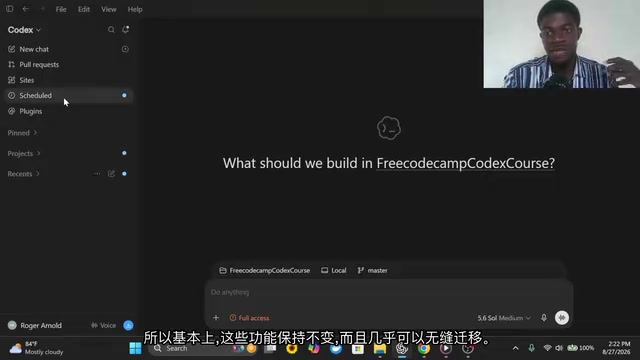
One notable shift worth mentioning is its change in form. Earlier versions of Codex existed as a standalone app, but today it lives primarily within the ChatGPT desktop application, where you can switch between standard ChatGPT and Codex modes. Switching to Codex mode tilts the experience toward software-related tasks, while ChatGPT mode itself offers two flavors — "chat" and "work" — the latter being useful for consolidating multiple files into a single working unit.
Despite the form factor change, the core functionality remains consistent: plugins, scheduled tasks, new chats, and project management are all still there. The migration is nearly seamless.
There's a fundamental difference between an "AI Coding Agent" and traditional code completion tools like early GitHub Copilot. Code completion tools stay at the "suggestion" level, requiring humans to confirm changes line by line. An agent, by contrast, has autonomous planning and execution capabilities — it can break down tasks, invoke tools, read and write files, run terminal commands, parse test reports, and self-correct based on results, forming a complete perceive-decide-act loop. OpenAI's Codex uses an underlying model specifically optimized for software engineering tasks and supports actually running code in a sandboxed environment. This enables it to handle complex, cross-file, cross-tool workflows rather than simply inserting a single line of code at your cursor.
Pricing and Plans: From Free to the $200 Tier
Pricing is something many people care about. According to the course creator, even free accounts can access GPT-4.5, just with usage limits. Paid tiers break down roughly into a Pro plan at around $100/month and a higher tier at $200/month.
He admitted that he initially chose the $200 plan, used it at a moderate level, and almost never hit the limits — credits even rolled over and reset at times. In hindsight, the $100 tier or lower would have been plenty.
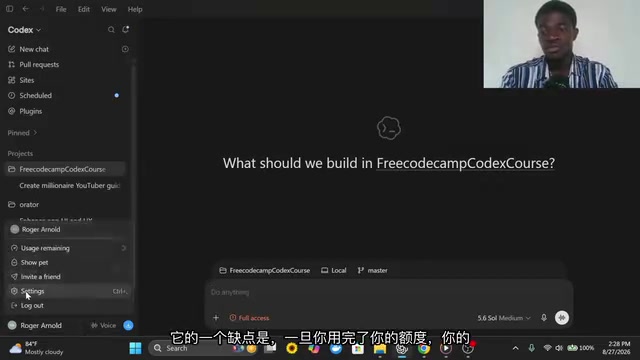
He later switched to the $20 plan and found that, with token optimization, the daily experience was still solid. The one caveat: once you exhaust your weekly or hourly quota and need to top up, the $20 or $50 top-ups during the 5-hour reset window burn through faster than expected. That "5-hour window" is a key detail to plan around.
Automation and Plugins: Connecting the Agent to Your Workflow
Codex's scheduled/automated tasks — sometimes called "shadow tasks" — are its most underrated capability. You can set it to run tasks hourly or daily: sending your boss a morning email, finding potential leads, gathering content inspiration, or sending messages via WhatsApp. Setup is simple: just describe what you need in chat and it generates an automated workflow.
The plugin ecosystem is critical for coding scenarios. Supported connectors include Supabase, Notion, Figma, Vercel, GitHub, Gmail, and more. The creator primarily uses Supabase for authentication and protected routes, and Notion for storing context.
One practical tip he shared: don't pile all your context into the AI agent or chat window. When working with large codebases, context grows fast and once it exceeds the context window, the agent starts to "forget." A more reliable approach is to store relevant information in Notion and have the AI fetch it as needed — a pragmatic strategy for long-running projects.
The context window is the total amount of text a large language model can process in a single session, measured in tokens. For large codebases, just header files, dependency declarations, and business logic files combined can easily exceed this limit. Once exceeded, the model begins to "forget" — early code structures, variable conventions, or architectural decisions fade from effective memory, causing subsequent generated code to become inconsistent or even conflict with existing parts. Externalizing project context, architecture notes, and key conventions to tools like Notion — and having the agent retrieve them on demand — essentially uses "external storage" to work around the model's built-in memory limits. This is a necessary engineering practice for long-term maintenance of large projects.
Model Selection and Permission Controls
The workspace is where you'll spend most of your time in Codex. The model selector offers multiple tiers: the flagship model is the most capable and is considered comparable to the Claude Code series; the mid-tier offers a solid price-to-performance ratio; and there are lighter, more economical options as well.
Beyond model choice, you can also set an Effort parameter ranging from Light to Ultra. Ultra consumes significantly more tokens and produces better results, but most use cases don't require it. The creator's personal preference is Extra High or just leaving it at Medium — in practice, Medium-level designs already look quite good. Speed can be toggled between standard and fast; fast mode generates more quickly but costs more tokens.
On the permissions side, there are three main modes. The default asks for approval before running terminal commands, accessing the internet, or touching external files. "Approve for me" alerts you when potentially risky commands are detected. You can also grant full access. The creator went with full access but specifically warned: this requires caution — ideally done on a machine without important data where mistakes are recoverable.
The Heart of It All: The Plan and Go Commands
If there's one thing to take away from this entire guide, it's the /plan and /go slash commands. The creator estimates that roughly 80% of his work in Codex revolves around these two.
Plan mode walks you through the entire thinking process. You simply describe what you want to build in natural language — a chore management app, a calorie tracker, whatever it is. Codex tries to understand your vision, and if anything is ambiguous or redundant, it asks clarifying questions in rounds — roughly two questions per round — progressively refining its understanding. Once it's aligned with your intent, it puts together an implementation plan for you to review. If you're happy with it, you move forward; if not, you can adjust just the parts that need changing.
Goal mode is better suited for situations where you already have a clear end state in mind. Rather than asking the AI to think through the project, you directly describe what the final result should look like. For example, building a LinkedIn profile scanner: the app should accept a LinkedIn URL, analyze the profile, and recommend improvements. Codex iterates against these goals continuously and only presents results once all targets are met.
You can't run both modes simultaneously — it's one or the other at any given time. The creator's typical workflow: use Plan mode to let Codex analyze, ask questions, and propose an implementation plan, then copy that plan and send it with /go to let it run autonomously until the goal is achieved, ultimately producing an MVP.

The Skills System: Turning Repetitive Work into Reusable Assets
Skills are invoked with the dollar sign $ and are a powerful solution for repetitive work. The creator demonstrated what he called a "million-dollar editing skill": Codex compiled a particular design methodology into a .md file saved as a skill, so every time it's invoked, those instructions are loaded and the same output is reliably reproduced.
A typical use case is team communication. Each month he needs to share YouTube channel data with his team — number of partnership contacts, paid sponsorships, niche-specific breakdowns, and so on. By codifying his preferred design format as a skill, he just tells Codex to pull the channel data and apply the template to generate the report — and he can even automate it further, setting it to send to the team automatically on the 27th of each month.
Skills come from two sources: personal skills created by the user or automatically by Codex during task execution, and built-in system capabilities (like image generation). Additionally, slash commands / are used for mentioning content, @ for referencing within conversations, and $ for invoking skills — three distinct syntaxes with clear, separate roles.
Skill files (in
.mdformat) are essentially a mechanism for "persisting prompt templates." Markdown is both human-readable and a structured text format that large language models natively understand, making it suitable as documentation for humans to maintain while also serving directly as a system prompt or context injection. This mirrors the "Configuration as Code" philosophy in software engineering: distilling one-off instructions scattered across chat windows into version-controlled, reusable assets, reducing cognitive friction in team collaboration and avoiding the need to "re-teach" the model the same conventions every time.
Live Demo: Voice-Controlled Flappy Bird
The course's centerpiece is a hands-on project — building a voice-controlled version of Flappy Bird. Instead of tapping to flap, this version uses sound: the player needs to keep making noise to counteract gravity and keep the bird flying through the pipes.
The creator sent the prompt "build a Flappy Bird game" using /plan. Codex asked clarifying questions across three rounds — about three questions each — and offered multiple-choice options along the way. Once the context was confirmed, it produced an implementation plan. He then copied the plan, sent it with /go, and let it run autonomously. The whole process took about 23 minutes, during which Codex edited multiple files and also generated cover art for the game.
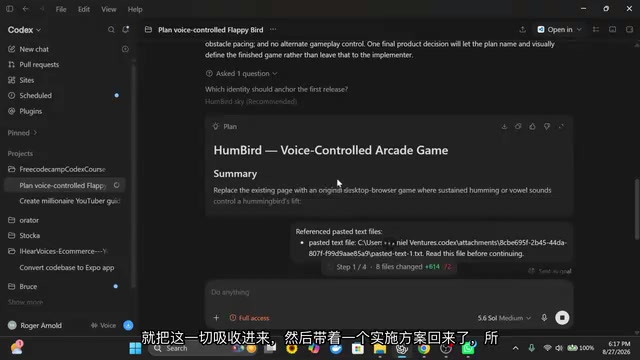
The first version had minor issues but was playable. The project was ultimately deployed via Codex's "Sites" feature to ChatGPT's hosted infrastructure, generating a shareable link complete with traffic analytics — essentially a real website dashboard.
Going a step further, the creator open-sourced the project on GitHub, complete with a user-friendly README and an "Expo conversion prompt." This prompt can be pasted directly into Codex or Claude Code to convert the web app into a real mobile app compatible with both iOS and Android. From there, registering an App Store developer account ($99/year) or Google Play account ($25) enables monetization.
He made a point of warning: don't submit the exact same code as-is — the App Store will treat it as a circumvention tactic and reject it. You should build meaningful differentiation on top of the base.
Expo is a React Native-based development framework that lets developers build iOS and Android apps from a single JavaScript/TypeScript codebase without maintaining separate native code. Converting a web app (built on HTML/CSS/JavaScript) to an Expo project requires rewriting the rendering layer and platform API calls, but core business logic can typically be reused. The "Expo conversion prompt" mentioned here is a carefully crafted prompt that guides Codex to automate this migration — a prime example of the skills system's value: taking a one-time, trial-and-error prompt that works and solidifying it into a reusable conversion pipeline.
From Getting Started to Production: Workflow Is Everything
The creator candidly acknowledged at the end that this course only covers Codex's basics and doesn't demonstrate real-world workflows. His take was blunt: these tools are incredibly capable, but without the right workflow built around them, you'll end up generating a lot of low-quality output — or stuck in a loop of hoping each prompt happens to land.
For anyone looking to build production-grade systems for real users, workflow isn't optional — it's essential. This observation also points to a broader challenge with today's AI coding tools: the more powerful they become, the more they test the methodology of the person using them.
The practical takeaway for everyday developers might be this: rather than asking whether Codex is the best tool, first get clear on what problem you're trying to solve with it, how to distill repetitive processes into skills and automations, and how to genuinely integrate the agent into your daily work — rather than staying stuck in the "open it for five minutes and close the tab" phase of curiosity.
Related articles
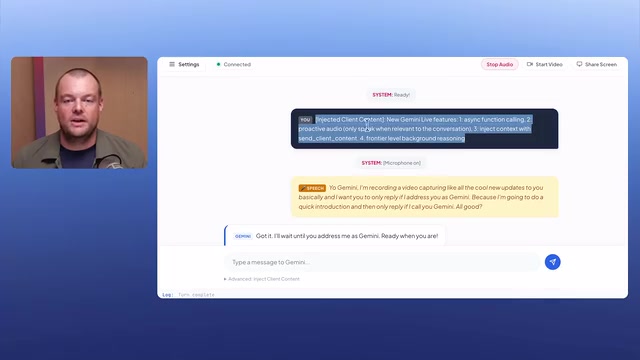
Gemini Live API Major Update: Frontier-Level Reasoning Comes to Native Audio for the First Time
Gemini Live API major update: Proactive Audio, context injection, async function calling, and frontier-level reasoning now available in native audio for voice AI.

Self-Hosted Whispersync: Automatic Progress Sync Between E-Books and Audiobooks
Concordance is an open-source self-hosted Whispersync alternative that syncs e-book and audiobook progress using KOReader, Calibre-Web-Automated, and Audiobookshelf.
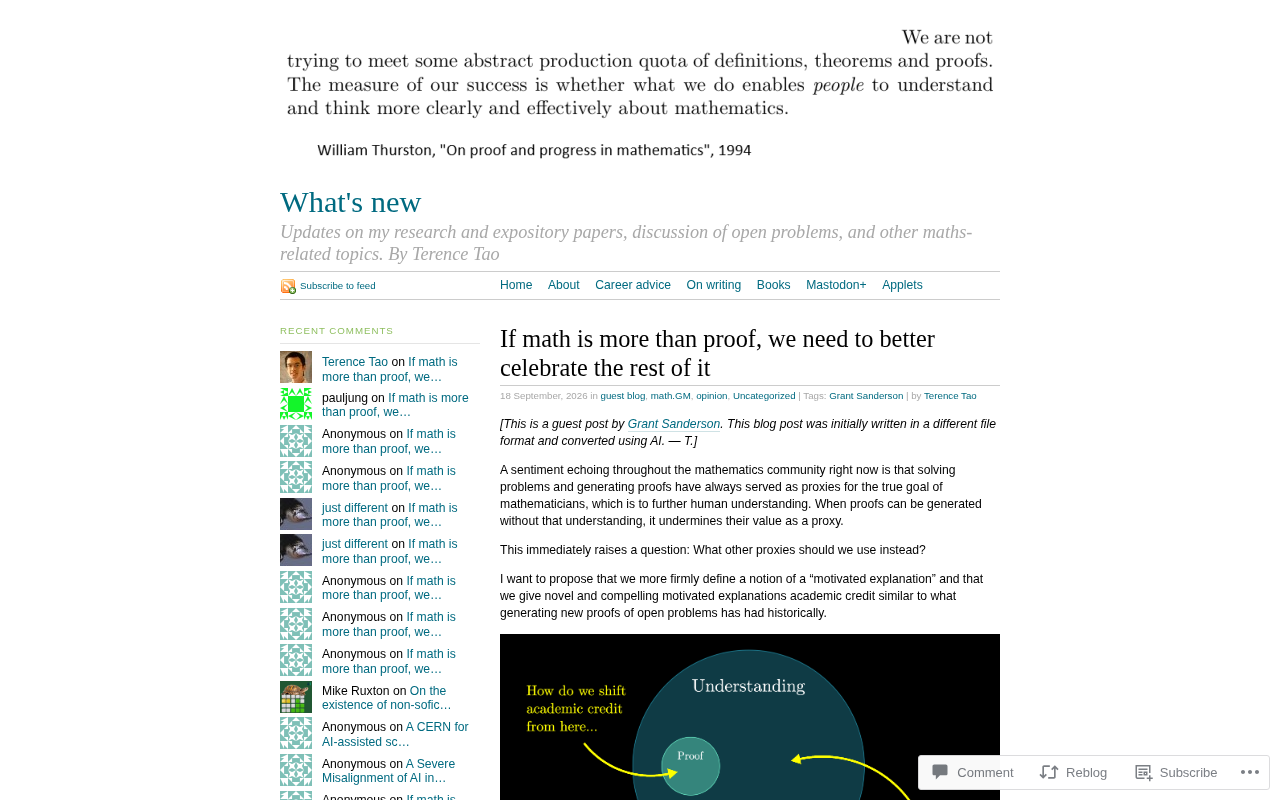
Terry Tao: Math Is More Than Proofs — How Should We Recognize Everything Else?
Fields Medal winner Terry Tao argues that math is far more than proofs — posing questions, building concepts, and conveying intuition matter too, especially as AI takes over routine verification.