OpenClaw vs Claude Code: Choosing Between a Personal Assistant and a Coding Assistant
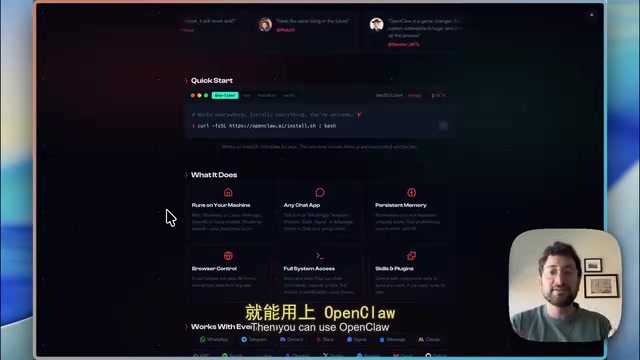
OpenClaw is an all-around personal assistant; Claude Code is a coding specialist—the difference lies in product form and permissions.
The article addresses the frequent confusion between OpenClaw and Claude Code, noting that although both are based on Claude models with similar names, their positioning is fundamentally different: OpenClaw is an open-source, any-model, always-on personal assistant that can take over computer apps and be commanded through chat apps, at the cost of security risks from full system permissions; Claude Code is a coding assistant running in the terminal and IDE, skilled at writing code, building apps, and sub-agent collaboration, but not suited to handling life chores. It also introduces Claude Cowork as a middle ground and offers selection advice based on needs, emphasizing that the real dividing line is product form and permission design, not model capability.
Why the Two Are Always Confused
OpenClawAd and Claude Code have both been getting a lot of attention on X lately, and many people treat them as the same kind of tool. This confusion isn't unfounded—according to analysis from a tech creator on Bilibili, many people are connecting Claude models to OpenClaw, and Claude Code of course also uses Claude models. Same underlying model, both names contain "Claude/Claw"—a casual observer could easily get mixed up at a glance.
But the positioning of the two is fundamentally different. To sum it up in one sentence: OpenClaw is a personal assistant that gets things done for you; Claude Code is a coding assistant focused on writing code. The former handles both life and work; the latter specializes in development. Understand this main thread, and all the other differences follow from it.
OpenClaw: The All-Around Assistant That Lives on Your Computer
Open source, any model, always online
OpenClaw's core selling points are three: open source, support for any model, and round-the-clock operation. It isn't tied to Claude—it can also connect to OpenAI and run local models. On X you can see many people buying a Mac mini specifically to run it. Partly for security—using a clean device to hold permissions without touching the passwords and bank accounts on your everyday computer—and partly because a Mac mini stays on as long as it's plugged in, so it responds whenever you message it. A laptop goes offline when you close the lid, and that pain point is very real.
If you don't want to buy hardware, you can also host it on a cloud VM and just pay the hosting fee. This route still requires some technical know-how—you have to open a terminal and configure it yourself. The market has already filled this gap: some SaaS products let you host it just by registering an account, and there's even a company called Setup Claude that helps customers configure it remotely over Zoom, or even makes house calls to set it up on a Mac mini. The fact that a service ecosystem has grown up around an open-source tool is itself proof that the demand is real.
What it can do depends on what permissions you give it
OpenClaw's approach is to work with all the existing apps on your computer: connect to Gmail, your calendar, control the browser—anything you can do in a browser, it can do. It has memory, remembers what you've discussed over messages, and gets better with use. It can also set scheduled tasks—essentially like Chrome's scheduled tasks—letting it wake up daily or even hourly to perform actions, with the frequency and content up to you.
The interaction method is also key. You can message it directly through WhatsApp, Telegram, Discord, or Slack, which is far friendlier than opening a terminal. It also supports skills and plugins—a skill is essentially a markdown file that spells out how to do something.
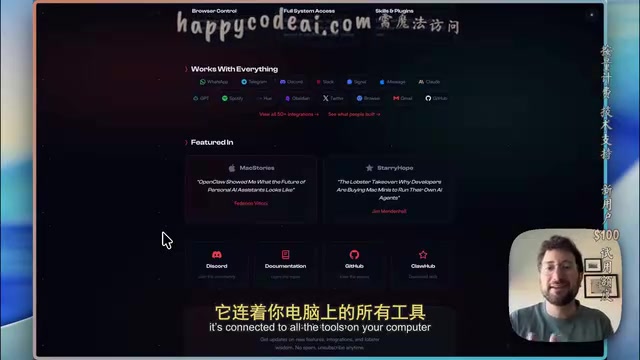
What you need to watch out for is the other side of permissions. Full system access means it can access whatever you authorize it to. Handing over your main computer to it poses obvious security risks, which is why the "dedicated device" approach is popular.
Agent is the shared underlying concept for understanding both tools. Unlike a chatbot that only does question-and-answer, an agent is a system that can autonomously plan steps, call tools, execute actions, and adjust its strategy based on results. It typically has a model responsible for reasoning and decisions, a tool layer providing browser control, file reading/writing, command execution, and other capabilities, and a memory mechanism that retains context. OpenClaw and Claude Code both belong to this paradigm, which is why they can both "complete tasks as instructed" rather than just generate text. The divide between them isn't whether they have agent capabilities, but which tools those capabilities connect to, how much permission they're granted, and through what interface they're driven—which directly determines whether it's a life assistant or a coding specialist.
Scheduled tasks (Cron / scheduled jobs) are the technical backbone of OpenClaw's "always online" capability. It originates from the Unix cron daemon, which allows commands to be triggered periodically according to time expressions—for example, "summarize unread emails every morning at 8." OpenClaw combines this mechanism with an agent: at the appointed time it wakes the model, lets it autonomously complete preset actions, then goes back to sleep. This is also why it needs an always-on device or cloud hosting—if the device is off, scheduled triggers simply can't happen. By contrast, Claude Cowork lacks this scheduled-trigger capability and must be initiated manually, which is one of the key differences between an "always-on assistant" and an "on-demand tool."
Claude Code: The Coding Specialist in Your Terminal
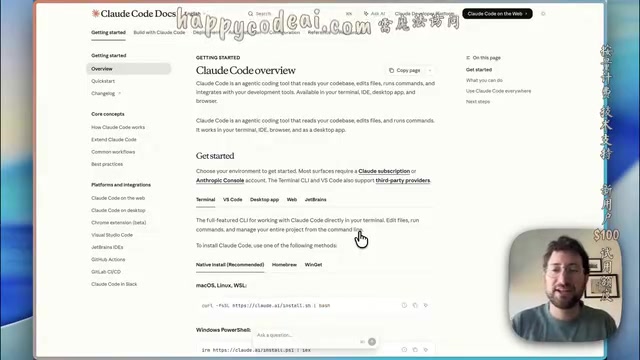
Claude Code is also an agent system—it also runs on your computer and can complete tasks as instructed, accessing whatever permissions are open to it. But its home turf is the terminal: after installation, you enter commands in the terminal to access its interface. You can also use it in coding tools like Cursor, any IDE, or even have it write code for you directly in the terminal.
Its strengths are concentrated in development: it's good at writing code and building applications, can act autonomously, can think deeply about the problems you want to solve, and can create sub-agents to divide up work during coding. You could say it's quite formidable when it comes to writing code.
The cost is that both the barrier to entry and the use cases skew technical. Even after installation you still have to use it in the terminal, and connecting services like Gmail and calendars requires more operational know-how. According to the same source's analysis, although OpenClaw is technically a bit harder to get started with (unless you use a SaaS product), Claude Code is fundamentally not designed to be a personal assistant—you can't just send it a message like you would on WeChat to have it handle life's little chores.
There's Also an Easily Overlooked Third Player: Claude Cowork
The video also mentions another Claude product, Claude Cowork, released around the same time as OpenClaw. It's basically Claude Code's agent system moved into the browser—it can work in any folder on your computer, accessing and modifying your files.
The difference lies in autonomy and connectivity: to use it you have to actively open it and actively assign tasks; it won't run automatically on a schedule, and the services it can connect to are fewer than OpenClaw's. But the idea is the same—automating tasks in work or personal life.
The creator's judgment is that Anthropic will very likely release a new version soon that brings OpenClaw's model to Claude Cowork, adding capabilities like continuous operation; and it wouldn't be surprising if OpenAI launches something similar. This prediction is currently speculation from a single source with no official information to corroborate it, but the trend of big companies moving toward "always-on assistants" is worth watching.
Sub-agent is an important design in Claude Code for development scenarios. When facing complex tasks, the main agent breaks the work down and spawns several sub-agents to handle subtasks in parallel—searching the codebase, writing tests, fixing bugs—then aggregates the results back into the main thread. The benefit is context isolation, less mutual interference, and a closer resemblance to how real engineering teams divide work. This capability depends on deep understanding of the codebase and tool-calling permissions, so its value is limited outside of coding scenarios—which also indirectly shows that Claude Code's capabilities are tailor-made for the development workflow.
Selection Advice: Decide Whether You Want an Assistant or a Coding Partner
Laying out the differences, the choice isn't actually complicated:
- If you want an all-around assistant that's always online, can take over your apps, and is commanded through chat apps, choose OpenClaw, preferably with a dedicated device or cloud hosting to isolate risk.
- If you want a partner that writes code intensively in the terminal and IDE and can autonomously break down development tasks, choose Claude Code.
- If you want to first try file-level automation in the browser, Claude Cowork is a lightweight entry point—but don't expect it to stand watch automatically.
The fact that both use Claude models actually shows that model capability isn't the dividing line—product form and permission design are. OpenClaw's popularity may not come from a model breakthrough, but from how the pieces fit together—local operation, access to any chat app, memory, browser control, full system permissions. Put together, these are what create the "personal assistant" experience. Once you understand this, you won't confuse two similarly named tools again.
Related articles

Reverse Role-Play: When You Become an LLM's Subagent in a Game
A reverse role-play game appears on Hacker News where players act as an LLM's subagent. This article analyzes its game mechanics, the philosophical implications amid the AI agent boom, and how indie developers use lightweight interaction to explore human-machine power relations.
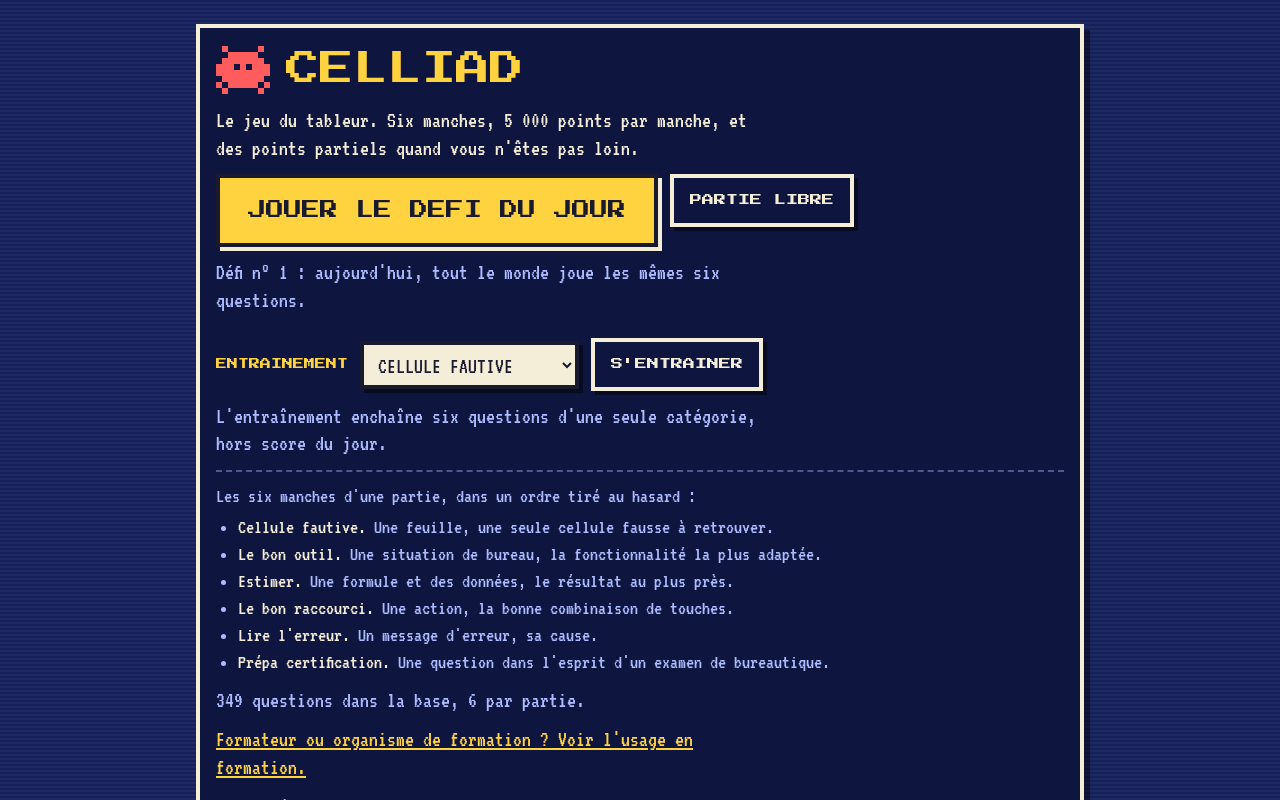
Celliad: A Daily Excel Game — A French Developer Turns Spreadsheets into a Daily Challenge
Celliad is a daily Excel game with a French interface that helps users practice spreadsheet skills through daily challenges. This article analyzes its product logic, the strengths and limits of the daily game model, and development ideas for niche educational tools.
Can a TV Be Too Big? An In-Depth Look at a 65-Inch OLED Upgrade
Can a TV be too big? An author encountered unexpected challenges after upgrading to a 65-inch OLED. Based on the original report, this article analyzes the trade-offs of large-screen TVs in terms of space, viewing distance, and content quality, offering practical advice for users considering an upgrade.