OpenCode: The Complete Guide to the Open-Source Coding Agent Chosen by 8 Million Developers

OpenCode: the open-source coding agent with 8M monthly users, 75+ model providers, and custom sub-agent routing.
OpenCode has grown from a simple terminal tool into the most popular open-source coding agent, with 8 million monthly active developers. It supports 75+ model providers, seamless mid-conversation model switching, custom sub-agents, a cross-platform desktop app, and a sustainable business model built on model gateways and paid plans.
The Comeback Story of a Terminal Tool
OpenCode's GitHub stars have just surpassed 189,000, with roughly 8 million monthly active developers, making it the most popular open-source coding agent to date. What's truly intriguing isn't just these numbers, but the project's evolutionary path over the past year—it started as a simple terminal tool and has since grown into a complete ecosystem, encompassing a desktop app, a model gateway, and even dedicated subscription plans.
It's worth understanding the team behind it. OpenCode is developed by Anomaly, the team formerly known as SST, which recently underwent a rebranding. The repository has been migrated to anomaly.co/opencode. If you have Docker images referencing the old SST organization's scripts, those links will break, so update them promptly. Notably, this is also the team behind the AI model index platform models.dev, which is precisely why OpenCode can integrate so broadly with various providers.
Complete Vendor Neutrality: The Core Competitive Edge
OpenCode's standout advantage lies in its broad model support. It integrates with over 75 providers, including Anthropic, OpenAI, Google, DeepSeek, OpenRouter, AWS Bedrock, Azure, and local models—simply enter your own API key to use any of them freely.
More importantly, you can seamlessly switch models mid-conversation while fully preserving context. When you hit a problem that a low-cost model can't handle, switch to a more powerful one at any time without losing any progress. Among today's mainstream coding agents, few products achieve this level of vendor neutrality.

By comparison, Claude Code only supports Anthropic, and Codex Apps only supports OpenAI, whereas OpenCode places no restrictions whatsoever on model choice. This openness is precisely what fundamentally sets it apart from its competitors.
Up and Running in Two Minutes: The Basic Setup Flow
The entire installation takes about two minutes. Just head to the OpenCode website, copy a single curl command, and you're done. It also supports installation via npm, Homebrew, Chocolatey, or Scoop. For Windows users, the official recommendation is to run it inside WSL for the best experience.
Once installed, navigate to your project directory and type opencode to launch the interactive terminal interface. Run the Connect command to hook up a provider and paste in your API key, then run the Init command. OpenCode will scan the entire project and generate an agents.md file in the root directory. This file serves a role similar to Claude.md in Claude Code, giving the agent an understanding of the project's conventions, directory structure, and coding standards. It's recommended to commit it to Git so the whole team can share it.
By default, two core agents are configured, and you can quickly switch between them with the Tab key: In Plan mode, the agent is read-only, tasked with devising implementation approaches without touching any files; once you confirm the plan, press Tab to enter Build mode to execute the actions. You can also drag design screenshots directly into the terminal to use them as part of your prompt.
Even more practical is the undo feature—type undo to revert an action, with stacked history support allowing you to undo multiple steps in a row. If you change your mind, just type redo to restore.

Custom Sub-Agents: The True Killer Feature
Where OpenCode truly surpasses most coding agents is its custom sub-agent system. Beyond the built-in Build and Plan functions, you can create your own specialized expert agents—either by configuring them via Tab or by directly writing Markdown files in the OpenCode folder to define them.
Each sub-agent can have its own read/write permissions, chosen model, temperature (randomness) settings, and dedicated system prompt. For example: set up a frontend agent that runs exclusively on Gemini Pro (which performs strongly on design-related benchmarks), and pair it with a code-review agent whose temperature is set near zero (ensuring highly consistent output). When working, simply type the @ symbol to invoke the corresponding agent, and the system will assign the task to the most suitable model.
This is essentially a manual model-routing mechanism: when configured well, it's cheaper and often outperforms relying on a single flagship model throughout. A recent update also disables sub-agents from automatically creating nested sub-agents by default, effectively curbing rapid token consumption and making overall behavior more controllable.
Additionally, there's a practical tip that's often overlooked: remember to enable LSP support in your configuration. It automatically matches language servers to your files, allowing the model to recognize real type errors and obtain precise diagnostics rather than merely parsing raw text. This feature is off by default, and enabling it noticeably reduces the occurrence of low-level errors.
The Desktop App: The Newest Piece of the Ecosystem
The desktop app is the newest major addition to the OpenCode ecosystem, officially making it a cross-platform application supporting macOS, Windows, and Linux. The current desktop beta adds onboarding, a command palette, multi-tab sessions, and a built-in terminal, along with a diff interface that lets you preview changes before adopting them.
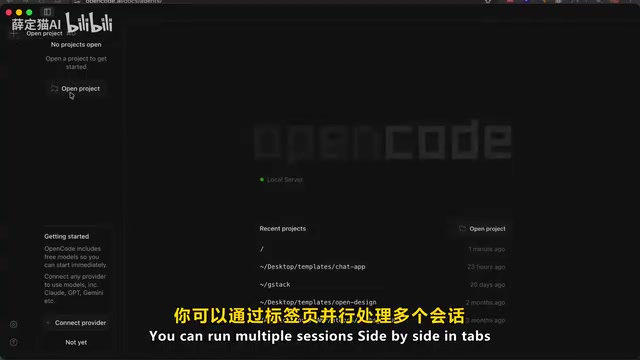
You can manage multiple sessions in parallel via tabs, search history from the home page, and even connect to remote servers—the agent runs server-side while you operate it from your local device (on Windows, it calls WSL under the hood). This means that even users unfamiliar with the command line can access equally powerful agent capabilities through a graphical interface.
The broader ecosystem also includes a VS Code extension, a web version, and GitHub integration—just mention OpenCode in an issue and it will automatically open a pull request, all powered by the same unified underlying engine.
Business Model: How a Free, Open-Source Project Turns a Profit
The most notable recent change stems from its pricing design. The OpenCode software itself is permanently free and open source under the MIT license, and users pay only for their actual model usage. Anomaly currently offers three paid options:
- Zen: An officially tested pay-as-you-go model gateway, validated through agent benchmarks, offered essentially at cost with only a small handling fee.
- Go plan: $10 per month, providing roughly 6x the effective model usage through bulk-purchased compute, with hosting nodes in the US, EU, and Singapore, and a commitment to a zero-retention policy for code execution.
- Pro plan: A higher-tier subscription promising access to top models like GPT and Gemini, though new signups are currently paused due to demand exceeding supply.
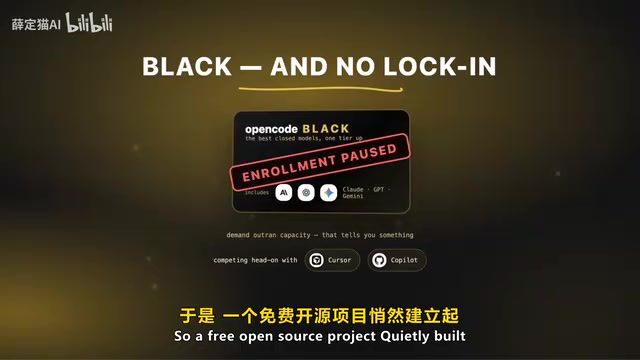
And just like that, a free, open-source project has quietly built a sustainable commercial loop, directly competing with subscription-based products like Cursor and Copilot—all without locking users in, since the Zen and Go API keys work equally well with other agent tools.
One thing to note: Anthropic has explicitly prohibited its Pro and Max subscriptions from being used with third-party platforms like OpenCode, and this controversy is still ongoing. To use Claude models in OpenCode, you must either pay standard API rates or route through Zen. In contrast, ChatGPT Plus and GitHub Copilot can log into OpenCode directly with subscription accounts—the official Copilot partnership reached earlier this year lets all paying users authorize directly. This difference reflects the varying judgments each company holds about where the market is headed.
Conclusion: A Victory for the Independent Open-Source Approach
Frankly, when it comes to model flexibility, OpenCode wins almost indisputably. As for the agent's fundamental capabilities, that depends entirely on which model you connect. Some comparison tests show it's slower than Claude Code—a trade-off of speed for deeper codebase analysis.
From a cost perspective, if you're already paying API fees anyway, OpenCode paired with a cost-effective model is far more economical than subscribing to a flagship plan. If you're already heavily invested in Claude Max, then using Claude Code within that ecosystem still offers better value. On the privacy front, OpenCode supports fully offline operation and local model deployment, which is often a core consideration for enterprise users.
In just 12 months, it has grown from a terminal experiment into a desktop app with 8 million monthly active users, complete with a model gateway and paid plans. Meanwhile, look at the competition—Cursor got acquired, Windsurf was broken up, Gemini CLI was shut down. No one expected that the one to have the last laugh would be this independent, open-source solution. And that's exactly why it's the open-source coding agent most worth recommending right now.
Related articles
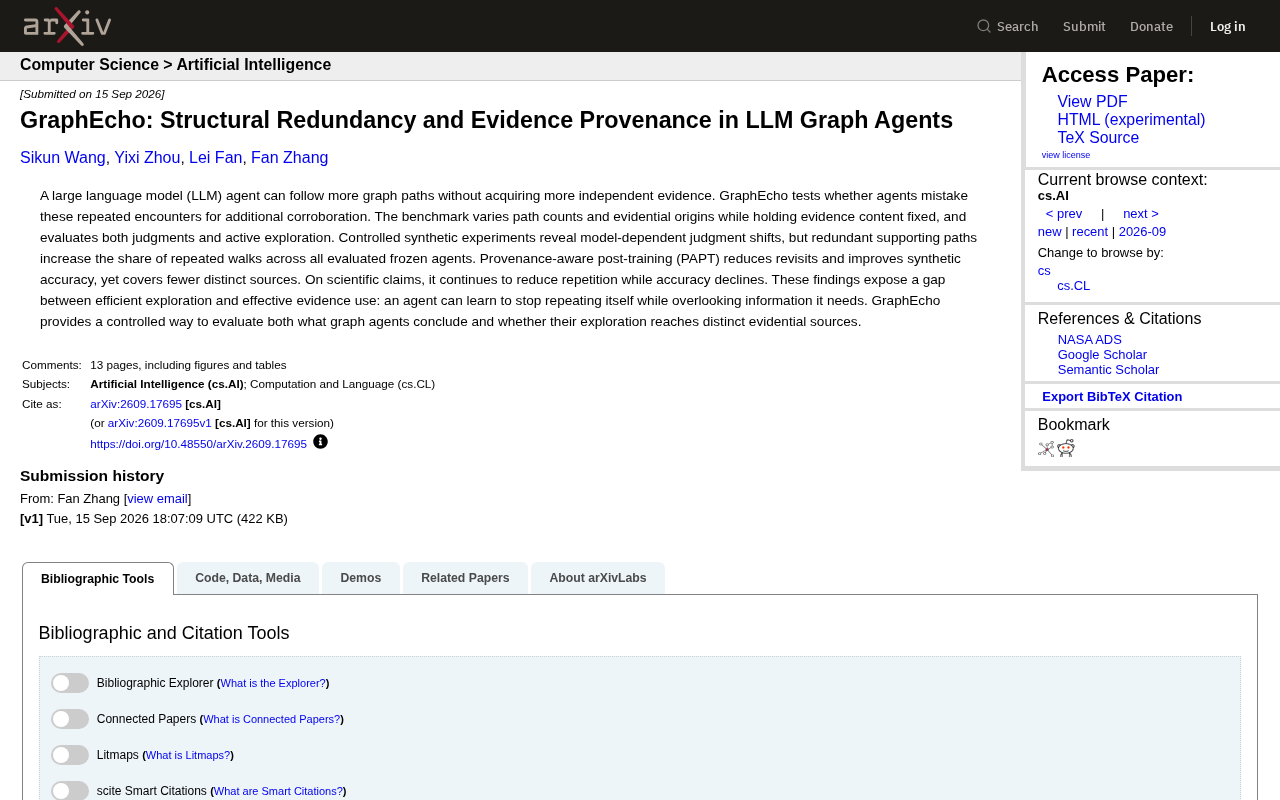
GraphEcho: Exposing the Evidence Redundancy Trap in LLM Graph Agents
GraphEcho benchmark reveals LLM graph agents mistake redundant paths for independent corroboration. New research evaluates PAPT's limits and the gap between efficient exploration and effective evidence use.
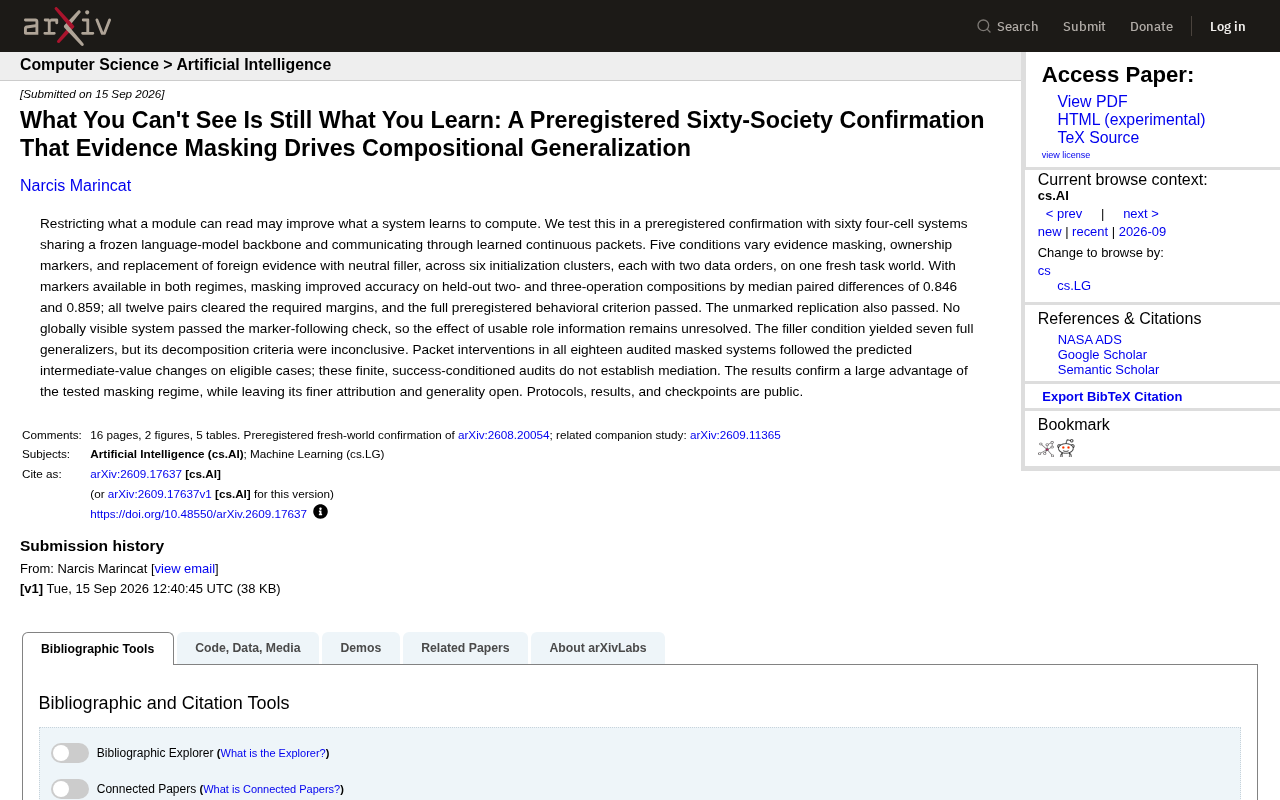
How Evidence Masking Improves Compositional Generalization in AI: Insights from 60 Preregistered Four-Cell System Experiments
A preregistered arXiv study using 60 four-cell systems shows that "evidence masking" — restricting module access to information — significantly boosts compositional generalization in AI, with accuracy gains of 0.846 and 0.859.
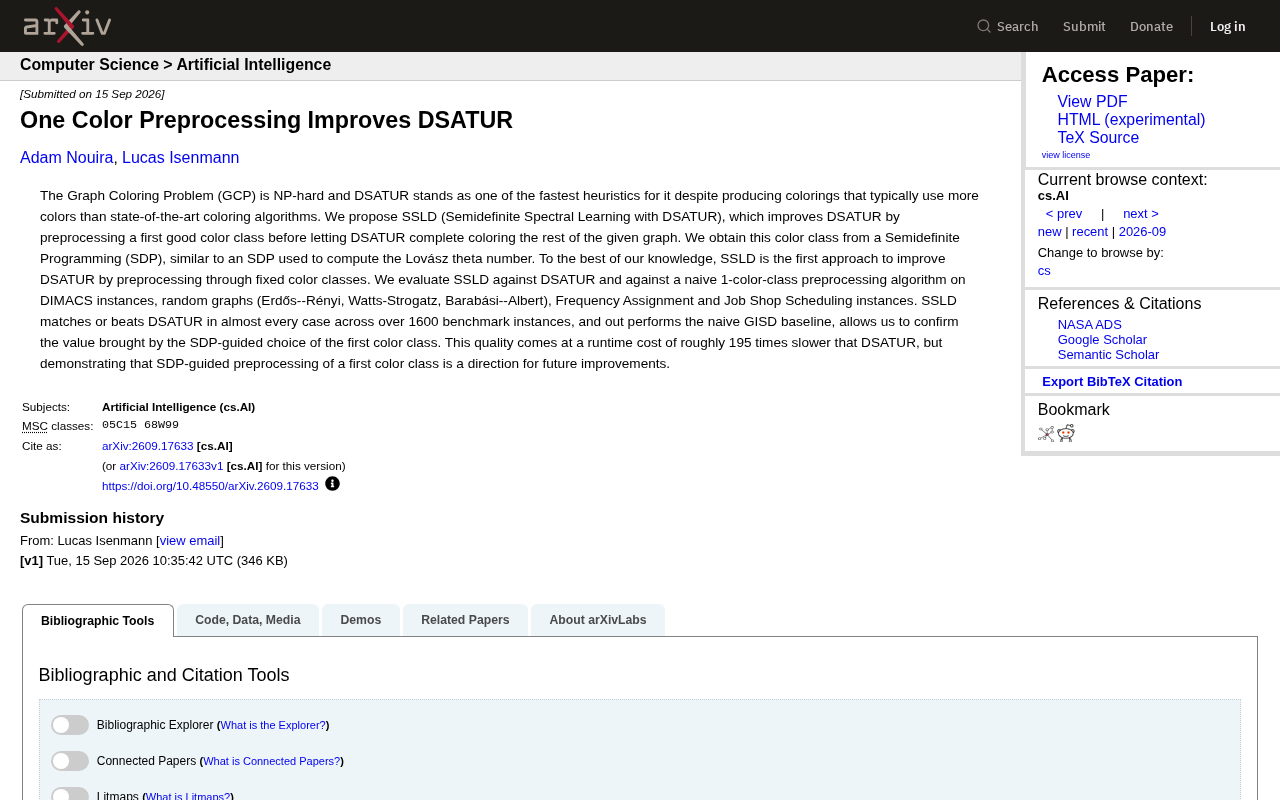
SSLD: Improving the DSATUR Graph Coloring Heuristic via Semidefinite Programming Preprocessing of a Single Color Class
A new arXiv paper proposes SSLD, which improves classic DSATUR graph coloring by preprocessing the first color class via SDP. Tested on 1,600+ benchmarks, SSLD matches or beats DSATUR at ~195× runtime cost.