OpenPilot: An Open-Source Desktop AI Agent That Lets You Choose Any Model

OpenPilot is a free, open-source desktop AI agent that works with any OpenAI API-compatible model.
OpenPilot is an MIT-licensed open-source desktop AI agent built around model neutrality — it supports all OpenAI API-compatible models, including OpenAI, OpenRouter, Ollama, and LM Studio, letting users switch freely based on cost, privacy, or task needs without vendor lock-in. It can read and edit files in a designated folder and execute command-line operations, turning AI from a conversational suggester into a hands-on executor, while requiring explicit user approval for sensitive actions. Local runtimes like Ollama and LM Studio keep all data on-device. Currently available on Windows, with macOS in early beta.
A Desktop AI Assistant That Puts Model Choice Back in Your Hands
In a landscape crowded with AI coding assistants, most tools lock you into a specific vendor's models and cloud services. OpenPilot takes a different approach — it's a free, MIT-licensed, open-source desktop AI agent with one core promise: any model, your choice.
On Product Hunt, OpenPilot earned 83 upvotes and ranked 10th for the day, listed under the open-source, developer tools, and artificial intelligence categories. For developers tired of being trapped in closed ecosystems, that "model-neutral" positioning is a draw in itself.
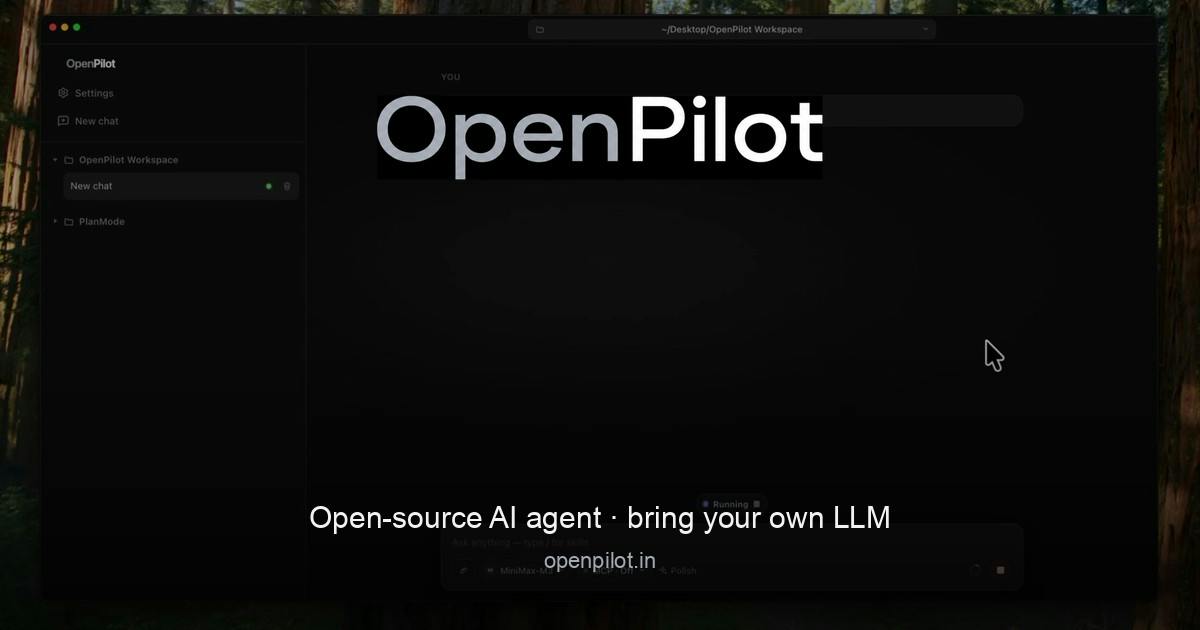
Core Capabilities: Read Files, Edit Files, Run Commands
OpenPilot's workflow is straightforward. You point it at a folder, and it can read and edit files within that scope while also executing command-line operations. In other words, it's not just a chat interface — it's an agent that can actually get things done. It can browse your project code, modify file contents, and run scripts.
This kind of "agentic" capability is exactly where AI tools are competing hardest right now. Compared to purely conversational assistants, agents that can directly manipulate local files and execute commands are far closer to the productivity tools developers actually need. They eliminate the constant copy-paste loop and transform AI from a "suggester" into an "executor."
Safety Guardrails: Sensitive Operations Require Your Approval
Letting an AI autonomously execute commands and modify files naturally raises security concerns. OpenPilot addresses this with a human approval step — sensitive operations won't proceed until you explicitly give the go-ahead. This "human-in-the-loop" design preserves the user's ultimate control while still giving the agent meaningful autonomy, and it's the mainstream approach for responsibly deploying local AI agents today.
"Human-in-the-loop" is a core concept in AI safety, referring to the practice of keeping a human intervention point within automated decision-making or execution workflows. In AI agent scenarios, this mechanism is especially critical: when an agent has the ability to directly operate on a system — deleting files, executing shell commands, making network requests — a single misjudgment can cause irreversible consequences. There are two common implementations: "confirm every step," where each action requires user approval, and "risk tiering," where low-risk operations run silently while high-risk ones trigger an approval prompt. OpenPilot uses the latter — routine read/write operations complete quietly, while sensitive commands require explicit user confirmation. This strikes a reasonable balance between operational efficiency and safety. Developers using tools like this on production codebases are advised to run them in a dedicated sandbox directory or under version control, so any accidental changes can be quickly rolled back.
Model-Neutral: From Cloud to Local, Fully Covered
OpenPilot's most differentiated feature is its model compatibility. Any model that's compatible with the OpenAI API can be connected, and the officially listed integrations include:
- OpenAI: Use GPT-series models directly via the official API
- OpenRouter: Access a wide range of third-party models through an aggregation platform
- Ollama: Run open-source LLMs locally on your machine
- LM Studio: Another popular local model runtime environment
This design means two things. First, you're not locked into any single vendor — you can freely switch based on task complexity, cost, and privacy requirements. Second, through local solutions like Ollama and LM Studio, you can keep your code and data entirely on your own machine, never passing through any cloud service — which is especially important for privacy-conscious users or those working with sensitive codebases.
"OpenAI API-compatible models" refers to services that follow the Chat Completions REST API specification OpenAI made public in 2023. The spec centers on the
/v1/chat/completionsendpoint, accepts a standardized JSON message body, and returns completions in either streaming or non-streaming format. Since OpenAI's API format has de facto become an industry standard, Mistral, Anthropic (for certain endpoints), and various open-source inference servers (such as vLLM and llama.cpp server) all offer compatibility layers to varying degrees. This means OpenPilot's claim of supporting "any OpenAI API-compatible model" covers a surprisingly broad range in practice — not just the four officially listed platforms. As long as an inference service exposes the same interface format, it should theoretically work. For teams with the ability to self-host inference services, this also means being able to connect private fine-tuned models without waiting for official support.
Platform Support and Open-Source Nature
OpenPilot currently supports Windows, with a macOS version in early beta. Mac users will need a bit of patience for now, but cross-platform support is clearly on the official roadmap.
As an MIT-licensed open-source project, OpenPilot's code is fully public — developers are free to inspect, modify, and contribute. The MIT license imposes almost no usage restrictions, lowering the barrier to adoption for both enterprises and individuals, and leaving plenty of room for community-driven development. The project was created by developer Ibrahim.
Ollama and LM Studio are currently the two most mainstream local LLM runtime tools, with slightly different target audiences. Ollama is primarily command-line driven — a single
ollama run <model-name>command can pull and run popular open-source models like Llama, Mistral, and Qwen, while locally exposing an OpenAI API-compatible HTTP interface (default port 11434) for third-party tools to connect. LM Studio provides a graphical interface, supports searching and downloading GGUF-format quantized models directly from Hugging Face, and is better suited for users less comfortable with the command line. Both tools rely on the local CPU or GPU for inference, with model files stored on local disk and data never leaving the user's device. Which tool to choose largely depends on your workflow preferences and hardware — running a 70B-parameter quantized model on a consumer GPU (like an RTX 4090) is already feasible, but in pure CPU mode, response speeds will be significantly slower than cloud APIs.
Who It's For, and How to Think About It
OpenPilot's target user profile is fairly clear: developers who want to use an AI agent in a local environment without being locked into a closed ecosystem. If you're already bouncing between OpenAI's cloud models and Ollama's local models, the unified interface OpenPilot offers is a genuine convenience.
It's worth being clear-eyed about the competitive landscape, though. The space is crowded — from Cursor and Cline to countless VS Code extensions, AI tools that can read files, write files, and execute commands are not rare. OpenPilot's moat comes primarily from the combination of "open-source + complete model freedom + native desktop app." Whether it can cultivate an active community will determine its long-term value. For users who want a zero-cost, customizable, vendor-agnostic desktop AI agent, it's well worth trying.
Related articles

Chain of Thought Isn't Just for AI: How Humans Can Use CoT to Improve Thinking Quality
Chain of Thought isn't just a prompt trick for large models. Starting from a Hacker News discussion, this article analyzes why CoT works for human thinking too, breaks down actionable ways to transfer it, and highlights the key differences between human CoT and machine CoT.
Cloudflare Teams Up with OpenAI: Closi…
Cloudflare Teams Up with OpenAI: Closing the Loop from Vulnerability Discovery to Defense with AI
Cloudflare uses OpenAI Daybreak to investigate security vulnerabilities and generate reviewable remediation plans, while developers use Codex to boost coding efficiency and quality.

Orca Multi-Agent Orchestration in Practice: A Guide to Parallel Collaboration with Claude and Codex
Orca is Stable AI's free open-source agent workbench supporting 34 agents like Claude Code and Codex in parallel. Learn its Git worktree isolation, multi-model orchestration, and mobile management.