Pi-chat in Practice: Connecting External Tools to AI Agents via MCP Protocol
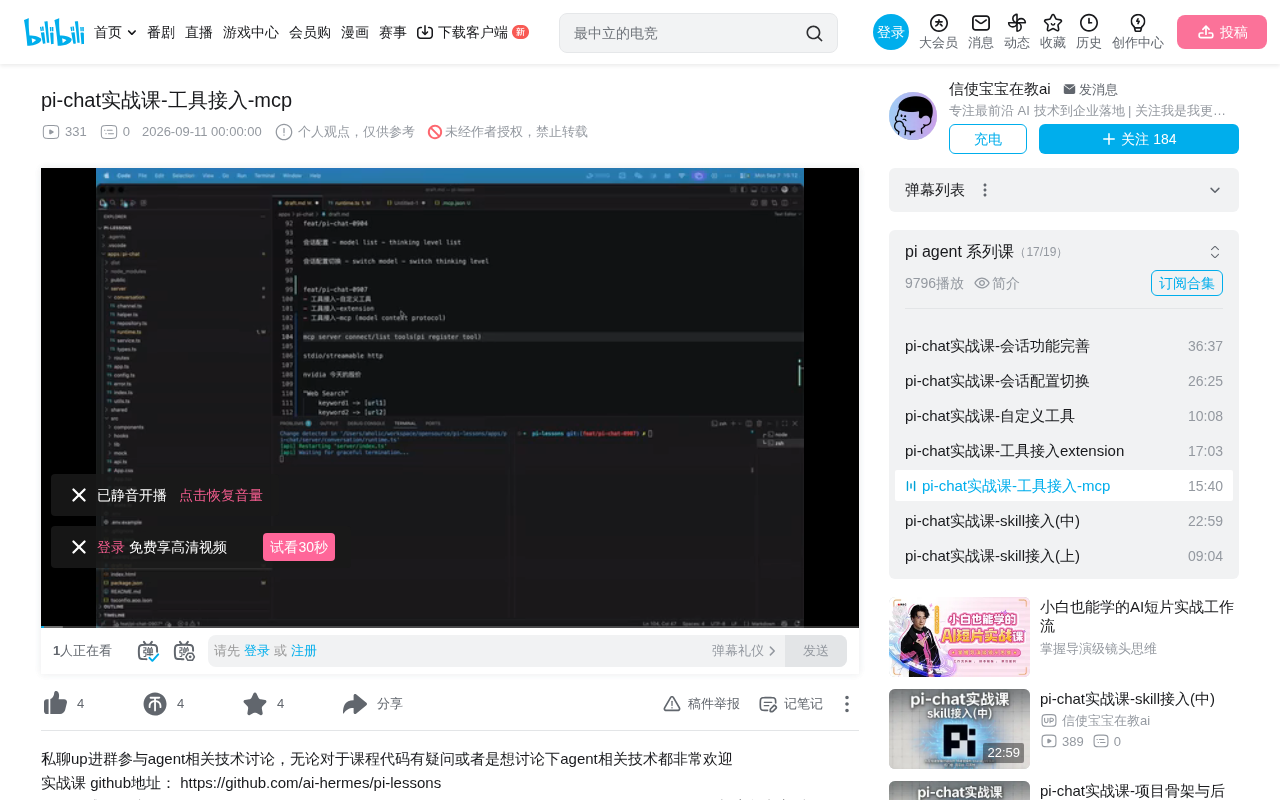
Integrate MCP protocol into Pi framework with zero hard-coding using the pi-mcp-adapter.
This article explains how to integrate MCP (Model Context Protocol) into the Pi framework to eliminate the code-change overhead of traditional tool integration. Using the community-built pi-mcp-adapter, the setup requires only a `.mcp.json` config file. The recommended Extension Factory initialization keeps path control explicit and avoids type errors, while a manual session start trigger ensures MCP servers initialize correctly. A live 12306 train ticket query validates the full flow.
When building AI Agent applications, tool integration is an unavoidable core challenge. The Pi framework previously offered two mainstream approaches: custom tools and third-party extensions. Both share a common pain point — you always have to modify the code. As business systems need to integrate more and more external tools, the maintenance cost of this model grows rapidly. MCP protocol was designed specifically to solve this problem.
The Limitations of Two Traditional Tool Integration Approaches
The Pi framework's early tool integration followed two paths. The first is pure custom tools: define a tool using defineTool, then inject it into Pi's context via customTools, after which Pi can recognize and call it. The second is integrating community-provided extensions — or your own — via additionalExtensionPath.
The fundamental drawback of both approaches is a hard dependency on code changes. Adding a new system capability via custom tools means writing the full implementation by hand; using third-party extensions requires installing the corresponding package and reconfiguring the extension path. In real-world business systems, the number of external tools can easily reach dozens or even hundreds, making this one-by-one manual integration pattern impossible to scale.
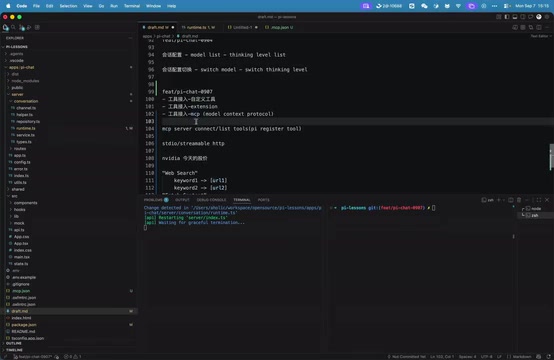
MCP Protocol: A Standardized External Tool Integration Solution
MCP (Model Context Protocol) is a standardized external tool integration protocol proposed by Anthropic. Its goal is clear: enable Agents to discover and invoke external tools in a unified way, free from hard-coded dependencies. For deeper technical details, refer to the specification section on its official website.
At the transport layer, MCP currently supports two mainstream communication modes:
- STDIO: Suitable for local scenarios. For example, when an MCP server is implemented as a CLI tool, STDIO is the natural choice.
- Streamable HTTP: Suitable for remote scenarios. You can define an MCP server on a remote host, and the client connects to it and executes
list toolto enumerate available tools.
An SSE-based transport also appeared during the protocol's evolution, but due to its relative complexity, it has largely been deprecated.
Architecturally, MCP follows the classic client-server model: the MCP Client (typically embedded within an Agent framework) handles tool discovery and invocation, while the MCP Server is a standalone process or service that exposes tool capabilities. Communication between the two uses the standardized JSON-RPC 2.0 message format, with three core primitives: Tools (tool invocation), Resources (context resource retrieval), and Prompts (prompt templates). This decoupled design means that the same MCP Server can be reused by any client that supports the protocol. Tool developers and Agent framework developers can work completely independently, fundamentally breaking the previous tight coupling between tools and frameworks. Compared to the earlier SSE (Server-Sent Events) approach, Streamable HTTP adds bidirectional streaming, allowing servers to proactively push progress notifications — making it better suited for long-running tool calls.
Pi Doesn't Include MCP by Default — But Integration Is Lightweight
One important point to clarify: Pi does not support the MCP protocol out of the box. There is no built-in MCP implementation. This may reflect a deliberate framework design philosophy — more features aren't always better. But in practice, MCP support is often a must-have.
Fortunately, adding MCP to Pi is a very straightforward process. Imagine implementing it from scratch: get the MCP server configuration, connect to the server via STDIO or Streamable HTTP, call list tool to retrieve all available tools, then register them via Pi's register mechanism. The whole chain isn't complex.
In reality, integration is even simpler, because a developer in the Pi community ecosystem has already built a pi-mcp-adapter. With this adapter, integrating MCP into Pi becomes trivial.
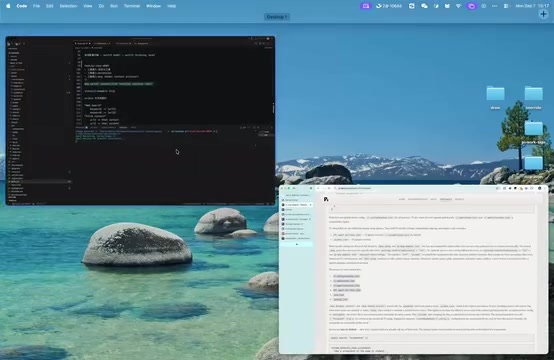
In Practice: The pi-mcp-adapter Integration Flow
Installation and Configuration File
The first step is installing the adapter package. If using it as a plugin, install it the plugin way; if you're working directly in a project like this one, a simple pnpm install does the job. In this project, you can use pnpm --filter to locate and install pi-mcp-adapter. Once installed, the dependency appears in package.json.
The key configuration lives in a .mcp.json file. pi-mcp-adapter reads this file, and its structure follows the standard MCP server format: a top-level key-value map containing MCP server entries, each with its specific implementation. For example, the first server is named chrome-devtools, installed via npx with its DevTools implementation — enabling the Agent to automate and control the Chrome browser.
Making the Config Path Controllable
The adapter has its own directory-traversal logic for locating .mcp.json, but in our project we want full control over the path. To achieve this, we explicitly define the path in globalConfig by modifying config.ts to expose a mcpConfigPath field on the global config. This adds .mcp.json as a recognized configuration item in the persistent directory structure.
Initialization via Extension Factory
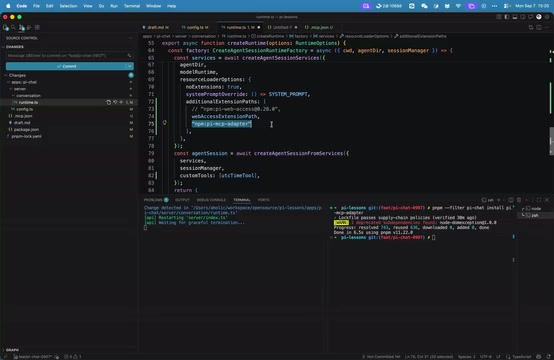
There are two approaches to initializing the adapter. Adding a config entry directly to additionalExtensionPath is possible but comes with two issues: the path is not fully controllable (later entries take higher priority), and it may introduce type check errors.
The recommended approach is to use the Extension Factory pattern. This is a standard extension implementation: Pi detects the extension and passes in the extension's API object. From there, you can call the capabilities provided by the Pi Extension API. The concrete steps are: import the pi-mcp-adapter package, run initialization, explicitly pass in the config path from globalConfig.mcpConfigPath, and also pass in the Pi instance. The integration is then complete.
Extension Factory is a more flexible extension registration mechanism in the Pi framework. Unlike the static additionalExtensionPath path-based loading, it allows developers to dynamically construct extension instances at runtime through code and inject custom parameters (such as config paths and runtime dependencies) during initialization. The advantage of this approach is that the extension's loading order, parameter sources, and lifecycle are all under explicit code control, avoiding priority ambiguities caused by configuration file ordering. For extensions that need access to runtime context like globalConfig — which pi-mcp-adapter does — Extension Factory is the only standard path that can complete parameter injection during the initialization phase.
A Common Gotcha: Manually Triggering Session Start
Before returning the agent session, you need to make one additional call to run extension to forcibly trigger the session start event. Only after this step will pi-mcp-adapter actually initialize each MCP server. Without it, you're likely to encounter an "MCP server not initialized" error at runtime.
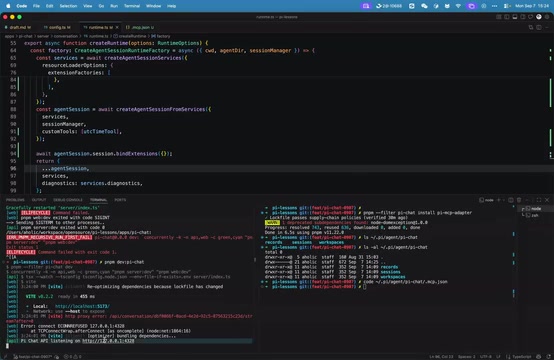
The Session Start event is a critical point in the Pi framework extension lifecycle, marking the official beginning of an Agent session. pi-mcp-adapter relies on this event to perform MCP Server connection and tool enumeration (list tool) — only by completing initialization at this stage can subsequent tool calls find the corresponding Server instances. Since the Pi framework does not automatically broadcast this event before run extension is called, skipping the manual trigger and jumping straight into the session means the adapter's internal Server connection pool hasn't been established yet, and any MCP tool call will result in a "server not initialized" runtime error. This design requires developers to explicitly re-emit the event before returning the agent session — a result of the framework's extension mechanism and lazy-loading strategy working in tandem.
Live Test: 12306 Train Ticket Query
To verify the integration, the author connected a MCP server for querying 12306 train tickets, using the same format as chrome-devtools — server name plus the specific implementation. After restarting the project, the Agent was asked: "Can you check what the next high-speed train from Nanjing to Shanghai is today?"
The Agent's execution chain was clearly visible: it first called list tool to enumerate available tools, confirmed the user wanted a high-speed rail (G-series trains), then invoked the ticket query tool. Since this is a free tool, the first call was slightly slow due to a request timeout; the second call returned results successfully. At the time it was 3:26, and the Agent recommended the nearest departure at 3:36, along with several alternatives at 3:40, 3:43, and 3:48. The overall experience was quite smooth.
Embracing More Possibilities with the MCP Ecosystem
The real value of MCP lies in the ecosystem reusability that its standardization enables. The third-party MCP market is already quite rich — beyond browser control and train ticket queries, you can connect to cloud services like Atlas and Cloudflare, or even local CLI tools like ffmpeg.
With Pi's community extension ecosystem and MCP's standardized tool integration mechanism, developers can unlock a wide range of standardized use cases without reinventing the wheel for every tool. For teams building AI Agent applications, MCP has gradually shifted from a "nice-to-have" to foundational infrastructure.
Related articles

Deleted Reddit Post Sparks Debate Over AI Content Moderation
A Reddit post removed with only a 'Removed by Reddit' notice highlights AI content moderation's transparency gaps, misjudgment risks, and appeal challenges for platforms and creators.

DSH + Ollama Local LLM Deployment in Practice: Free Chat with Da Fei Yu
Bilibili creator tests DSH + Ollama local LLM deployment end to end: Ollama install, Xunlei-accelerated downloads, ModelScope GGUF model import, DSH custom API address setup, and a comparison of Qwen 3.5 4B, 8B, Gemma, and other models on 8GB VRAM, with advice on choosing local deployment vs. API calls.

Tested: A $899 Mac Mini vs. a $200/Month AI Subscription
Real-world test of whether an M4 Mac mini can replace a $200 AI subscription: 16GB can't fit large models, and both speed and quality fall short—but privacy, no caps, and near-zero running costs make it an ideal host for an always-on agent. Includes buying advice per configuration and money-saving strategies.