ProtoArc EM06 Trackball Mouse In-Depth Review: The Clever No-Scroll-Wheel Design

ProtoArc EM06 trackball review: the no-scroll-wheel design is clever, but scroll lock is easy to trigger accidentally.
This article provides an in-depth review of the ProtoArc EM06 finger-operated trackball mouse. The EM06 has a flat, wide shape, solid build quality, and silent buttons, suited for medium to large hands, though small-handed users should be cautious with long-term use. Its standout feature is the complete removal of the scroll wheel, replaced by holding a top button while moving the trackball to scroll—adaptable within about an hour and acceptable for light gaming. It offers 7 programmable buttons configured through the official web tool in Chrome, supports Windows, macOS, and Linux (Linux requires a UDEV rule), with adjustable DPI and 4 profile slots. It supports wired and 2.4GHz wireless dual modes, has a built-in battery, and the included 4-foot cable is a bit short. Double-clicking the scroll button enters scroll lock mode, which is easy to trigger accidentally and cannot be disabled—the main drawback. At $89.99, the design is clever and the build quality excellent, worth considering for finger-operated trackball enthusiasts.
ProtoArc EM06 Trackball Mouse In-Depth Review: The Clever No-Scroll-Wheel Design
As a long-time trackball mouse user, I've been searching for that "perfect" device—everyone's hands are different, and finding the right trackball isn't easy. Over the past few days, I've been trying out the EM06 trackball mouse that ProtoArc sent over, and within just a few days, its build quality, comfort, and ease of use have left a strong impression on me. This article shares my detailed experience, including its innovative scrolling method, programmable buttons, cross-platform configuration, and a "scroll lock" feature that I have a love-hate relationship with.
Design and Feel: Flat and Wide, Suited for Small to Medium Hands
The EM06 uses a finger-operated trackball design, with an overall flat and wide shape similar in size to the Kensington Expert. The first impression is solid build quality, a comfortable rubber wrist rest, and nearly silent buttons. I tested with a decibel meter, and even clicking right next to a microphone, you can't hear it from a few feet away. This smooth ball rolling and quiet clicking make long sessions a pleasure.
However, my hands are on the smaller side (small for a male), and the EM06's ball is fairly large. After using the Kensington Expert for a few years, I developed pain in my index finger joint, which disappeared after switching mice. The EM06 is similar in size to the Expert, so I'm concerned that long-term use might trigger the same issue. For users with medium to large hands, this shouldn't be a problem. ProtoArc has other models (such as thumb trackballs), so if this one doesn't suit you, you can try other options.

A finger-operated trackball means using your index or middle finger to directly move the ball to control the cursor, while your palm and wrist stay still, relying on fine finger movements for positioning. It contrasts with thumb-operated trackballs, which place the ball on the side to be moved with the thumb—less strain on the wrist but prone to thumb fatigue. Finger-operated trackballs typically have larger balls and more precise positioning, making them suitable for design work, but they concentrate pressure on the index and middle finger joints, which can cause repetitive strain injuries with prolonged use. The Kensington Expert is a classic representative of this type, and the EM06 is close to it in size, inheriting the same operating logic and potential hand strain issues.
No Scroll Wheel: A Scrolling Method That Requires Relearning
The most striking feature of the EM06 is the complete absence of a scroll wheel. For users accustomed to scroll wheels, this takes some adapting. Its scrolling method is: hold down the scroll button on the top right while moving the trackball. It took me about an hour to get used to it, and now I naturally reach for that button every time I scroll.
This design could pose challenges in gaming scenarios. For example, first-person shooters commonly use the scroll wheel to switch weapons, and now you need to hold a button and scroll. I tested the free open-source FPS game Sauerbraten (mispronounced as Sour Brotten in the original video) for two hours and didn't feel any significant inconvenience—I even managed to kill some opponents. Of course, I'm not a hardcore gamer, and professional esports players might feel differently.
Programmable Buttons and Cross-Platform Configuration
The EM06 has a total of 7 programmable buttons, with the left click on the thumb side and right click on the pinky side by default. The two top buttons default to forward/back, but the factory setting is left-forward and right-back, which is the opposite of the common browser convention of right-forward and left-back. I swapped them using the configuration tool, and now they feel intuitive.
Configuration is done by visiting ProtoArc's Device Setup Center on the official website through a Chromium-based browser, supporting Windows, macOS, and Linux. On Linux, the default browser can't access hardware devices, so you need to add a UDEV rule. Specific steps: create the file /etc/udev/rules.d/99-protoarc.rules, write KERNEL=="hidraw*", SUBSYSTEM=="hidraw", MODE="0666", then run sudo udevadm control --reload-rules and sudo udevadm trigger. After that, you can configure buttons and adjust DPI (200-1600, five levels, indicated by LED color) in the web page, and save up to 4 profiles to the mouse's onboard memory.
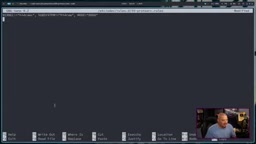
UDEV is the Linux kernel's device manager, responsible for dynamically creating device nodes under /dev and applying permission rules. By default, hidraw devices (raw HID device interfaces that allow user-space programs to directly read and write mice, keyboards, etc.) are only accessible by root, so a regular user running a browser-based configuration tool can't open the device. The rule given in the article, KERNEL=="hidraw*", SUBSYSTEM=="hidraw", MODE="0666", sets the permissions of all hidraw devices to be readable and writable by all users, allowing the web app in Chrome to communicate with the mouse via the WebHID API. udevadm control --reload-rules reloads the rule files, and udevadm trigger reapplies the rules to already-inserted devices—both are needed for the new rules to take effect immediately without a reboot. This configuration only affects the local machine and relaxes device permissions, so be mindful of security implications in multi-user environments.
Connectivity and Battery Life: Wired/Wireless Dual Mode, but the Cable Is Short
The EM06 supports both wired and 2.4GHz wireless modes. The wireless receiver is stored in a compartment on the bottom (not the battery compartment), and a side button switches to wireless mode. It has a built-in battery that needs periodic charging via USB-C. The included cable is 4 feet (about 1.2 meters) long, which may not be enough for users with large desks—my tower is quite far away, and 4 feet falls short. This is almost an industry-wide issue, and I hope manufacturers will offer 6-foot cables.
2.4GHz wireless and Bluetooth are two common wireless connection methods. 2.4GHz establishes a proprietary protocol connection through a dedicated USB receiver, typically with lower latency and more stable connections, making it suitable for peripherals like mice that demand real-time responsiveness—but it occupies a USB port, and the receiver is hard to replace if lost. Bluetooth requires no receiver and can pair with multiple devices, but latency and stability are slightly worse. The EM06's choice of 2.4GHz over Bluetooth means it leans more toward fixed desktop use, with limited cross-device switching capability. The built-in battery design eliminates the hassle of changing batteries, but it also means the device's lifespan is limited once the battery ages, and if you forget to charge it, you can only use it temporarily with the cable plugged in.
Scroll Lock: An Annoying Little Problem
Double-clicking the scroll button enters "scroll lock" mode, in which the trackball can only be used for scrolling. This feature is probably intended to make long document browsing easier, but in actual use, it's easy to accidentally trigger a double-click while single-clicking and holding, causing you to unexpectedly enter lock mode. I encounter this about six to ten times a day, and although you only need to double-click again to exit, the frequency is genuinely annoying. Currently, there's no way to disable double-click scroll lock in the configuration tool, and I hope ProtoArc can address this through a firmware or software update—other users online have reported similar issues.
Scroll lock on a trackball means something different from the Scroll Lock key on a keyboard: it switches the ball from "move cursor" mode to "scroll only" mode, effectively turning the entire trackball into a temporary scroll wheel. The original intent was to let users browse long documents or web pages without holding down the scroll button continuously, reducing the burden of sustained finger pressure. But the double-click trigger is very close in timing to the single-press operation of "hold the scroll button and move the ball," so users who hold slightly too long or press twice in quick succession can accidentally enter lock mode, and exiting requires another double-click, interrupting the workflow. Since the configuration tool offers no disable option, this is an interaction design flaw at the firmware level rather than a hardware issue, and in theory it could be fixed with a firmware update that adds a double-click interval threshold or a toggle.
Price and Conclusion
The ProtoArc EM06 has an official price of $89.99 (about $90), similar to the Kensington Expert Wireless. Considering its solid build quality, dual-mode connectivity, programmable buttons, and cross-platform support, I think the price is reasonable. If you're a fan of finger-operated trackballs and your hands aren't particularly small, the EM06 is worth considering. But if you need to use the scroll wheel frequently (especially for gaming), or if you have small hands, you may want to be cautious.
Overall, the EM06 is a cleverly designed, well-built product, with the scroll lock issue being the biggest regret at present. I look forward to ProtoArc providing an option to disable this feature as soon as possible.
One-line Summary
ProtoArc EM06 trackball mouse review: the no-scroll-wheel design is clever, but scroll lock is easy to trigger accidentally.
Paragraph Summary
This article provides an in-depth review of the ProtoArc EM06 finger-operated trackball mouse. The EM06 has a flat, wide shape, solid build quality, and silent buttons, making it suitable for users with medium to large hands, though small-handed users should be cautious with long-term use. Its standout feature is the complete removal of the scroll wheel, replaced by holding a top button while moving the trackball to scroll—adaptable within about an hour and acceptable for light gaming. The mouse offers 7 programmable buttons, configured through the official configuration tool in a Chrome browser, supporting Windows, macOS, and Linux (Linux requires adding a UDEV rule), with adjustable DPI and storage for 4 profiles. For connectivity, it supports both wired and 2.4GHz wireless dual modes, has a built-in battery that needs charging, and the included cable is only 4 feet—a bit short. Double-clicking the scroll button enters scroll lock mode, which is easy to trigger accidentally and cannot be disabled, making it the main drawback. Priced at $89.99, the overall design is clever and the build quality is excellent, making it worth considering for finger-operated trackball enthusiasts.
Related articles
AI Gains Confined to Tech? Non-Tech Industries See Little Payoff
Apollo analysis finds AI's economic returns remain highly concentrated in tech, with no quantifiable payoff yet in non-tech sectors. We break down the key arguments, Hacker News debate, and practical implications for enterprise AI investment and measurement.
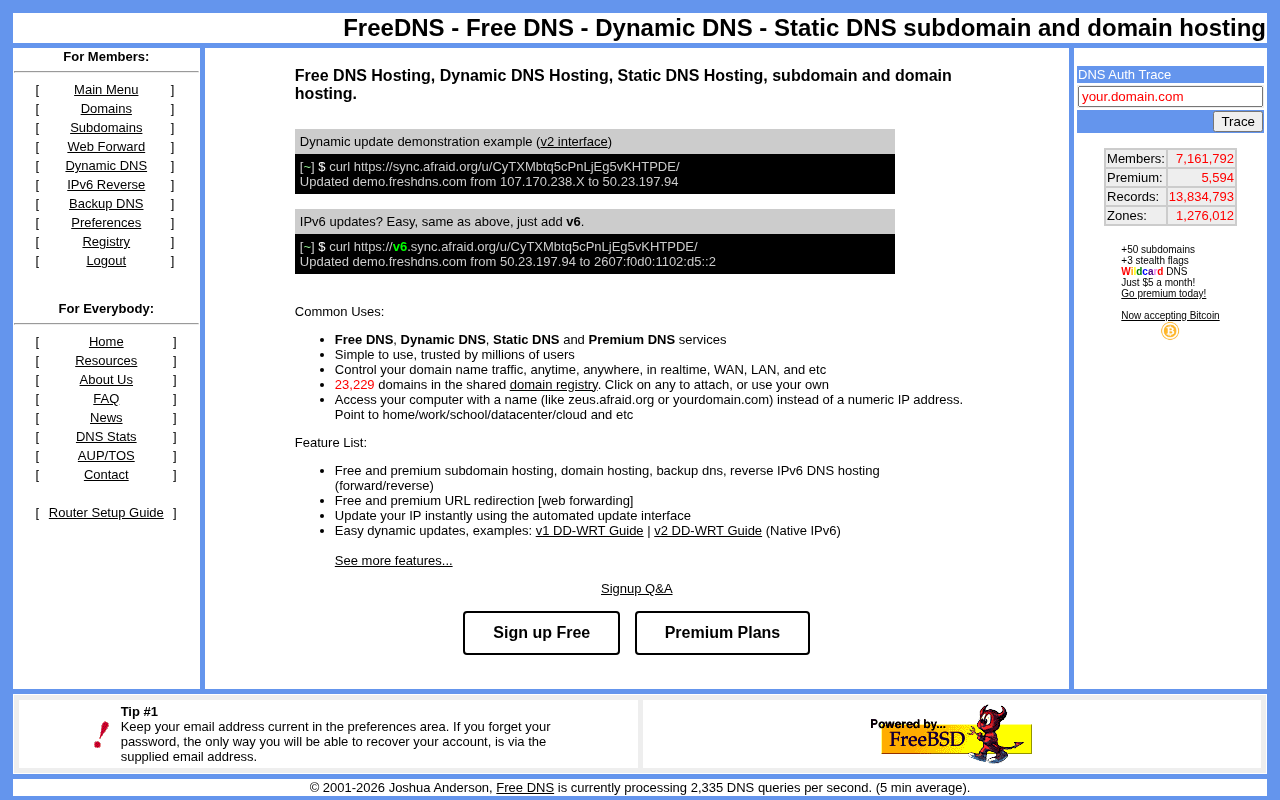
FreeDNS: A Classic Choice for Free Dynamic DNS Services
FreeDNS is a platform offering free dynamic DNS hosting, supporting a shared domain pool and HTTP updates. This article covers its core features, community reviews, use cases, and comparisons with other DNS solutions.

AI Agents on Your Phone: Where's the Line Between Convenience and Privacy?
A developer finds people accept AI agents operating laptops but feel uneasy about phones. This article analyzes the trust gap behind data density, permission models, and observability, exploring the specific task boundaries users are willing to hand to mobile AI agents.