QuietGlass: An Open-Source Tool That Uses AirPods and Your Camera to Protect Mac Screen Privacy

QuietGlass uses AirPods and your Mac camera to automatically protect your screen from prying eyes.
QuietGlass is a free, open-source Mac app by developer Clinton Imaro that delivers perceptual screen privacy through two complementary mechanisms: repurposing compatible AirPods' head-motion sensors to blur the screen when the user looks away, and using the Mac camera for real-time face detection to trigger shoulder-surfing protection when a second face appears. It also offers zone protection, sensitive text blurring, Focus mode, and optional owner verification — all processed locally, never uploaded to the cloud. Built natively in Swift, it requires macOS 14 or later.
QuietGlass: An Open-Source Privacy Guardian for Your Mac
Have you ever opened your laptop at a coffee shop, office, or on a train and worried that someone nearby might catch a glimpse of your screen? QuietGlass offers a clever answer: a free, open-source Mac app that turns your AirPods and camera into sentinels for screen privacy. When you look away, the screen automatically blurs. When the camera detects another face in view, it alerts you or obscures the content outright.
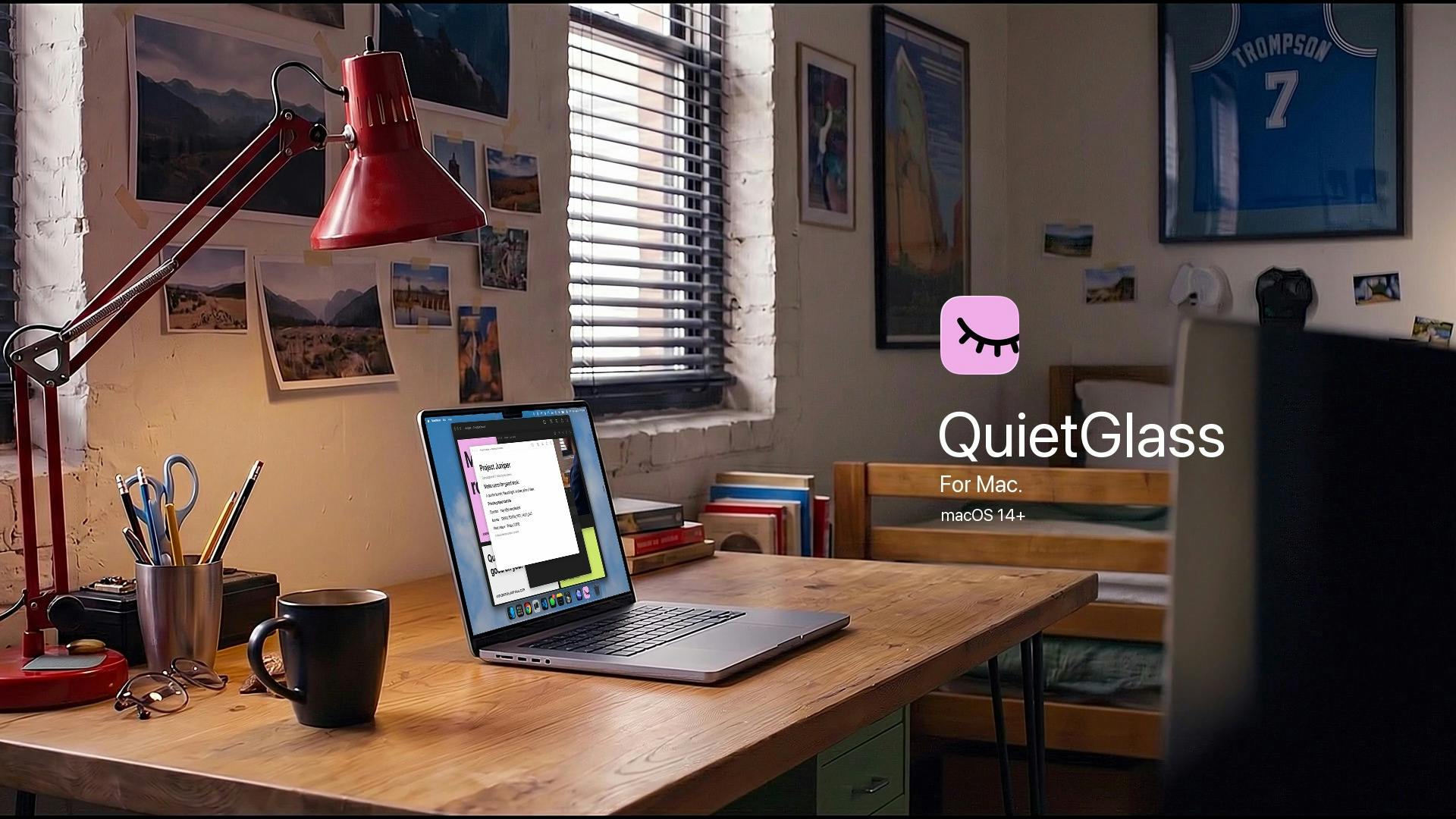
Built by developer Clinton Imaro, the app earned 71 upvotes and ranked #18 on Product Hunt, listed under the Open Source, GitHub, and Apple categories. Its core idea is simple: make privacy protection a perceptual, automatic behavior — not a manual chore that requires you to remember to lock your screen.
Gaze Tracking: AirPods as a Privacy Trigger
QuietGlass's most distinctive feature is its use of compatible AirPods for head orientation detection. When you turn your head or look away while wearing AirPods, the app determines that your attention has left the screen and immediately blurs the display. As soon as you look back, the content becomes clear again.
This mechanism cleverly repurposes the spatial audio and motion sensor capabilities built into AirPods, turning a pair of earbuds into a privacy switch. For users who frequently handle sensitive information in public, this means no need to remember manual steps — the moment your gaze leaves the screen, it's already obscured from anyone nearby.
Notably, AirPods are not a hard requirement. The official tagline, "with or without AirPods," makes clear that QuietGlass can still provide protection through its camera-based solution even without compatible earbuds.
AirPods' head-tracking capability comes from a combination of built-in accelerometers and gyroscopes. Starting with AirPods Pro (1st generation) and AirPods (3rd generation), Apple introduced head-tracked spatial audio, using an inertial measurement unit (IMU) to sense the wearer's head orientation in real time, keeping the soundstage fixed relative to head movement. QuietGlass reuses this sensor data through macOS's CoreMotion framework, which allows apps to access motion data from paired AirPods with user permission. This means no additional hardware or camera permissions are needed — head angle alone is enough to infer attention direction. That said, sensor precision and API support vary across AirPods generations, which is why the app specifies "compatible AirPods" rather than all models.
Camera Detection: A Second Face Triggers an Alert
If the AirPods solution addresses "you got distracted," the camera solution addresses "someone is peering over your shoulder." QuietGlass uses the Mac's camera to detect whether a second face appears in frame. If someone leans in to look at your screen — even while you're still facing it — the app will warn you or directly blur the content.
This shoulder surfing protection design fills the blind spots that gaze tracking alone can't cover. QuietGlass also offers an optional owner verification feature: before dismissing the camera-based protection, it confirms that the person in front of the screen is actually you, preventing others from bypassing it.
All detection and processing happens locally on your Mac — nothing is uploaded to the cloud. For a privacy tool, this local-first architecture — where the privacy protection itself is also privacy-respecting — is a critical foundation of trust.
"Shoulder surfing" is a classic physical-layer threat in information security, where an attacker directly observes a victim's screen, keyboard, or phone to steal passwords, credentials, or sensitive data. Research suggests that in public spaces, roughly 30% of people have intentionally or unintentionally glanced at someone else's screen. Traditional countermeasures include privacy screen filters (which use a micro-louver structure to restrict viewing angles) and manual screen locking — but the former sacrifices display quality, and the latter depends on the user taking action. QuietGlass's camera-based face detection is an active software defense: it runs a face detection model locally in real time using Apple's Vision framework, no internet connection required. When a second face is detected, it responds immediately, transforming passive protection into real-time awareness — covering scenarios where a privacy filter falls short, such as direct frontal viewing or moments when the user is distracted.
Flexible Obscuring Options and a Native Experience
QuietGlass doesn't simply plaster a blur over your entire screen. It offers multiple levels of protection granularity:
- Zone protection: Protect only a specific window or a region you select
- Sensitive text blurring: Blur sensitive text content on screen
- Focus mode: Keep the active window clear while blurring everything else
These options let users strike their own balance between privacy and usability — you can hide just a password field, or blanket everything in the background with a soft haze.
On the technical side, QuietGlass is built natively in Swift, supports quick controls in the notch area, runs smoothly, and integrates deeply with macOS. The app requires macOS 14 or later, and as an open-source project, developers curious about its implementation can browse the source code directly.
A Small But Elegant Privacy Tool
QuietGlass's value lies in weaving together several mature technologies — AirPods sensors, camera-based face detection, and on-screen content masking — into a coherent privacy experience. It's free, open-source, and processes everything locally, covering scenarios from "you got distracted" to "someone is watching."
Of course, as a tool that depends on hardware perception, real-world performance will be affected by factors like lighting conditions, camera angle, and AirPods model compatibility. Community feedback is still limited, and real-world experiences await broader user validation. But for Mac users who care about privacy in public spaces and don't want to be burdened by tedious manual steps, QuietGlass is a free option well worth trying.
Related articles

WorkBuddy Full Tutorial: Build an AI Office Automation Agent from Scratch
A complete WorkBuddy tutorial: installation, three working modes, multimodal picture book video practice, expert team agent building, and workflow configuration for low-cost AI office automation.

WorkBuddy Agent Complete Guide: From Beginner to Automation in 7 Days
Based on Bilibili's 256-episode WorkBuddy masterclass, this systematically breaks down Tencent's AI office workbench core capabilities: Agent principles, Skill encapsulation, cross-platform connectors, scheduled automation, knowledge bases, and zero-code development, with learning path recommendations.

8 AI Accounts, 7 Failed: An Honest Review of Using AI to Get Work Done
Only 1 of 8 AI-run Bilibili accounts succeeded. We break down the real difference between "performing AI" and "using AI to get work done."