R.E.P.O Chinese Localization Patch Installation Guide: Step-by-Step Full Chinese Interface
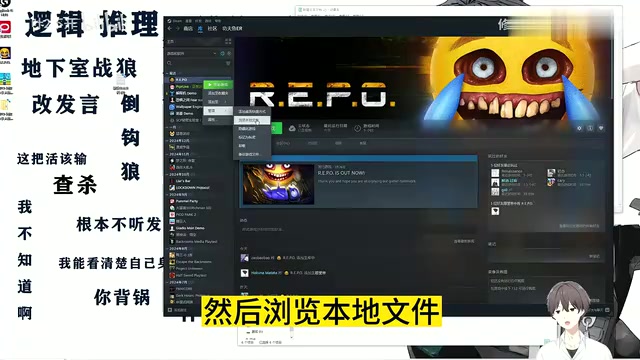
Install R.E.P.O's Chinese patch in 3 steps: download, locate local files, and paste to overwrite.
R.E.P.O doesn't ship with an official Chinese interface, making it tough for non-English speakers to play. This guide walks through a simple localization process: right-click the game in Steam to open its local files folder, paste the extracted patch files using Ctrl+V, and launch to see a fully Chinese UI. No extra tools needed. The guide also covers backing up original files, version compatibility, Steam updates reverting changes, and multiplayer safety considerations.
Introduction: Why You Need This Guide
R.E.P.O is a wildly popular co-op horror game that doesn't ship with an official Chinese interface. For players who aren't comfortable with English, item descriptions, mission prompts, and UI text can all become real barriers to enjoyment. This guide was put together specifically to solve the frustration of "searching everywhere for a localization patch and coming up empty-handed."
The video creator behind this tutorial had a simple motivation: after spending way too long hunting for a localization patch across multiple platforms with nothing to show for it, they decided to document the whole process and share it — so other players dealing with the same problem wouldn't have to go through the same runaround.
The Core Logic Behind Installing the Localization Patch
Localizing R.E.P.O works by replacing or adding files to the game's local directory. The whole process is actually straightforward and comes down to just three steps: Download the patch → Locate the game directory → Paste and overwrite.
Most players get stuck at the very first step — finding the patch itself — and end up bouncing between websites without success. In reality, a localization patch is typically a compressed archive that, once extracted, contains language files you simply drop into the game folder. Finding a reliable patch source is the most critical — and most commonly frustrating — part of the entire process.
Step 1: Locate the Game's Local Files
In your Steam library, right-click on R.E.P.O, select Manage → Browse local files, and the game's installation directory will open. This is the destination for your localization files, so make sure you've got the right folder before moving on.
Step 2: Paste the Localization Files
After downloading and extracting the patch, copy the files and paste them directly into the game's local files directory using Ctrl + V. If Windows asks whether you want to overwrite existing files, confirm the overwrite. This effectively replaces the original English language files with the Chinese translations.
Step 3: Launch the Game and Verify
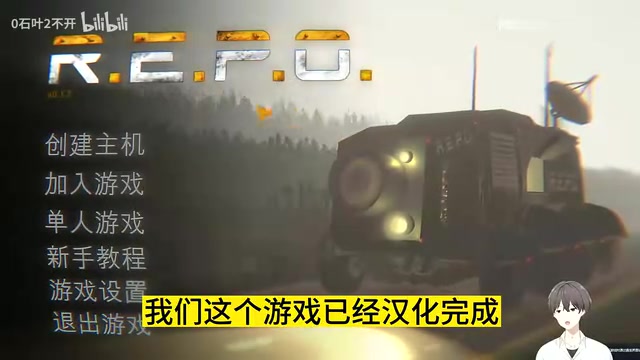
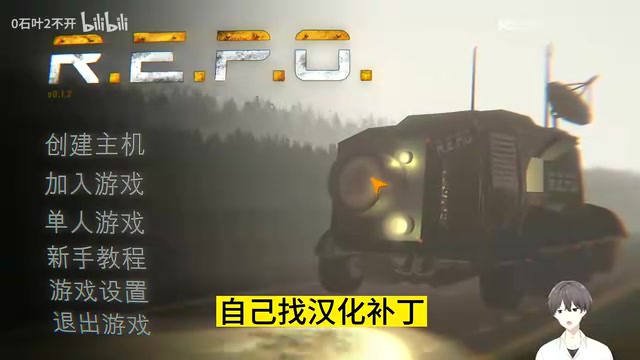
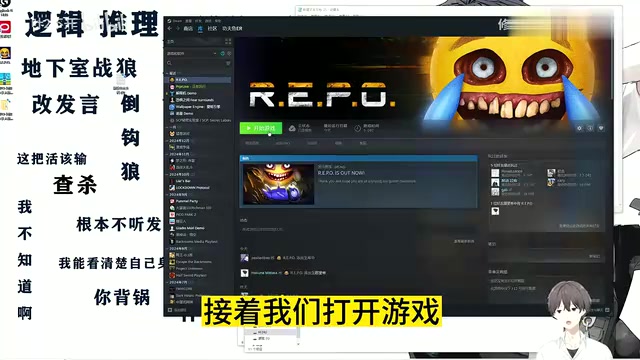
Once you've pasted the files, launch the game. You'll immediately notice that the interface is now fully in Chinese — menus, items, and tooltips that were previously in English will all be displayed in Chinese.
R.E.P.O is built on the Unity engine, and game text is typically stored in local asset files in formats like .json, .txt, or engine-specific asset bundles. The localization patch works by having community developers extract these text files, translate the English content into Chinese, and repackage them. Players simply swap out the original files with the translated versions. This "local file replacement" method doesn't modify the game's executable, so it poses minimal risk to your account and doesn't involve any cracking or piracy — it's the most common and legitimate approach to localizing single-player and multiplayer games alike. It's worth noting that patch resources are usually maintained by the player community and distributed through channels like GitHub, NexusMods, or Chinese platforms like 3DM and Gcores. These are the best places to start your search.
Common Issues and Things to Watch Out For
The process is simple, but there are a few things worth keeping in mind:
- Back up the original files: Before pasting and overwriting, it's a good idea to copy the original language files somewhere else. If the localization causes garbled text or crashes, you can easily restore them.
- Version compatibility: Localization patches are typically built for a specific game version. If the patch stops working after a game update, you may need to wait for the patch author to release an updated version.
- Steam updates overwriting files: Steam's automatic updates can sometimes overwrite localization files, reverting the game back to English. If this happens, just paste the patch files again.
- Source safety: When downloading patches from unofficial channels, pay attention to where the files are coming from and avoid anything that bundles unrelated software.
In multiplayer scenarios, localization patches generally only affect the local client's display and don't touch server data or affect other players' experience — so playing with friends who haven't installed the patch typically isn't a compatibility issue. However, if a patch modifies game logic files rather than just text, it could potentially trigger anti-cheat detection. Always check the patch documentation for notes on multiplayer compatibility before installing. Additionally, if you run Steam's "Verify integrity of game files" feature, any replaced localization files will be restored to the official originals, and you'll need to re-apply the patch afterward.
Wrapping Up
Localizing R.E.P.O doesn't require any complex tools. Once you've got the hang of the "Browse local files → Paste and overwrite → Launch and verify" workflow, even players who aren't particularly tech-savvy can follow the screenshots and get it done. For players with limited English, a fully Chinese interface makes a real difference — letting you focus on the fun of cooperating with teammates and completing missions rather than deciphering text.
If you've ever been frustrated by the search for a localization patch, follow the steps above and you'll have a fully Chinese game in just a few minutes.
Related articles
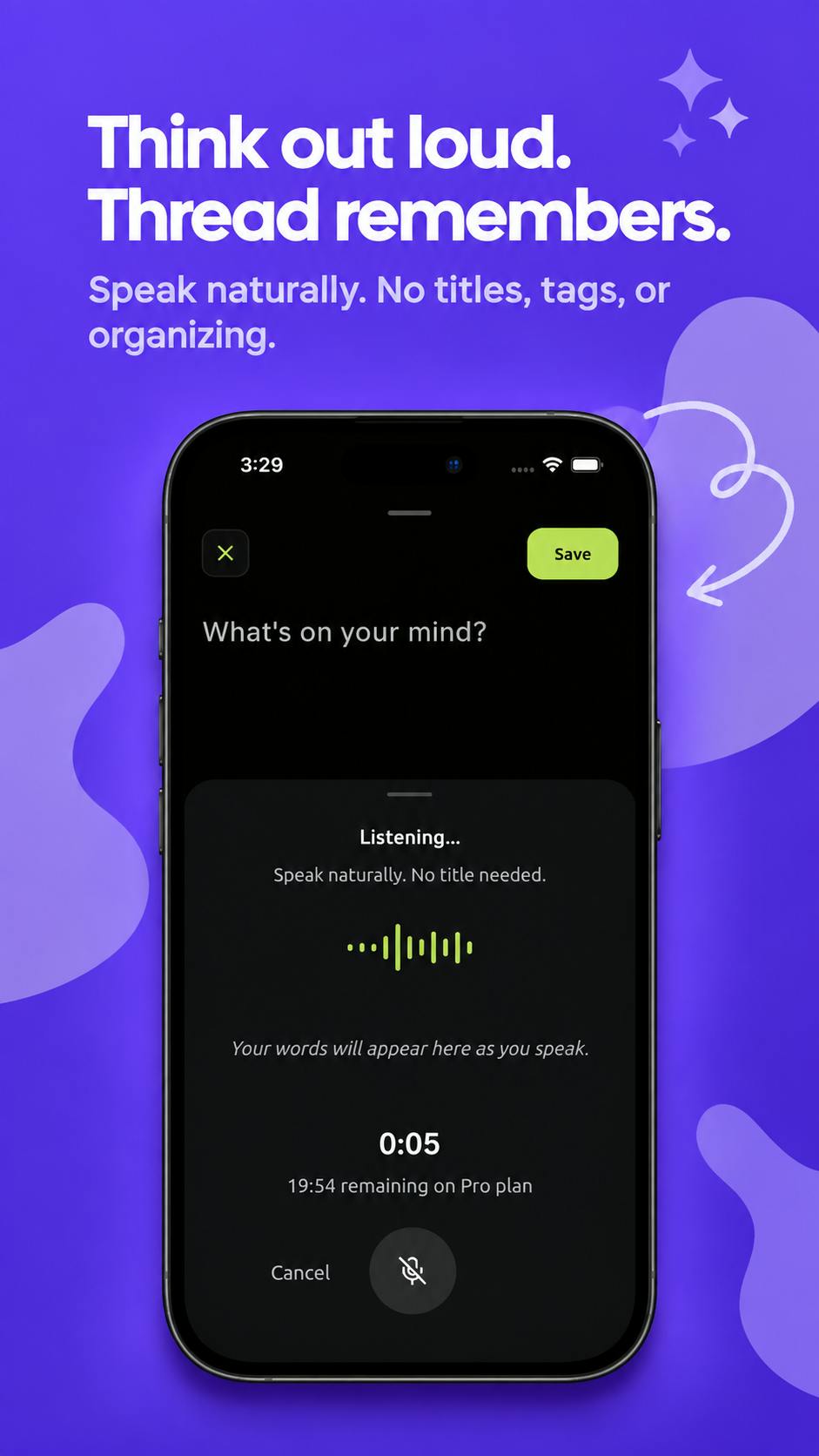
Thread: An AI-Powered 'Second Brain' Journal That Connects Your Scattered Thoughts
Thread is an AI journal and 'second brain' app on Product Hunt that auto-connects fragmented thoughts, voice notes, and ideas into meaningful patterns and actions.
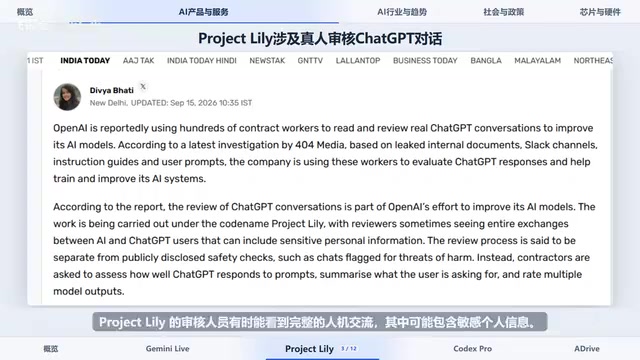
Gemini 3.8 Live Launches; Google Adopts Claude Internally for Coding
Gemini 3.8 Live launches with low-cost multimodal features; OpenAI's Project Lily sparks privacy debate; Google adopts Anthropic's Claude Opus 5 internally.
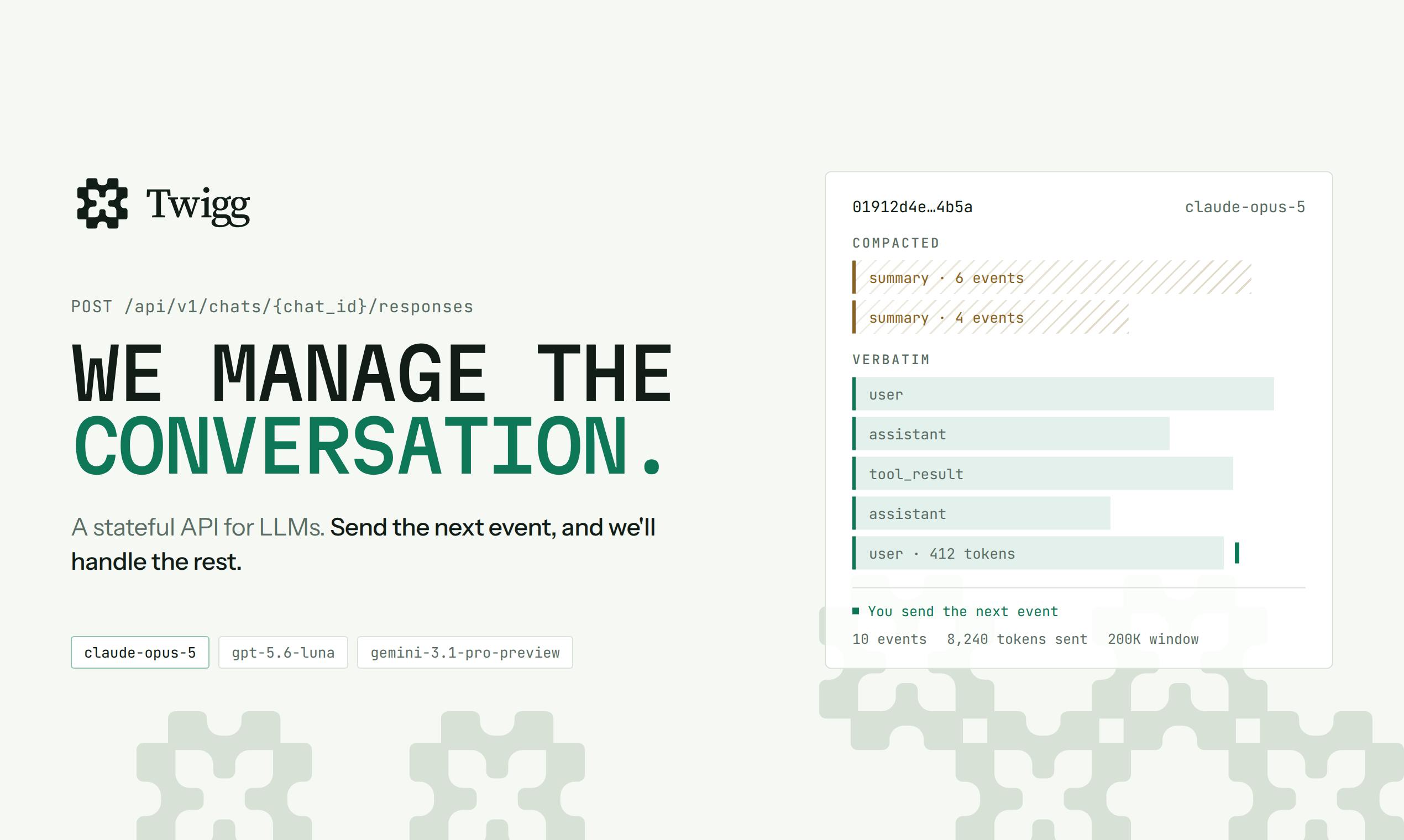
Twigg: A Stateful API That Automates LLM Context Management
Twigg is a stateful LLM API that automates context management — handling model schema adaptation, smart compression, truncation, and routing, with a dashboard for managing tool schemas, system prompts, and billing.