Raspberry Pi Struggling with Home Assistant? A Practical Mini PC Upgrade Guide

Upgrading from Pi3 to a mini PC with HAOS direct install beats virtualization for low-maintenance home automation.
Based on a real Reddit case, this article explores why a Pi3 running Home Assistant with AdGuard, Tailscale, and USB dongles hits its limits — due to undervoltage, slow SD card I/O, and limited CPU headroom. It compares two upgrade paths: mini PC with HAOS direct install (simple, unified management via Add-ons) versus Linux with virtualization (better isolation, but high maintenance complexity). For a low-tinkering, family-managed setup, HAOS on a mini PC wins. The piece also advises diagnosing bottlenecks with small fixes first before committing to a full hardware replacement.
From Raspberry Pi to Mini PC: A Classic Home Automation Upgrade Dilemma
Many home automation enthusiasts go through the same journey: a cheap Raspberry Pi is more than enough to get started with Home Assistant, but as more services pile on, the hardware quickly hits its limits. A Reddit user shared a story that's all too familiar — three years ago, he set up a Pi3 running Home Assistant at his partner's place. It worked fine at first, but after adding AdGuard (ad/DNS filtering) and Tailscale (remote network tunneling), the system started slowing down and overloading. On top of that, the Zigbee and Matter USB dongles were drawing power, triggering persistent undervoltage warnings.
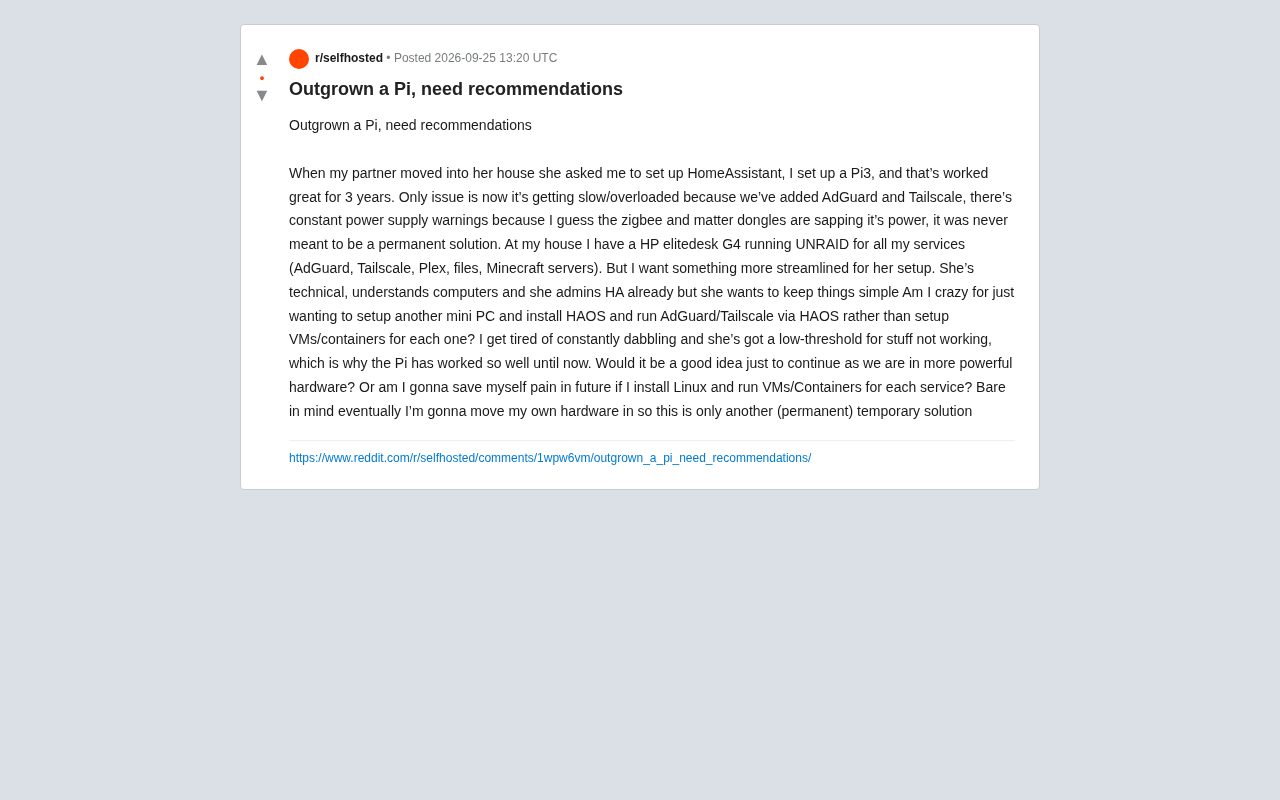
At his own home, the user already runs an HP EliteDesk G4 with UNRAID, handling AdGuard, Tailscale, Plex, file serving, and a Minecraft server. His core question: when it comes time to upgrade the hardware at his partner's place, should he keep things simple, or go all-in on a virtualization setup?
The Pi3's Ceiling: Why It Starts to Fall Short
The Raspberry Pi has always been a popular entry point for Home Assistant, but its limitations become painfully obvious as you scale up.
The first issue is power delivery. Zigbee and Matter USB dongles don't draw much on their own, but stacking multiple USB peripherals pushes the Pi's USB power budget and overall PSU headroom to its limits, triggering undervoltage warnings. These aren't just informational — chronic undervoltage can corrupt SD cards and cause random system crashes.
The second issue is compute and I/O bottlenecks. The Pi3's CPU and RAM are modest by modern standards. AdGuard processes every DNS query, Tailscale maintains an encrypted tunnel, and Home Assistant is constantly running its automation engine and writing to its database — all of which quickly turns the SD card's slow random read/write speeds into the primary source of system lag.
In short, this isn't a configuration problem. It's hardware that has naturally reached the end of its useful life — as the original poster put it, the Pi "was never meant to be a permanent solution."
Tailscale uses the WireGuard protocol for encrypted networking, which places a constant, light CPU load for encryption and decryption. On Pi3's ARM Cortex-A53 cores, WireGuard's kernel module support is limited, and some operations fall back to userspace handling — significantly less efficient than on x86 hardware. AdGuard Home, under heavy DNS query load, needs to maintain a cache and write to a statistics database, which also demands I/O and memory. SD cards typically max out at 2–5 MB/s for random writes, far below the 100+ MB/s of an SSD. Since Home Assistant's SQLite database constantly logs sensor states, the SD card becomes the biggest bottleneck for system responsiveness — and the root cause of the notoriously high SD card failure rate in Pi-based setups.
The Core Choice: All-in-One HAOS vs. Linux + Virtualization
The most interesting debate in the original thread is the choice between two fundamentally different technical approaches.
Option 1: Mini PC + HAOS Direct Install (All-in-One)
The user is leaning toward buying a mini PC and installing Home Assistant OS (HAOS) directly, running AdGuard and Tailscale via HAOS Add-ons. The biggest advantage here is simplicity.
HAOS is essentially a lightweight operating system optimized specifically for Home Assistant. Both AdGuard Home and Tailscale have official or community-maintained Add-ons — install and go, with everything managed from a single Supervisor dashboard. For a use case that demands low tolerance for tinkering, this approach has the lowest maintenance overhead. The user's partner is technically capable and already manages HA herself, but explicitly wants to keep things simple — which is exactly the ideal profile for a direct HAOS install.
HAOS Add-ons run as Docker containers, with their lifecycle, logs, and networking managed by the Home Assistant Supervisor. Once the AdGuard Home Add-on is running, it takes over local DNS resolution. The Tailscale Add-on establishes an encrypted peer-to-peer tunnel without exposing any public ports, allowing secure remote access to the home network. Compared to manually deploying Docker, Add-ons abstract away container networking, volume mounts, and process supervision — updates are a single click in the Supervisor UI. One caveat: HAOS keeps tight control over the underlying system, so if you need to run services outside the HA ecosystem (like Plex or a Minecraft server), the Add-on mechanism isn't suitable — which is why virtualization still has an edge in multi-service environments.
Option 2: Linux + VM/Containers (Flexible but Complex)
The alternative is to do what the user already does at home — install a general-purpose Linux distro (or a virtualization platform like Proxmox) and run each service in its own VM or container. The benefits are isolation and scalability: one service crashing doesn't take down the others, resource allocation is more granular, and migration and backups follow more robust patterns.
But the trade-off is a sharp increase in complexity. VM/container networking, USB passthrough (getting the Zigbee/Matter dongle into the HA VM), and snapshot-based backups all require ongoing operational effort. The user himself admits he's "tired of constantly tinkering" — which means this approach directly conflicts with his goal of a "streamlined" setup.
Proxmox VE is one of the most popular open-source virtualization platforms among home users, built on Debian Linux with a web UI for managing VMs (KVM) and containers (LXC). Its USB passthrough feature lets you exclusively assign a physical USB device (like a Zigbee dongle) to a specific VM, giving Home Assistant direct hardware control without affecting the host or other services. In practice, though, USB passthrough isn't always plug-and-play: some USB controllers require additional IOMMU group configuration, and Zigbee dongles sometimes need to be manually re-bound after VM migrations or snapshot restores. For users with no appetite for ongoing maintenance, these intermittent issues can knock out the entire smart home setup, with a much higher troubleshooting bar than HAOS Add-ons.
How to Choose: Matching the Scenario Beats Chasing Technical Perfection
Working from the actual requirements, the answer is pretty clear.
This setup is framed as a "permanent temporary solution" — the user plans to eventually move his own hardware over. Given that context, investing heavy virtualization effort into a transitional setup doesn't make sense. Mini PC + HAOS direct install is the more rational choice here:
- A mini PC (such as an Intel N100-based unit or a used enterprise small-form-factor PC) offers far more compute power than a Pi3, completely resolving the overload and power issues;
- Replacing the SD card with eMMC or SSD dramatically improves reliability;
- AdGuard and Tailscale run as Add-ons with a unified management interface, meeting the "keep it simple" requirement;
- Since the partner already manages HA, the learning curve is essentially zero.
If there's a strong case for multi-service isolation in the future, migrating to something like Proxmox is always an option — and by then, the user's proper hardware will already be on-site, making virtualization a better fit for that consolidated setup.
Practical Tips for Users in the Same Boat
For anyone going through the "Pi can't keep up" experience, this case study distills a few broadly applicable lessons:
Diagnose before you upgrade. If it's just undervoltage warnings, first check whether a powered USB hub or an official high-wattage power supply can solve it. If it's the SD card dragging things down, switching to SSD boot might be all you need. Don't replace the whole machine every time you hit a bottleneck.
Use a USB extension cable to reduce interference. Zigbee dongles plugged directly into the host are prone to electromagnetic interference from USB 3.0 ports. Running a short extension cable to move the dongle away from the machine often noticeably improves connection stability — a tip that applies equally after migrating to a mini PC.
Match the solution's complexity to the user. A technically "superior" virtualization setup becomes a liability if no one wants to maintain it long-term. In a home environment, stability, low hassle, and the ability for family members to handle small issues on their own matters far more than architectural elegance.
Ultimately, this isn't a question with a single correct technical answer — it's a trade-off. When the top priority is "don't break, and be easy to fix when it does," the optimal solution is capable-enough hardware paired with a simple-enough system.
Related articles

Gaussian Process Bandit Optimization: Exploration Strategies and Inference Regret Guarantees
Cumulative regret guarantees in Bayesian optimization fail to reflect final recommendation quality. This article examines a new study that provides inference regret guarantees for Gaussian process bandit optimization through exploration query strategies and fill distance analysis, validated on hyperparameter optimization and control tasks.

The Most Detailed Codex Guide on Bilibili: From Installation to Real-World Practice
The most detailed Codex guide on Bilibili: from app store installation to daily work mode configuration, with a real coffee shop project demonstrating file organization, data extraction, dashboard creation, and other practical tasks. Learn to use Plan Mode and desktop pets to leverage Codex efficiently.

Appearance Compensation in Volume Rendering: Why RGB Accuracy Cannot Guarantee Density Correctness
Volume rendering research reveals that volumetric data perfectly reproducing external RGB views may still contain density errors: appearance compensation can double central density and keep external rays unchanged even when L2 error exceeds 14.52%. Density recovery depends on appearance capacity, spatial resolution, and measurement design.