Raycast 2.0 Deep Dive: Cross-App AI Agents and Automation Reshape the Mac Productivity Workflow
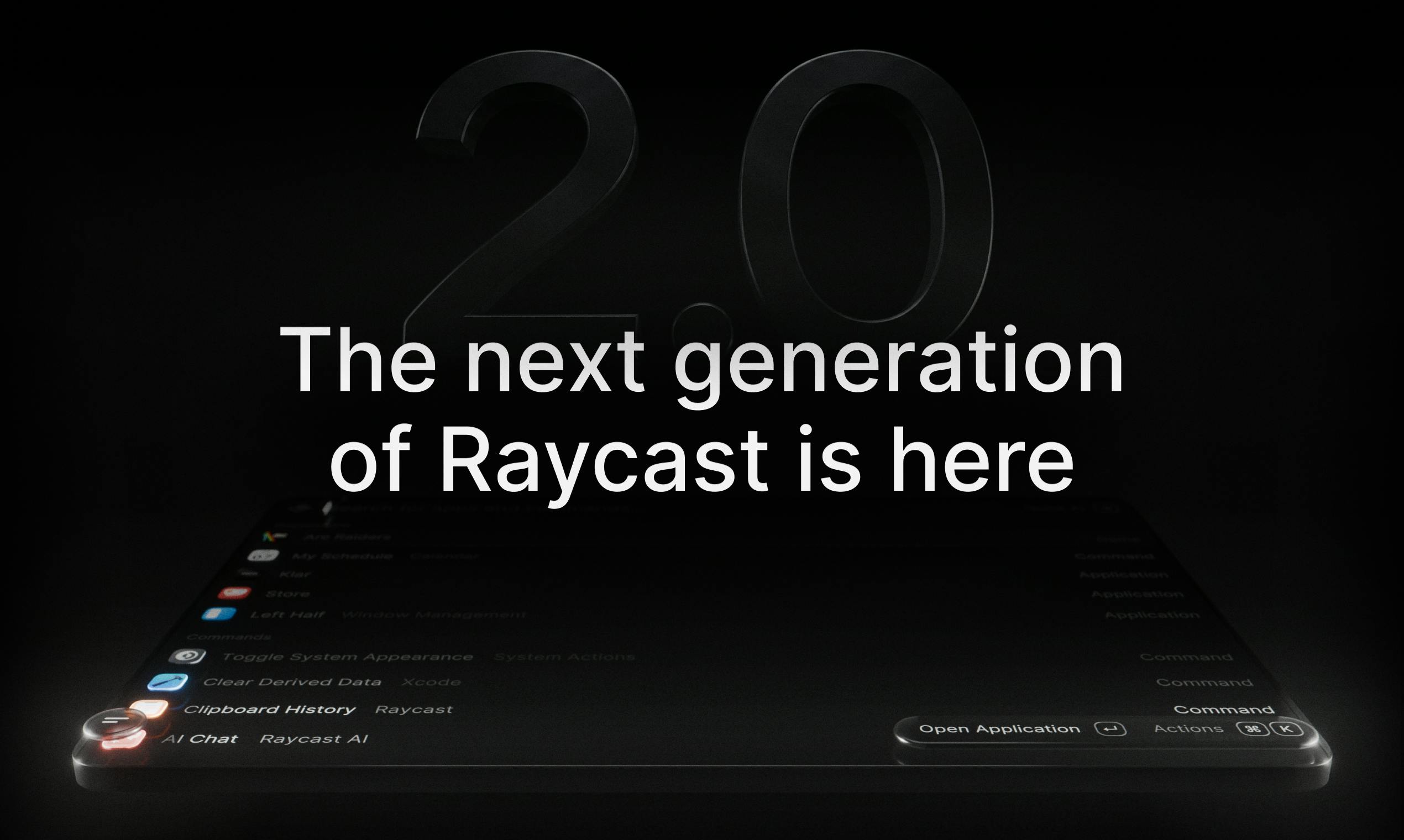
Raycast 2.0 adds cross-app AI agents, automation, and project management to evolve the Mac launcher into an AI-driven productivity platform.
Raycast 2.0 is a milestone major update to the popular Mac launcher, centered on AI agents that take action across applications — transforming AI from a passive Q&A box into a proactive task executor. The new version supports connecting your existing ChatGPT or Claude account (BYOM model), avoiding duplicate payments while preserving model choice. Alongside the AI agent, Raycast 2.0 introduces Automations (for codifying repetitive workflows) and Projects (for managing parallel work in one place), forming a complete productivity loop covering task understanding, automated execution, and project management.
As a familiar launcher tool for Mac users, Raycast has long been a favorite among developers and productivity enthusiasts for its "shortcut to everything" philosophy. Now, it's received a milestone major update — Raycast 2.0. This isn't a simple feature iteration; it's a product rebuilt from the ground up, with a clear direction: making AI truly "act," turning it into an executor that can be called upon within everyday workflows.
After launching on Product Hunt, the product received 171 upvotes, ranking 4th on the daily leaderboard across three categories: Mac, Productivity Tools, and Developer Tools.

Raycast 2.0's Biggest Highlight: The Paradigm Shift from "Commands" to "AI Action"
The most fundamental upgrade in Raycast 2.0 is the introduction of AI agents capable of taking action across applications. Most AI assistants in the past have remained at the level of "conversation" and "answering" — users had to manually copy and paste AI-generated results into their actual work contexts. Raycast 2.0 bridges that final gap: AI doesn't just understand your intent, it can directly execute operations across the apps you use every day.
This evolution from "command executor" to "intelligent agent" represents an important trend in Mac productivity tools. When AI can read context and leverage local tools, it transforms from a passive Q&A box into a proactive assistant that gets things done. For developers and knowledge workers who constantly switch between multiple apps, the value of this cross-app execution capability speaks for itself.
Connect Your Own ChatGPT or Claude Account
Notably, Raycast 2.0 lets users connect their own ChatGPT or Claude accounts. This means you can directly leverage your existing subscription, integrating the power of large language models into the Raycast ecosystem — working in tandem with the commands and extensions you use every day.
This "Bring Your Own Model" (BYOM) design philosophy is remarkably pragmatic:
- No extra cost: Avoids users paying twice to access AI features
- Model autonomy: Whether you prefer OpenAI or Anthropic, both integrate seamlessly
- Open ecosystem: Far more flexible than locking users into a single model provider, and much more welcomed by the community
What is BYOM? "Bring Your Own Model" (BYOM) is an emerging product design philosophy in the AI tools space, contrasting with the "walled garden" approach where platforms force users into their proprietary AI services. The core logic: users already pay for OpenAI, Anthropic, and similar services — the tool layer shouldn't charge again for AI usage; instead, it should focus on delivering better interaction experiences and workflow integration. Practical benefits include using model accounts you're already familiar with and have history in, freedom from a single vendor's model limitations, and the flexibility to switch as the model market rapidly evolves. For efficiency tools like Raycast, BYOM also lowers the psychological barrier to trying AI features, since the perceived additional cost is nearly zero.
What is an AI Agent? The "AI Agent" concept is key to distinguishing it from traditional chatbots. Traditional AI assistants operate in a "Q&A" mode: user inputs a question, AI returns text, and the user manually applies the result to the actual task. AI agents, by contrast, possess a complete "perceive–plan–execute" loop: they can read current context (such as screen content or open files), break complex tasks into sub-steps, and directly complete operations in external systems by calling tools or APIs — for example, creating a calendar event, modifying a file in a code editor, or sending a message in Slack. This difference between "getting it done" versus "telling you the answer" is precisely the paradigm shift Raycast 2.0 claims to deliver. Cross-app execution typically relies on OS-level permission grants and the APIs or automation interfaces provided by individual apps.
Three Core Capabilities: AI + Automations + Projects
Beyond the action-capable AI agent, Raycast 2.0 introduces two other significant features. Together, the three form the capability triangle of the new version.
Automations: Say Goodbye to Repetitive Tasks
Automations targets those recurring, mechanical operations. In daily work, processes like organizing files, sending fixed-format messages, and updating task statuses consume enormous amounts of time. Automations lets users lock down these repetitive actions and hand them off to the system for automatic execution — freeing up more energy for creative work.
Context for existing users: Automations overlaps in positioning with established automation tools in the macOS ecosystem (such as Shortcuts, Keyboard Maestro, and Alfred's Workflow), but its deep integration with AI agents is its differentiator. Traditional automation tools require users to precisely define every step in advance — they are fundamentally "rule-driven." Raycast 2.0's Automations can theoretically leverage AI to understand ambiguous instructions and handle exceptions, evolving from "hard-coded processes" toward "intent-driven processes." For users already familiar with Alfred Workflow or Shortcuts, the key question is whether Raycast can strike a better balance between ease of use and flexibility, and whether AI involvement genuinely reduces the learning curve of setting up automations.
Projects: Unified Management of Ongoing Work
Projects addresses the pain point of scattered work content. It organizes everything related to an ongoing piece of work into a unified workspace. For users tracking multiple parallel projects over time, this aggregation capability significantly reduces the cost of context switching.
How the Three Features Work Together
These three features don't exist in isolation — they complement each other to form a complete productivity loop:
- AI Agent handles intent understanding and cross-app execution
- Automations manages predictable, repetitive workflows
- Projects provides an organizational framework at the project level
When the three work in concert, Raycast 2.0 is no longer just a quick launcher — it becomes a productivity platform covering the full chain of task understanding, automated execution, and project management.
A New Underlying Architecture: Room to Grow
The team emphasizes that Raycast 2.0 is "redesigned from the inside out," built on an entirely new foundational architecture. The shift in product positioning makes this clear — from a pure Mac launcher to an integrated productivity platform combining AI agents, automation, and project management.
The strategic significance of this architectural overhaul is the ample room it creates for future feature expansion. A solid architectural foundation often determines a product's long-term competitiveness more than any individual feature. For Raycast, which already has a rich extension ecosystem, figuring out how to support growing AI capabilities while staying lightweight and fast is a significant engineering challenge — and the 2.0 architectural rebuild is a direct answer to that challenge.
Verdict: Is Raycast 2.0 Worth Trying?
The release of Raycast 2.0 reflects a profound shift happening across the productivity tools landscape: AI is no longer just a bolt-on conversational feature — it's gradually becoming the core execution engine of tools themselves. The tagline "your shortcut to everything" takes on a whole new meaning in the 2.0 era. Now, "everything" includes not just the apps and commands you can launch, but also the actions AI can complete on your behalf.
For long-time Raycast users, this update is worth experiencing immediately. For productivity enthusiasts still on the fence, Raycast 2.0 offers a great opportunity to reconsider your own workflows — when AI can truly act across applications, how far can our everyday productivity tools evolve? The answer may well lie within this upgrade.
Related articles

LLM Application Development: A High-Paying Career Guide for Ordinary People
LLM application development offers fresh graduates up to 35K/month, with SP offers reaching 600K. This article explains the core skills, how to break in, and how ordinary people can seize AI opportunities through learning by doing.

Say Goodbye to AI Influencer Faces: A Complete Guide to Creating Visual Assets for AI Comic Dramas from Scratch
Bilibili creator shares a full workflow for zero-basics AI comic drama visual assets: use Doubao Work skills with script-first, visual references, and real-person texture to escape AI influencer faces, then lock character and scene consistency with asset sheet layouts, weapon detail images, scene nine-grids, and cinematic color palettes.

The AI Production Pipeline Behind Great Videos: From Research to Agent Validation
AI video production isn't just a model race. This article breaks down a transferable four-step pipeline: researching professional workflows, organizing a skill checklist, configuring agents, and experimental validation—and explains how general-purpose LLMs like DeepSeek can replace paid tools to run the entire process.