Replicating the Viral Hotel Lobby Video: A Full Breakdown of the AI Agent Recipe

A full breakdown of using an AI Agent recipe to automatically replicate the viral hotel lobby video trend.
This article breaks down a Reddit user's AI workflow for replicating the viral "hotel lobby video" trend: packaging a multi-step process into a reusable recipe executable by Agent platforms like Instinct, Muse, and Grok. Key steps include pre-editing the source video, preparing full-body and close-up reference images for each character, calling the Minimax H3 Max model on Fal.ai for multimodal conditioned generation, and using hashtag labels like #image1 in prompts to explicitly map each image to its character. Since models can't infer semantic relationships between images automatically, this explicit mapping is critical for character consistency. Results typically require multiple iterations — and "recipe-izing" the workflow is precisely what makes each iteration cheaper to run.
The "Hotel Lobby Video" trend has been making the rounds on social media, and plenty of content creators are eager to replicate it. A Reddit user shared how they packaged the entire production process into a reusable "recipe" that lets an AI Agent execute it automatically on command. This article breaks down that shared workflow in full, helping you understand the underlying technical logic and key operational details.
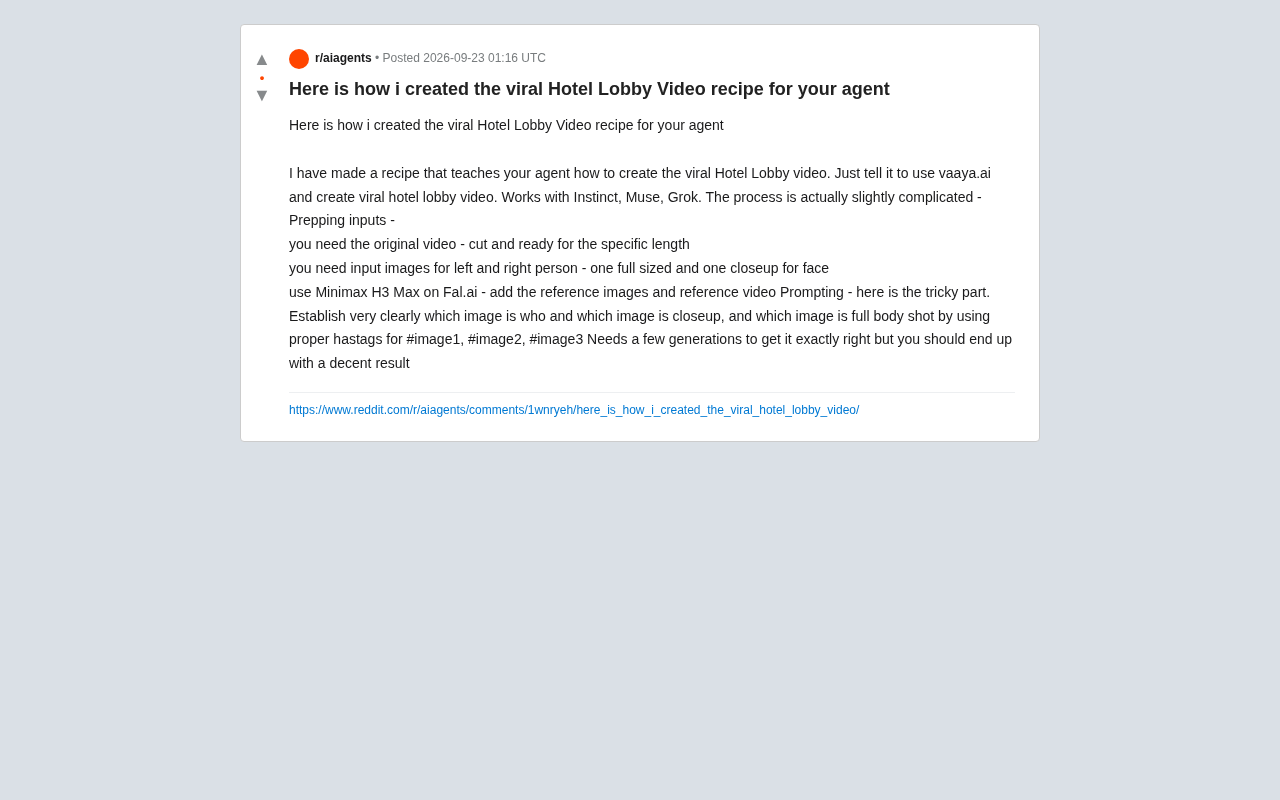
What Is an "Agent Recipe" Workflow?
A "recipe," at its core, is the abstraction of a complex, multi-step, multi-tool task into a reusable instruction template. As the author describes it, you simply tell the Agent to "create a viral hotel lobby video using vaaya.ai," and it invokes the corresponding workflow to get the job done.
This recipe is reportedly compatible with several mainstream Agent platforms, including Instinct, Muse, and Grok. That cross-platform compatibility suggests the recipe depends more on the underlying generative model and asset-preparation logic than on any specific Agent ecosystem. For creators looking to produce similar videos at scale, condensing tedious manual steps into a single command is the key to unlocking efficiency.
Background: What Is an Agentic Workflow? An Agentic Workflow is an automated task-execution framework driven by large language models or multimodal models. Rather than passively answering questions, the model actively plans steps, calls external tools (such as image generation APIs or video editing interfaces), and adjusts subsequent actions based on intermediate results. A "Recipe" is a common design pattern within this framework: a complex, validated task is crystallized into a parameterizable template with placeholders, so users only need to supply specific assets (like a designated person's photo) for the Agent to automatically chain together multiple tools and complete the full task. The core advantage of this pattern is that it turns expert knowledge into a scalable, reusable asset — powered under the hood by the Agent platform's support for Function Calling and multi-step Chain-of-Thought reasoning.
Preparing Your Input Assets: The Details That Make or Break the Result
The author repeatedly emphasizes that this workflow is "actually slightly complex," and that complexity is concentrated almost entirely in the asset preparation stage. According to the description, you'll need the following types of inputs:
- Source video: Must be edited in advance, with a length that matches the target output. You can't just dump a raw, uncut clip — you need to trim and control the duration beforehand.
- Character reference images: You'll need photos for the characters on both the left and right sides of the frame — two images per person: one full-body shot and one facial close-up.
This "full-body + close-up" dual-image strategy ensures the generative model can grasp both the character's overall form and posture while also accurately reproducing facial details. Given that character consistency remains one of the hardest challenges in AI video generation, using multi-angle reference images to anchor character features is a well-established and effective approach.
The Core Tool: Minimax H3 Max on Fal.ai
The generation step of this workflow relies on the Minimax H3 Max model hosted on the Fal.ai platform. The author's approach is to add the prepared reference images and reference video together into the model as the basis for generation.
Fal.ai is an inference platform that aggregates a wide range of generative models, making it easy for developers and creators to access cutting-edge models without managing their own infrastructure. The Minimax series has already earned a solid reputation in the video generation space. Choosing a model that supports multimodal input — combining reference images with a reference video — is the technical prerequisite for achieving this kind of style transfer and character replacement effect.
Background: What Is Fal.ai, and What Does Minimax H3 Max Do? Fal.ai is an AI Inference-as-a-Service platform for developers and creators. Its core value lies in wrapping generative models from various organizations into standardized APIs, so users can call them on demand without deploying their own GPU infrastructure. Minimax H3 Max is a video generation model from Minimax that supports conditioned generation — taking static reference images and a reference video as fused inputs. This allows the model to "transfer" the appearance of a user-specified character into the video while preserving the motion trajectory from the reference footage. This technical approach is essentially a combination of video style transfer and character swapping — the model must simultaneously understand "where the motion comes from" and "what the character looks like," placing high demands on multimodal alignment. This is precisely why the quality and quantity of reference images directly impact character consistency in the final output.
Prompt Engineering: Explicitly Label Every Image's Identity
The author identifies the "trickiest part" of the entire workflow as writing the prompt. The key is to clearly tell the model which image corresponds to which person, which one is the close-up, and which is the full-body shot.
The practical approach is to use structured labels (hashtags) to refer to different images — for example, #image1, #image2, #image3. Through this numbered annotation system, the model can correctly map "this is the facial close-up of the left character" and "that is the full-body shot of the right character," avoiding any mix-ups.
This detail exposes a common pitfall in multi-image generation tasks: the model won't automatically infer the semantic relationships between images. Creators need to spell it out in a structured way. A clear image-to-identity mapping is the cornerstone of output quality.
Iterative Generation: Don't Expect It on the First Try
The author is candid that this workflow "takes a few generations to dial in completely," but should ultimately yield a solid result. This is the general reality of AI video generation today — a perfect result on the first attempt is rare. You'll typically need to go through multiple rounds of tweaking the prompt, swapping reference images, or adjusting parameters to converge on the desired effect.
The takeaway for creators: don't expect a one-click output. Instead, treat AI generation as a process of iterative experimentation and gradual refinement. Crystallizing your workflow into a reusable recipe is precisely about lowering the cost of each iteration cycle.
Background: Why Does AI Video Generation Require Multiple Iterations? The fundamental reason is that current model outputs are stochastic (governed by temperature parameters and sampling strategies), and alignment errors between multimodal condition inputs (images + video) get amplified frame by frame. Common tuning strategies in practice include: adjusting weight descriptions in the prompt (e.g., emphasizing facial feature priority), swapping in reference images with better lighting or angles, shortening the reference video clip to reduce motion ambiguity, and — where the platform supports it — lowering the sampling temperature to trade creativity for more stable output. Documenting prompt and parameter changes across each iteration as a "tuning log" is an effective way to distill personal experience into the next version of your recipe.
Conclusion
This hands-on guide from the Reddit community, while brief, maps out all the critical elements of replicating a viral AI video: structured asset preparation, a generative model with multimodal input support, precise image-identity annotation, and necessary multi-round iteration. It also reflects a broader trend — more and more creators are packaging complex AI creation workflows into "recipes" to be executed automatically by Agents, enabling content production at scale.
A quick note: this workflow is based on a single community source. Please verify the tools and model performance mentioned here through your own testing.
Related articles

How Big Can Stars Really Get? The Physical Limits of the Largest Stars
Red supergiants are the largest stars by volume, with radii up to 2,000 times the Sun, engulfing the inner solar system. But there is no precise upper limit on stellar size—models predict up to 15,000 solar radii. The most massive blue stars are far smaller than red supergiants—biggest and heaviest are two different things.

Apple HomeView Smart Display Full Feature Breakdown: Wall-Mount or Desktop, $299
Apple launches HomeView, a $299 smart display with wall-mount and desktop options, 12MP camera for facial recognition, smart home control, music playback, and recipe step-by-step cooking. Full breakdown of watch faces, apps, privacy, and cooking integration.

Where Did the Promised New Studio Go? Craft Computing Answers After Five Years
Craft Computing's host responds to viewer questions: the new studio promised five years ago was shelved as construction costs soared from $30,000 to $75,000, and was replaced by a 168-square-foot garage conversion.