REPO Game 60+ Mod Pack Breakdown: Dancing, Localization, and Save Protection All in One
A Bilibili creator releases a 60+ mod pack for REPO with dancing, save protection, and full localization.
Bilibili creator Axing has released an updated mod pack for co-op horror game REPO, bundling over 60 localized mods. The update was made possible by three months of no base game updates, keeping mod compatibility stable. Highlights include a new dancing feature triggered by holding F, plus weapons, monster health bars, auto item shrinking, a minimap, and F7 save protection. Installation is straightforward, but users should delete the BPNX file before updating and be aware that loading corrupted saves may break the dancing mod.
《REPO》 is a recently popular co-op horror game, and its modding ecosystem has been key to extending the game's longevity. Bilibili creator Axing recently released a mod pack containing over 60 mods, covering features like Chinese localization, item shrinking, shared upgrades, password skipping, and save protection. This pack not only lowers the barrier for newcomers to get into modding, but also gives veteran players a richer set of gameplay options.
Why the Pack Got an Update After a Long Hiatus
According to the creator, the pack had gone a long time without updates primarily because the base game itself hadn't received any version updates for three months. The developers are currently focused on building new levels and working toward the 1.0 full release.
For mod players, this is actually good news — when the base game doesn't update, mod compatibility and stability are preserved, and you won't run into frequent version-breaking issues. The creator also noted that precisely because there haven't been major changes to the game, the vast majority of mods in this pack remain stable, so players can use them with confidence.
《REPO》 (one of the spiritual successors to Lethal Company) is a co-op horror game developed by Semiwork, where players team up to enter abandoned buildings, collect items, and haul them out for sale. The game is currently in Early Access, with the full 1.0 version not yet released. Games in Early Access tend to update frequently, and each update can break existing mods as underlying interfaces change — which is one of the biggest headaches for mod pack maintainers. The three-month update freeze has actually given the mod ecosystem a rare window of stability.
New Dancing Feature and Core Gameplay Overview
The most eye-catching addition in this update is the dancing feature. Hold down the F key to open the dance menu, and a fun detail is that character accessories, health indicators, and crowns all animate along with the dance moves, adding a lot of entertainment value. If the F key conflicts with other controls, you can remap the shortcut in the mod settings.
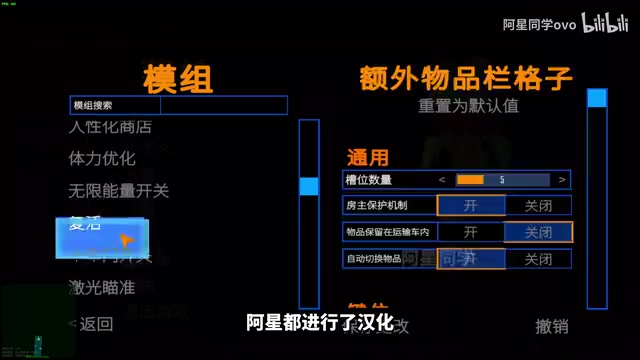
Almost all mods in the pack have been localized into Chinese by the creator, and most support in-game parameter adjustments at any time. Beyond dancing, other notable features include:
- Weapon system: Weapons like APA and AWM are available; press F6 to enable infinite ammo
- Monster health bars: Makes combat more strategic
- Item scanning: Press F to scan nearby items
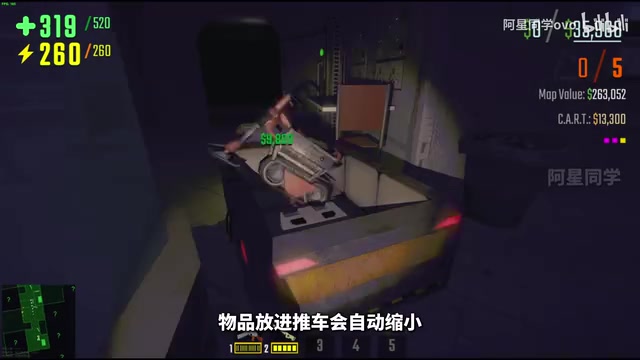
- Auto item shrinking: Items placed in the cart automatically shrink for easier hauling
- Minimap: View surrounding environment info
- Teammate/monster controller: Press F4 to open a controller for manipulating teammates, monsters, and item spawns
Save Protection: Solving the Death-Wipe Problem
In horror survival games, losing your save upon death is an absolutely crushing experience. This pack introduces F7 save functionality, so players no longer need to worry about losing progress after dying — even so-called "corrupted saves" can be preserved.
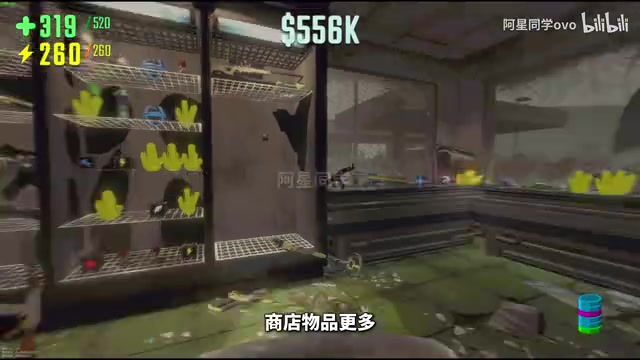
However, the creator specifically flags one pitfall to watch out for: if you load a corrupted save immediately upon entering the game, it may cause the dancing mod to stop working. This is a typical example of occasional conflicts between mods in a multi-mod pack, so players need to pay attention to load order. The pack also supports features like skipping directly to the next level and expanding the in-game shop's item variety.
"Corrupted save" (毒档) is player slang for a save file in an abnormal state that degrades the subsequent gameplay experience. In games like 《REPO》 that have Roguelike or survival elements, it typically refers to a save where severe resource loss from an accidental death or mission failure makes recovery nearly impossible. In multi-mod environments, corrupted save issues are even more complex — some mods write their own state data into save files, and when load order or mod versions are inconsistent, that extra data can trigger abnormal behavior in other mods. The dancing mod failure mentioned in the article is essentially a conflict in data format or initialization timing between mods.
Installation Guide: Easy Even for Beginners
The installation process for the pack has been designed by the creator to be quite straightforward, even for complete mod newcomers. The core steps are:
Full Pack Installation
- Open your game's root directory
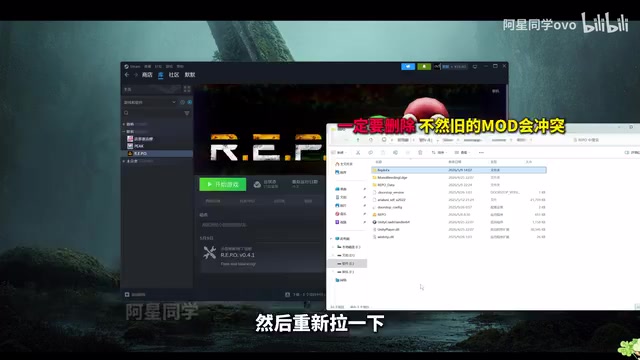
- If you've installed other mods before, make sure to delete the BPNX file first, otherwise conflicts may occur (you also need to delete this file and re-download on every pack update)
- Extract the downloaded mod pack archive
- Drag all extracted contents into the game's root directory
Installing a Single Mod
If you only want a specific mod, you can install it individually: download the corresponding standalone file, first drag the required base files into the root directory, then open the desired mod folder and drag its contents into the root directory as well.
Removing Unwanted Mods
To remove a feature, navigate to the relevant location in the root directory and delete the file with that feature's Chinese name. Since all mods have been localized, this process is very user-friendly for Chinese-speaking players.
The "root directory" refers to the top-level folder where the game files are stored. You can quickly locate it in Steam by right-clicking the game in your library and selecting "Manage" → "Browse local files." The BPNX file is one of the configuration or cache files for the mod manager (BepInEx) used by this pack. BepInEx is the most mainstream mod framework for Unity-based games like 《REPO》, responsible for injecting mods into the game process at startup. Keeping old BPNX files when overwriting with a new pack can cause configuration data mismatches, so clearing that file before each update is critical for ensuring mods load correctly.
Usage Tips and Final Thoughts
The greatest value of this 60+ mod pack lies in its "all-in-one" integration and comprehensive localization — it bundles together many mods that would otherwise require manual configuration, dramatically reducing the effort involved. Features like dancing, infinite ammo, item shrinking, and save protection cover entertainment, combat, and quality-of-life dimensions, and players can pick and choose based on their needs.
It's worth noting that running multiple mods together inevitably brings occasional conflicts (such as corrupted saves affecting the dancing mod). It's recommended that players select and install mods based on their own play preferences rather than enabling everything blindly. As the game progresses toward its 1.0 full release, the pack is also expected to receive further compatibility updates.
Related articles
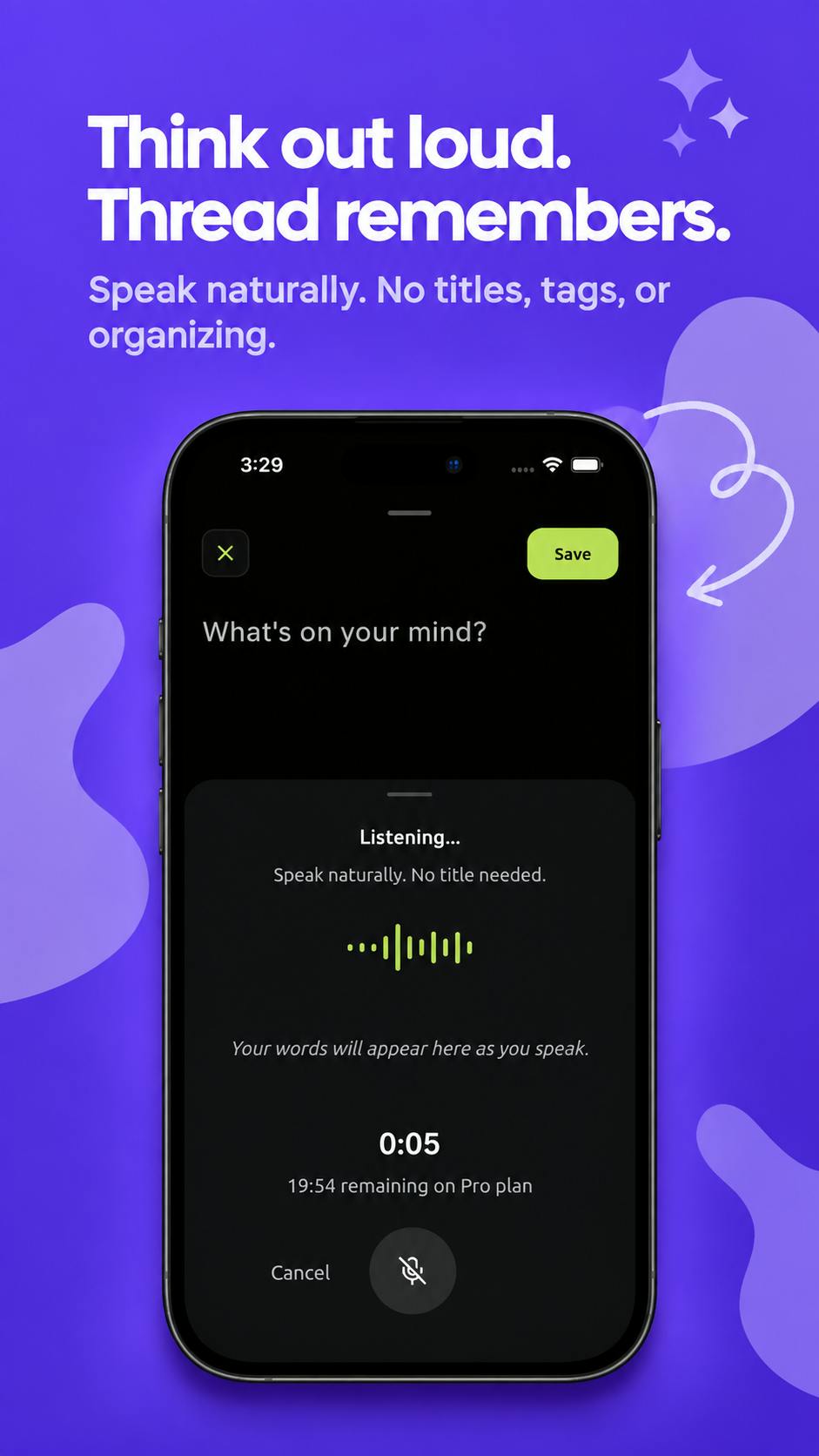
Thread: An AI-Powered 'Second Brain' Journal That Connects Your Scattered Thoughts
Thread is an AI journal and 'second brain' app on Product Hunt that auto-connects fragmented thoughts, voice notes, and ideas into meaningful patterns and actions.
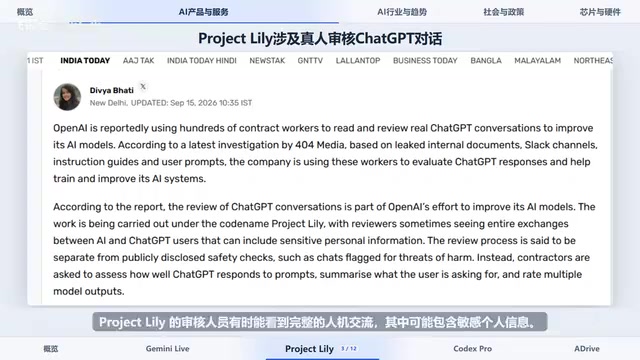
Gemini 3.8 Live Launches; Google Adopts Claude Internally for Coding
Gemini 3.8 Live launches with low-cost multimodal features; OpenAI's Project Lily sparks privacy debate; Google adopts Anthropic's Claude Opus 5 internally.
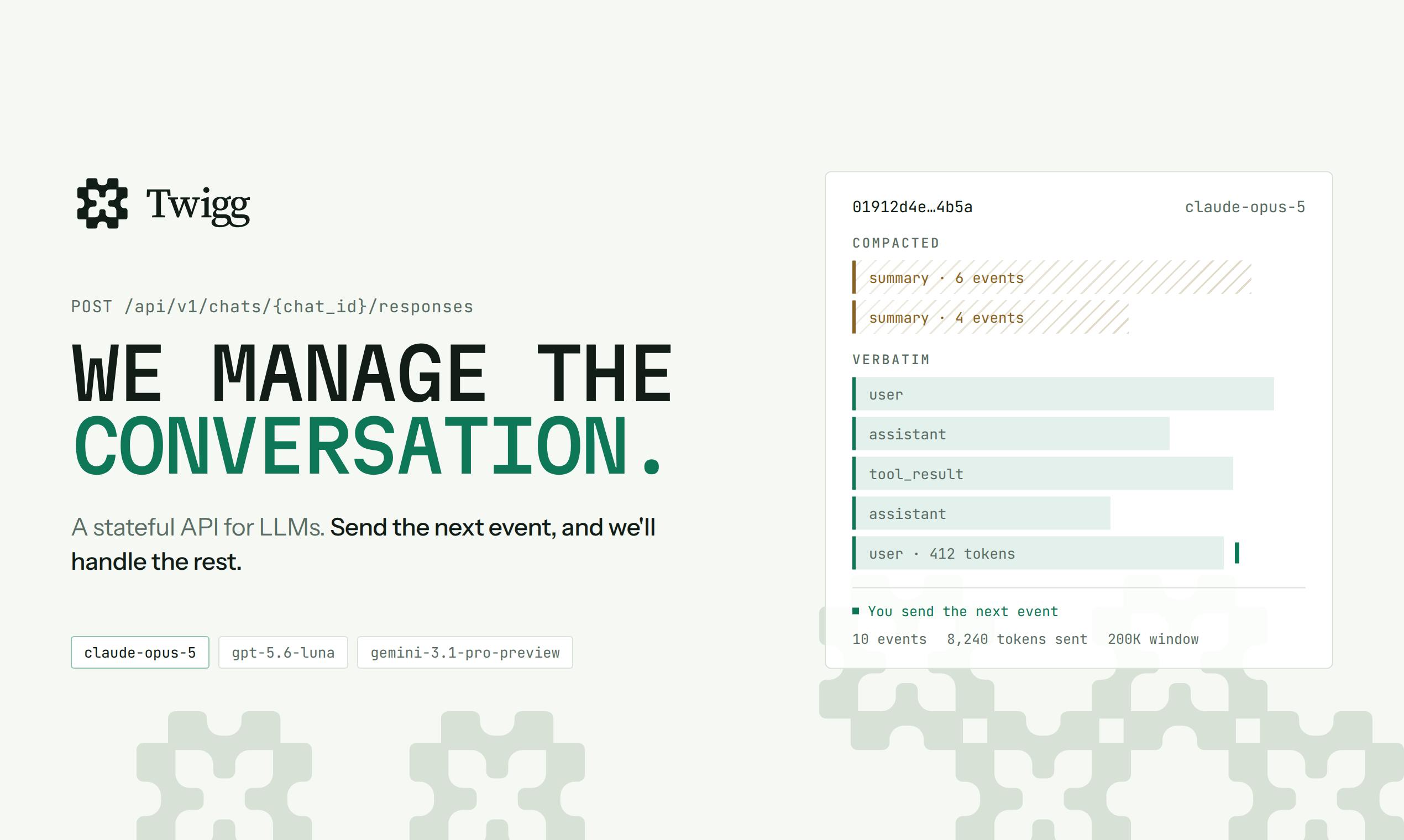
Twigg: A Stateful API That Automates LLM Context Management
Twigg is a stateful LLM API that automates context management — handling model schema adaptation, smart compression, truncation, and routing, with a dashboard for managing tool schemas, system prompts, and billing.