Running AI Models Locally on a Thin-and-Light Laptop: A Realistic Analysis

A technical reality check on viral claims that budget laptops can run full-power AI models locally.
This article examines the recent wave of marketing videos claiming you can run "full-power" large language models on a thin-and-light laptop with just a few gigabytes of VRAM. While running quantized open-source models locally is genuinely feasible, there's a fundamental gap between a compressed small model and a true large-scale model. Quantization noticeably degrades reasoning and coding performance, product names like "GPT-6 Astra" have no official basis, and real closed-source model weights have never been publicly released. Distributing toolkits via comment sections also poses serious malware and data security risks. The article recommends using official channels like Ollama and Hugging Face for open-source models.
A Clickbait Claim — How Much Truth Is Behind It?
Recently, a wave of videos has gone viral promoting the idea that you can run "full-power AI" on a thin-and-light laptop with just a few gigabytes of VRAM — no expensive GPU required. These videos often reference unverified or unreleased product names like "GPT-6" or "Gemini 3.8," claim you can use them "for free domestically," and offer a bundled "ultimate toolkit" in the comments.
For everyday users, this pitch is irresistible. High-end GPUs cost a fortune, so the idea of running state-of-the-art AI on an old laptop sounds like a dream. But before jumping on the bandwagon, it's worth taking a clear-eyed look at the technical realities and potential risks involved.
Local LLM Deployment: Technically Feasible, But With Real Limits
Running large language models (LLMs) locally is not a myth. Using open-source frameworks like Ollama, LM Studio, and llama.cpp, combined with quantized model weights (such as 4-bit or 8-bit quantization in GGUF format), consumer-grade hardware can indeed run certain small-to-medium-scale models.
Quantization Is Key — But It Comes With Trade-offs
The claim in these videos that "logical reasoning and coding ability are completely unaffected" deserves scrutiny. Quantization is fundamentally a trade-off: you sacrifice precision in exchange for smaller size and faster speed.
- Models that fit in a few gigabytes of VRAM are typically 7B parameters or smaller, compressed through aggressive quantization;
- Truly "full-power" large models (tens or hundreds of billions of parameters) require far more VRAM and memory than any thin-and-light laptop can provide;
- Quantized models often show noticeable degradation in quality on complex reasoning, long-context tasks, and code generation.
In other words, "running a full-power AI on a thin laptop" and "running a usable small model locally" are two very different things. These videos deliberately blur that distinction.
Quantization is the process of compressing model weights from high-precision floating-point numbers (e.g., FP32, FP16) into lower-precision integers (e.g., INT8, INT4). A 7B-parameter model in FP16 requires roughly 14GB of VRAM, but after 4-bit quantization that drops to around 4GB — dramatically lowering the hardware bar. GGUF (GPT-Generated Unified Format) is currently the most popular quantization storage format, developed by the llama.cpp project, and supports efficient CPU inference — which is exactly what allows thin laptops to run models without a dedicated GPU.
However, quantization is not lossless. The lower the bit-width, the greater the loss in numerical precision. This shows up most clearly in tasks requiring multi-step reasoning chains, math calculations, and long code generation. Researchers typically use benchmarks like MMLU and HumanEval to measure this capability degradation — but marketing videos almost never mention these comparisons.
Unverifiable Product Names
Product names referenced in these video titles — such as "GPT-6 Astra" or "Gemini 3.8 Image2" — have no official source to back them up. Tutorials built around such buzzwords are almost certainly using recognizable brand names purely for traffic.
The models that are genuinely open-source and locally deployable include the Llama series, Qwen (Tongyi Qianwen), DeepSeek, Mistral, Gemma, and others. These models have clear open-source licenses, official weight download channels, and community documentation — making them the trustworthy options for local deployment. Treating model weights and toolkits of unknown origin with extreme caution is a basic security principle.
All mainstream locally deployable open-source models have publicly accessible Model Cards and licenses. Meta's Llama 3 series, Alibaba's Qwen2.5, High-Flyer's DeepSeek-V3/R1, Mistral AI's Mistral/Mixtral, and Google's Gemma 2 are all hosted on Hugging Face, where you can verify parameter counts, training data descriptions, and commercial use restrictions. By contrast, GPT-4/4o, Claude, and the real Gemini are commercial closed-source models whose weights have never been publicly released. Any claim that these models can be "run locally offline" is technically impossible — regardless of what format they're packaged in. So-called "weights" circulating online are either knockoff models using the same name, or could contain malicious content.
The Deployment Process Sounds Simple, But Risks Are Downplayed
The workflow described in these videos typically goes: obtain model weights → configure a lightweight runtime → launch a local GUI — all supposedly done in "three minutes."

From a usability standpoint, the barrier to deploying mainstream tools has genuinely come down. With Ollama, for instance, a single command after installation is enough to pull and run a model, and pairing it with Open WebUI gives you a graphical chat interface. That part is legitimate.
The problem is that these videos direct users to "leave a comment" to receive a "toolkit and configuration files." File packages distributed this way through private channels carry real risks: they may contain malware or models of unknown origin. Installing executables from unofficial sources can lead to data breaches or device security compromises.
A Safer Approach
- Download models directly from official platforms like Ollama or Hugging Face;
- Use frameworks maintained by the open-source community, not all-in-one packages bundled by strangers;
- Be skeptical of any tutorial claiming to offer "free access to commercial closed-source models" — closed-source models like the real GPT or Gemini cannot be run locally offline.
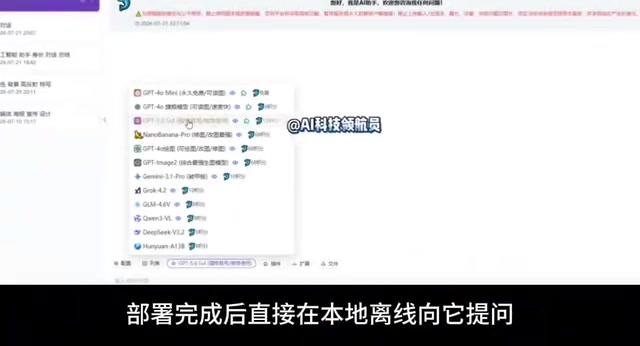
Understanding the Real Value of "Local AI"
The genuine value of local AI deployment lies in privacy protection, offline availability, and freedom from usage restrictions — not in getting free access to top-tier closed-source models. For developers and advanced users who have privacy requirements or want to process data locally, running small-to-medium open-source models for text generation, coding assistance, or knowledge Q&A is entirely practical.
However, everyday users who expect to replicate the experience of leading cloud-based models on an old laptop will be disappointed. There are real physical constraints governing the relationship between hardware, quantization, and model scale — and no amount of marketing language can change that.
Conclusion
These videos tap into two genuine pain points — cost savings and local AI — but they obscure real technical limits and security risks through exaggerated claims, unverifiable product names, and the practice of distributing unknown files via private channels.
Local LLM deployment is worth exploring, but take the legitimate path: stick to open-source models, use official frameworks, and refuse toolkits of unknown origin. For any claim that a thin-and-light laptop can run a full-power closed-source model, apply basic technical judgment before believing it.
Related articles
Automattic Executives Signed Reciprocal Severance Agreements During Mullenweg's Brief Ouster
Automattic's CFO and General Counsel signed reciprocal severance agreements during Matt Mullenweg's brief ouster, covering one year's salary and accelerated equity vesting, raising corporate governance concerns.
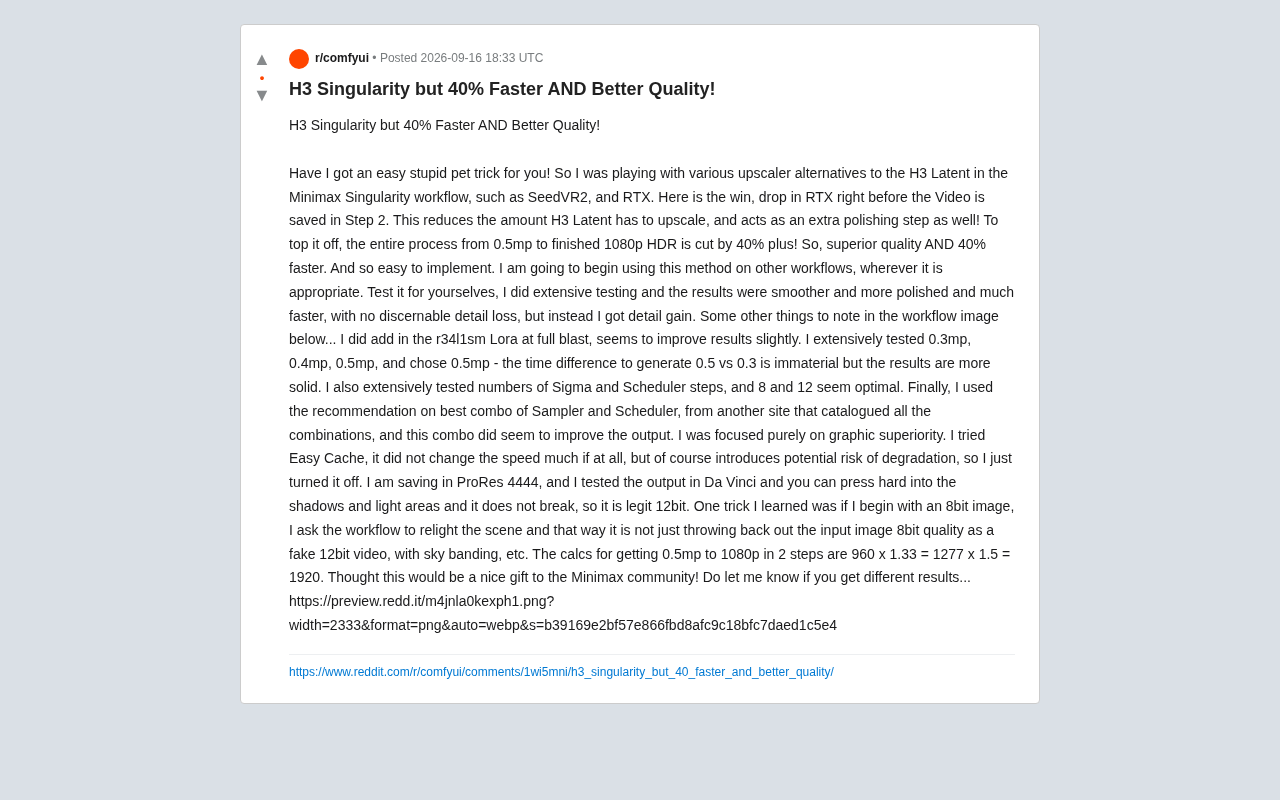
H3 Singularity Optimization: 40% Speed Boost With Better Image Quality
A Reddit user's Minimax Singularity workflow tip: insert an RTX upsampler before H3 Latent for 40%+ speed gains and better quality. Covers parameters, 12-bit output, and more.
Glyph: A Multi-Strategy Agent System for Automated Enterprise Data Catalog Annotation
Glyph is a multi-strategy LLM agent system for enterprise data catalogs that automates column description generation and sensitivity ontology tagging, grounding outputs in pipeline source code to improve accuracy.