Running MiniMax H3 Character Swap LoRA on 8GB VRAM: A Real-World Test on a Mid-Range GPU

RTX 4070 with 8GB VRAM runs MiniMax H3 + Character Swap LoRA, completing AI facial replacement in ~13 minutes.
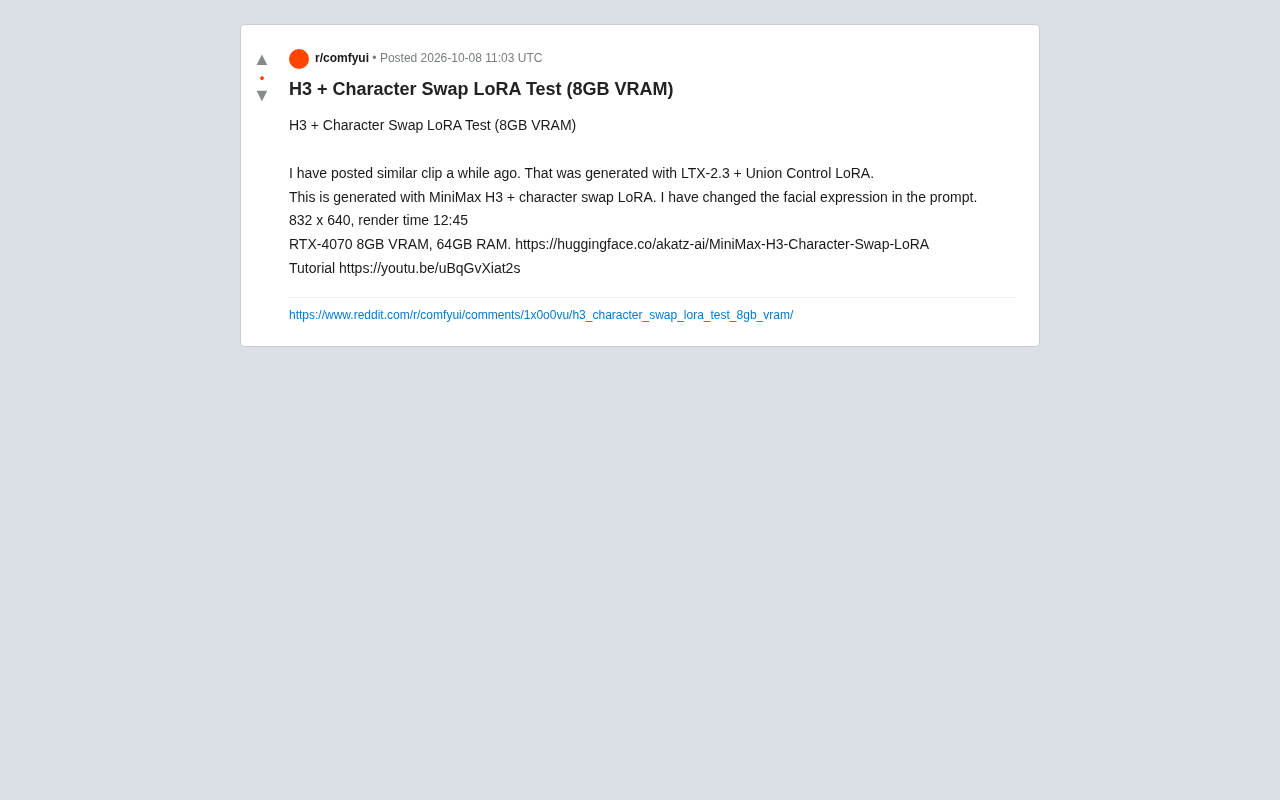
A Reddit user demonstrated that an RTX 4070 with 8GB VRAM and 64GB of system RAM can run MiniMax H3 with a Character Swap LoRA to perform AI video facial replacement. The test completed in approximately 12 minutes 45 seconds at 832×640 resolution, with facial expressions controllable via prompts. The low-VRAM success relies on offloading model parameters to large system RAM. The LoRA is open-sourced on Hugging Face with a tutorial, signaling a falling hardware barrier — though slow render speeds and resolution limits remain real constraints.
AI Video Generation on a Budget GPU
As AI video generation models continue to evolve, one question has persistently troubled everyday users: is high-end hardware a prerequisite for accessing these technologies? A Reddit user's hands-on test offers a relatively encouraging answer — using only an RTX 4070 with 8GB of VRAM, paired with the MiniMax H3 model and a Character Swap LoRA, they successfully completed a facial replacement video generation test.
This user had previously shared similar clips generated with LTX-2.3 and a Union Control LoRA. This time, they switched to MiniMax H3 combined with a dedicated Character Swap LoRA, and modified the facial expression in the prompt — presenting a different generation pipeline and a useful basis for comparison.
Test Parameters and Hardware Configuration
The author provided clear technical details, making this a useful reference for anyone looking to reproduce the results:
- Model combination: MiniMax H3 + Character Swap LoRA
- Output resolution: 832 × 640
- Render time: 12 minutes 45 seconds
- Hardware: RTX 4070, 8GB VRAM, 64GB system RAM
A few points stand out here. First, the 8GB VRAM threshold — at a time when many video generation workflows routinely demand 16GB or even 24GB of VRAM, successfully running a character swap task on an 8GB card indicates meaningful memory optimization work in both the LoRA and inference pipeline. Second, the 64GB system RAM configuration is critical: in low-VRAM environments, offloading strategies that swap between GPU memory and system RAM depend heavily on having ample system memory to absorb the overflow.
What a 12-Minute Render Time Really Means
Nearly 13 minutes of render time for a short video clip is not fast by any measure. This reflects the real-world cost of running AI video generation on modest hardware: it works, but it requires patience. For individual creators or hobbyists doing offline batch generation, this is manageable. For anyone needing rapid iteration or high-frequency commercial output, significantly more compute power is still required.
Offloading is the core optimization strategy for running large AI models in low-VRAM environments. When GPU memory cannot fit all model parameters at once, the inference framework temporarily offloads layers or tensors that are not actively being computed to system RAM, then reloads them as needed. This back-and-forth introduces additional data transfer latency — one of the main reasons this test's render time approached 13 minutes. The 64GB of system RAM effectively acts as an "extended VRAM pool." The more system RAM available, the more can be offloaded without crashing. Conversely, if your system only has 16GB or 32GB of RAM, even with the same GPU, the full inference process may fail to complete.
The Value of Character Swap LoRA
Character Swap is a genuinely practical direction in AI video. It allows creators to replace a character's face or overall appearance within existing video footage while maintaining continuity in motion and scene. The author specifically noted that they modified the facial expression through the prompt — meaning this type of LoRA goes beyond static identity swapping and supports controllable adjustments to expressive details.
This stands in contrast to the earlier LTX-2.3 + Union Control LoRA approach. Different model and LoRA combinations involve trade-offs in generation quality, controllability, and resource consumption. The author's two experiments are essentially an exploration of which pipeline better suits character swap tasks under low-VRAM constraints.
LoRA (Low-Rank Adaptation) is a parameter-efficient fine-tuning technique. Rather than modifying the original model weights, it inserts low-rank matrices to steer model behavior in a targeted direction. In video generation, a Character Swap LoRA doesn't train a new model from scratch — instead, it attaches a lightweight set of weights on top of a base model like MiniMax H3, specifically trained to blend a target character's facial features into the generated output. The key advantage is that LoRA files are typically only tens to hundreds of megabytes, far lighter to load than a full model, and can be swapped or stacked freely. This makes LoRA the dominant approach for extending specialized capabilities within the AI content creation ecosystem. Because LoRA only adds a small incremental weight on top of the base model at inference time, its VRAM footprint is relatively modest — one of the key technical reasons an 8GB VRAM setup can successfully run a character swap task.
Open-Source Ecosystem Lowers the Barrier to Entry
The LoRA used in this test is hosted on Hugging Face (akatz-ai/MiniMax-H3-Character-Swap-LoRA), and the author also provided a companion YouTube tutorial. This "open model + tutorial" pattern is the typical diffusion path in today's AI video generation community.
For users looking to get started, a few things are worth keeping in mind:
- Understand your VRAM strategy: Running on 8GB often depends on offloading and other optimizations — follow the tutorial carefully to configure these correctly
- System RAM matters a lot: 64GB of RAM isn't just a luxury here; insufficient memory may cause the pipeline to fail entirely
- Resolution vs. render time trade-off: 832×640 is a mid-to-low resolution; increasing it will significantly raise both render time and VRAM pressure
Final Thoughts
This test is ultimately a single personal verification — a small sample with limited systematic comparison data. But the signal it sends is clear: the hardware barrier for AI video generation is being steadily pushed down. When an 8GB VRAM card, paired with the right model and LoRA, can handle character swap tasks that once required heavy-duty hardware, more everyday creators have a genuine opportunity to experiment.
For professional users who prioritize quality and efficiency, low-spec solutions still have obvious limitations — slow renders, restricted resolution. But from the perspective of broader accessibility, this kind of lightweight exploration built on open-source LoRA is steadily delivering cutting-edge capabilities into the hands of a much wider audience.
Related articles

WorkBuddy Full Tutorial: Build an AI Office Automation Agent from Scratch
A complete WorkBuddy tutorial: installation, three working modes, multimodal picture book video practice, expert team agent building, and workflow configuration for low-cost AI office automation.

WorkBuddy Agent Complete Guide: From Beginner to Automation in 7 Days
Based on Bilibili's 256-episode WorkBuddy masterclass, this systematically breaks down Tencent's AI office workbench core capabilities: Agent principles, Skill encapsulation, cross-platform connectors, scheduled automation, knowledge bases, and zero-code development, with learning path recommendations.

8 AI Accounts, 7 Failed: An Honest Review of Using AI to Get Work Done
Only 1 of 8 AI-run Bilibili accounts succeeded. We break down the real difference between "performing AI" and "using AI to get work done."