Session-Based Home Server: Running a Low-Power Homelab on an Old Laptop
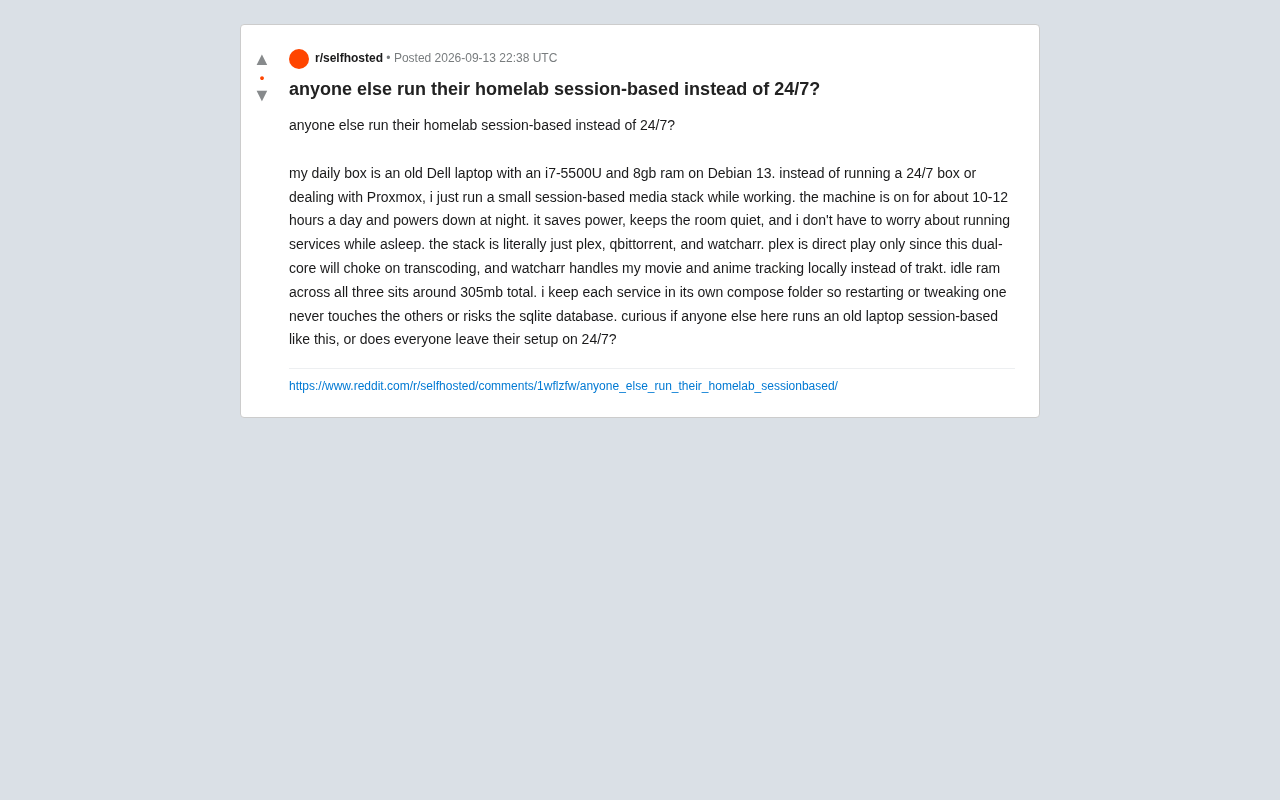
A decade-old laptop running three services on-demand challenges the always-on, over-engineered Homelab norm.
A Reddit user shared their session-based Homelab setup using an old Dell laptop (i7-5500U/8GB/Debian): the machine runs just 10–12 hours a day, hosting Plex, qBittorrent, and Watcharr with only ~305MB of idle RAM usage. By sticking to direct play only and standardizing media formats, he works around the CPU's transcoding limits. Each service runs in its own isolated Compose folder to minimize failure impact. The setup challenges the "Proxmox + 24/7 + stacked hardware" orthodoxy and highlights the real-world benefits of session-based operation: lower power use, silence, and less stress.
Not Every Homelab Needs to Run 24/7
In the self-hosted home server (Homelab) community, always-on seems to be the default expectation — a machine that never sleeps, Proxmox virtualization, layers upon layers of stacked services. But one Reddit user proposed a different approach: session-based operation, meaning you only power on the machine when you need it and shut it down at night.
This user's daily driver is an aging Dell laptop with modest specs: an Intel i7-5500U dual-core processor, 8GB of RAM, running Debian 13. Rather than setting up Proxmox or running a persistent server, he simply spins up a lightweight media stack while he's working. The machine runs about 10–12 hours a day and powers off at night.
The benefits are straightforward: lower electricity bills, a quieter room, and no worrying about background services going haywire while you sleep. For users living in small spaces who are sensitive to noise and energy costs, this is a genuinely underappreciated approach.
A Minimal Media Stack: Three Services, 305MB of RAM
His tech stack is admirably restrained — just three components:
- Plex: Media server, configured for direct play only. The dual-core CPU simply can't handle transcoding, so he skips it entirely and streams straight from the source files.
- qBittorrent: Handles all downloading.
- Watcharr: A self-hosted movie and anime tracking tool used as a local alternative to cloud-based Trakt, keeping watch history on-device.
The standout stat is resource usage — all three services combined consume only around 305MB of RAM at idle. This shows that with a well-defined purpose and heavy-load features like transcoding stripped out, a decade-old laptop is more than capable of serving as a home media center.
Why Stick to Direct Play Only
Transcoding is Plex's most CPU-intensive operation. Low-power dual-core chips like the i7-5500U will almost certainly stutter when software transcoding kicks in. Rather than chasing compatibility across every device and format, he standardized his media files from the start and committed to direct play only. This is a classic "know your limits" architectural trade-off: let the hardware do what it does well, and sidestep its weaknesses.
The Philosophy of Isolating Each Service
Another takeaway worth noting is his organizational approach: each service lives in its own independent Compose folder. This means restarting or tweaking one service won't affect the others, and there's no risk of corrupting a shared SQLite database.
This "one directory per service" pattern is simple, but it reflects a solid instinct for isolation. Compared to cramming all containers into a single massive compose file, managing them independently keeps the blast radius of any failure small and reduces mental overhead. This is especially important for a session-based setup with frequent power cycles — the cleaner the startup and shutdown flow, the less likely something breaks.
Session-Based vs. 24/7: A Trade-Off Worth Discussing
The core question this user raises is: should you run your server around the clock, or only when needed?
The common arguments for 24/7 always-on include:
- Always accessible — remote downloads and streaming from anywhere, anytime;
- Scheduled tasks (backups, automation scripts) require the machine to be online;
- Avoiding the potential wear from frequent power cycling.
But session-based operation has its own real advantages:
- Energy savings: Cutting 12 hours of uptime per day noticeably reduces electricity costs and carbon footprint;
- Silence: Completely quiet at night — ideal for bedrooms or small apartments;
- Lower mental load: No lying awake wondering if a background job has gone off the rails or a security risk has emerged.
Neither approach is objectively better — it depends entirely on your use case. If you mostly consume media during waking hours and don't need 24-hour remote access, session-based is actually the more rational choice. For heavy automation, multi-user sharing, or always-on requirements, a persistent server is still necessary.
What Beginners Can Take Away
The biggest value of this example is that it dismantles the myth that "doing Homelab means you need Proxmox, always-on uptime, and stacked hardware." An old spare laptop, a Debian install, and three Docker services are enough to build a perfectly functional home media center.
For anyone just starting out, rather than agonizing over virtualization and 24/7 high availability, it's worth stepping back and asking what you actually need. Defining your purpose, limiting the number of services, and keeping things well-isolated will consistently deliver a more stable and stress-free experience than chasing specs. Session-based operation is a reminder that the point of a Homelab is to solve your own problems — not to replicate someone else's architecture.
Related articles
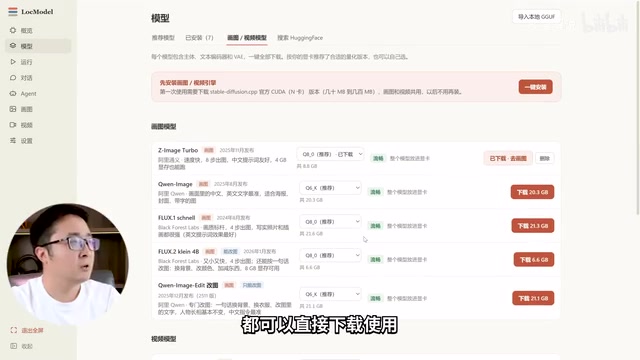
LocModel: The Local AI Deployment Powerhouse — Run Open-Source Models and AI Generation with One Click
LocModel is a local AI deployment tool that auto-adapts to hardware, downloads open-source models with one click, and supports image/video generation, uncensored LLMs, and Agents — completely free.

Antigravity CLI: Free Access to Top Gemini and Claude Models in the Terminal
Antigravity CLI (agy) claims to offer free access to top models like Gemini 3.1 Flash and Claude Sonnet in the VS Code terminal, with installation in seconds. This article breaks down its workflow, the value of in-terminal model calls, and the security and sustainability questions behind the free claim.
Chatbots vs. AI Agents: Key Differences and How to Choose
Chatbot vs. AI agent: how do they differ? We break down the three dimensions—tools, memory, workflow—compare four real scenarios, and offer risk-control advice and selection criteria.