Shapelearn Qwen 3.8 27B: Running a Large Model on 13.1GB VRAM
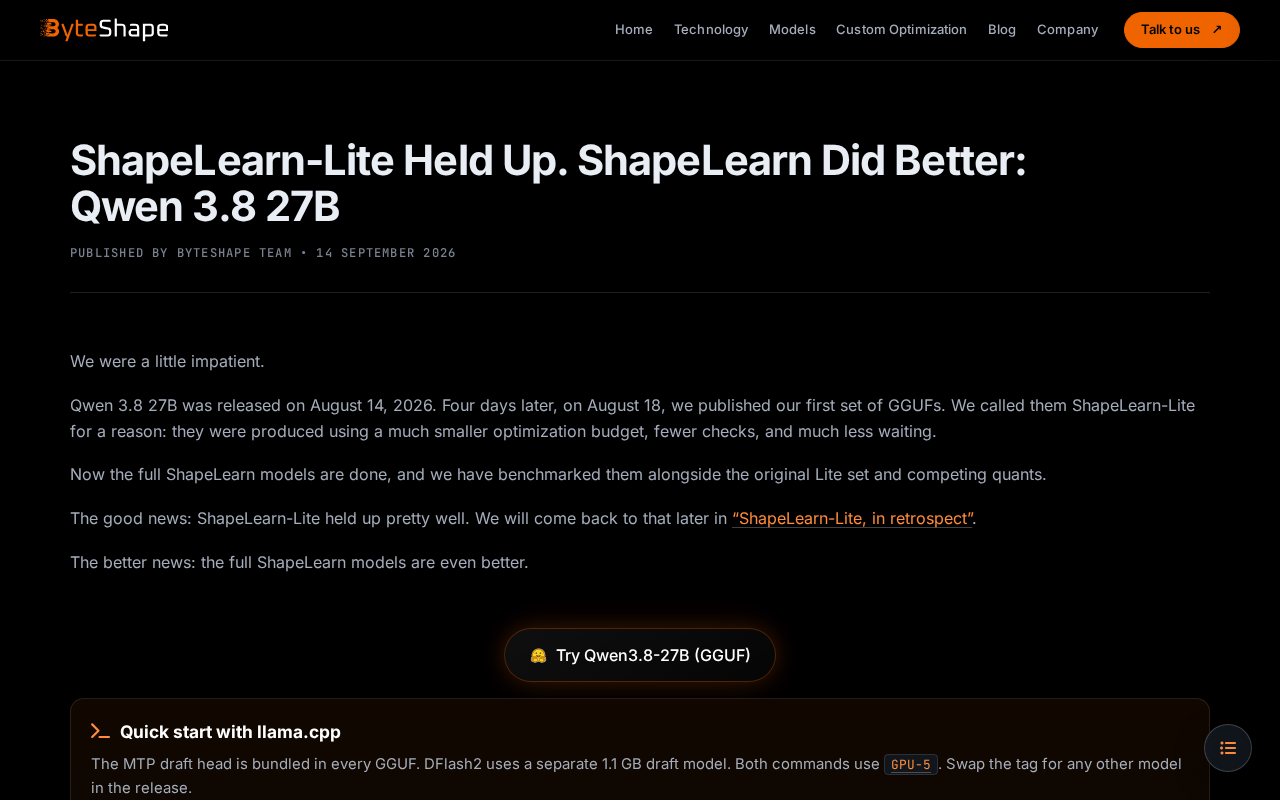
Shapelearn Qwen 3.8 27B reportedly runs 27B parameters on 13.1GB VRAM via aggressive 4-bit quantization — quality remains unverified.
A Hacker News post highlights Shapelearn Qwen 3.8 27B's claimed 13.1GB VRAM requirement — far below the ~54GB needed at FP16 precision for a 27B model — suggesting deep quantization compression, likely at the 4-bit level. This memory footprint means the model could potentially run on consumer GPUs like the RTX 3090 or 4090, significantly lowering the barrier for local inference. The article walks through key VRAM optimization strategies including quantization, weight offloading, and pruning, while maintaining a measured stance: the original post has only 6 upvotes and no comments, and Shapelearn's technical details, performance benchmarks, and real-world quality trade-offs have yet to be independently verified.
A Technical Lead With Limited Information
A discussion thread recently appeared on Hacker News about Shapelearn Qwen 3.8 27B, highlighting one eye-catching metric: 13.1 GB VRAM usage. The post currently has only 6 points and no comments — an early technical signal that hasn't yet sparked widespread discussion in the community.
Although the original source material is sparse, the keywords embedded in the title — the Qwen model family, 27B parameter scale, and a VRAM requirement of just 13.1GB — point to several trends worth examining. The analysis below draws on this lead alongside publicly available technical background. Readers should treat any inferred conclusions with appropriate caution.
What It Means to Fit a 27B Model into 13GB of VRAM
Under normal circumstances, loading a 27B (27-billion parameter) large language model at FP16 precision requires roughly 54GB of VRAM for weights alone — far beyond what consumer GPUs can handle. The 13.1 GB VRAM figure in the title strongly suggests the model has undergone aggressive quantization, likely 4-bit or lower.
This memory footprint has a clear practical implication: 13GB of VRAM makes it possible to run the model on consumer cards like the RTX 3090 or RTX 4090 (24GB), and potentially even some 16GB cards. In other words, this kind of optimization gives a model that would normally require data-center hardware a real chance of running locally on a personal workstation or a high-end laptop.
For developers focused on local deployment, privacy-sensitive use cases, or offline inference, lowering the VRAM barrier is a critical step toward democratizing large models.
Understanding this compression ratio requires a bit of basic math. A model's VRAM footprint is determined primarily by parameter count and data precision. At FP16 (16-bit float), each parameter takes 2 bytes — 27 billion parameters translates to roughly 54GB. INT8 quantization halves that to about 27GB; INT4 halves it again to approximately 13.5GB, which aligns closely with the stated 13.1GB figure. This kind of 4-bit quantization is typically achieved through established frameworks like GPTQ, AWQ, or GGUF, which correct weight distributions during the quantization process to minimize precision loss. It's also worth noting that actual runtime VRAM usage includes KV Cache and activations on top of model weights — so 13.1GB likely refers to weights only, and real usage will climb further with longer context windows.
Qwen and the Role of Shapelearn
Qwen (Tongyi Qianwen) is one of the most widely used open-source LLM families, known for strong multilingual capabilities and solid performance-per-cost ratios, with an active open-source ecosystem. "Shapelearn" in the title likely refers to a derivative project or tool built on top of Qwen — whether through retraining, fine-tuning, or quantization optimization.
Because the original source provides no documentation, performance benchmarks, or usage examples, the specifics of Shapelearn's technical approach, how it differs from the base Qwen model, and what exactly "3.8" refers to in the version number remain unverifiable. Clarification will have to wait for the project team to release more detailed information, or for the community to run independent evaluations.
Why VRAM Optimization Is the Central Challenge Right Now
In the deployment of large models, inference cost and hardware requirements have consistently been major bottlenecks. The field has converged on a few main strategies for reducing VRAM usage:
- Quantization: Reducing model weights from FP16/FP32 to INT8, INT4, or lower — dramatically cutting memory at the cost of potential precision loss.
- Weight Offloading: Storing some weights in system RAM or on disk and loading them on demand, trading speed for VRAM headroom.
- Sparsification and Pruning: Removing redundant parameters to reduce overall model size.
If Shapelearn Qwen can stably run a 27B model within 13.1GB of VRAM, it almost certainly combines one or more of these techniques. For the community, the real question is: how well does the model actually reason at this level of compression? That's the core metric for judging whether such a project is genuinely useful — and it's precisely what the original post leaves unanswered.
Quantization's impact on model quality is not linear, and different tasks show very different levels of sensitivity. Generally, tasks like commonsense reasoning and code generation are relatively tolerant of 4-bit quantization, while precision-sensitive tasks like multi-step mathematical derivation and complex logical chains are more prone to increased hallucinations or broken reasoning chains. Commonly used evaluation benchmarks include MMLU (multi-domain knowledge QA), HumanEval (code generation), and GSM8K (grade-school math reasoning) — comparing scores before and after quantization on these benchmarks quantifies the compression cost. Perplexity is also a standard metric for language fluency; how much it rises after quantization is typically the first threshold for judging quantization quality. Without this data, a VRAM number alone is insufficient to determine whether the model is production-ready.
Keeping Early Technical Signals in Perspective
This Hacker News post is a classic example of early-stage open-source exploration: a concrete technical result is put forward and left for others to validate and discuss. Six points and zero comments means it hasn't yet been meaningfully vetted by the community.
For developers who are curious, the recommended approach is: check the project's original repository for primary sources on quantization methods, benchmark results, and licensing; test VRAM usage and inference speed on your own hardware; and compare output quality against the base Qwen 27B model to assess whether the compression trade-offs are acceptable.
As local deployment of large models becomes an increasingly real need, any effort that meaningfully lowers the hardware barrier deserves attention — but its true value should be judged by solid data, not a single headline.
Related articles
Three Stages of AI LLM Testing: A Practical Guide from Core Concepts to API Calls
A learning path for testers covering LLM fundamentals, prompt engineering, OpenAI SDK calls, API Key vs Token differences, streaming output, RAG, and Agent systems.
Vercel's Chief of Software Looks Back: The Evolution of Agent Building — From Multi-Agent Chains to File System Agents
Vercel's Chief of Software Andrew recaps the agent-building journey at AI Engineer: from giant prompts to multi-agent chains, monolithic memory, file system agents, and the open-source EVE framework.
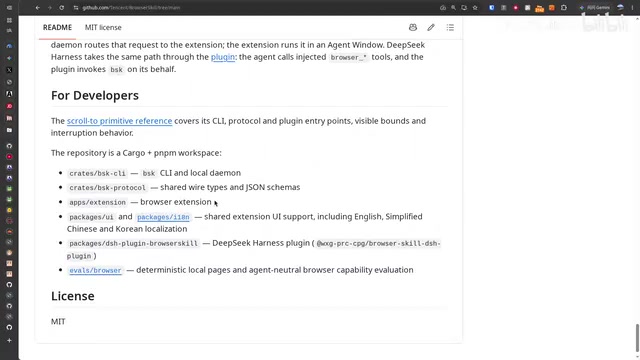
Tencent's Open-Source BSK in Action: Letting AI Take Over Your Already-Logged-In Browser
Tencent's open-source BSK (Browser Skill Kit) lets AI take over your real, logged-in Chrome via WebSocket. We break down the architecture, setup, and three key pitfalls from real-world testing.