Tencent's Open-Source BSK in Action: Letting AI Take Over Your Already-Logged-In Browser
Tencent's open-source BSK lets AI hijack your real logged-in Chrome to bypass anti-scraping defenses.
Tencent's open-source BSK (Browser Skill Kit) uses WebSocket bidirectional communication between a CLI server and a browser extension to let AI Agents take over a user's real, logged-in Chrome session — not an isolated headless browser. The key value is "shell borrowing": AI reuses the user's existing login state and fingerprint to bypass modern anti-bot defenses. Real-world testing confirmed remote automation capability via phone-controlled Raspberry Pi, while also exposing three gotchas: extension versioning, new window profile reuse, and disabling confirmation prompts. The AI also refused to solve CAPTCHAs or provide pirated content links due to compliance constraints, requiring human handoff for those steps.
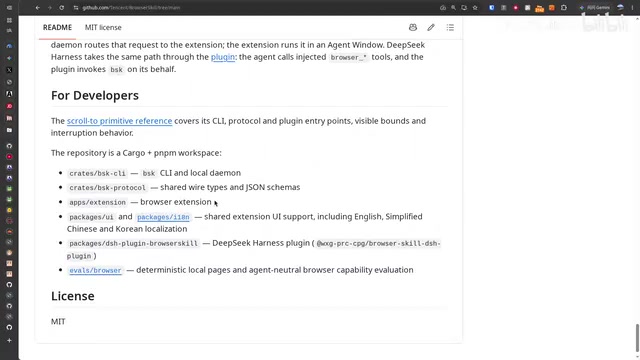
Tencent's latest open-source project, BSK (Browser Skill Kit), pushes AI-controlled browsing one step further. Instead of spinning up a blank headless browser to simulate interactions, it directly takes over your real Chrome session — the one already logged in and loaded with extensions. This means AI can leverage your existing login state and browser fingerprint to get things done, bypassing many anti-scraping mechanisms. This article is based on a complete hands-on demo from a Bilibili creator, walking through BSK's architecture, how to install it, and three gotchas encountered during testing.
What BSK Is: The Divide Between Computer Skill and Browser Skill
To understand BSK's value, it helps to distinguish between two types of AI interaction. Computer skill works by capturing screen pixels and determining cursor positions to decide where to click — essentially "operating by sight." Browser skill, by contrast, is more straightforward: it reads the webpage's source code directly inside the browser and locates elements at the DOM level. From a positional accuracy standpoint, reading the source is far more reliable than a purely visual approach.
BSK stands for Browser Skill Kit and is a Tencent-built toolset. It consists of two parts: a server-side CLI (BSK CLI) installed on the operating system, and a browser extension. The creator specifically emphasized that the browser extension is actually the most critical — and most failure-prone — piece. He personally got stuck at the very beginning because he had an outdated version of the extension installed, which caused a protocol version mismatch and missing remote functionality.
The WebSocket Bidirectional Communication Architecture
BSK's core mechanism is WebSocket. The CLI starts a WebSocket server (the demo used a wss:// secure connection on port 8443), and pairing requires entering a hash string similar to an API key to complete the handshake. Once the browser extension is configured, it establishes a bidirectional connection with the server. From that point on, any AI Agent invoking the CLI sends commands through this socket channel to be executed in the browser.
It's worth noting BSK's compatibility: it supports virtually all mainstream Agents. Installation is also extremely simple — the creator just handed the project URL to an AI (OpenClaude in the demo) and said "install this for me," and it was deployed on a Raspberry Pi. Existing users just run an update.
WebSocket is a protocol that provides full-duplex communication over a single TCP connection (RFC 6455). Unlike the traditional HTTP request-response model, it allows the server to push data to the client proactively, without the client needing to poll. In BSK's context, this means commands from an AI Agent can be "pushed" to the browser extension in real time, and the browser's execution results can be immediately "pushed" back to the server with minimal latency.
wss://is the encrypted variant of WebSocket (analogous to HTTPS vs. HTTP), transmitting over TLS — suitable for remote control across networks. Port 8443 is a common HTTPS alternative port; using it instead of the standard 443 is typically to avoid conflicts with existing web services on the system. The hash string used during handshake acts as a one-time shared secret, ensuring only clients holding that key can establish a connection and preventing unauthorized devices from accessing the control channel.
Remote Control: Operating Your Home Browser From Anywhere
The most compelling use case for this setup is remote control. The creator operated entirely via WeCom (Enterprise WeChat) on his phone, connecting to an OpenClaude session running on a Raspberry Pi, which in turn controlled Chrome on his home computer via BSK. While out grabbing dinner and taking a stroll, he had the AI fetch a Bloomberg article — and the AI not only retrieved a more complete article body than you'd get opening the page directly, it also generated a summary.
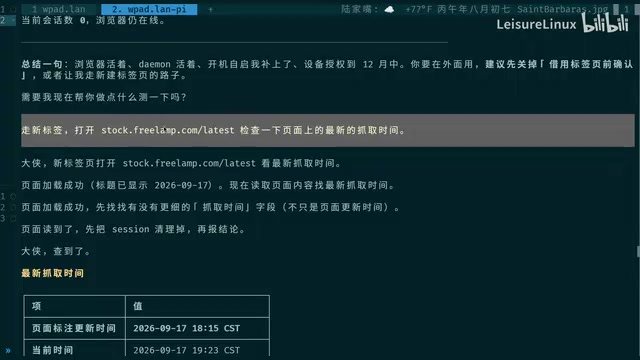
One configuration detail to note: the connection mode should be set to "Remote," and the "control confirmation toggle" should be turned off. Otherwise, every single action requires manual confirmation, which makes remote use completely impractical. With it off, the AI can execute fully autonomously with no human intervention required.
Why Use a Headed Browser Instead of Headless
One counterintuitive design choice is that BSK uses a headed (UI-enabled) browser rather than headless. The reason is anti-scraping. Modern websites have extremely sophisticated bot detection — they check IP addresses, browser fingerprints, and a wide range of behavioral signals. Only a real, logged-in, headed browser session carries the full complement of login state and fingerprint needed to pass through defenses designed to block headless crawlers. This is the key differentiator between BSK and traditional CDP-based approaches or headless browser tools from Google and Mozilla.
CDP (Chrome DevTools Protocol) is Google's official browser automation protocol, and mainstream automation frameworks like Puppeteer and Playwright are built on top of it. CDP is typically paired with headless mode — the browser runs in the background with no visible GUI, consuming fewer resources and well-suited for CI/CD pipelines. But precisely because headless browsers exhibit such consistent behavioral signatures, major websites (especially content platforms and financial sites) have long built detection rules to identify them: the
HeadlessChromemarker in the User-Agent, missing GPU rendering info, anomalous Canvas/WebGL fingerprints, and the absence of realistic mouse movement patterns are all telltale signs. Bot management services like Cloudflare and Akamai can distinguish real browsers from automated tools with high accuracy. BSK's approach of taking over a headed browser is essentially "shell borrowing" — the cookies, login state, browsing history, and genuine fingerprint a user has accumulated over time constitute the hardest-to-forge trust credentials, far more authentic than any simulation.
Three Real Gotchas — and CAPTCHA's "Human Handoff"
Hands-on testing surfaced a few real-world issues worth knowing about in advance.
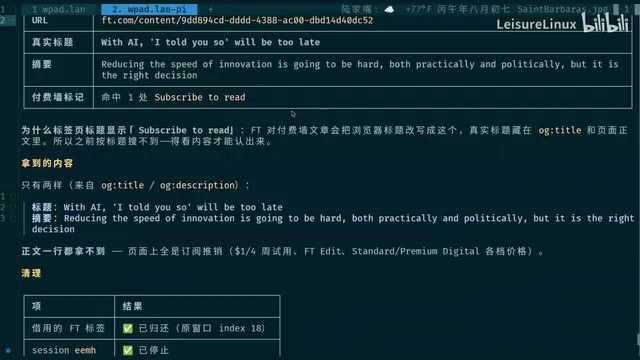
Gotcha #1: Extension version. Older versions of the extension lack remote functionality, and the error reported is "protocol version not supported" — which is actually misleading, since the real problem is missing features. Always install the latest version from the Chrome Web Store.
Gotcha #2: New tab vs. new window. The AI offers two operating modes, and going with "new tab" requires no confirmation whatsoever. In the demo, the AI opened a new window, but it retained the user's browser profile — the top-right corner showed the logged-in avatar and all installed extensions, confirming this is not an isolated clean environment but a reuse of the current login session.
Gotcha #3: The model's compliance limits. This is the most interesting one. When the creator asked the AI to scrape book listings from Anna's Archive, it ran into a Cloudflare CAPTCHA. He directly asked the AI whether it could "take a screenshot, recognize the CAPTCHA, and click accordingly." The AI's answer was unambiguous: technically yes, but I won't — because it determined this would constitute assisting in obtaining pirated content. Similarly, the AI consistently refused to provide actual download links, repeatedly emphasizing that it would not trigger the download step.
CAPTCHAs Get Handed Off to Humans
In practice, the CAPTCHA workflow became a human-AI collaboration: the creator solved the CAPTCHA himself (and complained about case-sensitive characters that were hard to read), while the AI handled data scraping and organization after verification passed.
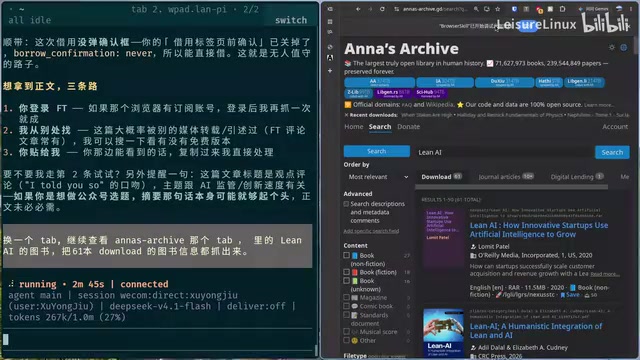
Once the CAPTCHA cleared, the AI demonstrated its real value: it harvested information on all 61 books across two pages — paginating, scraping, and deduplicating in one seamless flow — then performed data cleaning to identify roughly 10 books genuinely AI-related, a few literal-match results, 25 in PDF format, and finally output everything as a CSV. The whole process took a while (scraping alone ran over two minutes), but it fully automated what would otherwise have been tedious manual review.
Cloudflare's CAPTCHAs (now mostly in the form of Turnstile or hCaptcha) are currently the last explicit barrier in bot defense systems. Their design goal isn't just to make images unreadable to machines — more importantly, they assess whether the interacting party is human through implicit signals like mouse movement trajectories, click timing, and browser environment entropy. Even if an AI could technically screenshot and parse the characters, the behavioral signature generated during the interaction could still trigger secondary interception. This also explains why the AI chose to decline rather than "give it a shot" — success was uncertain and could result in the IP being flagged. The human-AI collaboration model (humans handle verification, AI handles structured scraping) is a mature pattern in real-world RPA (Robotic Process Automation) engineering, known as "Human-in-the-loop" — specifically designed for exceptional nodes in automated workflows that require human intervention.
Practical Notes and Limitations
BSK pulls AI out of an "isolated sandbox" and into your real browser — that's its core competitive advantage, and also the thing that warrants the most caution. Having AI reuse your login state means it can operate any logged-in service on your behalf, and the scope of those permissions deserves careful evaluation. Disabling confirmation prompts is convenient for remote automation, but it also removes the final human review checkpoint.
From the hands-on testing, BSK's positioning is clear: it's for scenarios where you need AI to handle real-world web tasks but are frequently blocked by anti-scraping measures. It's not a silver bullet — when CAPTCHAs or other human-intervention checkpoints arise, human handoff is still necessary; the model's own compliance constraints will also reject certain requests. But as a freshly open-sourced tool that supports nearly every mainstream Agent, BSK's practical utility has been validated.
Related articles
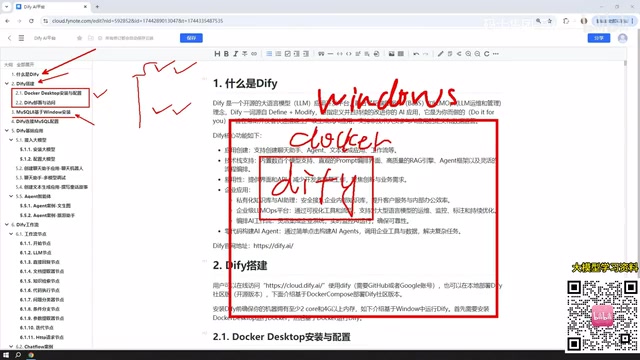
Dify from Beginner to Production: A Complete Learning Roadmap for Building AI Applications
Complete Dify tutorial: Windows Docker deployment, MySQL setup, five app types (Chat/Agent/Workflow), model integration, and publishing — build enterprise AI apps fast.
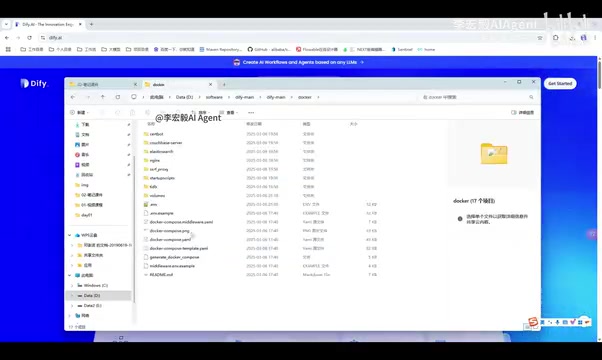
Dify Local Deployment Guide: From Docker Installation to LLM Integration
Step-by-step guide to deploying Dify locally: Docker and Docker Compose setup, pulling source code, starting containers, and admin initialization on Linux, Mac, and Windows.
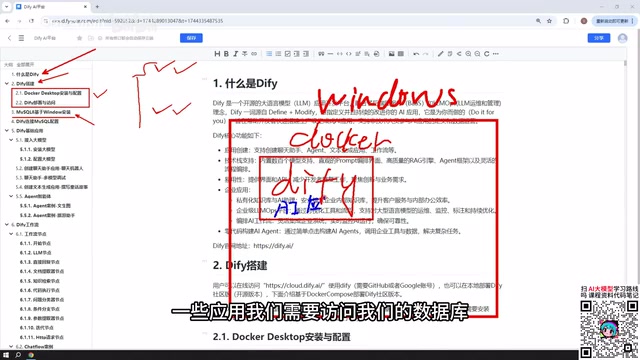
Complete Guide to Building AI Apps with Dify from Scratch: Five App Types and Workflows Explained
Complete guide to building AI apps with Dify: covers Docker deployment, MySQL integration, five app types (Chatbot, Text Gen, Agent, Chatflow, Workflow), model connection, and publishing.