Simon Willison Releases web-edit 0.1a2: Adds Clipboard Copy Feature

Simon Willison releases web-edit 0.1a2 with text and image clipboard copy support.
web-edit is a lightweight web-based file editor by Simon Willison for browsing and editing folders on a device via Tailscale. Version 0.1a2 adds clipboard copy for both text and images, simplifying cross-app content transfer on mobile. The typical workflow involves running pelican prompts on a laptop, viewing results on a phone via web-edit, and copying to Gist. Still alpha, it's best used as a supplementary tool alongside version control.
A Minimalist Web-Based File Editor
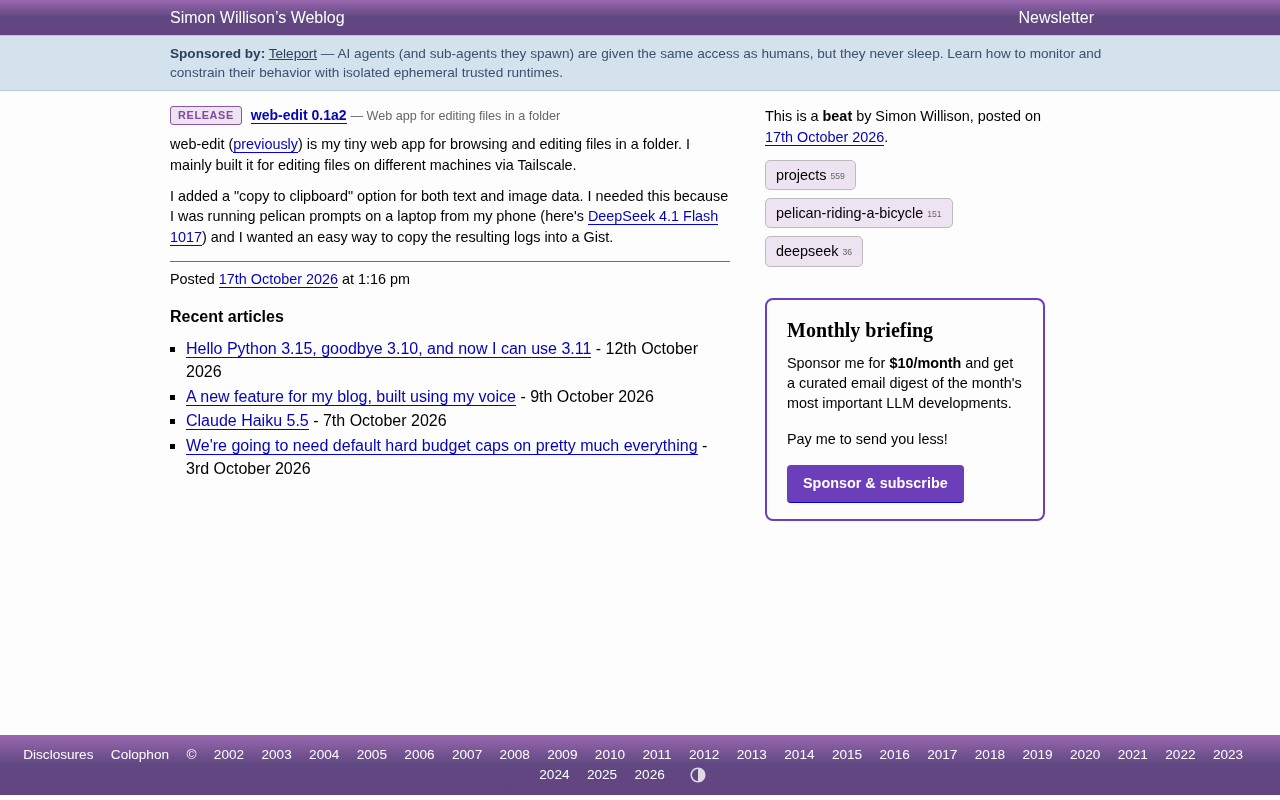
Simon Willison recently released web-edit version 0.1a2. This is a lightweight web application that runs in the browser for browsing and editing files in a folder. According to the author, his main motivation for building this tool was to edit files across different machines via Tailscale—meaning you can open a browser on your phone, tablet, or another computer and directly work with text documents on a remote device.
This project doesn't aim for comprehensive features but rather solves a specific scenario: when you only have your phone at hand but need to modify files on a machine, you don't need to open an SSH client or a complex editor—a browser is enough. Version 0.1a2 is a minor iteration in the alpha stage, and the version number itself indicates it's still experimental in nature.
Tailscale is a virtual networking service built on the WireGuard protocol. It connects devices across different networks (laptops, phones, servers) into an encrypted peer-to-peer mesh network, giving each device a fixed 100.x.x.x internal IP. Unlike traditional VPNs that require a central server for relay, Tailscale tries to establish direct connections between devices, only falling back to relay (DERP) when NAT traversal fails. For tools like web-edit, the significance of Tailscale is that a web service running on a remote machine only needs to listen on the internal address—users can enter that device's Tailscale IP and port in their phone browser to access it without exposing the service to the public internet. This also explains the "self-hosted-style access" emphasized in the article: authentication and network isolation are handled by Tailscale, so the application itself doesn't need to implement complex login and permission systems.
New Capability: Copying Text and Images to Clipboard
The core change in 0.1a2 is the addition of a "copy to clipboard" option that supports both text data and image data. This seems like a small feature, but the author provides a clear use case: he runs pelican prompts on his laptop while operating his phone, and needs to conveniently paste the generated logs into Gist. The clipboard button turns this step from "select, long-press, copy" into a single click.
For mobile users, the value of this change is especially obvious. Moving text between apps in a mobile browser is already cumbersome, and copying image data is even rarer in web applications. By bringing both types of data into clipboard operations, web-edit compresses the "view—grab—transfer elsewhere" workflow to its shortest.
Why Clipboard Instead of Download or Share
The clipboard is the most universal transfer point at the operating system level. Compared to downloading a file and then uploading it, copy-paste saves several steps and doesn't depend on third-party service upload interfaces. For short text like logs and prompt outputs, the clipboard is almost the most natural way to move things around. The author's choice of this direction shows he cares about workflow smoothness rather than the length of a feature list.
Writing content to the system clipboard from a web page relies on the Clipboard API provided by browsers. Modern browsers primarily use navigator.clipboard.writeText() for plain text, and navigator.clipboard.write() with ClipboardItem for rich media data like images. The latter requires the page to be in a secure context (HTTPS or localhost) and typically must be called within a callback triggered by a user gesture (such as a click). When writing images, browsers require data in supported types like PNG, and you generally need to convert the image to a Blob first before constructing a ClipboardItem. This also explains why "image copying" is relatively rare in web applications: it's subject to multiple constraints including browser implementation differences, permission policies, and secure context requirements, with varying levels of support across mobile Safari and Chrome.
From pelican prompts to DeepSeek: A Real Usage Chain
The scenario mentioned in the original article is worth elaborating on. The author runs pelican prompts on his laptop, accesses web-edit from his phone, and copies the results to Gist. He also linked a markdown-svg-renderer tool that involves output from DeepSeekAd 4.1 Flash 1017. In this chain, web-edit plays the role of an "intermediate viewer": computation happens elsewhere, and results are viewed and retrieved here.
This usage pattern is quite instructive for individual developers. You don't need to install all tools on the same device, nor do you need to find a dedicated app for every step. A web-based file editor accessible via Tailscale, combined with the system clipboard, can connect scattered devices together.
Gist is a lightweight code and text snippet hosting service provided by GitHub. Each Gist is an independently accessible page that supports version history, syntax highlighting, and both public and secret visibility. Developers often use it as a landing spot for temporary notes, configuration snippets, or logs because the creation cost is extremely low and it doesn't occupy a full repository. In the workflow described by the author, Gist serves as "result archiving and sharing": logs copied from web-edit on the phone can be pasted into a new Gist to get a traceable, shareable link without going through email or instant messaging tools. It's worth noting that secret Gists are not truly private—anyone with the link can view them—so they're not suitable for sensitive content.
Design Philosophy Behind the Small Tool
web-edit's positioning is very clear: single-purpose, self-hosted-style access, oriented toward personal workflows. It doesn't provide collaboration, version control, or permission systems—those are left to Git and Tailscale themselves. The 0.1a2 update continues this approach—only filling in the step that was actually blocking real usage, rather than stacking new features.
For readers interested in open-source tools and AI-assisted programming workflows, this project is worth adding to the toolbox for observation. Its alpha version number reminds us that interfaces and experience may still change, but the need to "edit remote files with a browser" itself is stable and enduring.
Target Audience and Getting Started Tips
If you frequently switch between multiple devices and have already set up an internal network with Tailscale, web-edit can serve as a lightweight supplement. It's recommended to start with read-only browsing, confirm directory permissions and access scope, and then enable editing. The clipboard feature provides the most noticeable improvement on mobile, making it suitable for use with Gist, note-taking apps, or chat windows.
Keep in mind that 0.1a2 is still an early version and isn't suitable as the sole editing entry point for important files. Treating it as an auxiliary tool alongside version control will be more reliable.
Related articles

Amphibious Transforming Drone: Beyond 100x Power Savings, What Are the Real Needs?
Is the amphibious transforming drone just a gimmick? Starting from the 100x power difference of the M4 Morphobot, explore real application scenarios and thesis topic ideas, analyzing boundary conditions where pure drones and pure ground robots both fail.

Warhound Raises $200 Million: Genetically Engineered "War Dogs" Paired with Anduril Gear
Warhound raises $200M, backed by Ben Lamm and Palmer Luckey, to genetically engineer dogs for military and law enforcement use and equip them with Anduril gear. This article analyzes its technology direction, funding logic, and ethical controversy.

Claude API Comes to Google Cloud: IAM Integration and SDK Access Guide
Anthropic hosts the full Claude API on Google Cloud with IAM-controlled permissions and unified billing. This guide covers the Vertex AI and Anthropic-hosted entry points, IAM role configuration, and SDK access.