Six Failure Modes of Claude Tool Use in Production and How to Fix Them
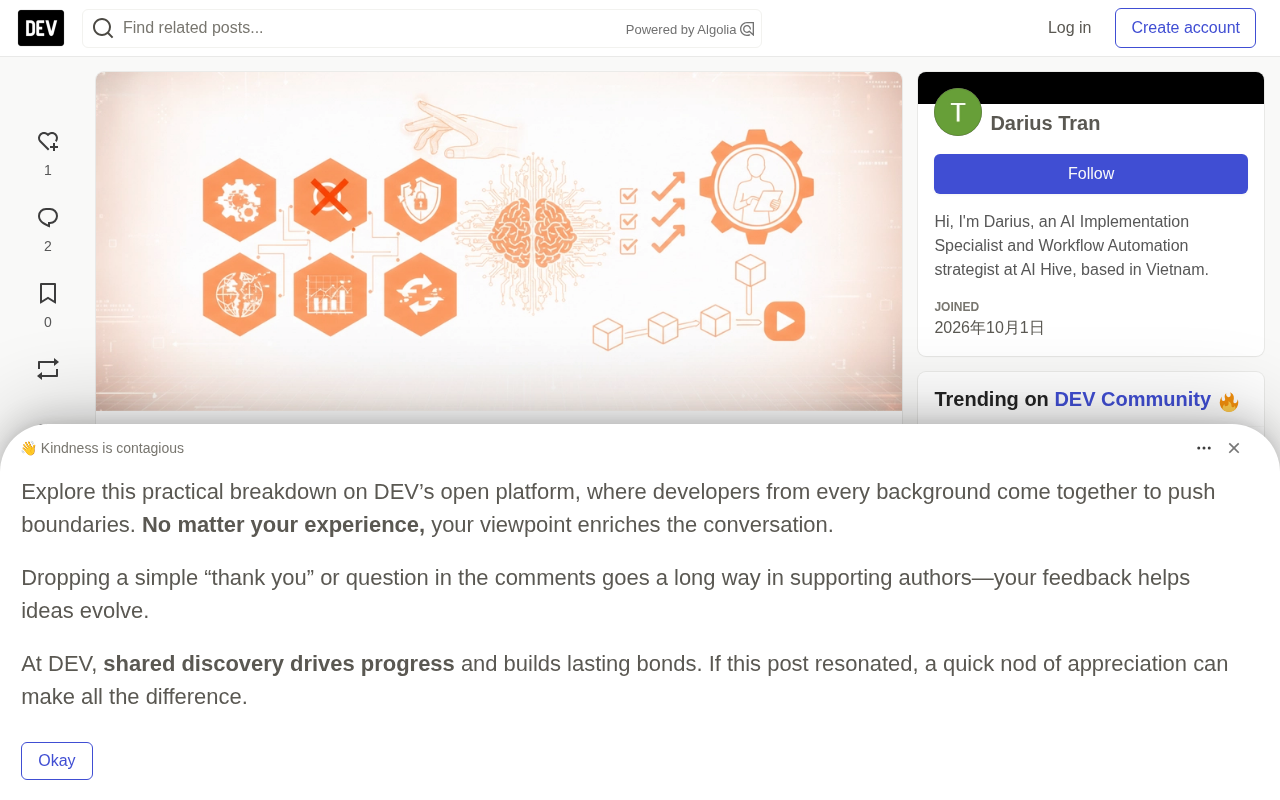
Six failure modes of Claude tool use in production and engineering defenses for each.
Based on enterprise agent deployment experience, this article covers six typical Claude tool-use failure modes in production: argument near-misses, repeated calls to the same tool, slow tools hurting UX, tool descriptions drifting from the real API, exposing too many tools at once, and irreversible operations without checkpoints. Fixes include Pydantic validation with structured errors fed back to the model, per-tool call budgets and timeouts, treating descriptions as code, route-then-expose strategies, and human approval for dangerous actions, plus a behavioral test suite.
Why Claude Tool Use Keeps Breaking in Production
Tool use is the core capability that turns Claude from a chat model into an agent that can actually get things done. But as the author bluntly puts it: this is also the single biggest source of production bugs. None of these problems ever show up in a notebook—they only surface where real users, real APIs, and real latency intersect.
Drawing on their own experience deploying enterprise-grade agents, the author summarizes six of the most common tool-calling failure modes and lays out engineering solutions for each.
Failure Mode One: Tool Arguments That Are "Almost Right"
The schema defines customer_id as a string, but the model might send "CUST-00123 " with a trailing space, or pass a customer name instead of an ID.
What makes this kind of problem so insidious is that it doesn't trigger any error—it just makes the downstream API return an empty result or bad data.
The author's approach is to use Pydantic to strictly validate every tool input, and return validation errors as tool results so the model can self-correct on the next turn rather than failing the entire task.
from pydantic import BaseModel, ValidationError, field_validator

class LookupCustomer(BaseModel):
    customer_id: str

    @field_validator("customer_id")
    @classmethod
    def clean(cls, v):
        v = v.strip().upper()
        if not v.startswith("CUST-"):
            raise ValueError("customer_id must look like CUST-12345")
        return v
The key point: what gets returned to the model is a structured invalid_arguments error message that the model can understand and self-correct from. This is far more reliable than throwing an exception that abruptly ends the conversation.
Pydantic is the most widely used runtime data validation library in the Python ecosystem, and v2 is implemented in Rust under the hood—fast enough to support high-frequency tool argument validation. It defines data models via type annotations, automatically performing type coercion, range checks, and custom validation on instantiation. The field_validator decorator allows preprocessing individual fields (like stripping whitespace or normalizing case) and enforcing business rules (such as requiring a CUST- prefix). In the tool-calling context, Pydantic's value isn't just blocking dirty data—it's that it raises a structured ValidationError carrying the field path and reason. That information can be serialized directly into JSON and fed back to the model, letting it understand "which argument, and why it's wrong," so it can generate a corrected call on the next turn. This is far more model-friendly than a try/except that throws a natural-language exception.
Failure Mode Two: The Same Tool Called Over and Over
The model can get stuck in a loop, repeatedly calling search_orders with slightly different queries—burning through tokens and triggering API rate limits.
The author's approach is to set a tool-call budget per task, and when the budget is exhausted, explicitly tell the model to "wrap up."
MAX_CALLS = {"search_orders": 3, "send_email": 1}

def guarded_call(task_state, name, args):
    used = task_state.setdefault("tool_counts", Counter())
    if used[name] >= MAX_CALLS.get(name, 5):
        return {"error": "budget_exceeded",
                "detail": f"{name} already called {used[name]} times. Summarize what you have."}
    used[name] += 1
    return TOOLS[name](**args)
This "budget plus prompt" combination is more elegant than a hard cutoff, because it gives the model a graceful exit path.
Token budgets and rate limits are the two biggest costs of a runaway tool loop. Every tool call appends the tool schema, call arguments, and return result into the context—the longer the context, the more expensive every subsequent turn of reasoning becomes, producing quadratic token consumption growth. At the same time, the Anthropic API enforces quotas on requests per minute and input tokens per minute, and an agent stuck in a loop can hit a 429 within seconds, spilling over onto other tasks under the same account. The Counter mentioned here comes from Python's standard collections library and is used to tally call counts per tool name without relying on external state storage. The real engineering point is: when the budget runs out, you must return a structured budget_exceeded message rather than failing silently—that's what lets the model switch from "keep trying" to the new goal of "summarize what we've got."
Failure Mode Three: Slow Tools Drag Down the Conversation
Some internal APIs take up to 20 seconds to respond, and users assume the assistant is dead and just refresh the page.
The solution has three layers: set explicit timeout thresholds; stream brief status updates to the user; and return timeout results to the model so it can explain the delay or try a lighter-weight tool.
The core idea of this pattern is: don't leave the user facing silence, and don't leave the model facing a blank.
Failure Mode Four: Tool Descriptions Drift From Reality
This is what the author considers the hardest-to-spot and most likely to cause silent errors.
For example, an API's status field changes from "resolved" to "closed", but the tool description still says "resolved". The model makes wrong decisions based on an outdated description, and no error is ever raised.
The author treats tool descriptions as code:
- Tool descriptions live alongside integration code and are reviewed in the same PR
- A small behavioral test suite replays real tool outputs to verify model behavior
This "descriptions as code" philosophy is the most effective defense against silent degradation.
Tool descriptions are fundamentally part of the prompt, and the model relies entirely on them to decide "when to call this tool and what each argument means." Unlike code, descriptions are natural language—there's no compiler or type system to catch mistakes. An outdated turn of phrase won't raise any error; it just leads the model to make wrong decisions at the semantic level. Common forms of drift include: enum values being renamed, field meanings narrowing, required fields becoming optional, and default behavior inverting. To the integrating team, these often look like "just changed a string," but for the agent they're a behavioral discontinuity. The core defense is to give descriptions and implementations a single source of truth—for example, auto-generating descriptions from an OpenAPI schema or database enums, then using a behavioral test suite to periodically replay real tool outputs and alert when model behavior deviates from expectations.
Failure Mode Five: Cramming Too Many Tools In at Once
Give the model 40 tools, and accuracy drops, latency rises, and cost increases.
The author adopts a "route first, then expose" strategy: use a lightweight classification step to determine whether a request is about billing, orders, or account changes, then pass only the five or six relevant tools to the main call.
This is essentially separation of concerns at the tool level—it shrinks the model's decision space while improving both accuracy and response speed.
Tool routing means using a lightweight model or rules engine to first classify a user request into a domain, then injecting only the tools relevant to that domain into the main call's context. The benefits are twofold: on one hand, the model chooses from a shorter candidate list, which noticeably improves accuracy; on the other, tool schemas themselves consume large amounts of prompt tokens, so reducing the number of tools directly lowers per-call cost and time-to-first-token. Common industry implementations include: using an embedding model to do vector retrieval on user intent and matching it to the most relevant tool set; or maintaining a two-tier structure where the top tier is a domain classifier ("billing/orders/account") and the bottom tier holds the concrete tools within each domain. Note that routing itself can fail, so when classification fails you should fall back to a conservative mode that includes all tools, rather than rejecting the request outright.
Failure Mode Six: Irreversible Operations Lack a Checkpoint
Operations like refunds, order cancellations, and sending emails shouldn't fire automatically just because the model "thinks it should."
The author flags these tools as requiring approval: the tool returns a pending_approval status along with summary information, and the real call only executes after human confirmation. Users generally don't mind one extra click for operations they care about.
How to Test Tool Calling Before Shipping
Unit-testing the tools themselves is necessary but nowhere near sufficient. The real risk lies in the interaction between the model and the tools.
The author maintains a small behavioral test suite, where each test case is a short conversation plus expectations about tool-calling behavior: which tools should be called, in what order, and which must never be called.
CASES = [
    {
        "messages": [{"role": "user", "content": "Where is my order 88412?"}],
        "must_call": ["lookup_order"],
        "must_not_call": ["create_refund", "send_email"],
    },
    {
        "messages": [{"role": "user", "content": "Refund order 88412, it arrived broken"}],
        "must_call": ["lookup_order", "create_refund"],
        "expect_status": "pending_approval",
    },
]
Start with about 20 cases drawn from real conversations, and add one every time a bug reaches production. This suite runs on every prompt change, tool description change, and model upgrade.
Because model outputs fluctuate, the author runs each case multiple times and triggers alerts based on failure rate rather than single-run results. This mechanism is especially good at catching Failure Mode Four—because an outdated tool description will almost always manifest as the model picking the wrong tool in some case.
Which Model to Choose for Tool-Heavy Tasks
Tool-calling reliability varies with model size. The author's experience: small models are more than capable of selecting the right tool from a short list, but complex plans involving multi-step dependent calls require a larger model.
Routing strategy: a fast model handles classification and simple queries, while a strong model takes over tasks that require planning. But that dividing line depends heavily on how the tools are described, so the author recommends benchmarking on your own use cases before deciding.
Pre-Launch Checklist
- Every tool validates inputs and returns machine-readable errors
- Every tool has a timeout setting and a per-task call budget
- Tool descriptions are versioned and tested alongside code
- The model only sees tools relevant to the current request
- Irreversible operations require explicit approval
- Every call logs input, output, latency, and trace ID
This checklist covers the full pipeline from input validation to observability. The author specifically points out that Failure Mode Four (tool description drift) is the most common silent killer, and the area most worth investing in automated testing to defend against.
One-line Summary
A breakdown of six failure modes of Claude tool use in production and the engineering defenses against them.
Paragraph Summary
Based on enterprise-grade agent deployment experience, this article walks through six typical failure modes of Claude tool use in production: approximate argument errors, repeated calls to the same tool, slow tools ruining the experience, tool descriptions drifting from the actual API, exposing too many tools at once, and irreversible operations lacking checkpoints. Corresponding solutions include using Pydantic for strict input validation and feeding structured errors back to the model for self-correction, setting call budgets and timeouts per tool, versioning tool descriptions as code, adopting a route-then-expose strategy, and introducing human approval for dangerous operations like refunds. The author also stresses the need to build a behavioral test suite that validates the model's tool-selection behavior using real conversation cases, running it on every prompt, description, or model change to catch silent degradation like description drift.
Related articles

WorkBuddy Full Tutorial: Build an AI Office Automation Agent from Scratch
A complete WorkBuddy tutorial: installation, three working modes, multimodal picture book video practice, expert team agent building, and workflow configuration for low-cost AI office automation.

WorkBuddy Agent Complete Guide: From Beginner to Automation in 7 Days
Based on Bilibili's 256-episode WorkBuddy masterclass, this systematically breaks down Tencent's AI office workbench core capabilities: Agent principles, Skill encapsulation, cross-platform connectors, scheduled automation, knowledge bases, and zero-code development, with learning path recommendations.

8 AI Accounts, 7 Failed: An Honest Review of Using AI to Get Work Done
Only 1 of 8 AI-run Bilibili accounts succeeded. We break down the real difference between "performing AI" and "using AI to get work done."