The Complete Optimization Guide for Local AI Image & Video Generation with 16GB VRAM

A complete guide to running AI image and video generation locally on 16GB VRAM with optimal settings.
This guide explores what 16GB VRAM unlocks for local AI generation — from running FLUX and SDXL at high resolutions to tackling video models like Wan and Hunyuan Video. It covers GGUF quantization levels, ComfyUI workflow setup, Flash Attention, and practical configuration tips to maximize both quality and performance on consumer-grade GPUs.
From 8GB to 16GB: What the Upgrade Unlocks
Many local AI creators have faced the same question: what possibilities does 16GB of VRAM actually unlock? Compared to the mainstream entry-level 8GB configuration, doubling your VRAM isn't just a number change — it directly determines how large a model you can load, how high a resolution you can generate, and whether you can run memory-intensive tasks like video generation at all.
For users deploying AI generation tools locally, VRAM is almost always the most critical hardware bottleneck. Understanding the nature of this bottleneck requires knowing how diffusion models use VRAM during inference: model weights, intermediate activations, and the computation graph for the noise prediction network all need to reside in GPU memory simultaneously. Take SDXL as an example — its UNet backbone has roughly 2.6B parameters, and the weights alone require about 5GB in full FP16 precision. Add the VAE decoder and temporary tensors from the inference process, and total usage easily exceeds 10GB. This is why VRAM capacity becomes a hard "can it even run" threshold, not just a speed factor. With 8GB, you're often forced to rely on memory optimization flags like --medvram or --lowvram, but 16GB opens an entirely new door. This guide systematically covers model selection, configuration tuning, and workflow design for 16GB VRAM environments.
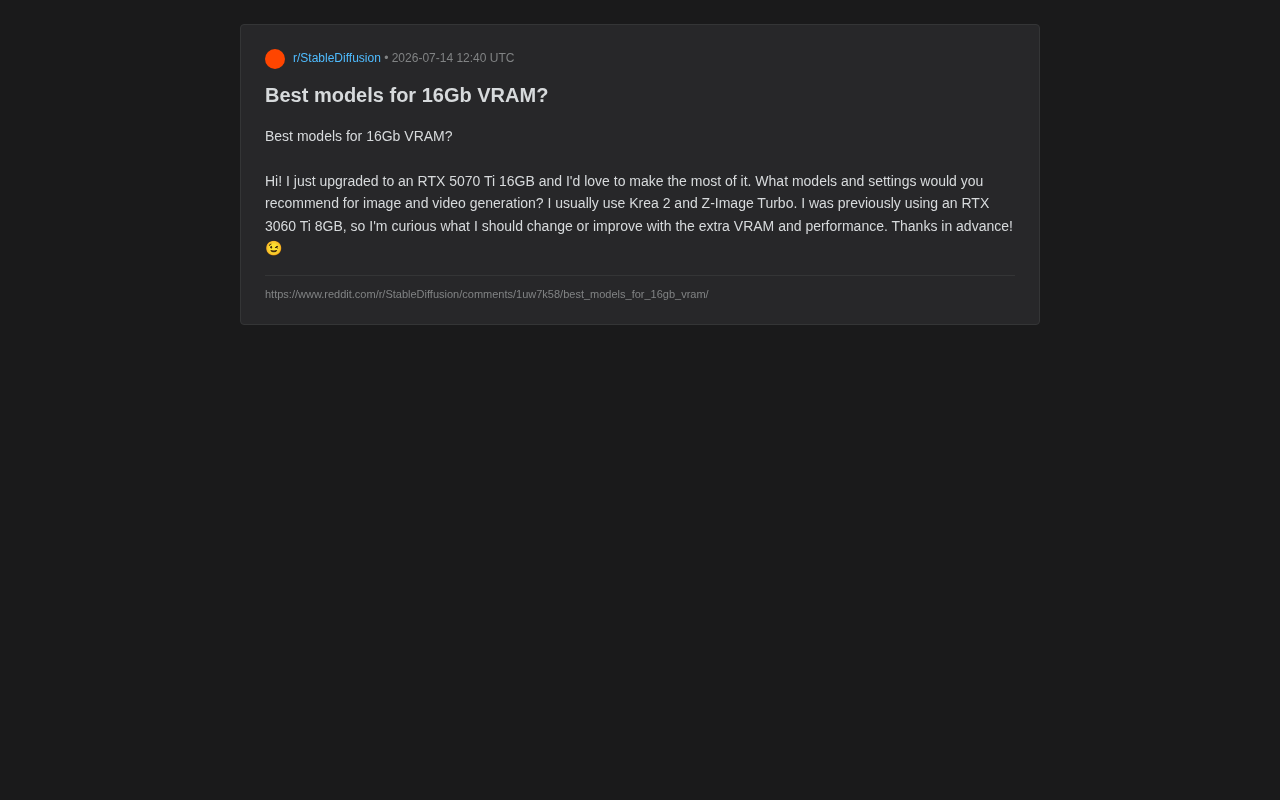
The 8GB Ceiling vs. the 16GB Breakthrough
The Typical Struggles at 8GB
Running modern diffusion models like SDXL or FLUX on 8GB VRAM usually requires significant compromises:
- Low VRAM mode is mandatory, sacrificing speed for stability;
- Output resolution is capped, as high-resolution images frequently trigger out-of-memory (OOM) errors;
- Large models are off-limits — the full-precision FLUX or mainstream video generation models simply won't load;
- Video generation is nearly impossible, or limited to extremely short, low-resolution clips.
What 16GB Actually Changes
With 16GB, creators can:
- Run models at fuller precision, reducing quality loss from quantization;
- Generate high-resolution images natively — 1024×1024 and beyond, no tiling required;
- Enter the world of video generation, a direction that was largely out of reach at 8GB;
- Increase batch sizes, generating multiple images at once and significantly improving creative throughput.
Image Generation: Recommended Models and Configurations for 16GB
The FLUX Series: The New Go-To Model Family
For 16GB VRAM users, the FLUX.1 series is the most worthwhile image model to try first. FLUX.1 was developed by Black Forest Labs (the core team behind Stable Diffusion) and uses a DiT (Diffusion Transformer) architecture that replaces the traditional UNet with Transformer blocks — delivering significant improvements in prompt adherence and detail reproduction. FLUX.1 dev has 12B parameters in its full version, requiring roughly 24GB in FP16 precision, so 16GB users must rely on quantized versions — but the quality remains excellent. Recommended approaches for 16GB:
- FLUX.1 [dev] FP8 quantized: FP8 is a native 8-bit floating point format supported by NVIDIA, offering better numerical stability than INT8. It strikes a solid balance between image quality and VRAM usage, running comfortably on 16GB;
- GGUF quantized versions: GGUF is the quantization format introduced by the llama.cpp project, supporting multiple levels from Q4 to Q8. Q6/Q8 quantization is virtually indistinguishable from FP16 by the naked eye, and you can choose flexibly based on available VRAM to leave room for LoRAs, ControlNets, and other add-ons.
The Full SDXL Ecosystem Experience
16GB VRAM is enough to unlock the full potential of the SDXL ecosystem:
- Load both the SDXL base model and Refiner model simultaneously;
- Stack multiple LoRAs for style blending;
- Use ControlNet for precise composition control without worrying about OOM errors.
Accelerated variants like Turbo and Lightning can run at higher resolutions and larger batch sizes on 16GB, making them ideal for users who prioritize generation throughput.
Key Configuration Adjustments
Users migrating from 8GB should make the following changes:
- Remove low VRAM flags: Drop settings like
--medvramand enjoy a noticeable speed boost; - Increase default generation resolution: Jump straight from 512/768 to 1024 and above;
- Enable xFormers or Flash Attention: Both are memory-efficient implementations of the multi-head attention mechanism used in Transformers. Standard attention requires storing a full N×N attention matrix, which becomes extremely memory-intensive at high resolutions. Flash Attention uses tiling to reduce storage complexity from O(N²) to O(N), cutting VRAM usage while also improving computation speed by 10–40% — particularly critical for stable high-resolution generation on 16GB.
Video Generation: The New Frontier for 16GB
Video generation is one of the most VRAM-hungry workloads, and a domain that was essentially off-limits in the 8GB era. The extra memory pressure of video models compared to image models comes from the temporal dimension — generating a 5-second 480p video requires processing temporal relationships across roughly 81 frames simultaneously. The intermediate tensors from the 3D attention mechanism grow linearly or even quadratically with frame count. The full-precision version of Hunyuan Video requires 80GB or more of VRAM; the fact that consumer-grade 16GB solutions can run it at all is entirely thanks to community-developed GGUF quantization, sequential offloading, and inference acceleration patches like TeaCache. 16GB is still tight, but it's enough to get started with mainstream local video generation models.
Video Models Worth Trying
- Wan 2.1 / Wan 2.2: An open-source video model that has seen huge community interest recently. Available in multiple parameter sizes; quantized versions can complete short video generation on 16GB;
- Hunyuan Video: Tencent's open-source video generation model, with a rich ecosystem of community-developed quantization and optimization solutions for consumer-grade GPUs;
- LTX-Video: Known for efficiency and relatively modest VRAM requirements — a good entry point for 16GB users getting started with local video generation.
Setting Realistic Expectations for Video Generation
Even with 16GB, managing expectations for video generation is important:
- Start with short clips (a few seconds) and moderate resolutions, then gradually push the limits;
- Nearly all approaches depend heavily on quantization techniques like GGUF to compress VRAM usage;
- Generation is slow — pairing with a tool like ComfyUI that supports fine-grained workflow control is strongly recommended.
Tools and Workflows: Getting the Most Out of 16GB
Prioritize ComfyUI
For users who want to squeeze every bit of value from their 16GB, ComfyUI is currently the most flexible platform available. ComfyUI uses a node-based workflow design built on a directed acyclic graph (DAG), where each node represents an independent computation step (such as model loading, sampling, or VAE decoding). This architecture lets users explicitly control when models are offloaded between CPU and GPU, actively freeing VRAM between node executions — for example, loading the diffusion model, running sampling, unloading it, then loading the VAE decoder. This makes it possible to run complex workflows on 16GB that would otherwise require more memory. Compared to WebUI-style tools that treat the entire inference pipeline as a black box, ComfyUI has a clear advantage for supporting cutting-edge models and fine-grained VRAM management. The community also provides ready-to-import workflows for FLUX, Wan, and many other new models.
Quantization: The Core Skill for 16GB Users
16GB isn't unlimited, and mastering GGUF quantized models is key to making the most of your hardware. Quantization is the process of compressing model weights from high-precision floats (like FP32/FP16) into lower-bit representations: Q4 stores each parameter in just 4 bits, compressing a 12B model down to roughly 6–7GB; Q8 retains more precision at about half the size of FP16. By choosing the right quantization level (Q4 through Q8), you can run larger models on consumer-grade GPUs with controlled quality loss — or free up VRAM for LoRAs, ControlNets, and other add-ons.
General guidance: go with Q6/Q8 when quality is the priority; drop to Q4/Q5 when optimizing for speed or running multiple add-ons simultaneously.
Conclusion
16GB VRAM sits in a sweet spot for local AI generation — capable enough to run most cutting-edge image and video models, yet still requiring thoughtful quantization choices and workflow optimization to get the best results.
The core action plan: for image generation, embrace the FLUX series (prioritize GGUF Q6/Q8 quantized versions) and unlock high-resolution output; for video generation, start with quantized Wan, Hunyuan Video, or LTX-Video; for tooling, move to ComfyUI and leverage its node-based VRAM control alongside GGUF quantization for maximum flexibility. Master this methodology, and you'll be able to unlock the true value of your 16GB VRAM.
Related articles
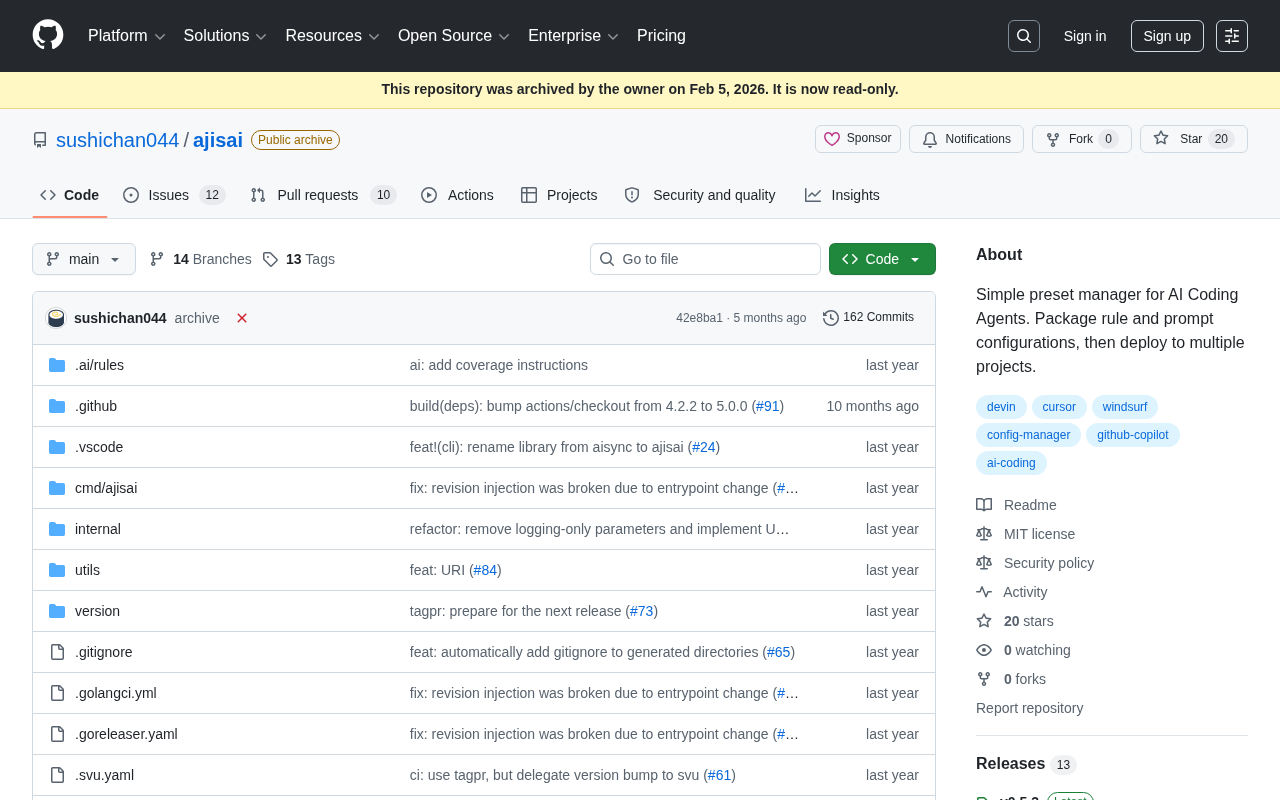
ajisai: A Preset Management Tool for Unifying Rules and Prompts Across AI Coding Assistants
ajisai is a Go-based preset manager for AI coding assistants like Cursor and Claude Code. Package rules and prompts once, deploy everywhere. Early-stage but promising.
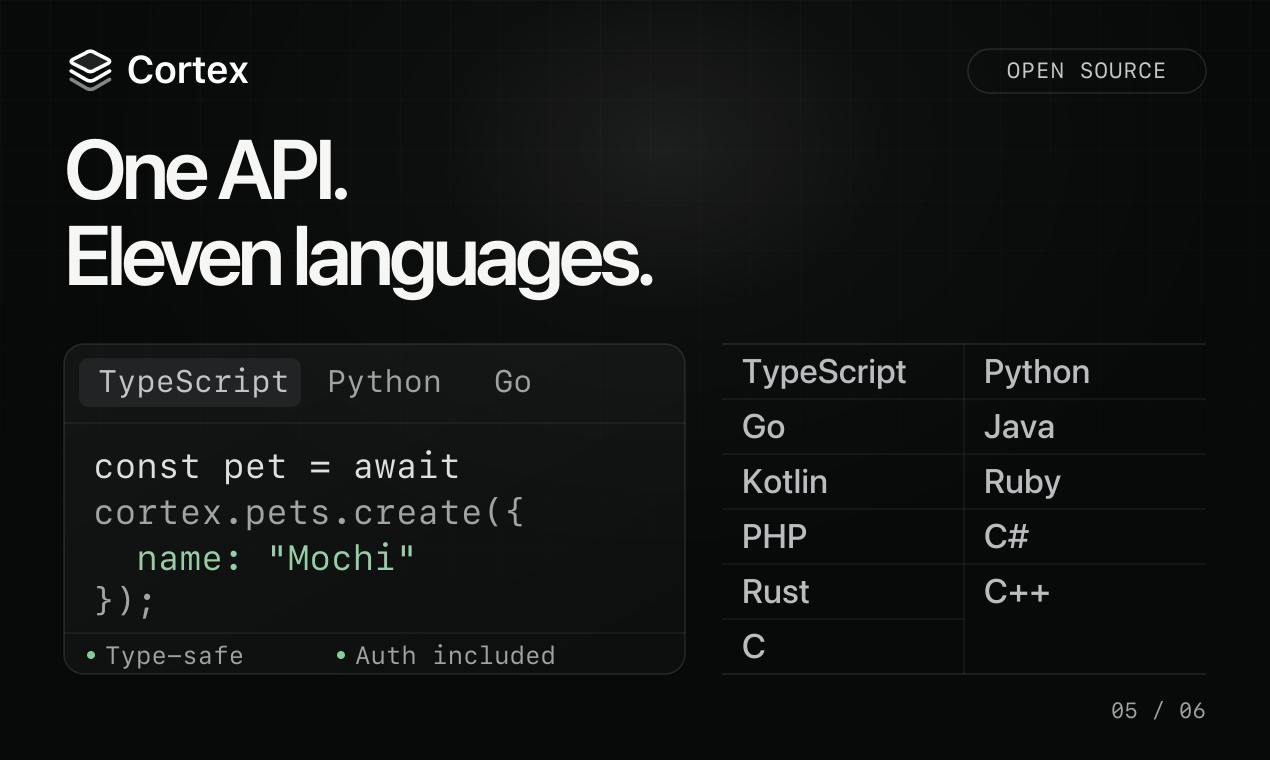
Cortex: Convert API Specs into Docs, SDKs, and MCP Servers in One Click
Cortex is an open-source tool that converts OpenAPI, GraphQL, gRPC and more into interactive docs, typed SDKs in 11 languages, and MCP servers for AI agents.
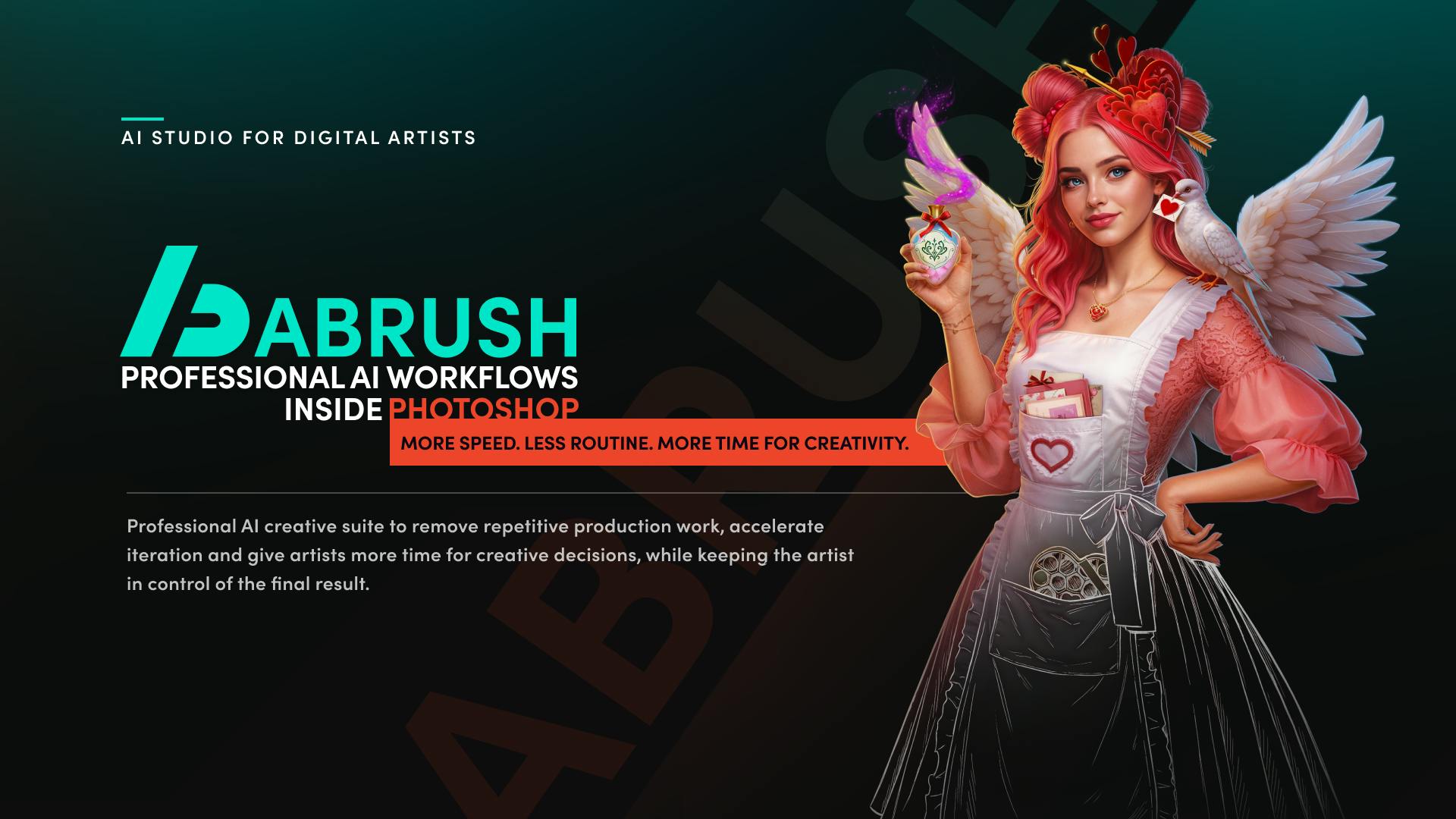
ABrush: An AI Studio Built for Digital Artists
ABrush is an AI studio for digital artists, ranked #4 on Product Hunt. It embeds leading AI models into existing workflows to remove repetitive tasks, speed up iteration, and keep artists in control.