The Ultimate Codex Tutorial: A Complete ChatGPT + Codex Development Workflow

Among Codex's four forms, the APP is the most worth using; Codex and Claude Code each have strengths, and it's best to master all three tools.
Based on a Codex tutorial video, this article covers AI coding tool selection. Codex has four forms — terminal, web, IDE plugin, and standalone APP — with the APP being the most complete and friendly, reflecting the trend from IDE embedding to standalone workbenches. Versus Claude Code, Codex is cheaper, avoids rate limits and bans, and excels at UI details; Claude Code leans toward logic and backend structure. The author advises mastering Cursor, Claude Code, and Codex alike.
Choosing the right AI coding tool has become a frequent topic of daily discussion among developers. With Cursor, Claude Code, and Codex forming a three-way rivalry, picking the right tool and using it the right way directly affects both development efficiency and your peace of mind. This Codex tutorial video from Bilibili walks through everything from installation and configuration to real project practice, and its core points are worth distilling for a wider developer audience.
The Four Forms of Codex: Why the APP Is the Most Worth Using
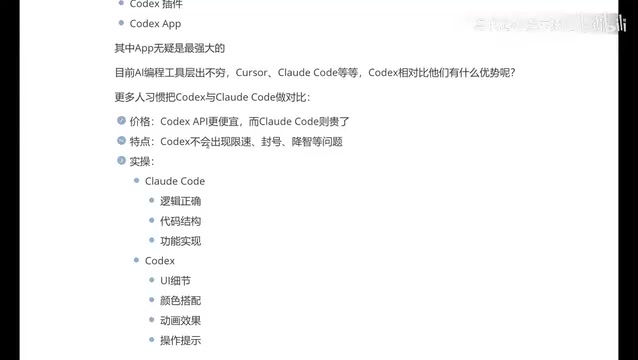
Codex currently comes in four forms — the terminal (CLI), the web version, the IDE plugin, and the standalone APP. Early on, most developers were used to integrating Codex as a plugin inside various development tools, but the video's author explicitly recommends switching to the APP form.
The reason is that among the four forms, the APP has the most complete functionality and the most powerful experience. While the terminal mode is flexible, it presents a barrier for developers who aren't comfortable with command-line operations; the plugin mode is limited by the capabilities of its host IDE; and the web version lacks deep integration with the local development environment. The APP form balances complete functionality with friendly interaction, making it the most recommended way to use Codex today.
This judgment aligns with the current trend of AI coding tools moving from "embedded in someone else's IDE" toward "standalone workbench" — tools need greater control to orchestrate the file system, terminal, and preview window, and the ceiling of the plugin form is becoming increasingly apparent.
The essential difference between CLI (command-line interface) and IDE plugins is the prerequisite for understanding this battle of forms. CLI tools are driven by plain-text commands, directly invoking the local shell, file system, and Git. They offer the greatest control but require users to be familiar with command syntax, environment variables, and path management. IDE plugins, by contrast, live inside a host editor (such as VS Code or JetBrains) and access the current project context through the plugin API. Their advantage is being ready out of the box with automatic context awareness, while their disadvantage is that the resources they can call are constrained by the host, and behavior differs across IDEs. A standalone APP is essentially an in-house workbench that integrates "editor + terminal + preview" — it bypasses the API boundaries of plugins without requiring users to write commands. This is precisely the technical driver behind the "standalone workbench" trend.
Codex vs Claude Code: Differences in Price, Stability, and Style
The video's author spends considerable time on a side-by-side comparison of Codex and Claude Code, and the conclusions can be viewed along three dimensions.
Price and stability: The Codex APP is cheaper, while Claude Code is relatively more expensive. More importantly, Claude Code suffers from rate limiting and account bans, whereas Codex does not have these issues. As for "quality degradation," the author says some people in the community have reported it, but he hasn't noticed it in his own usage scenarios — this point still needs more samples to verify.
Code style tendencies: Claude Code leans more toward logical correctness, emphasizing code structure and functional implementation, which makes it more popular among backend developers; Codex focuses more on UI details, color schemes, animations, and interaction prompts, making it friendlier to frontend and APP developers.
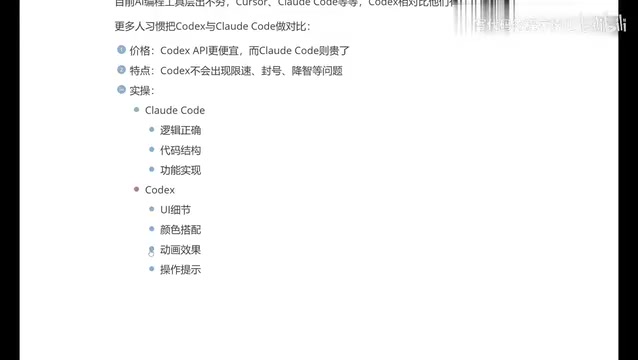
This difference essentially reflects the two tools' differing emphases in training data and optimization objectives. When working on backend logic and algorithm implementation, Claude Code's structured output is indeed more reassuring; but when doing frontend UI restoration and interaction animations, Codex's "aesthetic" is clearly more on point. As a frontend developer himself, the author has a better experience with Codex, but he also honestly acknowledges that Claude Code may be more powerful at the logical level — an honest and objective assessment.
Rate limiting and account bans are engineering realities that subscription-based AI coding tools cannot avoid. Rate limiting usually stems from the cost of inference compute — high-intensity continuous calls trigger quota thresholds, manifesting as slower responses or the need to queue; account bans are mostly related to risk-control strategies, such as detecting shared accounts, abnormal geographic locations, or abuse of automation scripts. For developers who rely on these tools for daily work, these two restrictions translate directly into unpredictable interruption costs. So while "no rate limiting, no bans" may sound like a mere operational promise, it actually determines whether a tool can be incorporated into a stable production workflow.
Code style tendencies can be traced back to the distribution of training data and the optimization objectives during post-training. Models that lean toward logical correctness are typically optimized heavily on code benchmarks (such as algorithm problems and unit test pass rates), with output that emphasizes edge cases, exception handling, and maintainable structure; models that lean toward visual presentation have more high-quality samples in UI restoration, component library usage, and style details, producing output closer to something you can preview directly. This also explains why, for the same requirement, both tools' code is "correct," yet one reads like it was written by a backend engineer and the other like it was written by a frontend engineer.
You Should Know All Three Giants, Not Just Bet on One
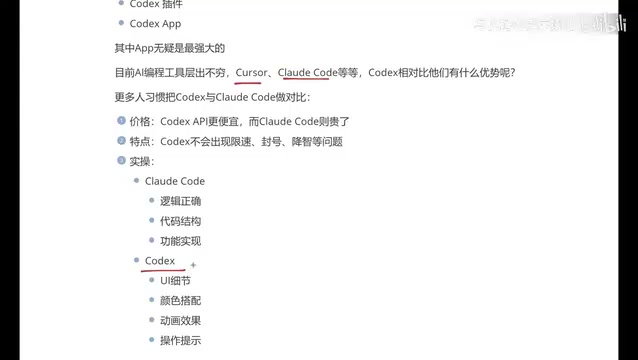
A very pragmatic point in the video is that developers should be able to use all three tools — Cursor, Claude Code, and Codex — rather than mastering only one of them.
The reality is that different companies may provide different accounts, and different projects may require different AI tools. Mastering only one tool will limit you when it comes to team collaboration and career choices. The author's own experience confirms this — he initially used Cursor for over half a year, with a good experience but painful costs; later, when Claude Code came out, he tried integrating domestic models to reduce costs, but the experience was poor; ultimately, because he disliked the terminal interaction format, he switched to Codex, which has an APP.
This experience actually represents the real path of many developers: from trying things out to becoming cost-sensitive, from comparing features to developing interaction preferences, and ultimately finding the tool whose overall experience fits them best. There is no absolute optimal solution — only the choice that best suits the current scenario.
Cursor is positioned somewhat differently from Codex and Claude Code: it is itself an AI-native editor (a VS Code fork) that deeply integrates completion, chat, and multi-file editing into the editing experience, following the "editor as tool" route; Codex and Claude Code, by contrast, are closer to "agentic" tools, tending to autonomously read files, execute commands, and complete multi-step tasks. The difference among the three is not just product features but interaction paradigms: completion-based, chat-based, and agent-based. Understanding this makes it clear why the author emphasizes "knowing all three" — it's not about redundant backups of three homogeneous tools, but about the ability to switch between three working modes.
Why Frontend and Beginner Developers Are Better Suited to Codex
The author specifically mentions that for beginners who aren't very good at development, or people without much engineering experience, Codex performs better in terms of showing results.
There is some truth to this judgment. One of the core difficulties of frontend development is "what you see is what you get" — layout, color schemes, spacing, and animations, these visual details often require repeated debugging. Codex delivers higher-quality output in this area, allowing inexperienced users to see usable results faster and reducing frustration. At the same time, the APP form, used alongside traditional development tools like VS Code, can form a complementary workflow.
For senior backend developers who have already mastered the terminal and engineering workflows, Claude Code or the CLI form of Codex may be more efficient; but for frontend developers, indie developers, and newcomers just getting into AI programming, the Codex APP offers a lower overall barrier and faster positive feedback.
Key Takeaways
- Codex currently has four forms — terminal, web, plugin, and APP. The APP has the most complete functionality and is currently the most recommended way to use it
- Compared with Claude Code, Codex is cheaper, has no rate limiting or account ban issues, and is better at UI details and visual presentation
- Claude Code leans toward logic and backend structure, while Codex leans toward frontend and visual experience — their positioning is complementary
- Developers are advised to master all three tools — Cursor, Claude Code, and Codex — to handle the needs of different teams and projects
- Frontend developers and beginners face a smoother learning curve with Codex, with more intuitive visual results
One-line Summary
Among Codex's four forms, the APP is the most worth using; Codex and Claude Code each have their strengths, and it's best to master all three tools.
Paragraph Summary
Based on a Codex tutorial video from Bilibili, this article sorts out the thinking behind choosing AI coding tools. Codex now has four forms — terminal, web, IDE plugin, and standalone APP. The author believes the APP has the most complete functionality and the friendliest interaction, representing the trend of AI coding tools moving from being embedded in IDEs toward standalone workbenches. Compared with Claude Code, Codex is cheaper, free of rate limiting and account bans, and better at UI details and visual effects; Claude Code emphasizes logical correctness and backend structure. The author suggests developers master all three tools — Cursor, Claude Code, and Codex — to meet the needs of different teams and projects. For frontend developers and beginners, Codex offers a smoother learning curve and faster positive feedback.
Related articles

The Era of Multi-Agent AI Collaboration: How Kylon Lets Teams Work Alongside AI
How Kylon lets teams collaborate with AI agents in Slack-style channels—bring-your-own Claude Code subscriptions, tiered agents, channel automation, plus Nate Herk's practical rollout advice.

Agent Design in Practice: AI Agent and Tool Design Principles from an Auto Bug-Fixing Project
Through a practical project recreating GitHub Copilot's automatic PR generation, this article explores AI Agent design principles and tool design methods. It emphasizes simple architecture, division of responsibilities, and tool callability, providing developers with actionable Agent development ideas.

OpenAI Codex Is Free Now? Local Models Take Over AI Agents in Practice
A Bilibili uploader demonstrates using the open-source tool CCSwitch to disguise an Ollama local model as Claude, driving the Claude Code desktop AI Agent for free—automatically modifying code, fixing bugs, and building websites. This article details the principles, deployment steps, and real-world results, and analyzes the feasibility and limits of local models replacing cloud Agents.