Three Flow Control Nodes in Dify Workflows: Question Classifier, Conditional Branch, and Human-in-the-Loop Explained

A deep dive into Dify's three key flow control nodes: Question Classifier, Conditional Branch, and Human-in-the-Loop.
This article explains three core flow control nodes in Dify workflows: the Question Classifier uses LLMs for intelligent routing, the Conditional Branch provides precise if-else logic with AND/OR combinations, and Human-in-the-Loop adds confirmation checkpoints for high-risk operations. Together, they give AI workflows real decision-making power.
When building AI workflows with Dify, in addition to core nodes such as LLM calls and knowledge base retrieval, you also need a set of logic control mechanisms to guide the flow. This article systematically walks through three key flow control nodes: the Question Classifier, the Conditional Branch, and Human-in-the-Loop. These three nodes may seem simple, but they form the backbone of building complex business processes. Mastering them enables your workflows to truly possess the ability to "judge" and "decide."
Question Classifier: Intelligent Routing Powered by LLMs
The purpose of the Question Classifier is to categorize content passed in from upstream nodes and execute different processing logic based on the category. It relies on the semantic understanding capabilities of large language models rather than simple keyword matching, making its recognition of natural language far more flexible and accurate.
This semantic understanding capability stems from the pre-training process that large language models (LLMs) undergo on massive corpora. Unlike traditional keyword matching or regular expression rules, LLMs can understand the contextual meaning of words, the intensity of tone, and even emotional coloring. Take the phrase "why hasn't it shipped yet" as an example: a keyword-based system might only identify the noun "ship," whereas an LLM can infer the user's dissatisfaction from the tone conveyed by "why hasn't it yet." This capability is essentially a language pattern the model learned during training, enabling it to perform fine-grained text classification without manually written rules—precisely the core advantage of AI classifiers over traditional rule engines.
Take a customer service system as an example: you can pass the user's input as a variable into the classifier, then set up multiple sentiment categories: happy, angry, and neutral. By configuring a corresponding description for each category (such as "the user's sentiment is happy"), the classifier can automatically route the input into the appropriate branch.
The results in testing are quite reliable: inputting "why hasn't it shipped yet" is judged as angry; inputting positive product reviews is judged as happy; while neutral inquiries like "how much is this product" are accurately identified as neutral.
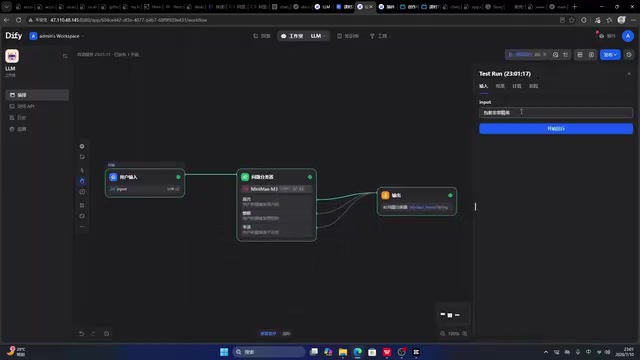
A more practical scenario for the classifier is business routing. For example, you can categorize user questions into three types: "pre-sales," "during-sales," and "after-sales." "How much is this product" is identified as a pre-sales question, while "the product has a defect" is judged as an after-sales question. Once classification is complete, you can connect different downstream flows for each category—this is where the true value of the classifier lies. This design approach closely resembles the "Router Pattern" in software architecture: a central dispatch node distributes different types of requests to the downstream modules best suited to handle them, achieving separation of concerns and process decoupling.
Note that the classifier's execution speed depends on the LLM's response. In testing, a single classification took about 11 seconds, so this latency should be considered when designing high-concurrency scenarios.
Key Usage Points
The core of the classifier lies in how you define the classification dimensions based on your business. The clearer the categories and the more accurate the descriptions, the more reliable the classification results. Classification is just the first step; even more critical is designing complete downstream processing nodes for each branch.
Conditional Branch: if-else Logic in Workflows
The Conditional Branch is essentially the if-else logic found in programming. Users familiar with programming languages or Excel conditional functions will find it very intuitive. By evaluating variable values, it directs the flow onto different processing paths.
This design directly maps to the concept of control flow in computer science—the program no longer executes linearly line by line but dynamically decides which path to take based on conditions. The AND and OR logical operations come from the fundamental rules of Boolean algebra: AND requires all conditions to be true simultaneously, while OR requires only one condition to be true. This logic is ubiquitous, from low-level hardware circuits to high-level business rules, and is one of the cornerstones of the entire information technology system. Low-code platforms visualize these programming concepts, allowing non-technical users to intuitively build complex decision logic—one of the core values of visual workflow tools.
The Conditional Branch supports multiple evaluation methods. Take the text type as an example: you can check whether user input "contains" certain keywords—if it contains "price," take one path; if it contains "style," take another; if it contains "color," take a third; and finally use else as a catch-all for all cases that don't meet any condition.

This design is highly practical in customer service scenarios. For example, when a user's inquiry is identified as price-related, you retrieve from the price-related knowledge base; if it's a style question, you retrieve from the style knowledge base; and color questions correspond to the authorization-related knowledge base. Through conditional branching, you can precisely route different questions to the most appropriate knowledge source.
Numeric Evaluation and Logical Combinations
The Conditional Branch can handle not only text but also numeric type evaluation. After switching the parameter type to number, you can perform comparison operations such as greater than, less than, and equal to.
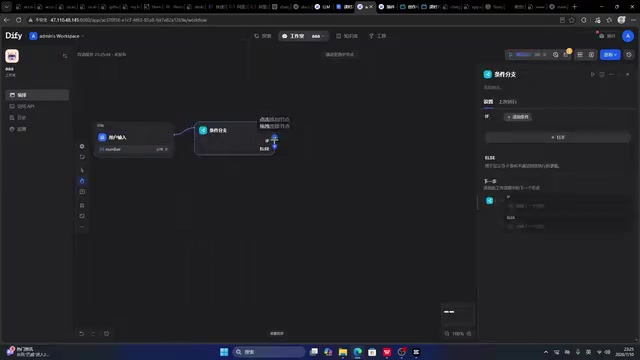
For example, you can split prices into three tiers: greater than 100, between 50 and 100, and less than or equal to 50. The middle tier requires the AND logical combination—"less than or equal to 100 AND greater than 50."
Beyond AND, the Conditional Branch also supports OR logic. A typical scenario is: if a user's spending amount equals 100 yuan "OR" equals 200 yuan, apply a discount; otherwise, no discount. Through flexible combinations of AND and OR, you can cover the vast majority of business evaluation needs.
Human-in-the-Loop: Adding a Confirmation Checkpoint for High-Risk Operations
The Human-in-the-Loop node is suitable for scenarios where, when the flow reaches a critical node, a human decision is required. It pauses the automated process and waits for human confirmation before continuing.
This node embodies an important paradigm in AI system design—Human-in-the-Loop (HITL). As automation levels continue to rise, the industry has gradually recognized that not all decisions should be entirely delegated to machines. The HITL model advocates preserving human judgment at critical decision points, enjoying the efficiency gains of automation while using human intervention to guard against risks from model hallucination, privilege abuse, or irreversible operations. This concept is especially important in high-risk domains such as AI-assisted medical diagnosis, financial risk control review, and content safety moderation, and it is a necessary design consideration for AI systems to be deployed in real-world business.
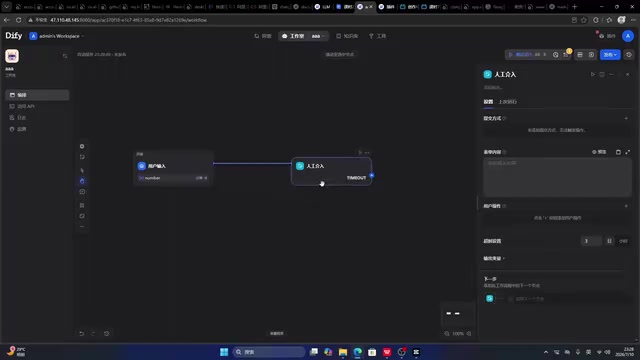
When configuring the Human-in-the-Loop node, you can set a prompt message (such as "Please confirm") and multiple action buttons (such as "Approve" and "Reject"), thereby producing branching outcomes: clicking "Approve" takes one path, while clicking "Reject" takes another.
In addition, Human-in-the-Loop also supports a timeout handling mechanism. For example, you can set a one-hour wait; if the user takes no action during this period, a default strategy is executed (e.g., treated as approval by default). This mechanism ensures the flow won't be permanently stuck due to no response. In engineering terms, this is a "Fail-Safe" design—the system should have clear and predictable fallback behavior under abnormal conditions rather than falling into an endless deadlock of waiting.
Typical Use Cases
The Human-in-the-Loop node is best suited for risky, sensitive operations, such as:
- Permission management: Requiring authorization confirmation when a user requests a certain operation
- Data security: Deciding whether to query or delete critical data from a database
- File operations: Secondary confirmation before irreversible operations such as deleting files
Adding human judgment at these points effectively avoids the risk of erroneous operations caused by automated flows, balancing business efficiency with data security.
Summary: The Roles and Collaboration of the Three Nodes
These three nodes have clear functions and are indispensable control components for building a mature Dify workflow:
- Question Classifier: Leverages LLM semantic understanding for intelligent routing, ideal for handling fuzzy natural language classification;
- Conditional Branch: Precise if-else logic evaluation, supporting text containment, numeric comparison, and AND/OR combinations;
- Human-in-the-Loop: Adds a human confirmation step for high-risk nodes, balancing automation efficiency with operational safety.
From a broader perspective, these three types of control nodes correspond to three different levels of "decision-makers" in business systems: the classifier delegates decision-making to the AI model, relying on its understanding of language; the conditional branch delegates decision-making to preset rules, relying on its precise calculation of numbers and logic; and Human-in-the-Loop returns decision-making to humans, relying on human experience and judgment. A mature AI workflow finds the optimal division of labor and collaboration among these three.
In real-world business, you often need to combine these three with nodes such as knowledge base retrieval and LLM calls to build AI application flows that are both intelligent and robust. Mastering these three control nodes is a key step in moving from "getting a demo to run" to "deploying real business."
Key Takeaways
Related articles
QApilot MCP: Test Android Apps in Natural Language Inside Your AI Coding Assistant
QApilot MCP lets developers test Android apps in natural language inside Claude, Cursor, and Codex — no Appium code needed. Auto-generates reusable Gherkin test cases.
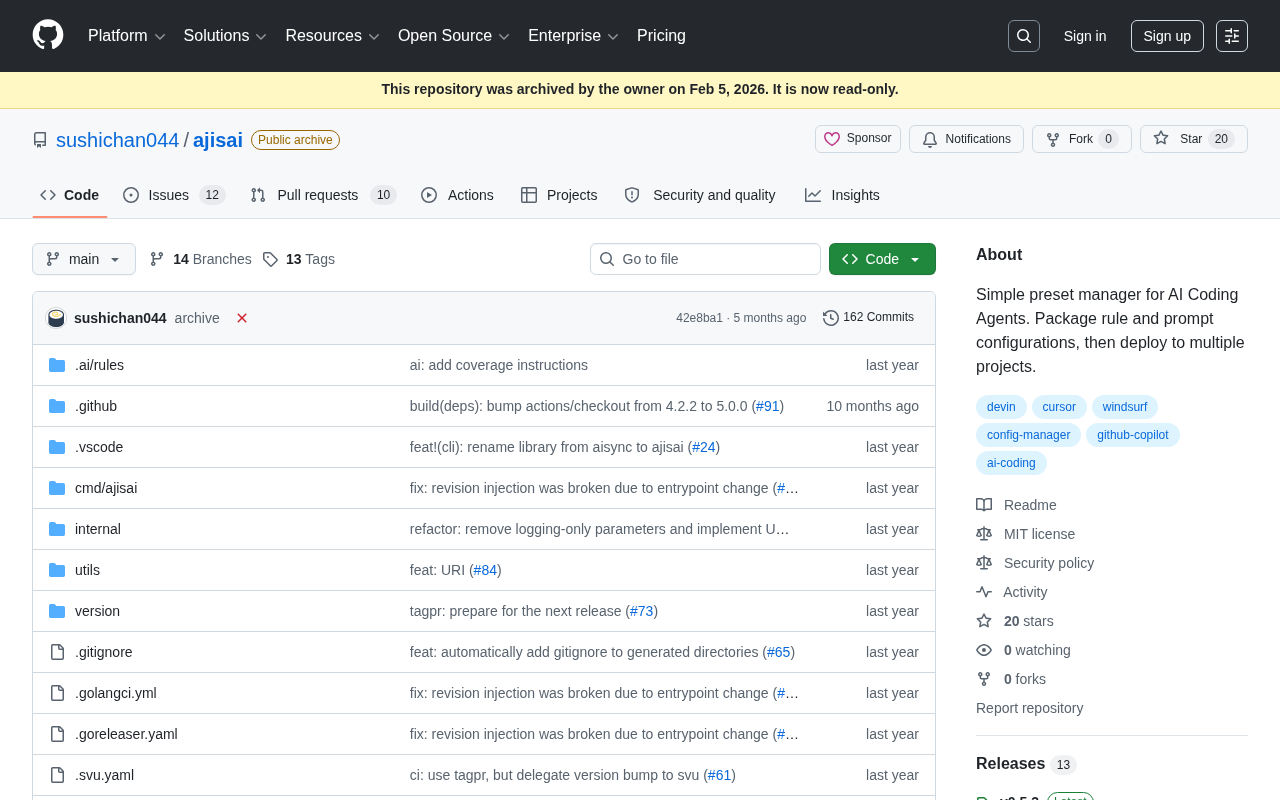
ajisai: A Preset Management Tool for Unifying Rules and Prompts Across AI Coding Assistants
ajisai is a Go-based preset manager for AI coding assistants like Cursor and Claude Code. Package rules and prompts once, deploy everywhere. Early-stage but promising.
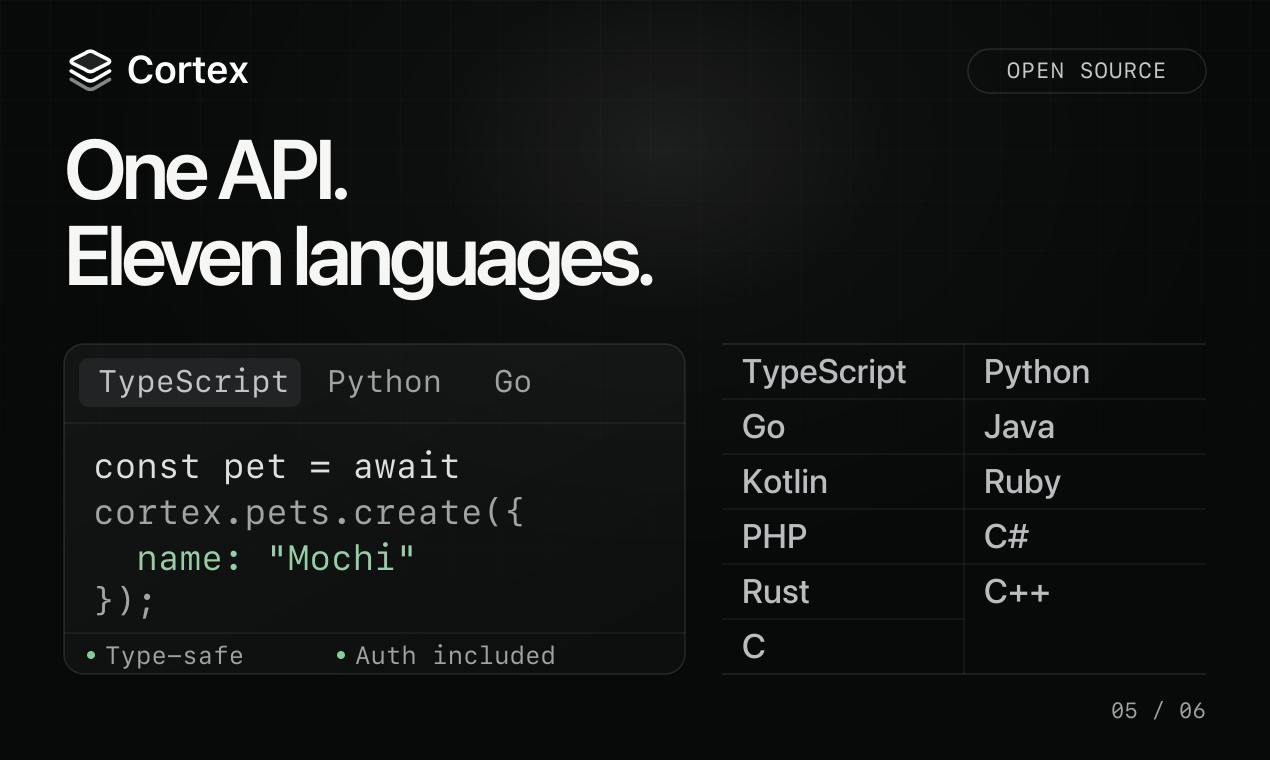
Cortex: Convert API Specs into Docs, SDKs, and MCP Servers in One Click
Cortex is an open-source tool that converts OpenAPI, GraphQL, gRPC and more into interactive docs, typed SDKs in 11 languages, and MCP servers for AI agents.