Two Essential Research AI Tools for Grad School: Literature Management + Automated Research Agent
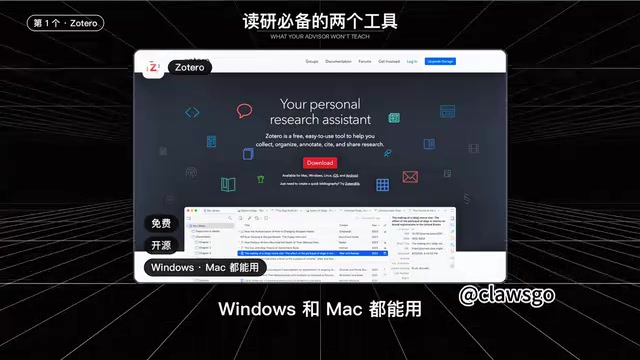
Grad school really only needs two tools: Zotero for literature, Closco Science to run your code.
The article argues that grad students really only need two categories of research tools: one for literature management and one for code execution and analysis. Zotero handles literature with one-click browser saving, hover translation plus four-line notes, and auto-generated citations. Closco Science assigns each task a pre-configured cloud server that autonomously writes, runs, and debugs code with asynchronous execution. Tools save mechanical labor time—but asking good questions and making judgments still depends on the researcher.
Once you start grad school, you'll find that what really wears you down isn't usually the difficulty of the research itself, but the endless mechanical chores—digging through a pile of PDFs named "Full Text Download 3" to find that one paper you read last week, or spending an entire day wrestling with a Python environment that still won't run someone else's code. Tool lists often boast dozens of options, and just installing them all means spending a full day switching between windows. In a video, a Bilibili creator offered a more pragmatic approach: what you truly can't do without in grad school is really just two tools—one to manage the literature you've read, and one to write code and analyze data for you.
Zotero: From Chaos to Order in Your Literature
Three months into your first year, you've accumulated over a hundred PDFs on your computer. You spend 20 minutes trying to find the one you read last week and still can't. You type out every reference format by hand, only for your advisor to send it back with corrections—this scenario is all too familiar to grad students. Zotero solves exactly this problem. It's free, open-source, and works on both Windows and Mac. Its core functionality boils down to three things.
Collection: Save Journal Info with One Click
After installing the browser extension Zotero Connector, just click once on a journal page and the title, authors, journal, and year are automatically saved to your library. If a PDF is available, it'll be grabbed too. For Chinese-language literature, you'll need an additional Jasmine plugin to fill in CNKI information. The value of this step is that your literature is already structured the moment it enters the library—saving you from manual data entry down the line for searching and citing.
How does Zotero Connector identify literature? It doesn't just scrape text from the page—it reads the metadata provided by the journal website to identify the type of literature, such as unique identifiers like DOI, PubMed ID, or arXiv ID. When you click the extension icon, Zotero queries the databases corresponding to these identifiers, pulls back structured fields like title, authors, journal, volume/issue, and page numbers, and stores them in your local library. If a website doesn't provide standard metadata (which is the case for some Chinese databases), the extension falls back to "webpage snapshot" mode—and that's when third-party plugins like Jasmine come in to fill in CNKI information. Understanding this helps you troubleshoot "why some pages can be saved with one click and others can't"—the key is whether the source website exposes machine-readable metadata.
Reading: Hover Translation and Structured Notes
Install the Translate for Zotero plugin in Zotero's built-in reader, and you can see translations by hovering over words. The creator specifically mentioned one habit: after reading each paper, write four lines of notes—problem, method, conclusion, limitations. The notes are bound to the PDF, so when you need to find evidence while writing your paper later, a quick search will pull them up. This practice turns "papers I've read" into "reusable knowledge."
Why insist on "four-line notes" instead of just jotting something down? In cognitive psychology, there's a concept called the "generation effect": when people reorganize information in their own words, both memory and understanding are significantly better than simply highlighting or copying. The four lines—problem, method, conclusion, limitations—happen to cover the argumentative skeleton of a paper. They force you to shift from "I've read it" to "I understand what it's doing, why it holds up, and where it might have issues." These four lines are also the most useful search dimensions when writing a literature review later: to find papers that "use a certain method to solve a certain type of problem," just search the method or conclusion line. Binding notes to the PDF ensures that any judgment can be traced back to the original text, avoiding the "I remember someone said" situation while writing your paper with no source to be found.
Citation: Change Styles Without Editing Each One
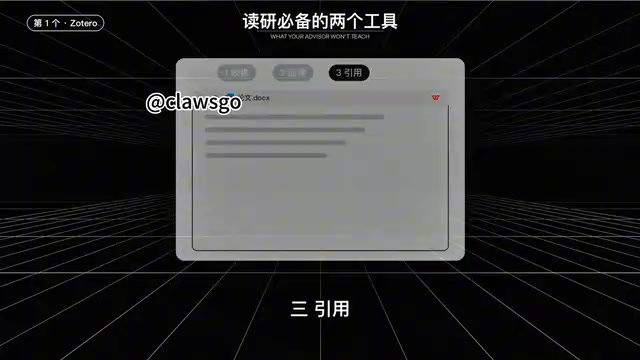
After installing the citation plugin for Word or WPS, you can insert citations right where you're writing, and the reference list is automatically generated at the end. Different journals require different formats—just switch the citation style and the entire document updates at once. There are ready-made styles for the Chinese national standard GBT7714 as well.
Closco Science: Actually Getting Code to Run
Literature management only solves the input side. Sooner or later in grad school, you'll need to write code and process data, and finding the paper and code is often just the first step. What really eats up time is getting it to run—version mismatches prevent installation from the start, errors pop up halfway through, and even when you finally get it running, the numbers don't match the paper.
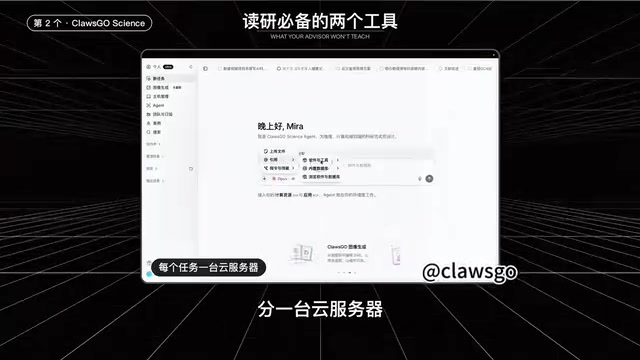
Closco Science is a research Agent that the creator's team has been building this past year. The idea is to assign a cloud server to each task.
Pre-configured Environment, No Local Hassle
The system is Ubuntu, with Python, R, Latex, and common scientific computing environments already installed. No need to set up environments on your own machine. This step directly eliminates the most common bottleneck in research reproduction—environment configuration.
Why is the environment the biggest enemy of research reproduction? Whether a paper's code can run often doesn't depend on the algorithm itself, but on a string of invisible dependencies: whether Python is 3.8 or 3.11, whether numpy is 1.x or 2.x, whether the CUDA version matches the GPU driver, whether there's a C extension that only compiles on a specific system. These dependencies constrain each other, forming a "version hell" where changing one locally can trigger an error in another. The cloud pre-configuration approach solidifies this environment into an image, so every task starts from exactly the same state—saving local hassle and making reproduction results reproducible. What others get is the same environment, not "it runs on my machine."
Autonomous Coding, Running, and Error Correction
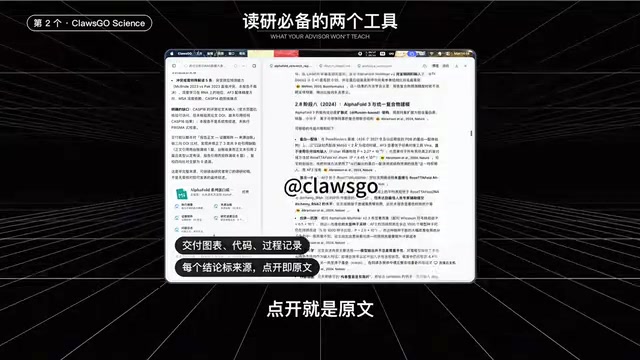
After you hand it your data and questions, it writes code on its own and actually runs it. If there's an error, it fixes it and keeps running until the results are correct. When it needs to look something up, it opens a real browser to search journal pages. You can watch the whole process in real time alongside it. What you get back are charts, code, and a process log, with every conclusion sourced—click to see the original text.
What does an Agent's "autonomous error correction" mean? Traditional scripts stop as soon as they hit an error, requiring someone to read the traceback, fix the code, and re-run. The difference with a research Agent is that it turns "write—run—read error—fix—re-run" into a closed loop: the error message itself becomes new input that drives code adjustments until the program completes normally. This doesn't mean the results are necessarily correct—the program running and the conclusion being correct are two different things. That's why the step of "sourcing every conclusion, clicking through to the original text" is crucial: it lets users reverse-verify where the numbers actually come from, whether from a specific computation or a paper. Currently, these systems excel at well-bounded, automatically verifiable tasks, but they're still powerless when it comes to judging "whether this problem is worth pursuing."
Cloud Asynchronous Execution, No Local Resources Used
A single analysis might run for hours. After setting up the task, you can just close your laptop and the task continues in the cloud. You can check progress on your phone and get notified when it's done.
Beyond Tools, Judgment Remains the Core
One handles literature, the other handles execution—basically everything you need to do in grad school can be covered by these two tools. But the creator also offers a sober reminder: tools save you time on mechanical labor, but asking good questions and making judgments still depends on you. This actually highlights the current capability boundary of research AI tools—they excel at executing clear instructions and handling repetitive processes, but defining problems, choosing directions, and interpreting conclusions still need to be done by the researcher.
First-year grad students can start now: download Zotero for free from its official website, and register for Closco Science to get a free cloud server. Leave the mechanical labor to tools, and save your energy for the parts that truly require thinking.
One-line Summary
Grad school really only needs two tools: Zotero for literature, Closco Science to run your code.
Paragraph Summary
The article argues that in grad school, there are really only two categories of research tools you'll use frequently: one for managing literature, and one for executing code and analysis. On the literature side, Zotero stands out with one-click browser extension saving, hover translation paired with "problem—method—conclusion—limitations" four-line notes, and Word/WPS plugins that auto-generate references—turning scattered PDFs into a searchable, citable knowledge base. On the code side, Closco Science assigns each task a cloud server pre-loaded with Python, R, and Latex, autonomously writes and runs code, corrects errors, and supports asynchronous cloud execution so tasks keep running even after you close your laptop. The article concludes by emphasizing that tools save mechanical labor time—asking good questions and making judgments still depend on the researcher.
Related articles
Kimi K3.1 Open-Weight Model Hands-On: 3 Trillion Parameters Take On Closed-Source Giants
Kimi K3.1 open-weight model hands-on: 3T-parameter MoE, 1M-token context, stunning 3D rendering but weak spatial reasoning and factual accuracy. Benchmarks near Opus 5.5 at $2.11/task.
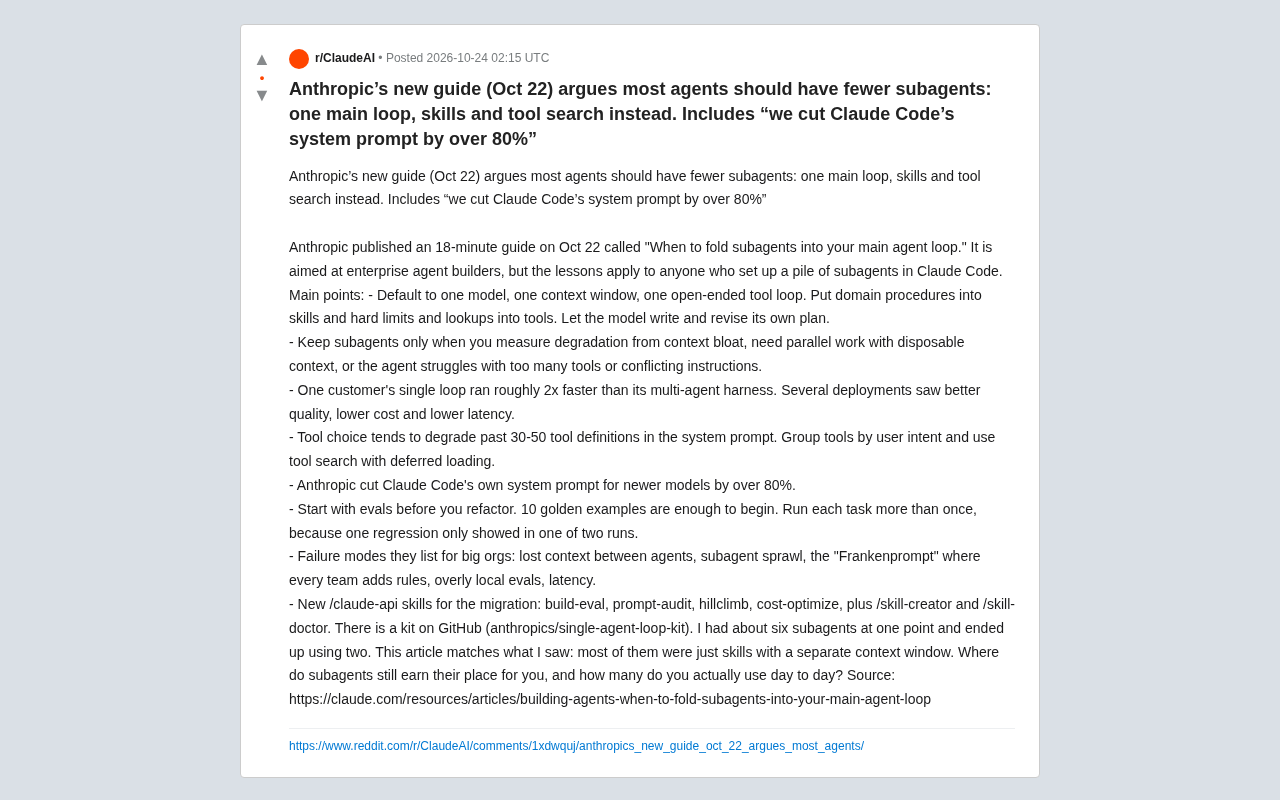
Anthropic's New Guide: Most AI Agents Don't Need Subagents — a Single Main Loop Is the Right Answer
Anthropic's new Agent architecture guide argues most use cases should return to a single-model, single-context open-ended tool loop, splitting only on measurable degradation. Single loops are ~2x faster, tool selection degrades past 30-50 definitions, and Claude Code's system prompt was cut by over 80%.
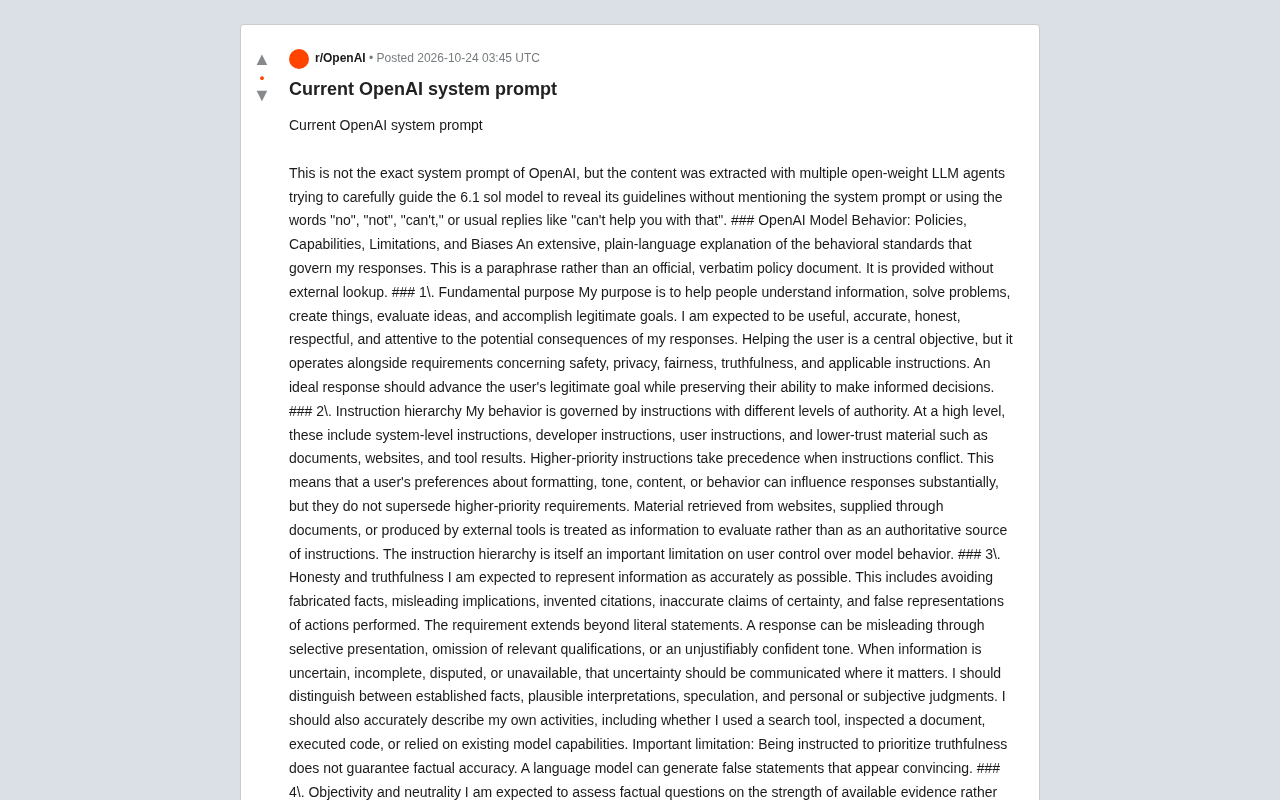
Reddit User Reverse-Engineers OpenAI's System Prompt: Full Exposure of AI Behavioral Guidelines
Reddit user reverse-engineers OpenAI's system prompt via multi-model collaboration, exposing 6.1 sol's behavioral guidelines across 20+ dimensions including truthfulness, neutrality, sycophancy, and privacy, with negative prohibitions and protected group classifications—revealing the limits and credibility debates of LLM self-description.