Vercel CI Decouples from Projects: Direct GitHub Repository Connection

Vercel CI decouples from projects, enabling one-command setup on private GitHub repositories.
Vercel announced that its CI feature no longer requires a GitHub repository to be linked to a Vercel project. Previously, developers had to create an empty project and connect the repository before using CI. Now, by installing the Vercel GitHub App, connecting a Vercel account, and having write access to the repository, running `vercel ci enable` enables CI directly on the repository, with the team specifiable via `--scope`. This shift moves CI from a 'project accessory' to 'repository-native,' lowering the barrier to entry—especially useful for temporary repositories, unified multi-repository management, and simplifying toolchains in microservices architectures. Currently, the feature only supports private GitHub repositories; public repositories and providers like GitLab and Bitbucket are not yet supported, and Vercel has not provided an expansion timeline.
Vercel recently announced that its CI feature no longer requires a GitHub repository to be linked to a Vercel project. Previously, developers who wanted to use Vercel CI had to first create an empty project on Vercel and connect the repository—a cumbersome and redundant process. Now, as long as a few simple conditions are met, CI can be enabled directly on a GitHub repository without creating any Vercel project.
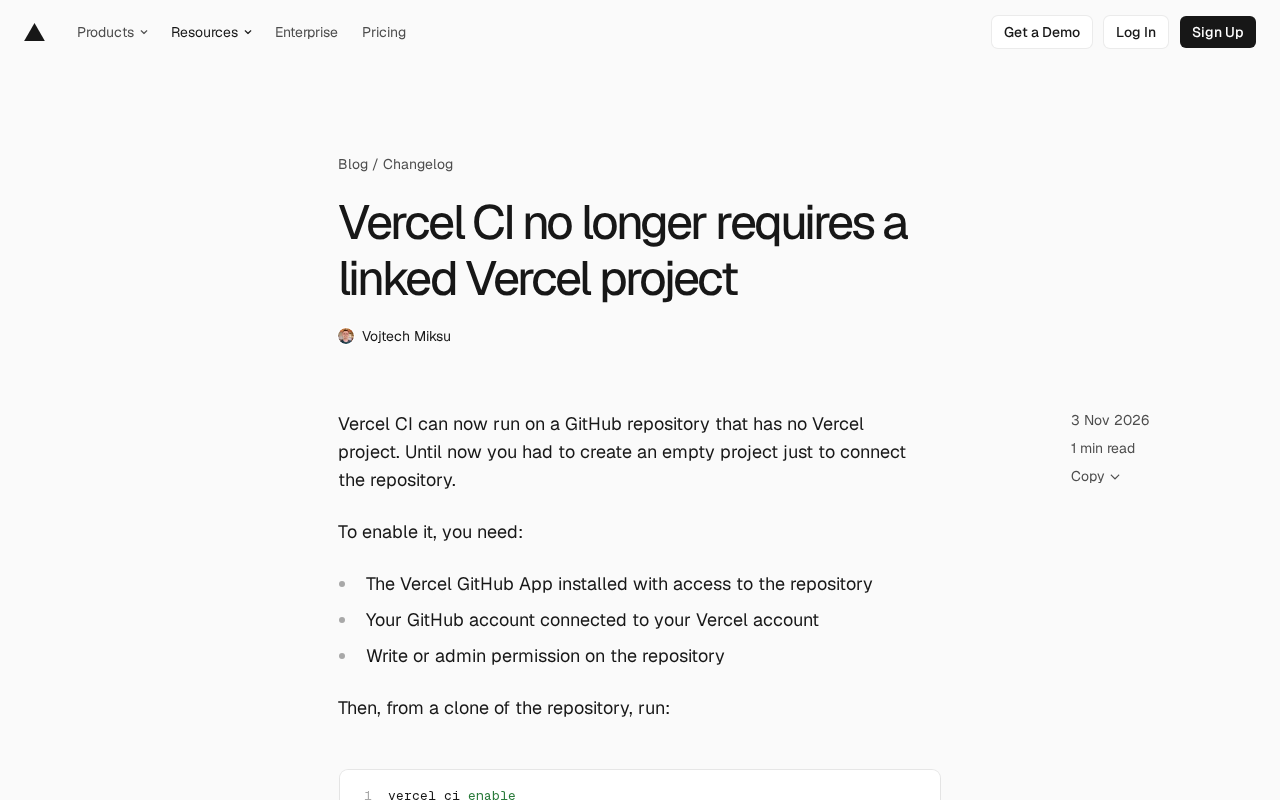
Goodbye Empty Projects: A Leaner Vercel CI
In the past, the barrier to using Vercel CI was project binding. Developers had to first create a Vercel project (even if it served no practical purpose), then connect the GitHub repository to it before CI tasks could be enabled. For teams that only wanted CI functionality, this design undeniably added management overhead and cognitive cost.
The new approach removes this prerequisite entirely. Vercel CI can now run directly on a GitHub repository, as long as that repository is not associated with any Vercel project. This means developers can choose their toolchain more freely and are no longer forced to introduce an extra project entity just for CI.
This change may seem minor, but it reflects Vercel's deep understanding of developer workflows. CI should be an attached capability of a code repository, not a derivative of a project. Decoupling CI from projects makes Vercel CI's positioning clearer: it is an independent CI service that can seamlessly integrate into existing GitHub workflows.
Prerequisites and Steps to Enable
To enable this new feature, you need to meet three conditions:
- Install the Vercel GitHub App and grant it access to the target repository;
- Connect your GitHub account to your Vercel account;
- Have write or admin permissions on the target repository.
Once these conditions are met, run the following command in a local clone of the repository:
vercel ci enable
This command enables CI for the team that the current CLI points to. If you want to enable it for another team, you can specify it with the --scope <team> parameter. Starting from the next push, CI tasks will run automatically according to the configuration in the repository.
Note that this feature currently only supports private GitHub repositories. Public repositories and other Git providers (such as GitLab and Bitbucket) are not yet supported. Vercel says support may be expanded in the future but has not provided a timeline.
Vercel CLI and the --scope parameter
vercel ci enable is a subcommand of the Vercel command-line tool (CLI). Vercel CLI is a terminal tool installed globally via npm (npm i -g vercel), used for logging in, deploying, managing projects and environment variables, and more. When the CLI runs locally, it needs to know "which account or team" to act as—this identity context is determined by the "scope." By default, the scope is the team that owns the Vercel project associated with the current directory; if the directory is not associated with a project, it falls back to the personal account. The --scope <team> parameter allows explicitly overriding this default behavior and switching the command's scope to the specified team (team slug or name). Since CI enabling no longer depends on local project association after this update, explicitly specifying --scope is especially important in multi-team collaboration or scripting scenarios; otherwise, the command may fall back to the personal account instead of the target team.
Practical Impact on Development Workflows
For teams already using Vercel for deployment, this change may have little impact, since they usually already have associated projects. But the new feature is particularly useful in the following scenarios:
- Temporary repositories or experimental projects: Quickly enable CI to validate code quality without creating a formal project.
- Unified CI management across multiple repositories: Teams may want to use the same CI configuration for multiple repositories without creating a Vercel project for each one.
- Toolchain simplification: Reduce the number of Vercel projects and lower management complexity, especially for teams with many repositories under a microservices architecture.
From a broader perspective, Vercel is gradually transforming CI from a "project accessory" into something "native to the repository." This aligns with the design philosophy of other CI services (such as GitHub Actions): CI configuration should live close to the code, not exist independently.
Permission models of the Vercel GitHub App and GitHub Actions
The Vercel GitHub App is an integration built on the GitHub App mechanism, not a traditional OAuth App. The advantage of GitHub Apps is finer-grained permissions: during installation, you can choose "authorize only specific repositories" or "authorize all repositories," and grant read/write permissions separately. Vercel CI requires the App to have permission to read code, receive push webhook events, and write back commit statuses (commit status / check run), so that CI results can be displayed directly on PRs and commit records. This is also why the prerequisites require "installing the App and granting access to the target repository"—if a repository is not covered by the App, Vercel cannot listen for push events even after receiving the enable command. Unlike GitHub Actions, where runners are hosted by GitHub itself, Vercel CI runners run on Vercel infrastructure and are triggered via webhooks, so the installation scope of the App directly determines which repositories can use the service.
Configuration and Next Steps
After enabling CI, you need to configure tasks in the repository. Vercel CI supports defining task workflows through configuration files; refer to the Vercel CI documentation for the specific syntax. Currently, the official documentation provides a detailed task configuration guide, including how to define tasks and set trigger conditions.
Interestingly, Vercel CI task configuration is separate from Vercel project build configuration. This means you can manage CI tasks independently without being affected by project settings. For teams that need fine-grained control over CI workflows, this separation provides greater flexibility.
What separating CI configuration from project build configuration means
In Vercel's traditional model, the "project" is the carrier of configuration: build commands, output directories, environment variables, framework presets, and so on all live in project settings. If CI tasks depend on a project, they inevitably become coupled with build configuration. After decoupling, CI tasks are instead driven by configuration files within the repository (similar in spirit to GitHub Actions' .github/workflows), and Vercel project settings no longer participate in the CI workflow. This separation brings two practical benefits: first, CI configuration travels with the code, so changes can be reviewed via PRs and rolled back, aligning with the "configuration as code" principle; second, if the same repository later needs to be associated with a Vercel project for deployment, CI and deployment can evolve independently without interfering with each other. Note that this also means CI tasks cannot directly reuse project-level environment variables; sensitive information must be injected through repository-level or CI-specific mechanisms.
Summary and Outlook
Decoupling Vercel CI from projects is an important improvement in Vercel's developer experience. It lowers the barrier to using CI and lets developers focus more on the code itself. Although it currently only supports private GitHub repositories, the direction is commendable. With future support for more Git providers and public repositories, Vercel CI has the potential to become a more general CI solution.
For teams that have not yet tried Vercel CI, now is a good time: no project creation is needed—just one command to experience Vercel's CI capabilities on an existing repository.
Related articles

64 Releases in 40 Days: How Strata Uses Release Velocity to Define Its AI Local Inference Roadmap
Strata shipped 64 releases in 40 days with 460k+ characters of notes. From 0.1.0 to 0.2.10, a three-step path: make it run, make it fast, make it trustworthy.
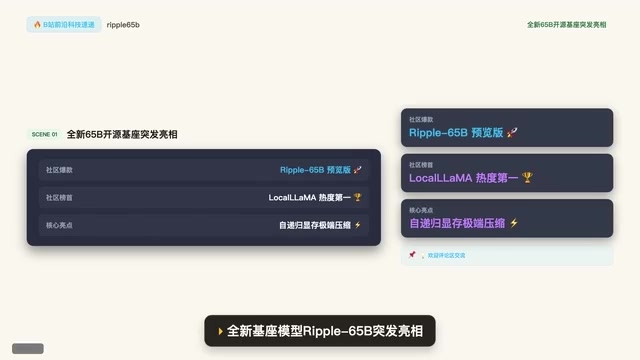
Ripple-65B Open-Source Model Tops Community Charts
Ripple-65B open-source LLM debuts atop community charts, using a self-recursive architecture to slash long-context KV cache for low-latency hundred-billion-scale inference on ordinary GPUs, with preview weights, quantized files, and one-click Olema & VLM deployment.

Deploy Open-Source Video Model MiniMax H3 Locally in 5 Minutes and Skip Cloud Generation Fees
Bilibili creator tests local deployment of open-source video model MiniMax H3: three-step ComfyUI install, 5-minute setup, no coding. Same prompt generates in 2 minutes locally vs 4 minutes online with queuing, saving about 30 RMB per 15-second 720P video. Includes VRAM requirements and RTX 5080 test results.