Vercel Instant Deployments Now Support CSS, Images, Fonts, and Other Assets

Vercel Instant Deployments add support for CSS, images, fonts, and more, enabling build-free deploys in about a second.
Vercel's Instant Deployments now cover far more than plain HTML and Markdown, adding CSS, JSON, XML, images, fonts, PDFs, audio, and video. Developers can deploy fully styled static sites via the Vercel CLI or REST API with no build step, ready in about a second in the official example. Limits are clear: up to 100 files and 25MB total, and projects with JavaScript, a framework preset, custom build config, a root package.json, vercel.json, or a public directory still go through the existing build pipeline. The feature is auto-detected, needs no configuration, and is rolling out to all plans.
Vercel's Instant Deployments feature has received a major update: in addition to HTML and Markdown, it now supports CSS, images, fonts, and many other static assets, allowing developers to deploy fully styled static sites in about a second with no build step.
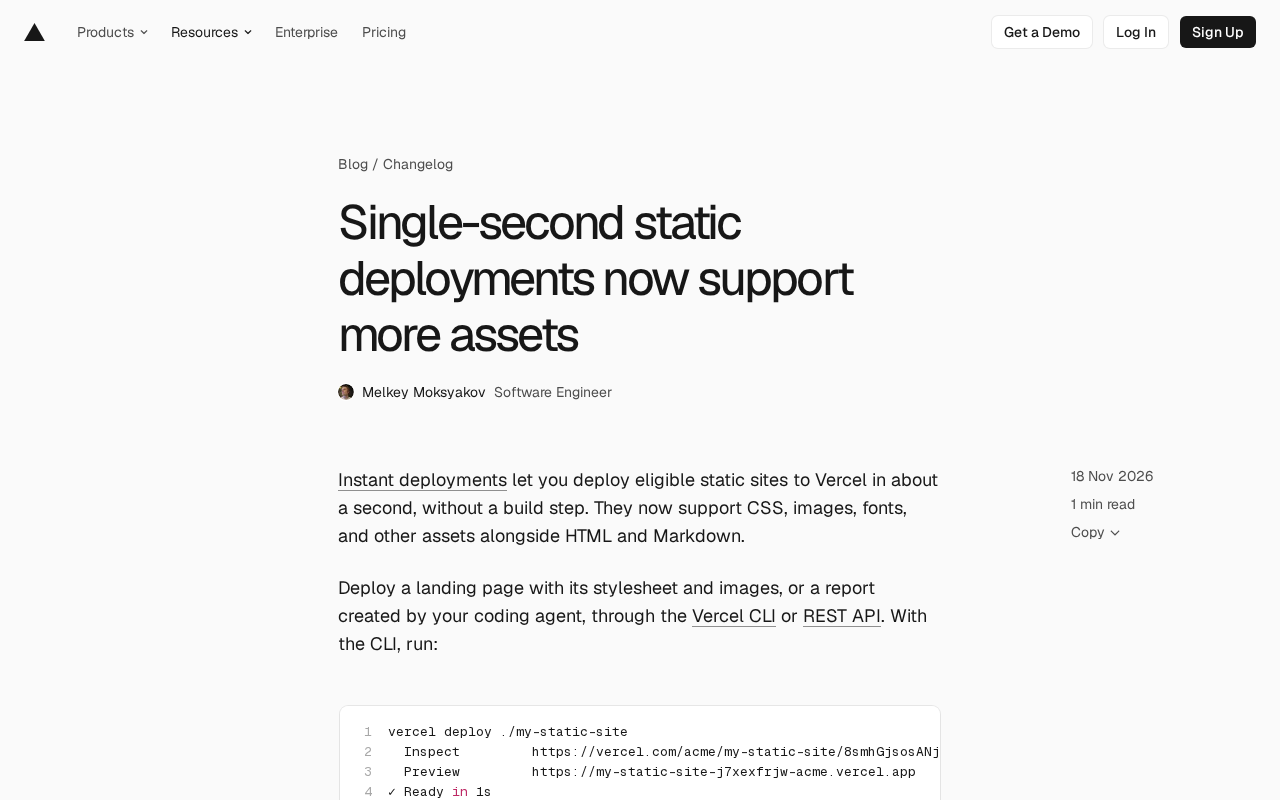
From plain text to full sites: expanding what Instant Deployments can do
Previously, Vercel's Instant Deployments were mainly aimed at plain HTML or Markdown files, suited for quickly sharing simple pages. But in practice, a landing page often needs stylesheets, images, and fonts to look complete. This update extends support to the following file types:
- Styles and data: CSS, JSON, XML, plain text, web app manifest
- Images: SVG, PNG, JPEG, GIF, WebP, AVIF, ICO
- Fonts: WOFF, WOFF2, TTF, OTF, EOT
- Documents and media: PDF, MP4, WebM, MP3, WAV, OGG
This means developers can take a static landing page with CSS and images, or a report generated by a coding assistant, and deploy it directly via the Vercel CLI or REST API — with no build configuration required. In the official example, running vercel deploy ./my-static-site brings the deployment to Ready status within 1 second.
Automatic detection and limits: when Instant Deployments kick in
Vercel automatically recognizes eligible deployments with no extra configuration. But Instant Deployments have clear boundaries: a maximum of 100 files and a total size of no more than 25MB.
Deployments that exceed the limits, include JavaScript or other unsupported file types, or are triggered via Git still go through the existing build pipeline. In addition, Instant Deployments won't kick in if the project includes a framework preset, custom build settings, a root-level package.json, vercel.json, or other Vercel configuration files, or if a public/ directory exists. These rules ensure Instant Deployments are used only for truly "static and simple" scenarios, avoiding conflicts with complex project build logic.
Framework Preset is a setting in Vercel project configuration that tells the platform which frontend framework the project is based on (such as Next.js, Vite, SvelteKit, and so on). Once a preset is selected, Vercel automatically applies the corresponding build command, output directory, and development dependency installation strategy. Instant Deployments are designed to skip the build and publish static files directly, so when a project is bound to a framework preset, the platform assumes it needs a framework-specific build process and won't trigger Instant Deployments. This also explains why projects with a framework preset still take the traditional build path.
A root-level package.json usually means the project declares dependencies and scripts, possibly involving compilation, bundling, or dependency installation steps. Instant Deployments don't run npm install or any build command — they only upload and host static files. So once a package.json is detected in the root directory, Vercel treats it as a project that needs building and switches to the regular deployment flow. Similarly, vercel.json is used to customize routing, rewrites, headers, and other platform behavior; its presence also indicates the project needs more complex configuration handling, which doesn't fit Instant Deployments' minimal model.
A public/ directory is used in most frontend frameworks to hold static assets that don't need to go through a build, but Vercel's Instant Deployments rules treat the presence of a public/ directory as one signal that the project may depend on a framework build. This is because framework projects typically use public/ as the static asset root, with build output merged into it. To avoid conflicting with a framework's static asset handling, Instant Deployments won't kick in when a public/ directory is detected. Developers who want to use Instant Deployments should make sure there's no such directory in the project root, or simply upload a flat set of static files.
Impact on development workflows
This update lowers the barrier to quickly deploying static prototypes. For landing pages that need to show styles and visuals, design mockups turned into static pages, or report-style content generated by AI coding assistants, developers no longer need to spin up a full build just for a few CSS files. Combined with one-command CLI deployment and second-level readiness, the feedback loop is dramatically shortened.
The feature is rolling out to all plans. For more details, see Vercel's deployment documentation.
Related articles

From 0 to 1: Vibe Coding an AI Knowledge Base — A Practical Retrospective and Tech Stack Breakdown
A retrospective on building the AI knowledge base OilBook from scratch with Vibe Coding: Next.js+Neon stack, Oil Dev Skill workflow, Stripe paywall security, interview-style writing, AI-flavor control, and Vercel deployment.
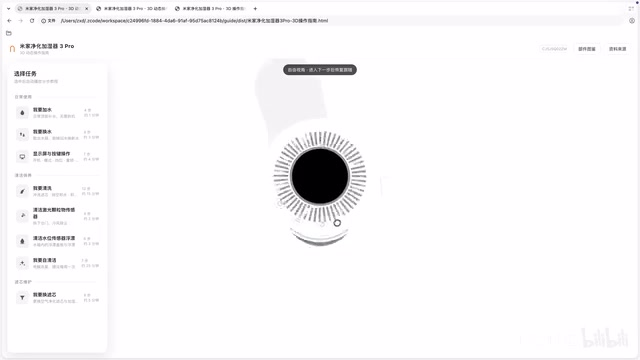
GLM-5.4 Hands-On: Native Vision Meets a New Vibe Coding Workflow
Hands-on with Zhipu GLM-5.4: native vision tested across a 3D product demo, pure-code video generation, and remote-control Vibe Coding, compared with GPT-6.2 and Gemini Neon.

AI and Humans Claim to Prove the Riemann Hypothesis: Machine-Verified, Yet Nobody Can Understand It
Anthropic mathematician and AI Claude claim to prove the Riemann Hypothesis with 17 million lines of Lean code, machine-verified but unreadable by humans. This article analyzes the event, the zero proportion record from 41.6% to 67.2%, and the gap between machine verification and human understanding.