Vercel Observability Adds Custom Monitors with AI Cost Alerts
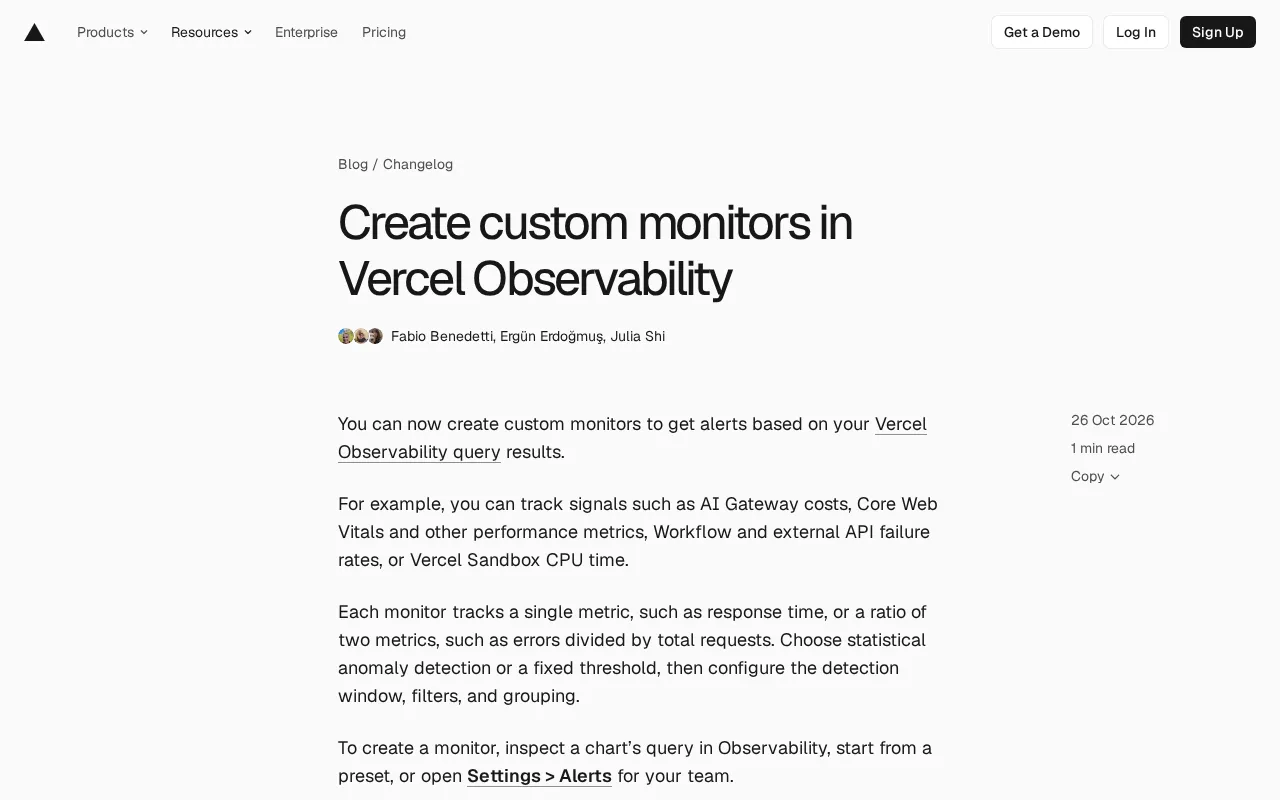
Vercel launches Custom Monitors, turning Observability queries into alerts connected to Agent troubleshooting.
Vercel introduces Custom Monitors, allowing teams to solidify any Observability query result into alert rules tracking a single metric or a ratio between two metrics, covering AI Gateway costs, Core Web Vitals, Workflow failure rates, and Sandbox CPU time. Triggers support statistical anomaly detection and fixed thresholds, with configurable detection windows, filter conditions, and grouping. Alerts are delivered via email, Slack, Vercel Inbox, push, and team-level webhooks. Monitors can also add context for Vercel Agent, making alerts the starting point for AI-assisted investigation. Available to Pro and Enterprise teams with Observability Plus, billed at $0.0035 per GB of data scanned, encouraging teams to narrow query scope to control costs.
Vercel's observability capabilities are shifting from "looking at charts" to "proactive alerting." The platform recently launched Custom Monitors, allowing teams to create alerting rules based on Observability query results, turning metrics that previously required manual monitoring into automatically triggered signals. For teams relying on Vercel to deploy AI applications and frontend services, this change means the response chain for incident detection and cost control can be significantly shortened.
From Query to Alert: What Custom Monitors Can Do
The core logic of Custom Monitors is not complicated: any query result you see in Observability can be solidified into a monitor. Each monitor tracks a single metric, such as response time, or a ratio between two metrics, such as error count divided by total requests.
The official typical scenarios cover several different levels: AI Gateway costs, performance metrics like Core Web Vitals, failure rates of Workflows and external APIs, and Vercel Sandbox CPU time. What these scenarios share is that they are not "is the server online" in the traditional sense, but finer-grained signals closer to business and cost.
Taking AI Gateway cost as an example, when model call volume or token consumption fluctuates abnormally, teams can receive alerts before bills are generated. The value of this type of monitoring lies in turning "post-hoc reconciliation" into "in-flight intervention," which is especially important for usage-based AI services.
AI Gateway is the unified AI model invocation layer provided by Vercel. Developers access multiple model providers such as OpenAI and Anthropic through a single API, with the platform handling routing, caching, retries, and usage statistics uniformly. Token-based model invocation naturally has the characteristic of large cost fluctuations—a single abnormal retry storm or prompt bloat can generate significant costs in a short period.
Core Web Vitals is a set of page experience metrics proposed by Google, including LCP (Largest Contentful Paint, measuring loading speed), INP (Interaction to Next Paint, measuring responsiveness), and CLS (Cumulative Layout Shift, measuring visual stability). They directly affect search rankings and user retention, making them suitable as early-warning signals for frontend service quality.
Vercel Sandbox is a temporary compute environment provided by the platform for securely executing untrusted code or running short-lived tasks, billed by CPU time. Abnormal CPU time often indicates code efficiency issues or resource leaks.
Two Modes: Anomaly Detection and Fixed Thresholds
There are two triggering methods for monitors: statistical anomaly detection and fixed thresholds. The former is suitable for metrics that have no clear good-or-bad boundary but are worth attention when they deviate from historical patterns; the latter is suitable for scenarios with hard SLO requirements, such as when the error rate exceeds a certain percentage and intervention is mandatory.
There are three entry points for creating a monitor: viewing a chart's query in Observability and converting it directly, starting from a preset template, or going to the team's Settings > Alerts to configure manually. Configuration options include detection window, filter conditions, and grouping, which allows monitors to be precise down to specific routes, environments, or user groups rather than looking at site-wide data broadly.
Alert delivery channels include email, Slack, Vercel Inbox, push notifications, and team-level webhooks. The existence of webhooks means alerts can be integrated into existing incident management processes rather than being locked inside the Vercel console.
Statistical anomaly detection does not rely on manually set thresholds but establishes a normal fluctuation range for a metric based on historical data, triggering an alert when the current value deviates significantly from that range. Common implementations account for periodicity (such as differences between daytime and nighttime traffic) and trend changes, thereby reducing false positives from fixed thresholds during periods of business fluctuation. The trade-off is that it requires a certain amount of historical data to be accurate and may react slowly to sudden, entirely new patterns.
Fixed thresholds directly determine whether a metric crosses a certain line. The logic is transparent and behavior is predictable, making them suitable for scenarios with clear SLO definitions such as error rates and latency. In practice, the two are often used together: fixed thresholds guard hard baselines, while anomaly detection captures behavioral drift without preset boundaries.
Context Enhancement for Vercel Agent
One noteworthy detail is that Custom Monitors allow you to add context for Vercel Agent to use when investigating alerts. This is essentially connecting monitoring with AI-assisted troubleshooting: after an alert is triggered, the Agent not only knows "some metric is abnormal" but also gains background information provided in advance by the team, enabling more targeted analysis.
This design reflects a trend in observability products—alerts are no longer just notifications but the starting point of the investigation process. The quality of context directly determines the efficiency of subsequent troubleshooting, so when configuring monitors, teams should take the time to write clear relevant background rather than just filling in a threshold and stopping there.
Vercel Agent is an AI assistant embedded in the platform that can read project configuration, deployment records, and observability data to help developers troubleshoot issues. In alert scenarios, the Agent can combine metric trends and user-provided background information to suggest possible causes and investigation directions.
It is important to note that the quality of the Agent's analysis depends heavily on input context. If only the fact that "the error rate is rising" is provided, it can only offer generic guesses; if information such as recent changes, dependency service status, and expected business peaks is added, the output becomes specific and actionable. This is also why the article emphasizes filling in context carefully when configuring monitors.
Pricing and Availability
Custom Monitors are available to teams on Pro and Enterprise plans that have Observability Plus enabled. Billing is based on the amount of data scanned, at $0.0035 per GB of data scanned. Built-in alerts remain included in Observability Plus at no additional charge.
This pricing structure suggests a usage strategy: Custom Monitors are billed by data scan volume, meaning the broader the query scope and the longer the detection window, the higher the cost. Teams should narrow filter conditions as much as possible when configuring, avoiding using full data to monitor a metric that only concerns specific routes.
Practical Significance for Development Teams
Converting observability queries directly into alerts lowers the barrier to configuring monitoring. In the past, teams might have needed to re-express query logic in a third-party monitoring tool; now they can complete the loop from analysis to alerting within the same interface.
For teams running AI features, edge functions, and frontend applications on Vercel, this mechanism fills in the monitoring blind spots of cost and failure rate, which are easily overlooked. Whether it is worth enabling depends on the team's need for alert granularity and whether webhooks and Agent context can truly be integrated into daily operations workflows.
One-line Summary
Vercel launches Custom Monitors, turning Observability queries into alerts connected to Agent troubleshooting.
Related articles
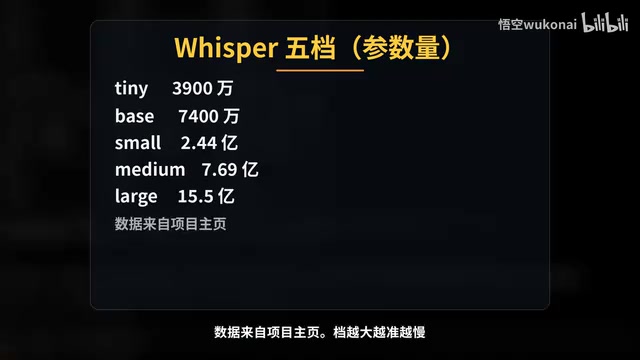
Claude Code in Practice: Building a Zero-Code Clip Factory That Turns Long Videos into Vertical Shorts Automatically
Bilibili creator Wukong uses Claude Code to build a zero-code clip factory, automatically turning a 35-minute long video into 10 vertical shorts. Full workflow from Plan Mode, Whisper transcription, claude.md rules, hook QA to subagent review and plugin distribution, with real measured data.
WorkBuddy Complete Guide: How AI Agents Automate File Conversion for You
WorkBuddy hands-on guide: from Doubao giving only plans to AI agents that actually execute—batch-convert PDFs and archive them in three minutes. Includes installation, points system, Codex comparison, and getting-started tips.
Zero to One: Java + DeepSeek in Practice — A Programmer's Guide to Transitioning into AI Large Model Development
Based on a Bilibili livestream tutorial, this article explains how Java programmers can transition into AI large model development from zero, covering skill paths, building your first Java AI app, resume packaging, and job-hunting strategies to help you seize opportunities in the large model era.