Vercel Security Review Public Beta: Automatic Vulnerability Scanning on Every Push
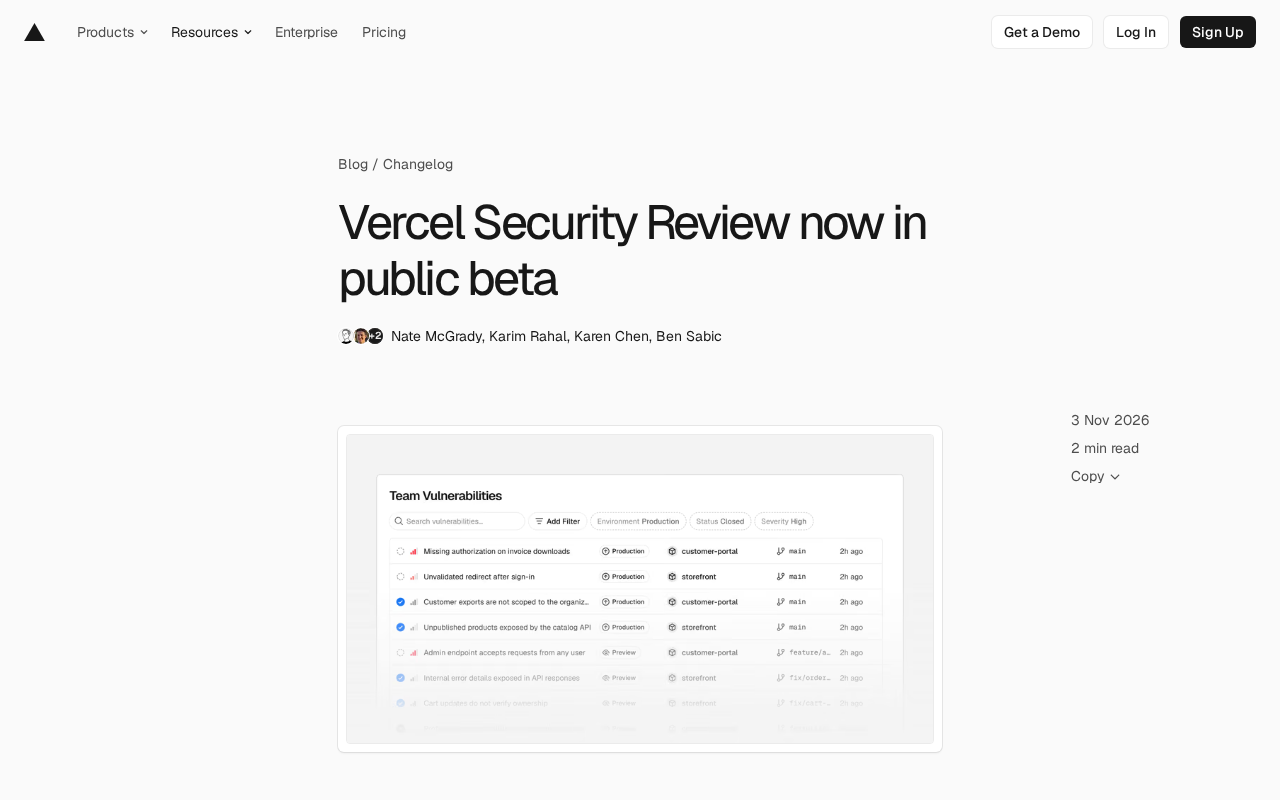
Vercel Security Review public beta: automatic vulnerability review on every code push, results in the dashboard.
Vercel launched the Security Review public beta for Pro and Enterprise teams, moving the security review trigger from Pull Requests to GitHub push events so direct pushes to production and force pushes are also reviewed, with all projects affected by a single push handled together. Each finding records the project, environment, branch, and commit, with a summary, fix suggestion, and AI-generated severity rating, creating a GitHub check per commit and posting review comments when tied to a PR. Fixes can be generated as PRs for review via Vercel Agent or exported via CLI or Markdown/JSON into your own tools. Teams can write security policies in natural language to cut false positives. Vercel notes it only analyzes source code—no runtime or penetration testing—and review is free until November 10, 2026, after which Agent rates apply.
Vercel is moving security capabilities forward to the code push stage. Its Security Review feature is now in public beta for Pro and Enterprise teams. Once enabled, every push to a connected GitHub repository automatically triggers a vulnerability review, with results aggregated into the Vulnerabilities dashboard.
The significance here isn't just another scanning tool—it's the shift in trigger timing and delivery model. Security review goes from "a checkpoint before launch" to "a default action on every commit."
Triggered by push events, not pull requests
Most code security tools use Pull Requests as the trigger, which leaves an obvious blind spot: direct pushes and force pushes. Vercel's approach starts the review from GitHub push events, so code pushed directly to production branches—as well as force-pushed code—also falls within the review scope. All projects affected by a single push are reviewed together rather than queued one by one.
This design choice is pragmatic. The truly dangerous commits in a team are often not the changes that went through the full PR process, but those few lines pushed straight to production during an emergency fix, bypassing review.
GitHub push events and GitHub Checks
GitHub's push event is a webhook triggered when a repository receives new commits; the payload contains the pushed commits, branch, forced-push flag (forced), and more. Compared to Pull Request events, push events similarly cover direct pushes and force pushes—GitHub still records the difference between the old and new refs on a force-overwritten branch, allowing external services to derive the actual set of commits involved in the push. GitHub Checks, meanwhile, are the status and output carriers attached to a commit: external tools can create a check run for a SHA, writing a title, summary, conclusion (success/neutral/failure), and details link, with results displayed directly in the PR's Checks tab and commit list. This explains why a single push is reviewed as a whole: one push may affect multiple Vercel projects simultaneously, but there is only one commit to attach the check to.
What's in a vulnerability record
Each finding records the project, environment, branch, and commit, along with a summary, a suggested fix, and an AI-generated severity rating.
Security Review adds a separate GitHub check for each reviewed commit. If the commit is associated with a PR, it also posts the findings as review comments linking back to the corresponding finding details. Public repositories are different: finding details remain in the dashboard and are not exposed.
Remediation paths: hand it to Vercel Agent or use your own tools
Clicking "Fix with Vercel Agent" in a vulnerability report hands the finding to Vercel Agent, which proposes a fix and opens a PR for your review—nothing is merged until you approve it.
If you'd rather use your own coding assistant, there are two paths: run vercel security vulnerabilities in the Vercel CLI, or copy any finding as Markdown or JSON. The CLI command requires Vercel CLI 65.10.0 or higher.
This non-lock-in attitude toward workflows is commendable: review results aren't consumable only within a closed panel but can flow into your team's existing agents or ticketing systems.
The roles of Vercel Agent and Vercel CLI
Vercel Agent is an AI agent within the Vercel platform with autonomous execution capabilities; it can read and write repository contents, create branches, and commit changes, which is how it turns a vulnerability finding into a Pull Request awaiting review. It follows a typical agent flow: read the finding context (involved files, lines, vulnerability summary) → locate the code → generate a patch → deliver as a branch and PR, with humans retaining the merge decision. Vercel CLI is the local command-line tool; vercel security vulnerabilities is a subcommand added in 65.10.0, used to fetch and list vulnerability records in the terminal for scripted processing or handoff to external coding assistants. Exporting findings as Markdown or JSON is another API-independent path, suitable for integrating with ticketing systems or custom pipelines.
Write security policies in natural language
Teams can write security policies in natural language, applying to all projects or specific ones, with the goal of helping Security Review better understand how the team builds. Team-level policies are configured in Agent settings, while project-level policies are configured in the project's Security settings.
Supplementing the review engine with context is a common approach to reducing false positives. The pain point of code scanning has never been failing to find problems, but finding too many irrelevant ones, drowning real risks in noise.
False positive suppression and review context
False positives in static code scanning usually stem from missing context: the engine doesn't know that certain inputs have already been validated upstream, that certain code paths are only used internally, or that the team has intentional patterns (e.g., passing user input to a template engine rather than concatenating it directly). Natural language policies act as prior knowledge injected into the engine, helping it distinguish real risks from known team conventions. Common industry practices include adding exclusions for specific paths or patterns in rule configuration, using inline suppression comments like // nosec, or maintaining baseline files that report only new issues. Describing policies in natural language lowers the configuration barrier, but effectiveness depends on the model's understanding of the description—the more specific the policy (specifying which entry parameters are trusted, which internal interfaces are not externally exposed), the more noise can be reduced.
Boundaries and billing
Vercel is fairly upfront about capability boundaries: Security Review analyzes source code; it is not a security audit, nor does it perform runtime testing or penetration testing. It can help you find vulnerabilities, but it doesn't guarantee your application is vulnerability-free. Treat it as an automated early line of defense, not a compliance credential.
Billing follows Vercel Agent rates: provider inference is billed at underlying token rates with no markup, plus a Vercel Token Rate of $0.25 per million tokens (input, cached, and output all count). Since every push triggers a review, costs grow with push frequency and code change volume.
Currently the review itself is free, a status that lasts until November 10, 2026; fixes generated using Vercel Agent are billed at Agent rates.
How Vercel Agent token billing works
Agent-type features are billed by the tokens consumed during model inference: input tokens (context sent into the model, including code snippets, policies, and finding information), cached tokens (the portion hitting prompt cache, usually discounted), and output tokens (the analysis and patches generated by the model). Vercel states that provider inference is billed at the underlying model's original price with no markup, plus a Vercel Token Rate of $0.25 per million tokens as the platform-side fee. Since every push triggers a review and the review scope grows linearly with diff size, costs are directly tied to push frequency and the size of individual changes; for large repositories with frequent pushes, actual spending should be estimated against pricing after the free period ends.
Who should turn it on first
Teams that push frequently, have lax protection on production branches, and already deploy on Vercel benefit most directly—no CI configuration changes needed; just flip the switch for an extra layer of coverage. Conversely, if a team already has strict gates and manual reviews for every push, the marginal value of this feature lies more in the AI-generated severity ratings and fix suggestions.
The feature is enabled in the team's Agent settings; detailed instructions are available in the official docs and announcement.
One-line Summary
Vercel Security Review public beta: automatic vulnerability review on every code push, results in the dashboard.
Paragraph Summary
Vercel launched the Security Review public beta for Pro and Enterprise teams. The core change is moving the security review trigger from Pull Requests to GitHub push events, so code pushed directly to production and force pushes are also reviewed, with all projects affected by a single push handled together. Each finding records the project, environment, branch, and commit, with a summary, fix suggestion, and AI-generated severity rating, and creates a GitHub check for each commit; when associated with a PR, it posts review comments. Fixes can be generated as PRs awaiting review via Vercel Agent, or exported via CLI or Markdown/JSON into your own tools. Teams can also write security policies in natural language to reduce false positives. Vercel makes clear it only analyzes source code, does no runtime or penetration testing, and review is free until November 10, 2026, after which Agent rates apply.
Related articles
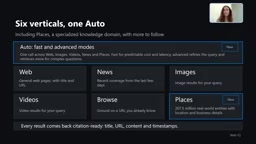
Microsoft WebIQ: Verifiable Real-Time Web Grounding for AI Agents
Microsoft WebIQ gives AI Agents real-time, citable web grounding across web, news, images, videos, and Places—164ms P95 latency, 50% fewer tokens, Scopes source control, and MCP integration.
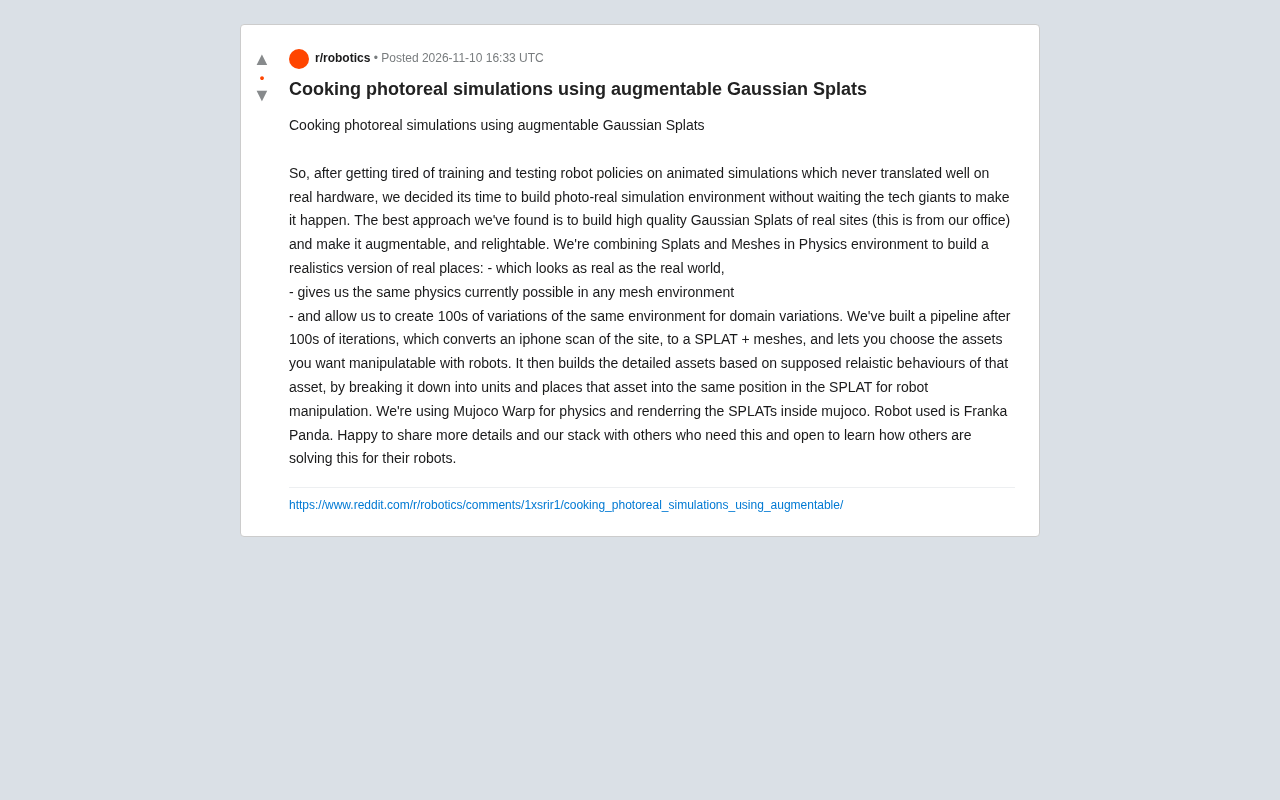
Augmentable Gaussian Splatting: Building Photorealistic Simulation Environments for Robot Training
Team combines Gaussian Splatting with meshes to build photorealistic robot simulation environments, integrating MuJoCo Warp physics and Franka Panda for augmentable, relightable real-site simulation.
Gemini 4 Carbon Released: The Leap from Gemini 3 to Gemini 4 in Under a Year
Google releases Gemini 4 Carbon, less than a year after Gemini 3. In the official demo, Carbon reverse-engineered the Theme Park binary, added a new DeepMind-themed ride, and ported it to the web in one shot.