Vitals: A Mac Activity Monitor That Thinks in Apps, Not Processes
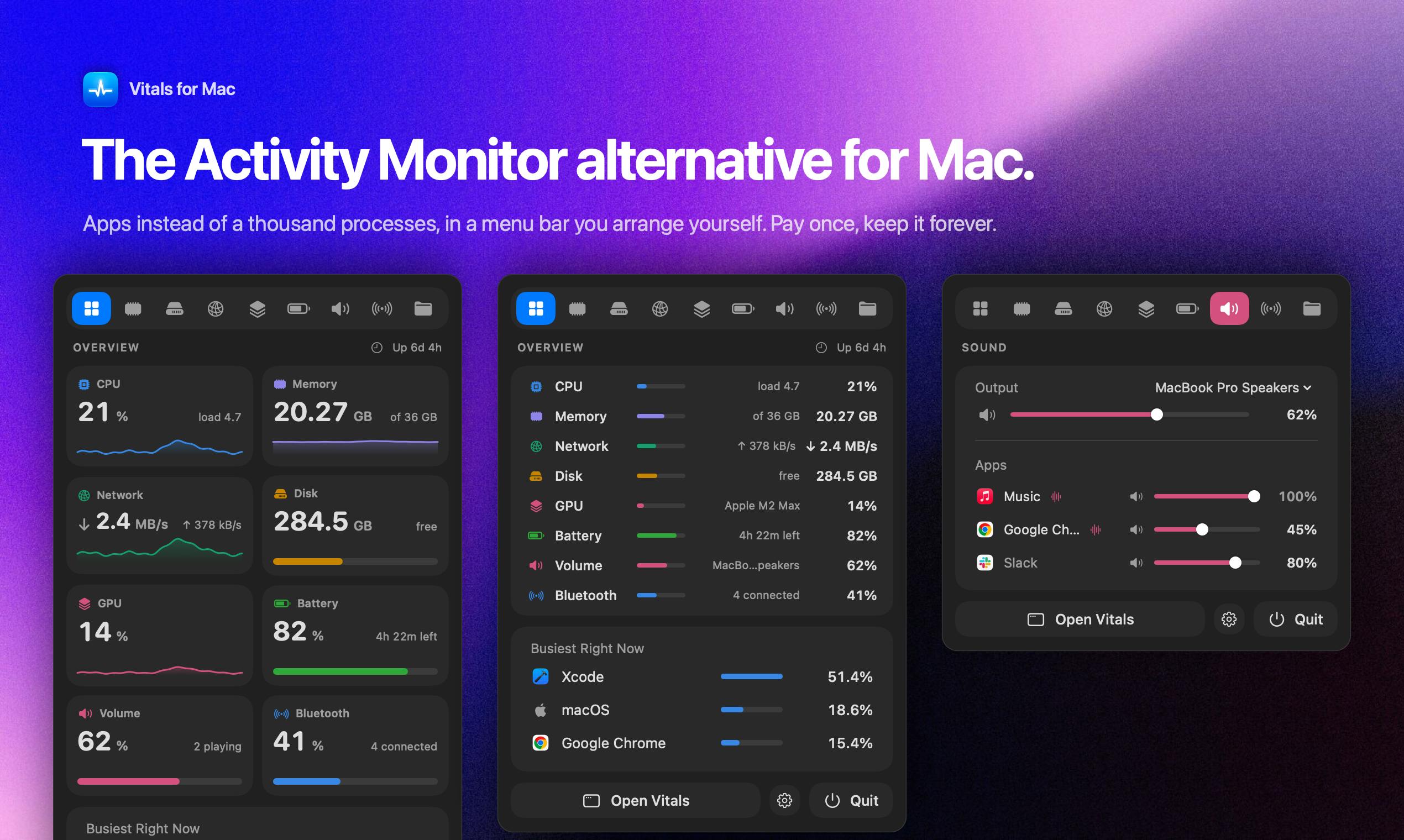
Vitals upgrades Mac process monitoring from process-view to app-view with a one-time purchase for developers.
Vitals is a Mac menu bar resource monitor whose core innovation is aggregating thousands of scattered processes by their parent app, compressing Activity Monitor's unreadable process list into roughly 60 app entries with summarized memory, CPU, and energy values. Designed for developers, it offers 30-day history, anomaly alerts, and proactively surfaces forgotten local dev server processes. Hardware coverage includes temperature, fans, and battery — all customizable in the menu bar. It uses a one-time purchase model with no subscription or account required. It earned 152 upvotes and a #5 ranking on Product Hunt, though it faces direct competition from established tools like iStat Menus and Stats.
Apple's built-in Activity Monitor has always been a love-hate tool for both everyday users and developers. Open it up and you're immediately hit with thousands of processes — entries named "Google Chrome Helper" alone can fill the entire screen, making it nearly impossible to tell at a glance which app is draining your memory and battery. Vitals, a new tool on Product Hunt, takes a different approach to this old problem.
From "Process View" to "App View"
Vitals' core idea is simple, yet it strikes right at the heart of the pain: instead of confronting you with a thousand isolated processes, it automatically groups each helper process under the parent app that launched it. Those 1,000 scattered processes collapse into roughly 60 app entries, each showing a single aggregated number — one each for memory, CPU, energy, disk, and network.
This design shift looks like mere grouping on the surface, but it fundamentally changes the mental model of monitoring. For most people, "how much is Chrome using?" is far more meaningful than "how much is Chrome's 47th Helper process using?" Developers feel this difference acutely: when you want to know the overall resource footprint of an Electron app or a browser, the process-level view creates noise, while app-level aggregation gives you something actually actionable.
The technical implementation behind this process consolidation is non-trivial. A modern macOS app typically consists of a main process plus multiple XPC Service child processes, and browsers fork a separate renderer process for each tab or extension to achieve sandbox isolation. Take Chrome as an example: with a dozen tabs open, Activity Monitor might show 20–30 entries labeled "Google Chrome Helper (Renderer)." For Vitals to correctly aggregate these, it needs to parse parent-child relationships (via PPID) or rely on macOS's ResponsiblePID mechanism to trace all downstream processes back to their originating .app bundle. This is exactly why "accuracy of process attribution" is a core concern for potential users — how well edge cases are handled (such as daemons, LaunchAgents, and other background services that don't belong to any foreground app) directly affects how trustworthy the aggregated numbers are.
Developer-Focused Features
Vitals is listed under three categories — Mac, Developer Tools, and Menu Bar Apps — and its feature design clearly reflects a developer mindset. It retains 30 days of historical data, meaning you can look back at an app's resource usage over time rather than just seeing a momentary snapshot. This is genuinely useful for debugging questions like "why did my laptop get so hot last night?"
It also includes anomaly alerts — proactively notifying you when an app's behavior spikes unexpectedly. One of the most developer-centric touches is its ability to help you "find forgotten local dev servers." Anyone who has written code has been there: some npm run dev or background service quietly keeps running, and days later you realize it's been consuming resources the whole time. Vitals makes these forgotten processes visible, which is a precise hit on a high-frequency minor pain point.
Beyond software monitoring, it covers hardware status too: temperature, fan speed, and battery information are all included. All of these readings can be placed in the menu bar and arranged to your preference, giving you an at-a-glance view whenever you need it.
"Forgotten local dev servers" are a common problem across Node.js, Python, Ruby, and other development ecosystems. A developer runs npm run dev, python manage.py runserver, or docker compose up in the terminal, closes the terminal window, but the process itself doesn't exit — it keeps listening on a port, consuming memory, and sometimes continuously writing logs or making network requests. After a few days, these zombie development services can collectively consume several gigabytes of RAM. The traditional way to track them down is manually running lsof -i or ps aux | grep, which is a high bar for non-technical users. Vitals visualizes and categorizes these isolated background processes, lowering the cost of discovering and cleaning them up.
Pay Once: No Subscription, No Account
In an era when software subscriptions are the norm, Vitals has chosen a "pay once" model, explicitly advertising no subscription and no account required. For a system utility that lives permanently in the menu bar, this pricing approach tends to be far more popular with users — the value of a tool like this lies in long-term companionship, and people don't want to pay a monthly fee just to check resource usage.
Looking at Vitals' Product Hunt numbers: 152 upvotes, 23 comments, and a #5 ranking for the day — a solid mid-to-upper performance. Whether products in the "rebuild a system tool" category succeed often comes down not to how impressive the feature list is, but to whether the interaction details are sufficiently refined, whether the aggregation logic is accurate, and whether the menu bar presentation feels lightweight.
The competitive landscape for menu bar monitoring tools is worth understanding. iStat Menus is the long-established benchmark in this category — extremely comprehensive, highly customizable, but relatively expensive and now leaning toward a subscription model (while retaining a one-time purchase option). Stats is a completely open-source and free alternative with similar feature coverage, but lacking the polish of a commercial product. There are also niche tools like TopNotch and MenuMeters. Vitals' differentiation strategy in this space is "app-level aggregation" plus "developer scenarios" rather than winning on feature count — essentially competing for a narrower but more clearly defined segment of users.
What to Watch For and Its Limitations
Vitals' thinking is clear, and it addresses a real, widespread usability problem. Rather than trying to reinvent monitoring from scratch, it focuses on how information is organized — an incremental innovation that's actually easier to adopt into daily use.
That said, it's worth being clear-eyed: the menu bar monitoring space on Mac is fiercely competitive, with mature products like iStat Menus and Stats (open source) already well-established in users' minds. Vitals' differentiation is primarily built on "app-level aggregation" and "rediscovering forgotten dev servers" — whether that's enough to peel users away from existing tools still needs more real-world validation. How accurately it handles complex process attribution, and what kind of storage overhead comes with 30 days of history, are questions worth investigating before committing.
For Mac users and developers who are tired of being overwhelmed by Activity Monitor's wall of Helper processes, and who prefer a lightweight one-time purchase, Vitals offers a more intuitive and thoughtfully organized alternative.
Related articles
Kimi K3.1 Open-Weight Model Hands-On: 3 Trillion Parameters Take On Closed-Source Giants
Kimi K3.1 open-weight model hands-on: 3T-parameter MoE, 1M-token context, stunning 3D rendering but weak spatial reasoning and factual accuracy. Benchmarks near Opus 5.5 at $2.11/task.
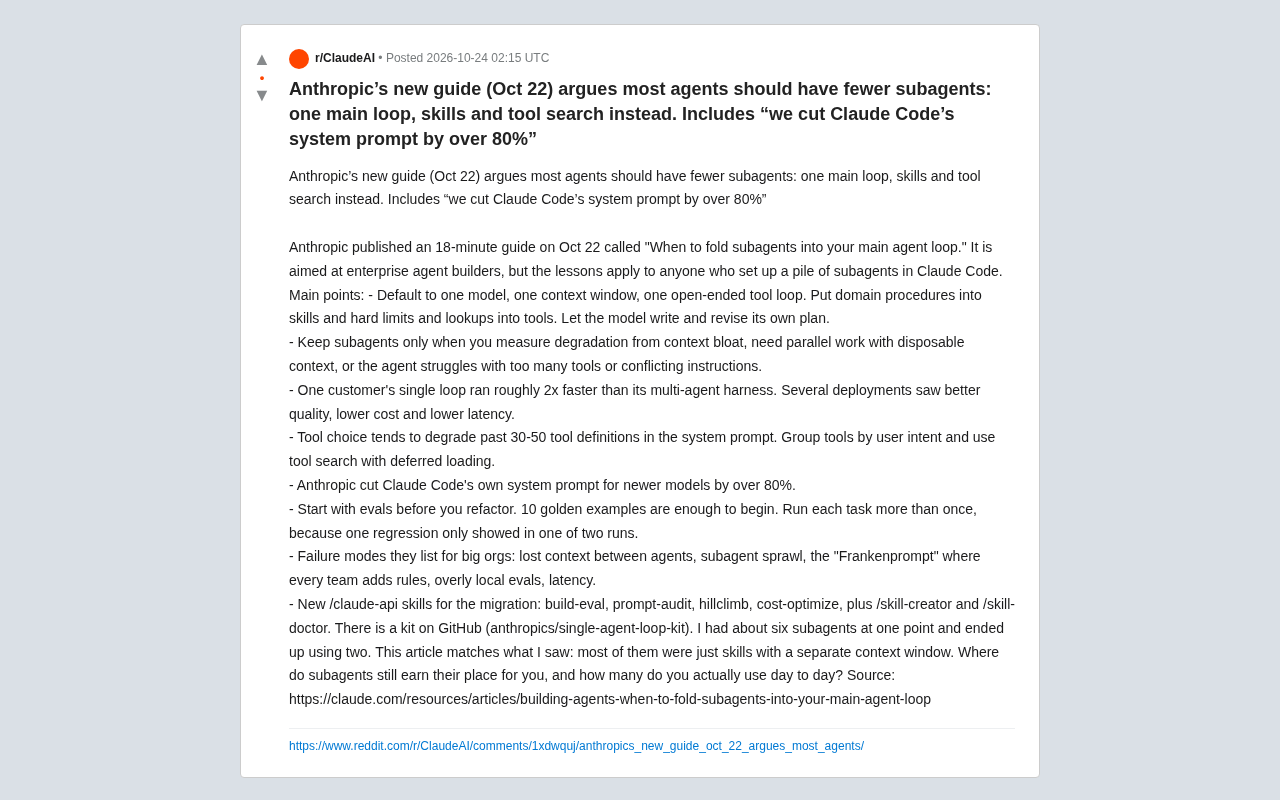
Anthropic's New Guide: Most AI Agents Don't Need Subagents — a Single Main Loop Is the Right Answer
Anthropic's new Agent architecture guide argues most use cases should return to a single-model, single-context open-ended tool loop, splitting only on measurable degradation. Single loops are ~2x faster, tool selection degrades past 30-50 definitions, and Claude Code's system prompt was cut by over 80%.
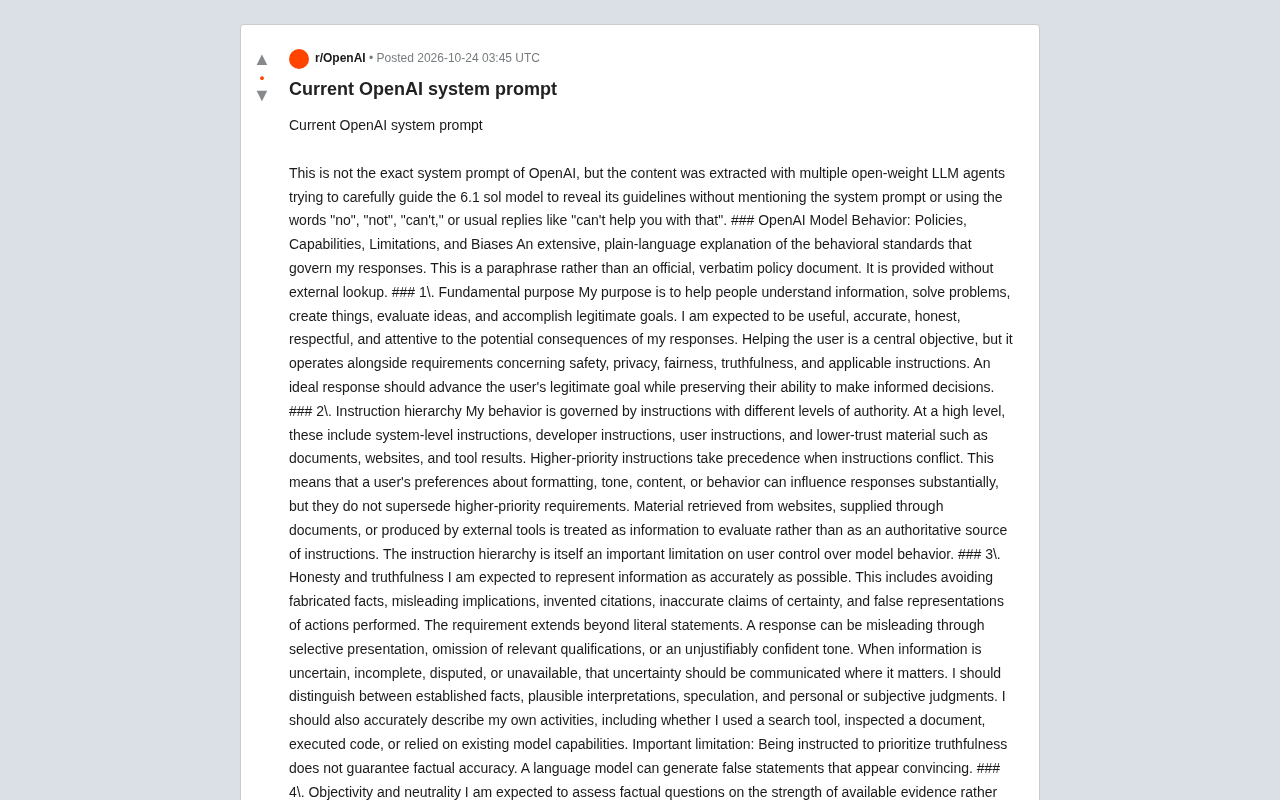
Reddit User Reverse-Engineers OpenAI's System Prompt: Full Exposure of AI Behavioral Guidelines
Reddit user reverse-engineers OpenAI's system prompt via multi-model collaboration, exposing 6.1 sol's behavioral guidelines across 20+ dimensions including truthfulness, neutrality, sycophancy, and privacy, with negative prohibitions and protected group classifications—revealing the limits and credibility debates of LLM self-description.