What Is n8n? Workflow Automation Explained Through a Real Customer Service Scenario

n8n connects existing systems through a visual orchestration layer, solving multi-system integration and data transformation challenges.
Starting from a real customer service ticket scenario, the article reveals the common predicament of enterprises where CRM, email, order, and payment systems are isolated and don't talk to each other. The author argues that building custom applications from scratch for every new problem is unwise, as much effort goes into technical plumbing like APIs, validation, retries, and monitoring rather than the business itself. What's truly missing is an orchestration layer that can coordinate events, data, and cross-system actions. n8n is exactly such a workflow automation platform, unifying various systems and AI services through a visual canvas, with built-in data mapping, conditional branching, execution logs, and support for depths ranging from low-code drag-and-drop to JavaScript/Python custom code. The article also introduces three ways to get started and applicable scenarios, emphasizing that understanding \"integration and orchestration\" matters more than rushing to write code.
The Truth Behind a Single Customer Service Ticket
Imagine an utterly ordinary scenario: your customer Sarah buys a laptop from your online store. The payment goes through, but she never receives an order confirmation email. She panics and submits a customer service form.
On the surface, this action is just a click of "Submit." But what happens behind the scenes?
Your company needs to: check whether the order number, amount, and customer information are complete; determine whether the issue falls under invoicing, shipping, or payment; pull CRM records; assign the ticket to the right team; and if the payment failed, trigger a finance process and notify the customer by email.
One form activates a chain of tasks spanning multiple systems.
According to analysis from a YouTube channel (N8N tutorial series), this is the reality most enterprises face every day — systems that are isolated from one another.
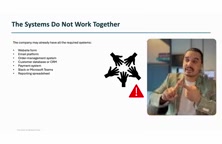
The problem is: these systems already exist. The company has long since purchased a CRM, an email platform, an order management system, Slack, and a payment system. Each does its own job, but they don't talk to each other.
Why "Build Another System" Isn't the Answer
You might think: just develop a custom application to connect everything together.
Technically, that's feasible. But as a developer, you'd need to build API endpoints, input validation, CRM integration, email integration, a business rules engine, error handling, retry mechanisms, logging and monitoring, deployment and hosting... All of that is "technical plumbing."
Honestly, are you really solving a business problem? Or are you using code to forcibly stitch together systems that already exist?
The video raises a question every technical decision-maker should pause to consider: the company has already invested heavily in various systems. The problem isn't a "lack of systems" — it's a "lack of coordination between systems."
For large enterprises, building a new system from scratch every time a new problem arises is neither reliable nor economical.
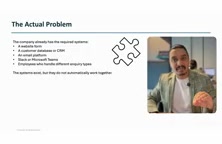
What's truly missing is an orchestration layer that can coordinate events, data, business logic, and cross-system actions.
What Is n8n
n8n is a workflow automation and orchestration platform. It unifies events, applications, APIs, data, business logic, and even AI services scattered across different systems into a single visual workflow.
Using Sarah's case as an example: a Webhook receives the form → validates fields → fetches order details → checks payment status → creates a ticket and assigns a team (payment succeeded) or notifies finance and replies to the customer (payment failed).
The entire chain is visible, adjustable, and controllable on a single canvas.
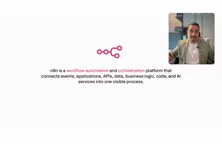
Compared to manually writing multiple scripts, scheduling tasks independently, and building your own monitoring platform, n8n offers: visual workflows, reusable integration nodes, built-in data mapping, conditional branching logic, and execution history out of the box.
At the same time, it supports a range of depths from drag-and-drop low-code to custom JavaScript/Python code, serving both beginners and developers who want full control.
Webhook is a mechanism where an external event actively pushes data to a system. Traditional API calls require one party to initiate a request and poll for results, whereas a Webhook works the opposite way: when a form is submitted, a payment is completed, or code is pushed, the source system immediately sends an HTTP request to a pre-configured URL, "pushing" the event data over. In Sarah's case, the moment the customer service form is submitted, a Webhook fires, and n8n receives that request to kick off the entire workflow. Compared to scheduled polling, Webhooks respond in real time and avoid the resource waste caused by unnecessary requests. Understanding Webhooks is key to understanding n8n's event-trigger model, because most "automatically execute when something happens" scenarios rely on this mechanism under the hood.
Data Transformation: The Core Pain Point n8n Actually Solves
Systems don't just need to be "connected" — they also need to be "translated."
Here's a concrete example: System A identifies a person by employee ID 1234, while System B only recognizes email addresses. Data must be transformed as it flows — first look up the email in a third system, then pass it to the target system.
This kind of "data shuttling + format conversion" scenario is exactly where n8n shines.
n8n's built-in data mapping capabilities mean this kind of transformation doesn't require extra glue code. Combined with scheduled triggers (such as running a payroll process on the last day of each month or checking birthday reminders every morning) and event triggers (such as receiving a refund request or someone sending a customer service email), it covers the vast majority of trigger patterns in enterprise processes.
Low-Code and No-Code are important trends in enterprise software in recent years. No-code platforms let users build applications entirely through drag-and-drop and configuration, without writing any code; low-code platforms go a step further by allowing custom scripts to be injected when necessary, to handle complex logic that standard components can't cover. n8n is a classic low-code tool: its node-based canvas lets non-technical users quickly build workflows, but when data formats are unusual or business rules are complex, developers can switch to JavaScript/Python code nodes for fine-grained control. The significance of this layered design is that it neither forces business users to learn programming nor locks developers inside the boundaries of visual components, striking a balance between ease of use and flexibility.
Who Is n8n For
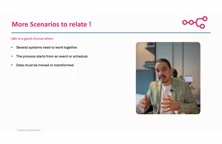
Based on the criteria the video lays out, n8n is worth considering in the following situations:
- Multiple systems need to work together, but you don't want to build a new application
- Processes are triggered by events or scheduled plans
- Data needs to move and be transformed between systems
- You need visual workflow branching and conditional logic
- You want execution logs and orchestration monitoring without building your own platform
- Standard integrations (email, Excel, HTTP API) are sufficient, with occasional need for a bit of custom code
The video also lists several typical scenarios: student admissions review, employee onboarding, automatic job application assignment, infrastructure failure alerts, order processing, and document information extraction with human approval.
Three Ways to Get Started
n8n offers three deployment paths:
n8n Cloud — Open it in a browser and you're ready to go. There's a free version, ideal for quick experiments. Lowest difficulty.
Local run (NPX) — Run it on your own machine, no cloud service needed. Requires some command-line configuration. Medium difficulty.
Self-hosting — Deploy on your own server or Docker environment. Suited for industries with extremely high data security requirements, such as banking, military, and healthcare. Highest difficulty.
The video recommends beginners start with the Cloud version, first building an intuition for the core concepts before diving into implementation details.
Self-Hosting refers to deploying software on servers or private cloud environments controlled by the organization itself, rather than using a vendor-provided SaaS service. For industries under strict compliance regulation — banking, healthcare, defense — keeping data within your own infrastructure is a hard requirement, making self-hosting the only viable option. n8n's self-hosting is typically done via Docker containers, which means workflow definitions, execution logs, and credential information are all stored inside the enterprise and not shared with third parties. The trade-off is that the team must handle server operations, backups, upgrades, and security patches on its own. Understanding the trade-offs between self-hosting and the Cloud version is essentially a balance between "operational burden" and "data sovereignty" — one of the most common strategic decisions enterprises face when choosing an automation platform.
Key Takeaways
The value of n8n isn't in replacing existing systems, but in creating a reliable coordination mechanism among them. It turns cross-system business logic from "manual shuttling by people" into "automated orchestration via visual workflows," while retaining enough flexibility for developers to inject custom code as needed.
For teams struggling with multi-system integration, understanding the core proposition of "integration and orchestration" matters more than rushing to write code.
Related articles

Anthropic IPO Countdown: The Compute Cost Ledger Behind a $2 Trillion Valuation
Anthropic's IPO targets up to $2 trillion — double its Series H valuation. We break down the timeline, compute cost logic, and the key question investor day must answer.

Anthropic IPO Prospectus Revealed: Behind 12x Revenue Growth, the Twin Tests of Compute Costs and Customer Concentration
Anthropic filed its IPO prospectus: 2025 revenue up 12x to $4.6B, net loss $42B including $34B non-cash. Breaking down compute costs, $2T valuation logic, customer concentration risks, and founder control.
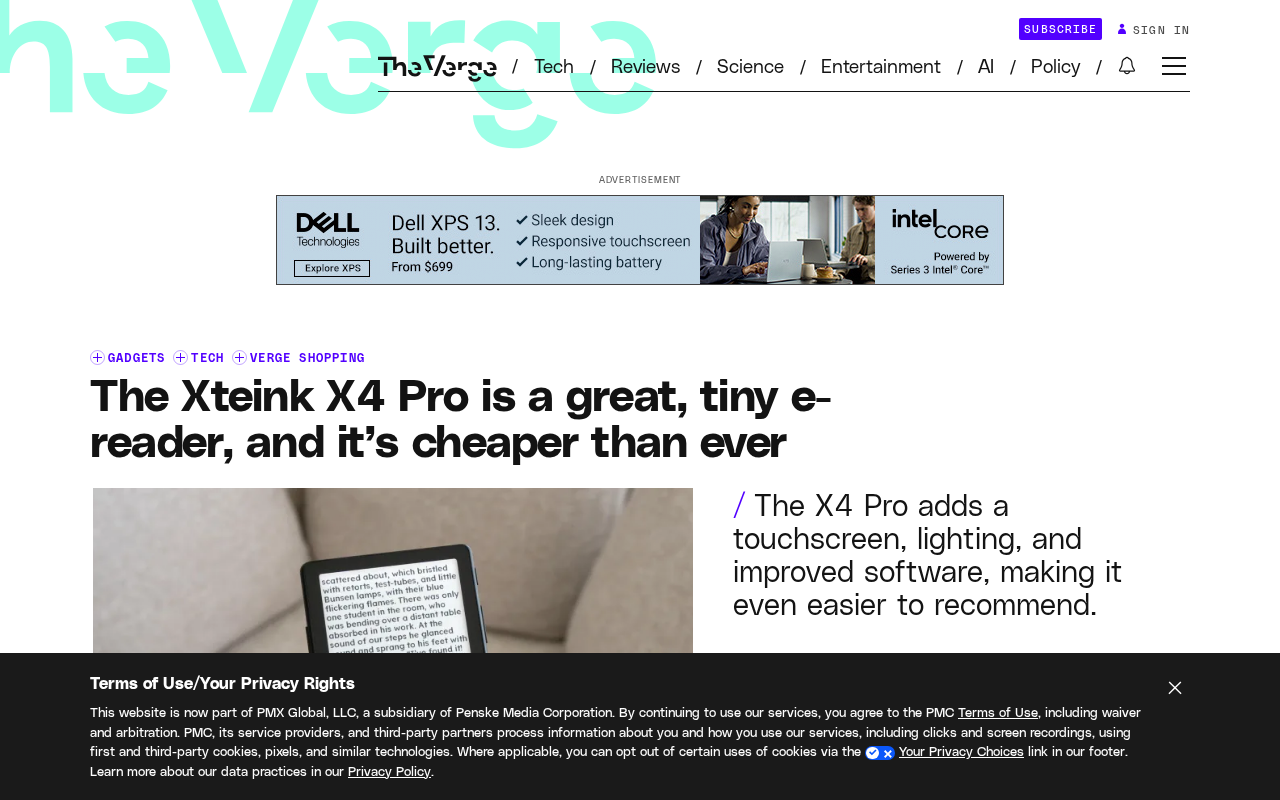
Xteink X4 Pro Review: A Mini E-Reader That Fits in Your Pocket, Now More Affordable
Xteink X4 Pro is a 4.26-inch mini e-reader, smaller and thinner than a 6-inch Kindle, magnetically attachable to phones, and cheaper than ever. We analyze its screen, design, use cases, and value.