What's the Difference Between LangGraph and LangChain? A Complete Guide

LangChain is a high-level agent component library; LangGraph is a low-level stateful orchestration runtime—different levels that work together.
The article clarifies the relationship between LangChain and LangGraph: the former is a high-level component library providing a ready-to-use agent whose control flow is model-driven, suited to assistants, RAG chains, and simple tool calling; the latter is a low-level orchestration runtime for stateful workflows, where nodes, edges, conditional routing, and loops are all explicitly defined by the developer, and state types and persistence are fully controllable. LangChain's agent runs on top of LangGraph, and its persistence also comes from it. LangGraph's core value lies in checkpointer persistence and interrupt() pause/resume, enabling reliable long-running, human-approval workflows. The author recommends learning LangChain first, then LangGraph.
The bottom line: LangChain provides high-level components and a ready-to-use agent; LangGraph is a low-level orchestration runtime for stateful, controllable workflows. LangChain's agent actually runs on top of LangGraph.
These two aren't replacements for each other—they're two tools at different levels of abstraction. Understanding this is what lets you decide when to use which.
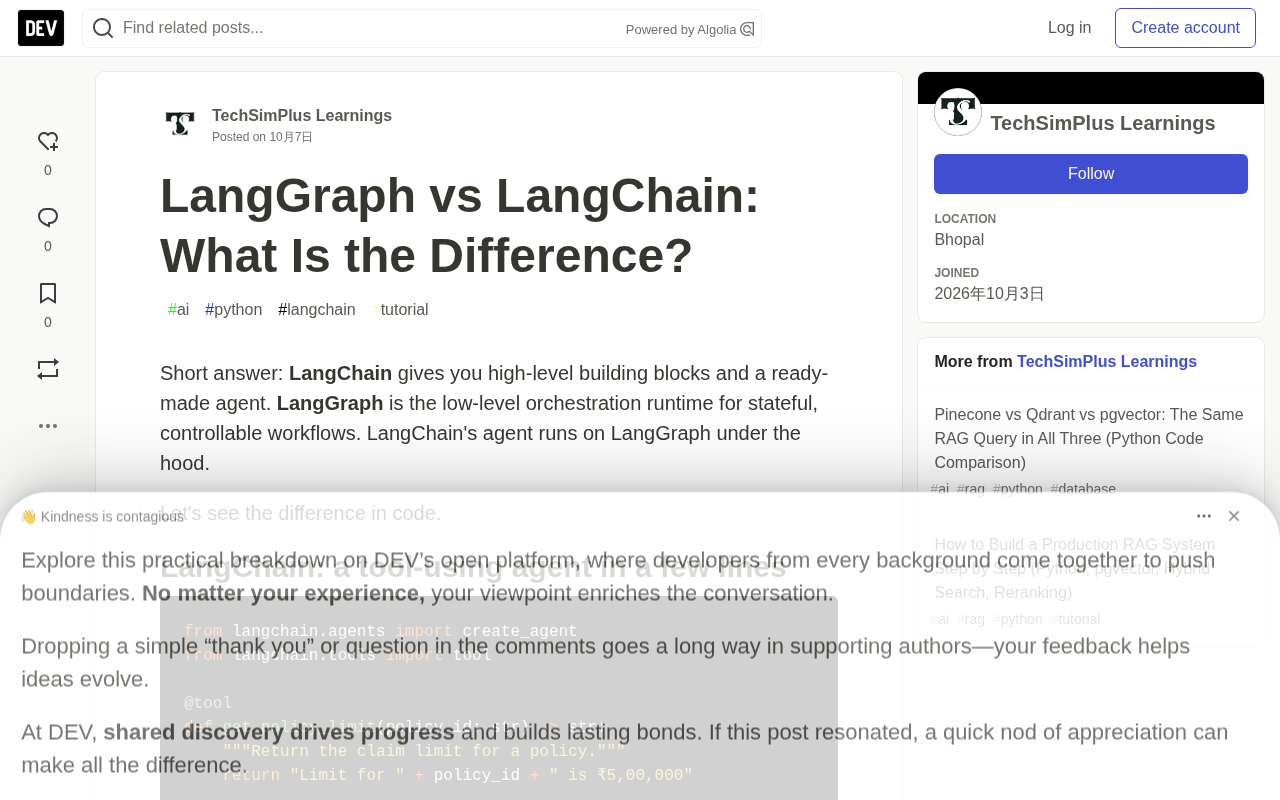
LangChain: A Tool-Calling Agent in Just a Few Lines
LangChain's role is that of a "high-level component library." You define tools, pick a model, write a system prompt, and the agent loop handles the rest—the model decides which tool to call and when to stop.
The original example is very intuitive: define a tool that looks up a policy limit, assemble the agent with create_agent, and a single invoke call gets you the result.
from langchain.agents import create_agent
from langchain.tools import tool

@tool
def get_policy_limit(policy_id: str) -> str:
    """Return the claim limit for a policy."""
    return "Limit for " + policy_id + " is ₹5,00,000"

agent = create_agent(
    model="openai:gpt-4.1-mini",
    tools=[get_policy_limit],
    system_prompt="You are a helpful insurance assistant.",
)

result = agent.invoke(
    {"messages": [{"role": "user", "content": "What is the limit on policy P-1029?"}]}
)
print(result["messages"][-1].content)
The control flow in this code is entirely model-driven. What scenarios suit it? Assistant-style apps, RAG chains, simple tool calling. You don't need to worry about how state is stored or how branches are routed—LangChain handles all that for you.
LangGraph: You Control Every Step
When business logic grows complex—requiring conditional branching, human approval, or resumable execution—LangChain's agent loop isn't enough. LangGraph hands control back to you: nodes, edges, conditional routing, and loops are all defined explicitly.
The original article uses a claims workflow example: first assess the claim amount, route to human review or auto-approval based on the amount, and for large claims, pause with interrupt() to wait for human confirmation.
from typing import TypedDict
from langgraph.graph import StateGraph, START, END
from langgraph.checkpoint.memory import InMemorySaver
from langgraph.types import interrupt, Command

class ClaimState(TypedDict):
    claim_text: str
    amount: float
    approved: bool

def assess(state: ClaimState):
    return {"amount": 75000.0}

def route(state: ClaimState) -> str:
    return "human_review" if state["amount"] > 50000 else "auto_approve"

def human_review(state: ClaimState):
    decision = interrupt({"question": "Approve this claim?", "amount": state["amount"]})
    return {"approved": decision == "yes"}

def auto_approve(state: ClaimState):
    return {"approved": True}

builder = StateGraph(ClaimState)
builder.add_node("assess", assess)
builder.add_node("human_review", human_review)
builder.add_node("auto_approve", auto_approve)
builder.add_edge(START, "assess")
builder.add_conditional_edges("assess", route, ["human_review", "auto_approve"])
builder.add_edge("human_review", END)
builder.add_edge("auto_approve", END)

graph = builder.compile(checkpointer=InMemorySaver())
config = {"configurable": {"thread_id": "claim-42"}}

graph.invoke({"claim_text": "Hospital bill..."}, config)   # pauses at human_review
graph.invoke(Command(resume="yes"), config)                 # resumes after approval
graph.invoke(Command(resume="yes"), config)
Note the last two lines: the first invoke pauses when it reaches the human_review node, and the second resumes execution with Command(resume="yes"). This "pause-and-resume" capability depends on the checkpoint mechanism. The article specifically points out that in production you should swap InMemorySaver for a Postgres checkpointer, so workflows can still recover after a service restart.
This is LangGraph's core value: persistent state + interruptible execution, letting long-running, human-in-the-loop business processes run reliably.
The checkpoint / checkpointer mechanism: LangGraph's checkpointer persists a snapshot of the current state after each node executes, tagged with a thread_id as a session identifier. This mechanism enables three things: first, resumable execution—after a process crash or service restart, you can resume from the last snapshot; second, human-in-the-loop, where interrupt() essentially saves a snapshot and then raises a pause signal, and on resume, Command(resume=...) injects the human input as the node's return value; third, traceability and time travel—in theory you can read the state at some past moment and re-execute from there. InMemorySaver only stores snapshots in process memory, so they're lost on restart, making it suitable only for local debugging; in production you should switch to a persistent backend like PostgresSaver, and note that state objects must be serializable.
TypedDict and typed state: LangGraph uses Python's TypedDict to declare the shared state structure of the graph. Each node function receives the full state and returns a "delta dictionary," and LangGraph merges updates field by field. This means the state fields are entirely defined by your business (e.g., claim_text, amount, approved), rather than being fixed to a message list as in LangChain. For fields that need accumulation rather than overwriting (such as message history or log lists), you can use Annotated with a reducer like operator.add to specify the merge strategy—a key detail when building multi-turn, multi-agent state.
Core Differences at a Glance
The article uses a table to clearly compare the two:
| Dimension | LangChain | LangGraph |
|---|---|---|
| Level | High-level components and agent | Low-level orchestration runtime |
| Control flow | Model decides (agent loop) | You define nodes, edges, branches, loops |
| State | Message list | Any custom typed state |
| Persistence | Relies on LangGraph underneath | Built-in checkpointer |
| Human-in-the-loop | Via middleware | interrupt() anywhere in the graph |
| Use cases | Assistants, RAG chains, simple tool calling | Business workflows, multi-agent systems, long tasks |
A few key points are worth expanding on:
The difference in state design freedom. LangChain's state is basically message history with a fixed structure; LangGraph lets you define any TypedDict as state, with fields entirely up to your business.
How human-in-the-loop is implemented. LangChain needs middleware to insert human review steps, whereas LangGraph can call interrupt() at any point in the graph—finer-grained and more natural.
Where persistence lives. LangChain's persistence actually comes from LangGraph underneath, while LangGraph ships with a checkpointer natively. This again confirms the hierarchical relationship between the two.
"Middleware"-style human-in-the-loop: The table mentions LangChain implements human-in-the-loop through middleware, meaning hook functions mounted before and after tool calls in the agent loop, intercepting specific tool executions and requesting human confirmation. This approach is relatively coarse-grained—it can only intercept at tool-call boundaries, and it struggles to express long-running waits that span requests, such as "pause for a few hours and resume with a different person." LangGraph's interrupt() explicitly models the pause point as part of the graph, and with a checkpointer, it naturally supports cross-process, cross-time resumption—making it better suited for real business scenarios like approval flows and form completion.
Agent Loop: The agent generated by create_agent in LangChain is essentially a loop of "reason—call tool—observe result—reason again," terminating when the model decides no more tools are needed. Where the loop stops at each step and which tool it calls are entirely determined by the model's output; developers can't insert deterministic logic without modifying the prompt or tool set. This is precisely the root cause of its limitations in complex branching and human-review scenarios—and the key to understanding where the two tools diverge.
Which Should You Learn First?
The article's advice is clear: learn LangChain first, then LangGraph.
The reason is that LangChain covers the most fundamental concepts—model invocation, prompts, structured output, tool definitions. These are the foundation of any agent system. Skipping this and diving straight into LangGraph makes it easy to get lost in the details of state machines and graph structures, losing sight of the big picture of agent logic.
Once the fundamentals are solid, learning LangGraph becomes meaningful. The article's judgment is that any serious agent system ultimately needs state and control, so LangGraph is an unavoidable step on the path to more advanced work.
This learning path has also been validated in practice—the article mentions that TechSimPlus and Prateek Mishra's Gen-AI developer course, Vector 2.0, was designed in this order: Sprint 1 covers LangChain, Sprint 3 teaches LangGraph using the ClaimSense project, and Sprint 4 introduces multi-agent systems with MCP and A2A.
For developers, which tool to choose isn't about which is "better"—it's about how much control your scenario requires. Use LangChain for fast delivery on simple assistants, and LangGraph for fine-grained orchestration of complex business processes. Using them together is the complete solution.
One-line Summary
LangChain is a high-level agent component library; LangGraph is a low-level stateful orchestration runtime—different levels that work together.
Paragraph Summary
The article clarifies the relationship between LangChain and LangGraph: the former is a high-level component library providing a ready-to-use agent, with control flow determined by the model within the agent loop, suited to assistants, RAG chains, and simple tool calling; the latter is a low-level orchestration runtime for stateful workflows, where nodes, edges, conditional routing, and loops are all explicitly defined by the developer, and state types and persistence strategies are fully controllable. LangChain's agent actually runs on top of LangGraph, and its persistence also comes from the latter. LangGraph's core value lies in checkpointer persistence and interrupt() pause/resume, enabling reliable execution of long-running, human-approval business processes. The author recommends learning LangChain first for the fundamentals, then advancing to LangGraph to master state and control, choosing tools based on your scenario.
Related articles

Random Pruning of the DPO Computation Graph: 1.4x Training Speedup and Lower Peak Memory
DPO training too slow and memory-hungry? This paper proposes a random pruning framework for the DPO computation graph, sampling independently across position, sequence, and branch dimensions; branch pruning achieves a 1.426x step-time speedup and cuts training time by about 30%, with in-depth attribution of memory and time gains.

Why Does JEPA Underperform MLM in Longitudinal EHR Representation Learning?
New study compares JEPA and MLM for longitudinal EHR representation learning on MIMIC-IV: three JEPA variants train stably without collapse but underperform MLM; target size, not heterogeneity, drives prediction error.

Transfer Learning + Visible Light Communication: A New Approach to Energy-Efficient Indoor Positioning
A study proposes a transfer learning-based visible light communication indoor positioning method, achieving 47% accuracy improvement on the BOSCH factory dataset, 67.5% model efficiency under high noise, and introducing the ME composite metric for energy-efficient positioning in energy-constrained industrial IoT scenarios.