Will Vibe Coding Ruin Programmers? Coding Anxiety and How to Break Through in the AI Era

Vibe Coding boosts productivity but risks hollowing out coding skills — here's how to strike the right balance.
As AI coding tools like GitHub Copilot and Cursor become mainstream, many developers find they can no longer write basic syntax without assistance. This article examines the rise of Vibe Coding, its cognitive risks, and why traditional programming fundamentals still matter — especially for technical interviews. It also offers four practical strategies to rebuild skills and thrive in the AI era.
A Real Dilemma Facing a Soon-to-Graduate Student
Recently, a computer science student about to enter his senior year posted on Reddit asking for help — and his story captures an anxiety shared by countless programmers today. His experience is all too relatable: in his freshman year, he wrote every line of code by hand; by sophomore and junior year, he started using ChatGPT and Gemini to understand and complete projects; now he relies heavily on "Vibe Coding" tools to build applications.
He admits he isn't "blindly coding" — he has a clear understanding of how systems work — but a harsh reality stares him in the face: without AI assistance, he can barely write basic syntax on his own. As job-hunting season approaches and internship postings explicitly require "Java," "Python," "C," or "C++," he finds himself in deep self-doubt: Can he still pass technical interviews? How should he even describe his skills on a résumé?
This may seem like a personal problem, but it cuts to a core competency anxiety of the AI-assisted programming era: As tools grow increasingly intelligent, where should a developer's core competitive advantage actually come from?
What Is Vibe Coding?
The concept of Vibe Coding was formally coined by OpenAI co-founder Andrej Karpathy in early 2025. Karpathy — a leading deep learning researcher, former Tesla AI director, and founding member of OpenAI — described this programming paradigm by writing: "fully give in to the vibes, embrace exponentials, forget that the code even exists." The concept quickly sparked widespread industry debate, because it accurately captured the real shift in how developers work now that large language models (LLMs) have reached practical levels of code generation capability.
Technically, Vibe Coding is powered by large code models built on the Transformer architecture — such as GPT-4o, Claude 3.5, and Gemini 1.5 — trained on massive amounts of open-source code, enabling them to understand natural language intent and generate contextually coherent code blocks. Companion tools like GitHub Copilot, Cursor, and Devin seamlessly embed this capability into developers' daily workflows. In short, Vibe Coding refers to a style where developers primarily describe requirements to AI in natural language, let the AI generate the code, and take on the role of "director" and "validator" rather than writing code line by line.
The Value and Pitfalls of Vibe Coding
Vibe Coding does deliver significant productivity gains. Developers can free their attention from tedious syntax details and focus on architecture design, problem decomposition, and product logic — just as this student noted, he now "focuses more on ideas than on implementation."
But the flip side is equally clear. The inability to write syntax without looking things up is a classic symptom of over-reliance on AI coding tools. This phenomenon has a solid theoretical foundation in cognitive science — it falls under the negative effects of "Cognitive Offloading." When external tools continuously handle tasks that the brain should be performing, the corresponding neural circuits weaken from lack of activation, following the neuroscience principle of "use it or lose it." Brain imaging studies on GPS dependency have shown that long-term navigation tool use does reduce activity in hippocampal regions associated with spatial memory — and the same principle applies to the muscle memory of programming syntax.
It's worth noting that "procedural memory" (the feel for syntax) and "declarative memory" (conceptual understanding) are two independent cognitive systems. This explains why the student can "understand how systems work" yet "can't write the syntax" — the two types of ability don't degrade at the same rate. Skill deterioration often happens quietly, only revealing itself when you're forced to work independently.
Is Traditional Programming Knowledge Obsolete?
Facing this kind of anxiety, we need to calmly distinguish between "skills" and "tools."
Technical Interviews Still Test Coding Fundamentals
The current technical interview landscape — especially at big tech companies (FAANG/MANGA) and in the broader culture they've influenced — still relies heavily on the LeetCode-style algorithmic assessment paradigm. This system has a historical logic: companies like Google began systematically using algorithm problems to screen candidates in the 2000s, standardizing the evaluation of intellectual potential and problem-solving ability at scale. Despite ongoing debate about whether this approach truly reflects job performance, it won't disappear as a screening mechanism anytime soon.
What interviewers observe at a whiteboard or in an online editor isn't just the final answer — it's your thought process, edge case handling, and debugging ability. Array manipulation, linked lists, tree and graph traversal, dynamic programming, and time/space complexity analysis are core topics, and these are precisely the foundational competencies that Vibe Coding cannot replace. Some forward-thinking companies (like Stripe and Shopify) have introduced take-home project formats that permit AI tool use, but they place higher demands on code quality, architectural decision-making, and the ability to explain your work on the spot — which actually poses a greater challenge to candidates who are strong on understanding but rusty on syntax.
If your job target is a role that explicitly requires programming language proficiency, the answer is clear: you need to rebuild your fundamentals. This isn't going backward — it's an unavoidable reality of the job market.
Understanding Matters More Than Memorizing Syntax
A common misconception deserves clarification here: being unable to write all syntax from memory does not mean you don't know how to program. Senior engineers look things up in documentation and API references all the time. What truly matters is — do you understand what the code is doing? Can you judge whether AI-generated code is correct? Can you accurately pinpoint the problem when something goes wrong?
If you genuinely understand how systems work, the bigger issue is the decay of "muscle memory," not a loss of "conceptual understanding." This is actually a relatively fixable problem: through deliberate practice, you can transition from tool dependency back to independent work, and then to the healthy state of "tool-assisted but not tool-dependent."
Four Practical Methods to Rebuild Your Coding Abilities
1. Rebuild Your Coding Muscle Memory
The most effective approach is to temporarily turn off AI tools and engage in deliberate practice. The concept of "Deliberate Practice," systematically developed by psychologist Anders Ericsson, has four core elements: operating at the edge of your comfort zone, immediate feedback, intense focus, and targeted training on weak areas.
Applied to rebuilding programming fundamentals, here's how it works in practice: start with "Easy" to "Medium" difficulty problems on platforms like LeetCode or Codeforces, give yourself 30 minutes to think independently without any hints, then compare your solution against the optimal one and analyze the gap. Codeforces' "Virtual Contest" feature can simulate the pressure of a real competition environment. Research shows that 1–2 hours of focused daily practice outperforms occasional marathon sessions; 6–8 weeks of consistent effort can significantly rebuild procedural memory. Additionally, the Feynman Technique — trying to explain your code logic to someone else — is an effective tool for testing depth of understanding.
2. Turn AI from a "Ghost Writer" into a "Tutor"
Changing how you use AI coding tools is essential. Instead of having AI produce complete code directly, try this:
- Attempt to solve the problem yourself first
- When stuck, ask AI to explain concepts rather than give you the answer
- After completing your solution, ask AI to review your code and identify areas for improvement
In this mode, AI becomes an accelerator for learning rather than a substitute for ability.
3. Represent Yourself Honestly and Strategically on Your Résumé
For how to reflect AI tool usage on your résumé, a "dual-track" approach is recommended:
- Core skills section: Clearly list the programming languages and foundational skills you've mastered (data structures, algorithms, OOP, etc.)
- Productivity tools section: Frame AI-assisted coding as a bonus, phrased as something like "Proficient with AI tools (e.g., GitHub Copilot, ChatGPT) to boost development efficiency, with independent debugging and code review capabilities"
The key message to convey is: you are in command of the tools, not the other way around.
4. Find the Balance Between Vibe Coding and Traditional Programming
"Vibe Coding vs. traditional programming" is a false dichotomy to begin with. The Stack Overflow 2024 Developer Survey found that over 76% of respondents are already using or plan to use AI coding tools at work, and GitHub data shows Copilot users submit code roughly 55% faster. At the same time, the engineering culture at top tech companies is redefining what it means to be a senior engineer: the focus has shifted from "can write code" to "can make the right architectural decisions," "can evaluate the quality and security risks of AI-generated code," and "can translate vague business requirements into precise technical specifications."
The real industry trend is a fusion of both: engineers with solid fundamentals, using AI tools to achieve higher productivity. The most competitive developers of the future will be able to write high-quality code by hand when necessary, while also efficiently directing AI to handle repetitive work — this is the composite skill structure that the emerging role of "AI Engineer" is coming to define.
The Bigger Question Behind the Anxiety
This confusion is, at its core, the adaptive challenge that professionals widely face as AI technology rapidly penetrates specialized fields. The evolution of tools is irreversible — but it shouldn't hollow out our abilities. It should elevate them.
For students just starting their careers, this is a particularly important time to strengthen fundamentals. Only those who truly understand the underlying principles will be masters of the tools in the AI era. In the short term, returning to traditional practice to pass interviews is necessary — but in the long run, learning to find a dynamic balance between "deep understanding" and "efficient tooling" is what this era truly demands of every programmer.
Related articles

Alibaba Launches Happy Shrimp: AI-Powered One-Click Complete Song Generation
Alibaba launches Happy Shrimp, an AI music generation tool that creates complete songs with lyrics, melody, arrangement, and vocals from natural language descriptions. In-depth analysis of its core features, differentiation from competitors like Suno, and industry impact.
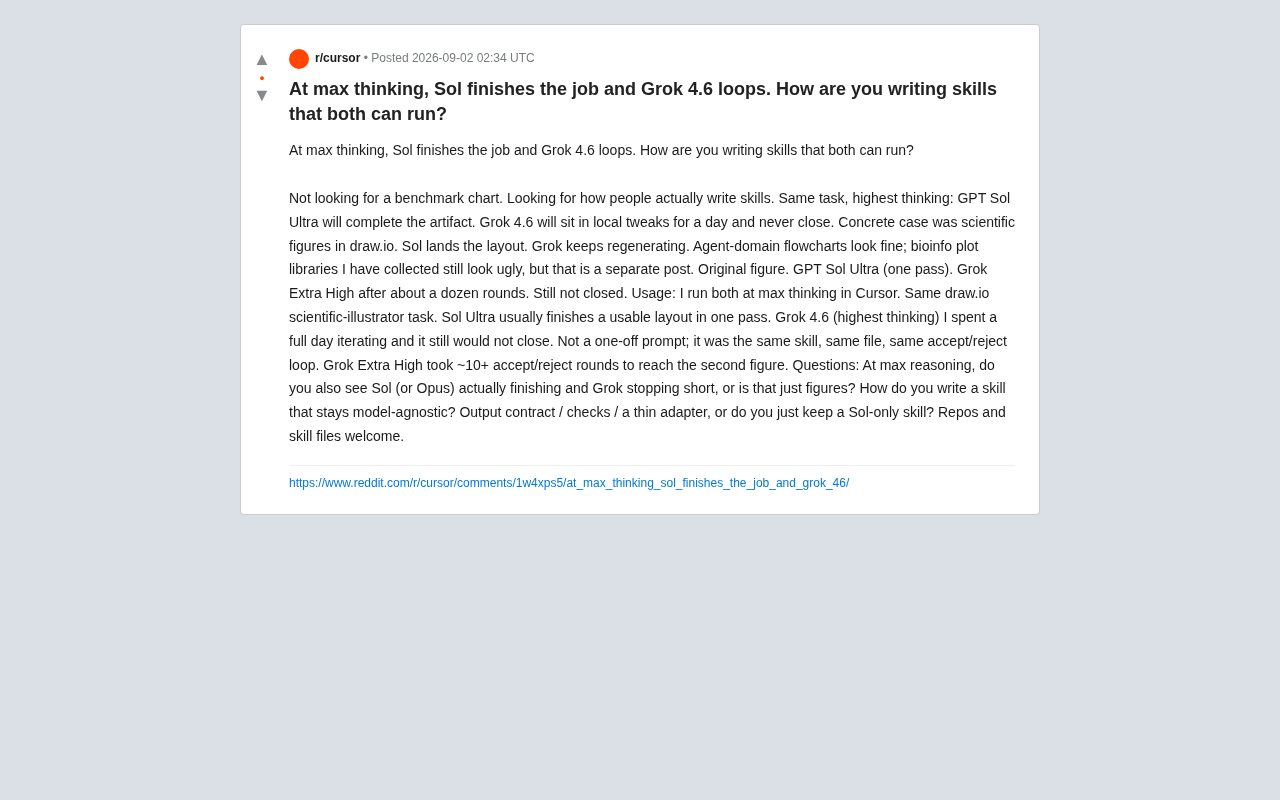
GPT Sol Ultra vs Grok 4.6: Real-World Task Completion Benchmark in Reasoning Mode
Developer benchmark reveals GPT Sol Ultra completes draw.io scientific diagrams in one iteration while Grok 4.6 fails to converge despite maximum reasoning mode, exposing that reasoning depth ≠ task delivery capability.
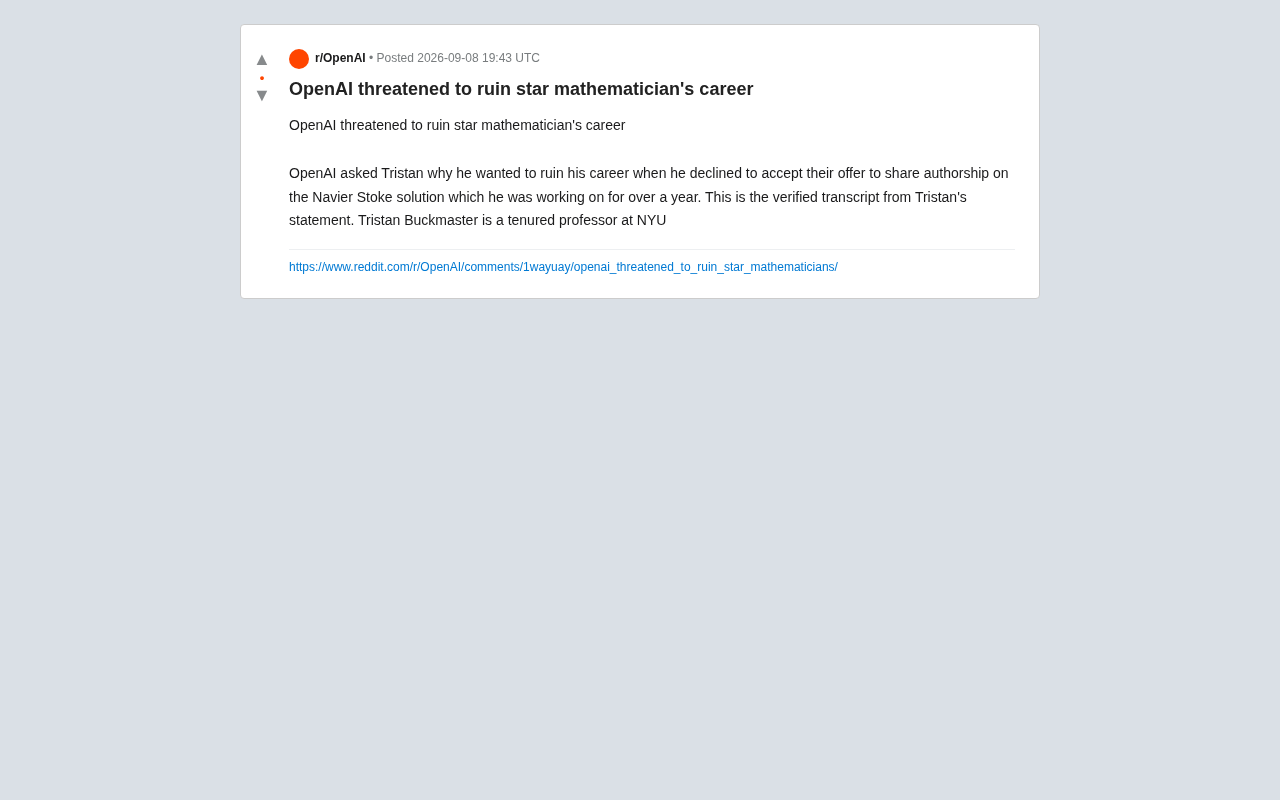
OpenAI Authorship Dispute: The Battle Over Academic Boundaries in the AI Era
OpenAI disputes authorship with mathematician Tristan Buckmaster over Navier-Stokes research, raising ethical questions about AI involvement in science.