Youtarr v1.84.0 Update: Self-Hosted YouTube DVR Gains Watch Status Sync and Auto-Cleanup

Youtarr v1.84.0 brings watch sync, auto-cleanup, full channel downloads, and yt-dlp version control.
Youtarr, an open-source self-hosted YouTube archiving tool, has released v1.84.0 addressing key community requests. Highlights include one-way watch status sync from Plex, Jellyfin, and Emby with filtering support; rule-based auto-cleanup (e.g., delete after N days watched, keep latest N downloads) with a preview-before-execute safeguard; and full channel downloads gated behind a confirmation prompt. Users can now manually select and immediately apply yt-dlp stable or nightly builds from the settings UI, resolving the previous forced-wait issue. Deployment has also shifted to standard Docker Compose, further lowering the setup barrier.
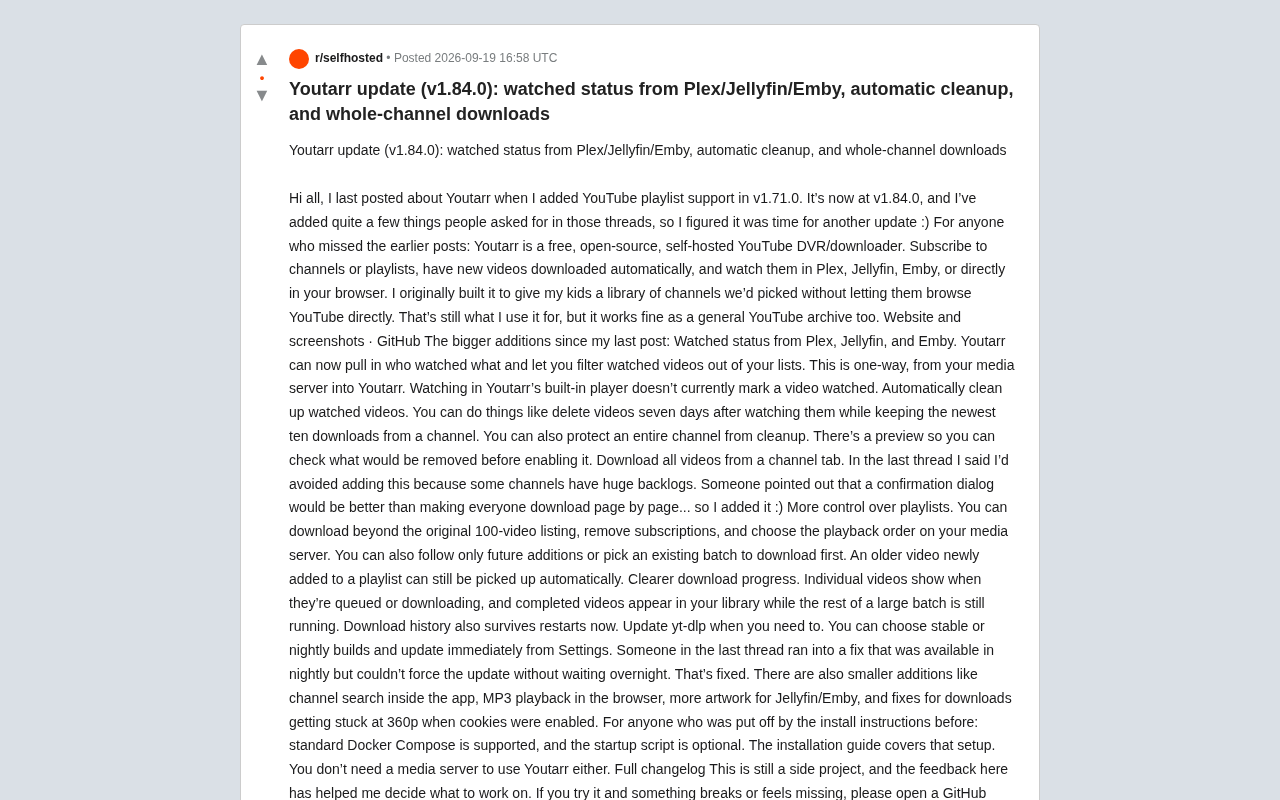
The open-source self-hosted tool Youtarr has released its v1.84.0 update. As a free YouTube DVR/downloader, it lets users subscribe to channels or playlists, automatically download new videos, and watch them in Plex, Jellyfin, Emby, or directly in a browser. This update directly addresses multiple requests from the community raised during the previous v1.71.0 discussion, covering everything from watch status sync to automated cleanup — marking a significant step toward maturity.
What Is Youtarr
Youtarr is a self-hosted YouTube archiving and downloading solution. The developer's original motivation was straightforward: give kids access to a curated channel library without letting them browse YouTube directly. That remains the author's primary use case, but it works equally well as a general-purpose YouTube content archiving tool.
The workflow is simple — subscribe to channels or playlists you care about, and Youtarr automatically fetches and downloads newly published videos to your local storage. You can then watch the content through a mainstream media server (Plex/Jellyfin/Emby) or use the built-in player to play it directly in a browser. Notably, Youtarr does not require a media server to be deployed, which lowers the barrier for lightweight users.
Plex, Jellyfin, and Emby are the three leading self-hosted media server applications. They organize locally stored videos, music, and images into a browsable media library complete with cover art, descriptions, and subtitles, then stream content to various devices over a local or remote network. Plex is the most commercially oriented, with some advanced features locked behind a paid subscription. Jellyfin is a fully open-source, free community fork (derived from Emby's early codebase). Emby sits between the two — core features are free, with advanced features available for a fee. Because Youtarr does not require any of these, users can rely solely on its lightweight built-in player, reducing the overall system complexity.
Watch Status Sync and Auto-Cleanup
The two most practical additions in this update both revolve around managing already-watched content.
The first is watch status sync. Youtarr can now pull data from Plex, Jellyfin, and Emby to see which videos have been watched by whom, and supports filtering watched videos out of your list. It's worth noting that this sync is currently one-way — data flows from the media server into Youtarr only. Watching a video in Youtarr's built-in player will not mark it as watched in return.
The second is an auto-cleanup mechanism. Users can define rules such as "delete videos seven days after watching, while keeping the latest ten downloads for this channel" to automate storage management. Individual channels can also be marked as cleanup-exempt. To prevent accidental deletions, Youtarr provides a preview so users can confirm which videos will be removed before enabling a rule. This "preview before execute" approach is a sensible design choice for irreversible delete operations.
Full Channel Downloads and Enhanced Playlist Controls
In discussions following the previous release, the author had deliberately avoided adding a "download entire channel" feature, citing the potentially massive backlog of historical videos on some channels. A community member suggested that rather than forcing everyone to manually page through downloads, a confirmation dialog warning of the risks would be sufficient. The author took that advice — full channel download is now available, gated behind a confirmation prompt.
Playlist controls have also become more granular: you can now download beyond the original 100-video limit, remove subscriptions, and choose the playback order on your media server. Users can choose to track only future additions to a playlist, or first download an existing batch. Even an older video that gets newly added to a playlist will be automatically picked up.
Improved Download Experience and yt-dlp Management
Download progress visualization has been improved. Individual videos now clearly show whether they are queued or actively downloading, and when processing large batches, completed videos become available in the media library without waiting for the entire batch to finish. Download history is now also preserved across application restarts.
On the dependency side, Youtarr now lets users manually update yt-dlp from within the settings, with a choice between the stable release or the nightly build, applied immediately. This change came directly from community feedback — users had previously encountered situations where a needed fix existed only in the nightly build but had no way to force an update and had to wait for the next scheduled automatic upgrade. That pain point is now resolved.
Smaller improvements include in-app channel search, browser-based MP3 playback, richer cover art for Jellyfin/Emby, and a fix for downloads getting stuck at 360p when cookies were enabled.
yt-dlp is the most widely used open-source command-line video downloading tool, forked by the community from the now-unmaintained youtube-dl and kept under active, high-frequency development. Because YouTube periodically changes its internal API signatures and anti-scraping strategies, yt-dlp must release frequent patch versions to maintain working downloads. The "stable" release is tagged only after more thorough testing, making it suitable for scenarios that prioritize reliability. The "nightly" build is compiled automatically each day from the latest commits, meaning it picks up fixes for YouTube's newest changes faster — though it occasionally introduces new issues. Previously, Youtarr's auto-update mechanism only checked for updates on each restart, with no way to pull a specific build on demand, leaving users to wait helplessly when an urgent fix was needed.
Lower Deployment Barrier
For users who were previously put off by the installation instructions, the author notes that Youtarr now supports standard Docker Compose deployment. The startup script is now optional, and the installation guide covers this configuration end-to-end.
As an actively maintained personal side project, Youtarr's development direction relies heavily on community feedback. This "users request, author responds quickly" development cadence is precisely what keeps many quality open-source tools alive. The author encourages users to file a GitHub issue whenever they encounter a problem or feel a feature is missing, so it can be tracked and addressed going forward.
Related articles

OpenAI Codex CLI Practical Guide: The Open-Source AI Coding Agent in Your Terminal
OpenAI Codex CLI is an open-source AI coding agent that runs in your terminal. This guide covers its 2025 launch, 2026 desktop app, ChatGPT merger, and a three-step setup and workflow.

AI for Beginners Course Review: ChatGPT, Gemini, and AI Agents in Practice
A hands-on review of a complete beginner AI course covering ChatGPT, Gemini, Notebook LM, Manus, and DeepSeq, with 18,000-record dataset analysis, AI agent website building, and LLM principles and limits.

How Do AI Agents Autonomously Complete Complex Tasks? The ReAct Framework Explained
What's the core difference between an AI Agent and a chatbot? Using competitive research as an example, this article breaks down the ReAct framework's three-step loop of reasoning, acting, and observing, explaining how Agents autonomously decompose tasks, call tools, spot data gaps, and dynamically adjust plans to ultimately deliver complete results.